

If you haven’t yet, follow us on X (Twitter) or Mastodon to know when we post new articles, and join our Reddit or Subscribe to us on YouTube to check out our content and interact with our awesome community. Thank you for supporting us!
With PlayStation’s move to implementing a PC overlay, we have all been a little worried on just how it will affect future single-player games on the Steam Deck. This is due to the overlay being incompatible with Linux, making it impossible to play some games. We saw this with Concord and with Ghost of Tsushima’s multiplayer, which remains unplayable, but with God of War: Ragnarok, this was a legitimate worry we felt as well due to it mentioning that it needs to connect to a PlayStation account. Luckily, it seems we can actually play the game! Not only that, but it is also running significantly well so far.
When booting up the game, we do have to link our PlayStation and Steam accounts, which you will do from a web browser popup, but after that, you just back out and are good to go! It is an extra step, which is a bit annoying, but overall, it does work and will bring up the virtual keyboard once you select the text box.
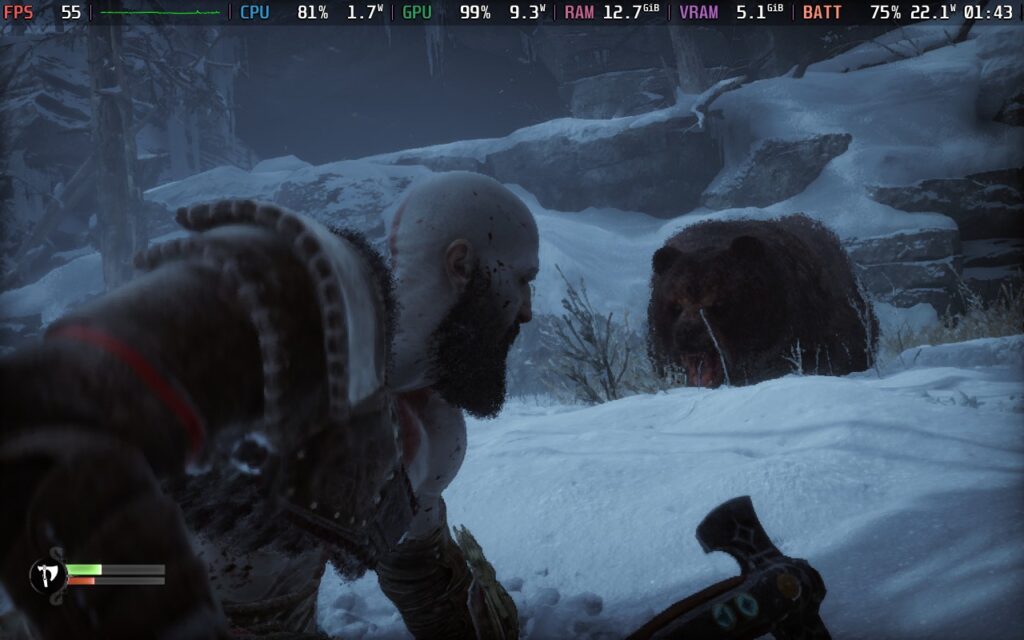
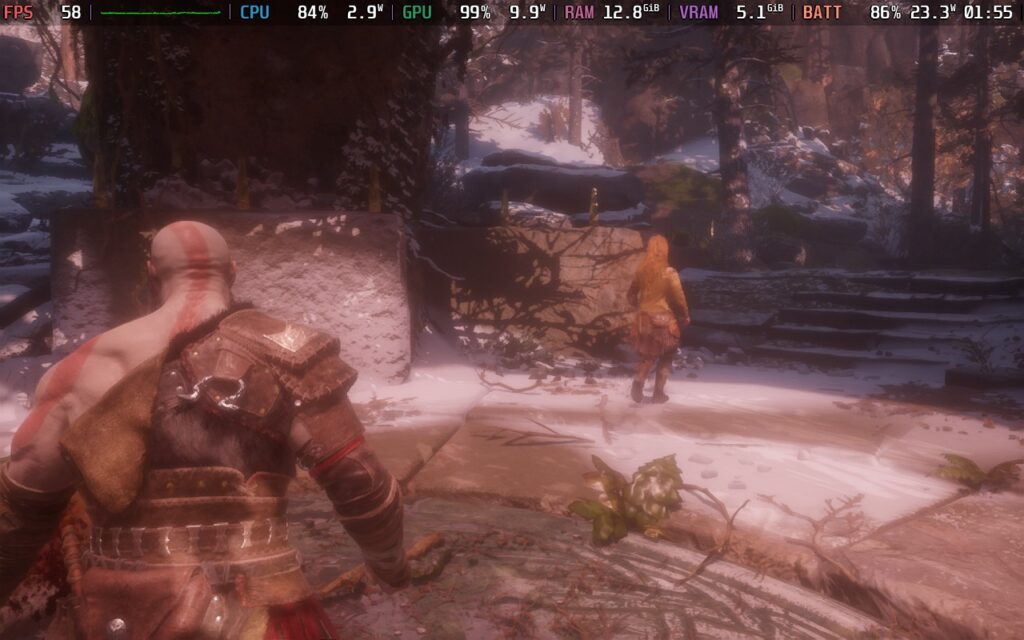
After that, it should load right into the game, and it works like a charm. I was initially worried about performance, so I set the game to FSR 3 at Balanced mode, which looks incredible still, and the framerate was holding extremely well! I was getting around 39 FPS to 60 FPS depending on the scene, and no matter what has happened so far, it never went below 30. It uses a solid amount of RAM, and it’s draining battery life at 23W, but it was holding so well. This is also with the recorder on, meaning it will likely stick to 40 in the opening areas.
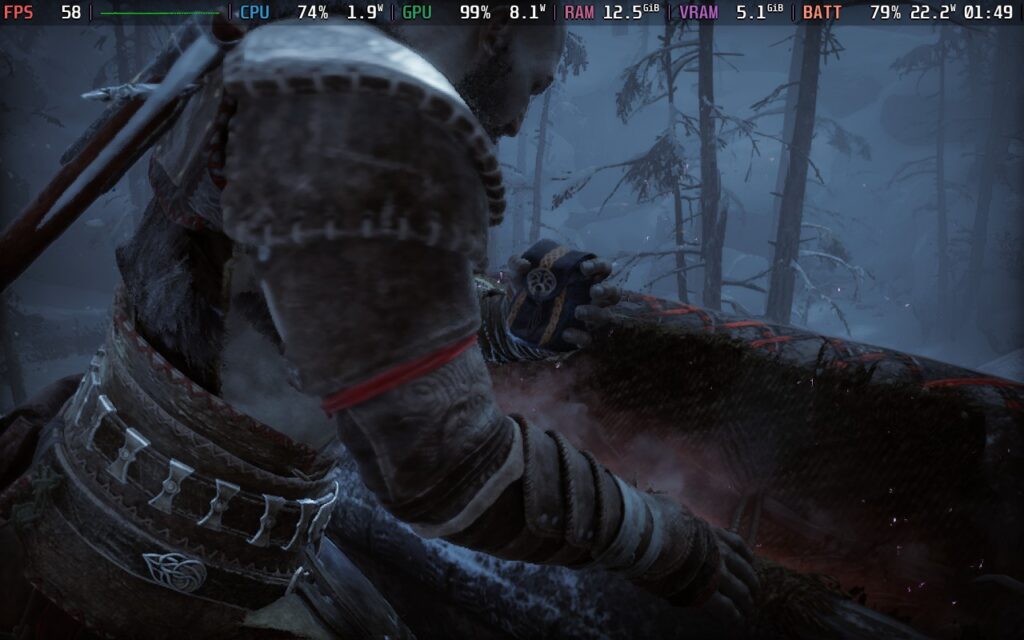
There was also one moment where it seemed like I may be getting a RAM crash, and it was getting dangerously close, but it corrected itself and didn’t go too far over. There were also a couple of times where it seemed like my controls weren’t working, like when I had to open the Skill menu and move a pillar out of the way. I am still figuring out what the issue is and it may be a one-off for my system (restarting my system fixed it, but still an annoying issue).
There’s also a nice option to increase text size a little, which is a nice touch.
There’s obviously still so much more to play before marking this game as completely playable on the Steam Deck, but this is showing a lot of promise. I am very curious to see how the final scenes of the game will perform since they are more intensive, but I am optimistic. I am blown away from what I have seen so far and I am very very optimistic for the rest of the game.
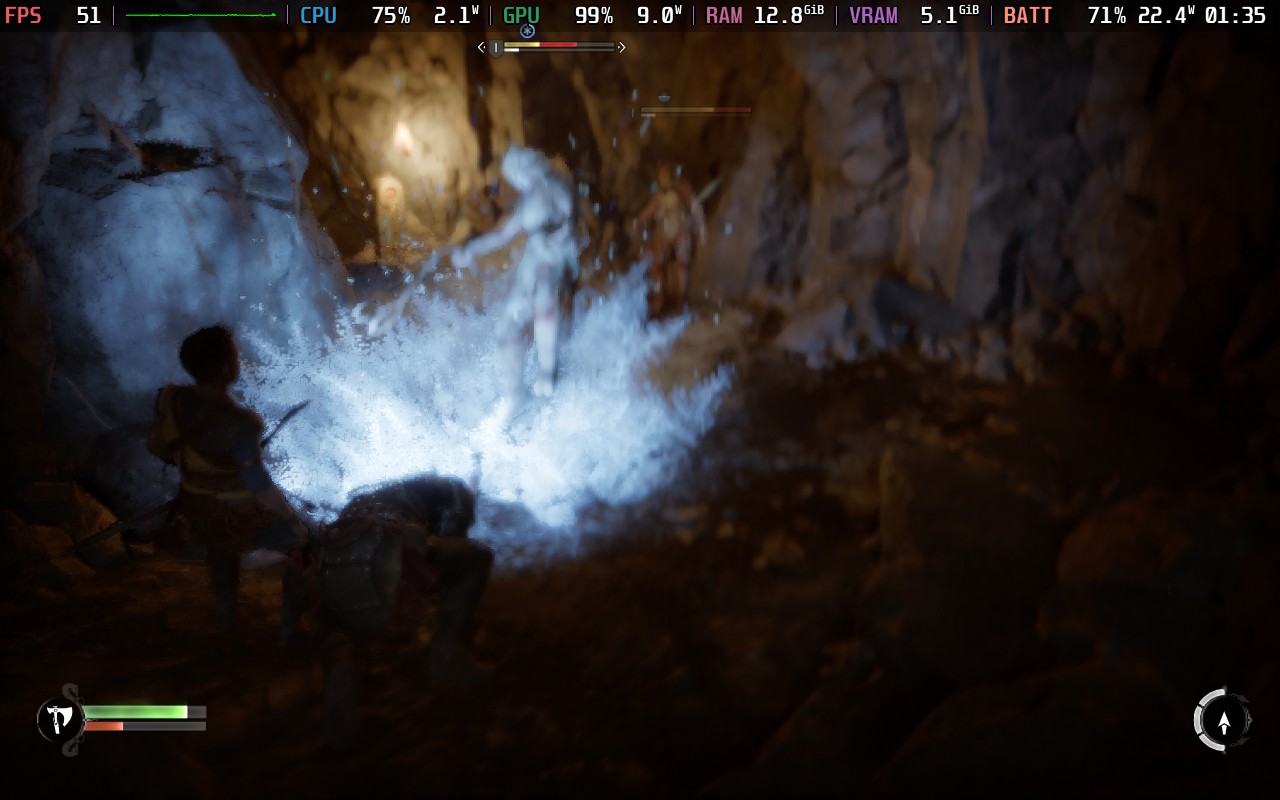
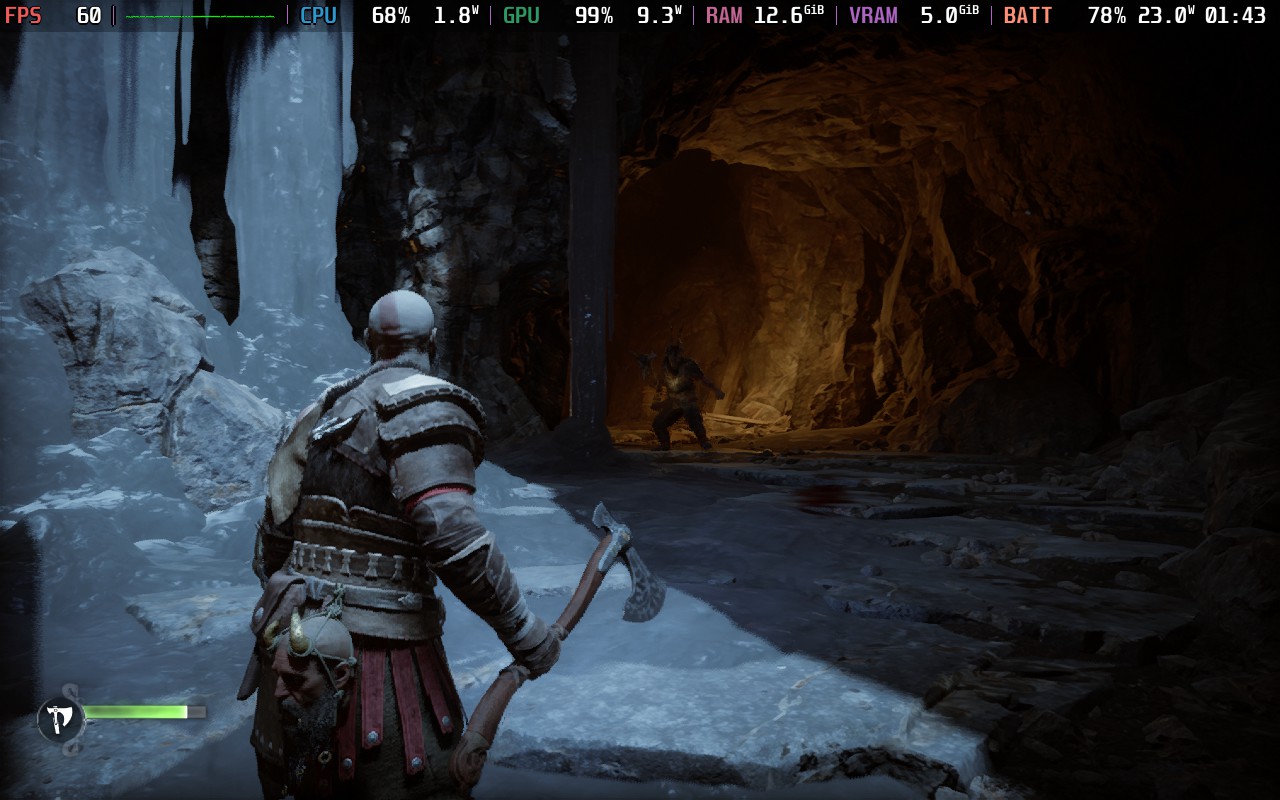
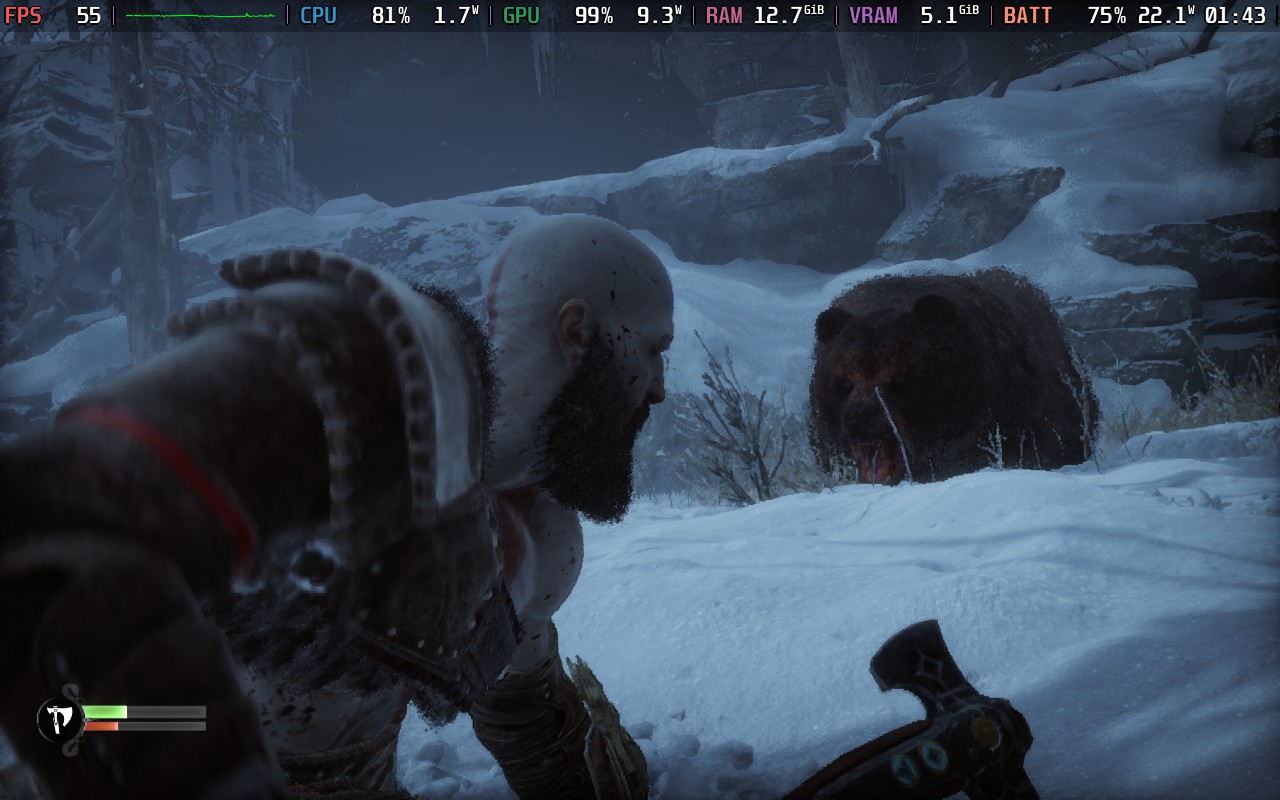
For now, I would say play at FSR 3 Balanced or Quality with a 30 FPS cap for the most stable experience, but it’s very possible with some tweaking, we will be able to get a pretty solid 40 without too many sacrifices. More time is required and I need to see how future areas of the game will run, but I would say getting this on the Steam Deck and being able to fully play is a safe bet. I just wish the install size wasn’t 170GB.
God of War: Ragnarok is available on Steam for $59.99.
If you enjoyed this article, check out the rest of the content on SteamDeckHQ! We have a wide variety of game reviews and news that will help your gaming experience. Whether you’re looking for news, tips and tutorials, game settings and reviews, or just want to stay up-to-date on the latest trends, we’ve got you covered!


10 comments
alpas
And what graphic settings preset would you recommend, Low or Medium?
Chris
I’m dealing with a constant audio stutter in this game on my Steam Deck OLED no matter what I try – restarting the game, rebooting the Steam Deck, trying latest stable Proton or Proton Experimental, etc.
I’m on the 3.6.x SteamOS beta.
Anyone else?
Al. Lopez
hi. Does God of War: Ragnarok on Steam Deck/Steam Input API supports native Gyro Aiming functionality (aka SIAPI GetMotionData)?
It doesn’t include a Mouse-like Camera action for Trackpad and Gyro, but it has native gyro aim support as the PS4/PS5 Version.
Eugene the author
Were you able to find any workarounds for the game crashing when launched offline? It works like a champ when I’m online but consistently when offline it hangs on a black screen for around 20 seconds then crashes with “something went wrong” in an error window.
That said, it appears to keep running no problem even if I turn off my Deck’s wifi afterwards. I did notice that every time I launch it says that it’s running an install script, I’m not sure what activity it keeps repeating. I’m on the latest stable build, no launch options, no specific version of proton set, I’ve got cryoutilities installed and I’ve increased my UAM buffer to 4GB.
Monte Constable
Plays great on my OLED so far. Not too far in as I’m working today. I have it set to performance for FSR so I may try balanced, but even on performance it looks good at the SD resolution and low settings
Jimmy
The game crashes right when the skill tree is available. It won’t proceed further. I tried a number of times and paired the steamdeck with a controller and still crashes right there each time unfortunately.
Noah Kupetsky
It’s full on crashing? I didn’t have that issue, just the RAM spike. Are you playing on LCD or OLED?
Jimmy
Full on Crash. No buttons register, cannot do anything except exit game. I am on OLED
Eli
Could I play this game offline after the initial psn account connection?
Would like to know if I could start the game in offline mode, unlike Ubisoft or EA games on the deck needing that initial internet connection to check your game license or whatever?
Eugene the Author
In my experience it crashes when you try to launch it offline. Every time I tried the screen stayed black for about 30 seconds and then an error window popped up stating “something went wrong with this game” with a diagnostic field to fill out.