



With his Tojo Clan days behind him, Kiryu was ready to go to a peaceful life taking care of Haruka, but it seems life has other plans. Yakuza Kiwami 2 starts off with a literal bang and the fifth chairman has been assassinated. Now, Kiryu has to travel to Sotenbori to hopefully broker a peace between the rival clans. With a heightened focus on stat boosting and using the incredible Dragon Engine, Kiwami 2 continues the hand-to-hand combat the series is known for, but expands on each aspect with its updated visuals, new gameplay systems, and a new saga featuring Goro Majima that act as a small direct prequel to the game. Will you be able to save your clan?
Yakuza Kiwami 2: Max Performance
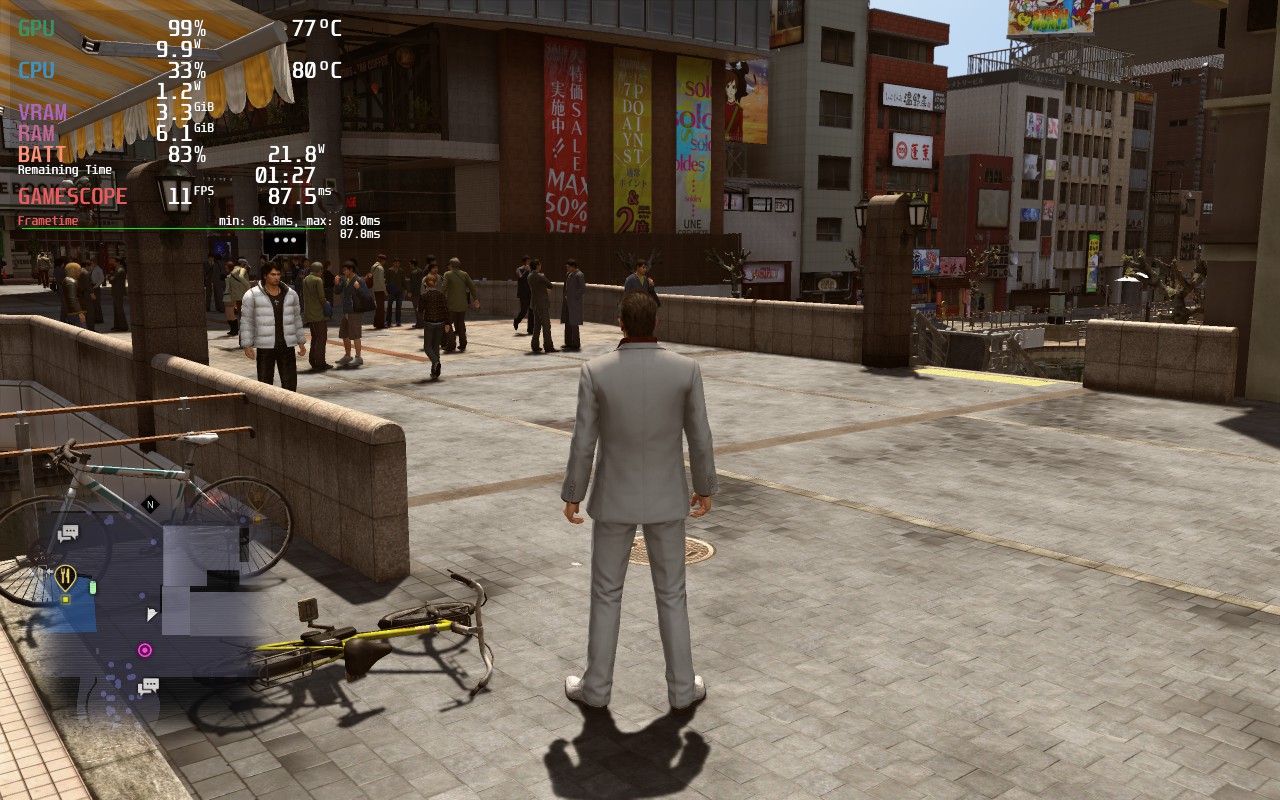
Putting all of Kiwami 2’s settings to max is a bit too taxing on the system to handle, even without any caps on. The game will trudge along at around 11-12 FPS with a climbing battery drain of up to 21-22W and temps around 80c. This is definitely no way to play the game, but with some settings tweaks, we can find multiple ways of enjoying this great entry into the series!
Optimizing to Save the Clan
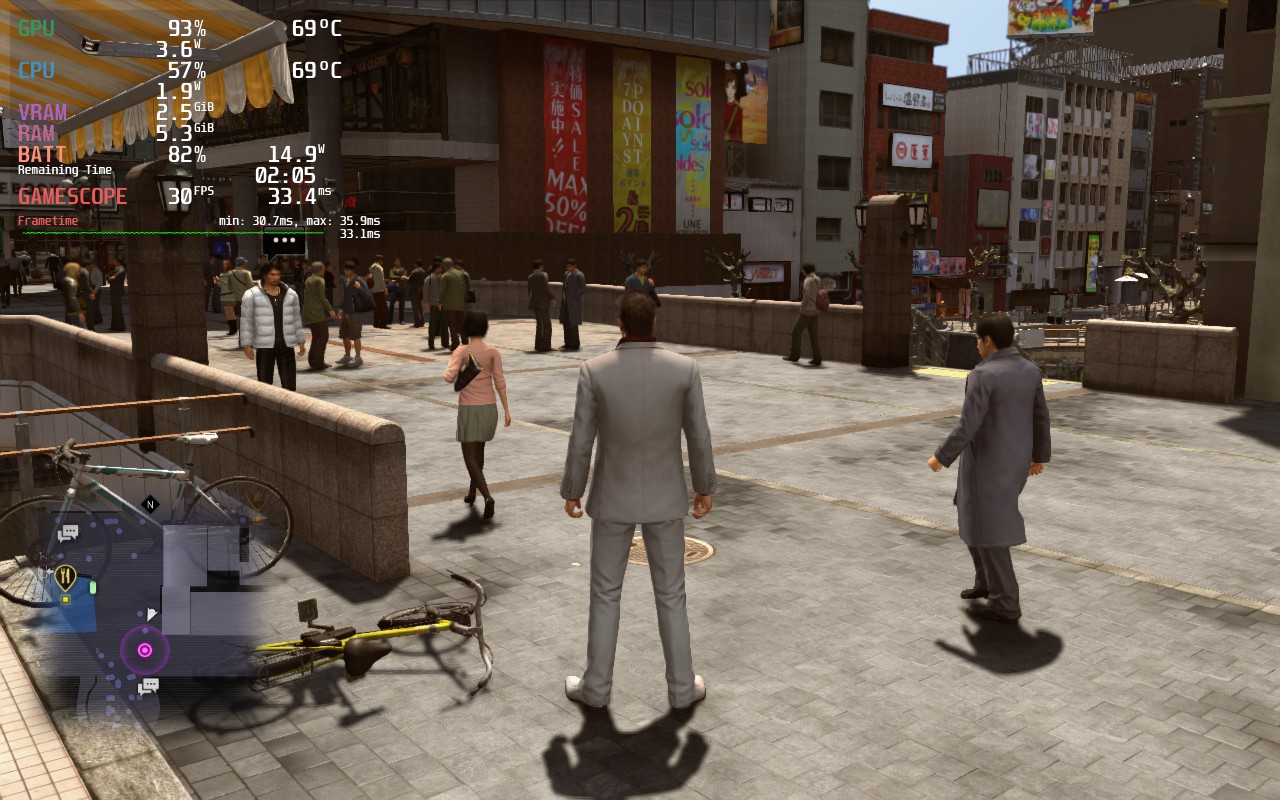
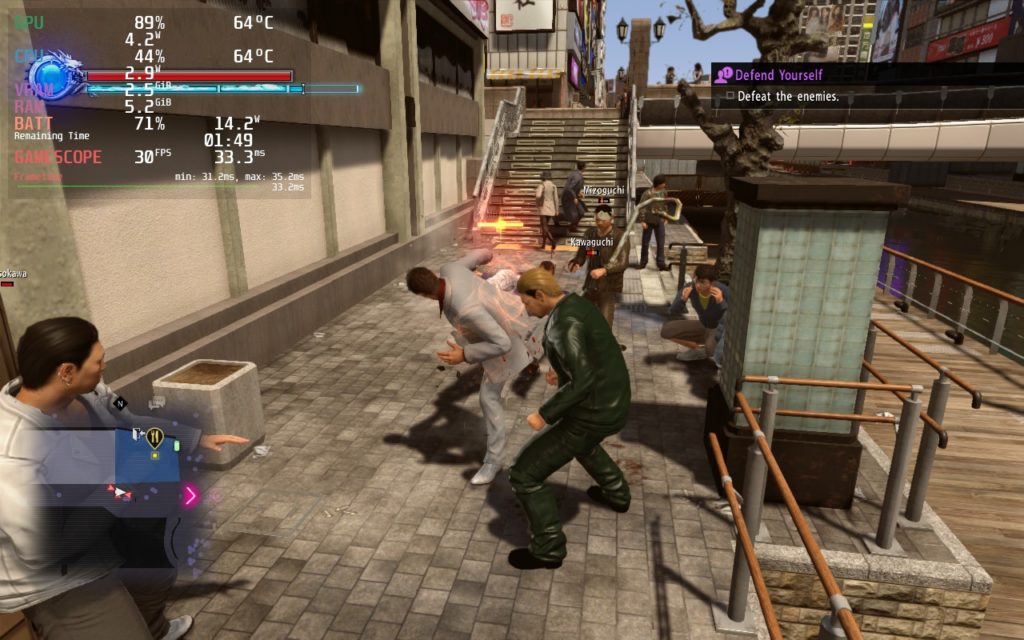
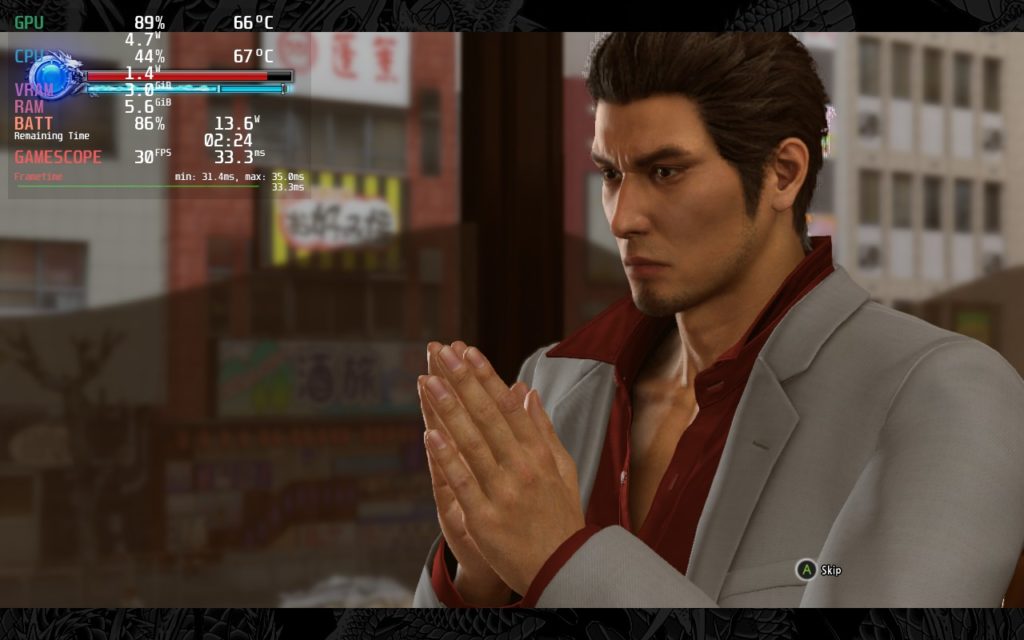
For Kiwami 2, I wanted to initially focus on finding a solid 40 FPS build. The smoothness of playing at 40 feels incredible and definitely a great way to play, but there were a couple graphical downgrades I felt were too much. Setting to 30 felt a bit better than I expected, and with that extra head room, allowed me to push the graphics further. With it, I was able to reasonably keep battery below 16W while preserving a render scale of 100% and mostly high settings!
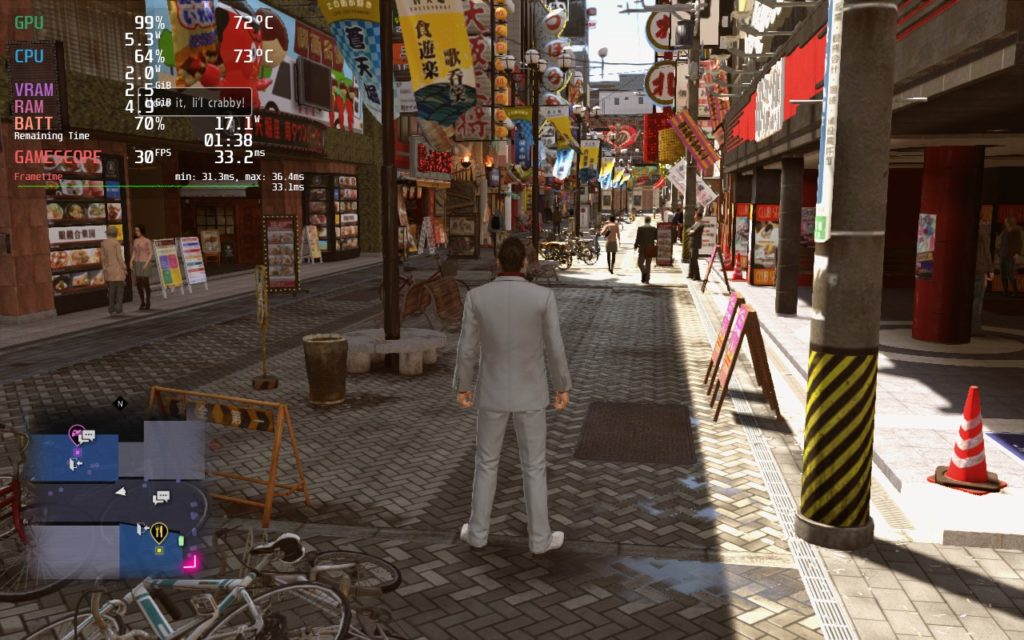
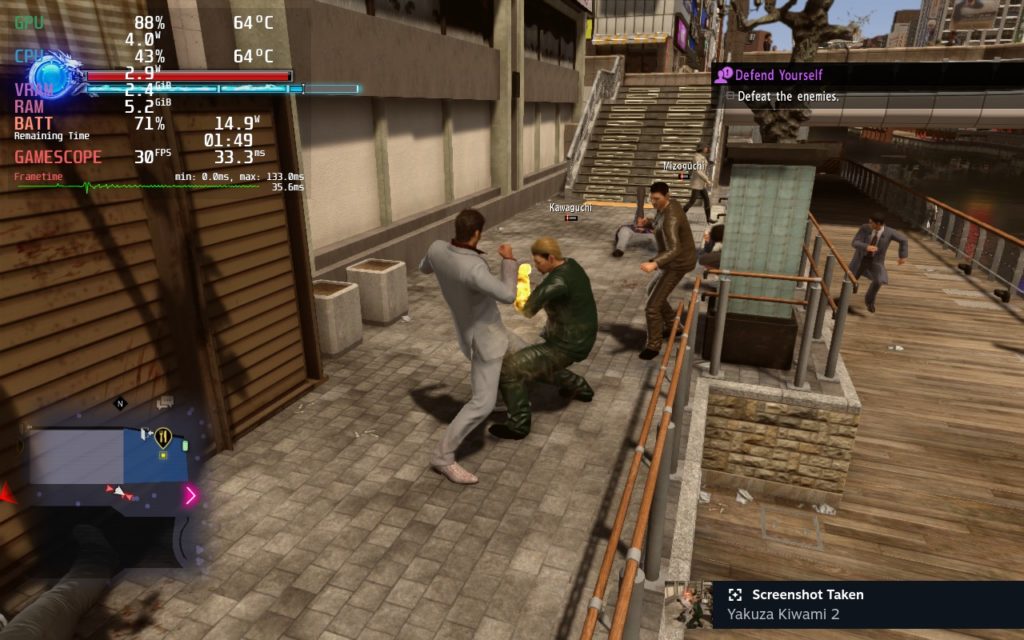
For the 40 build, I did have to bring down the render scale to 90 and push settings to medium. This allowed enough room to keep 40 FPS most of the time below the 17W mark, but it did make the game a little bit on the blurry side. It isn’t terrible and can’t be played, but it definitely sticks out in certain areas like the long strip with bikes parked outside.
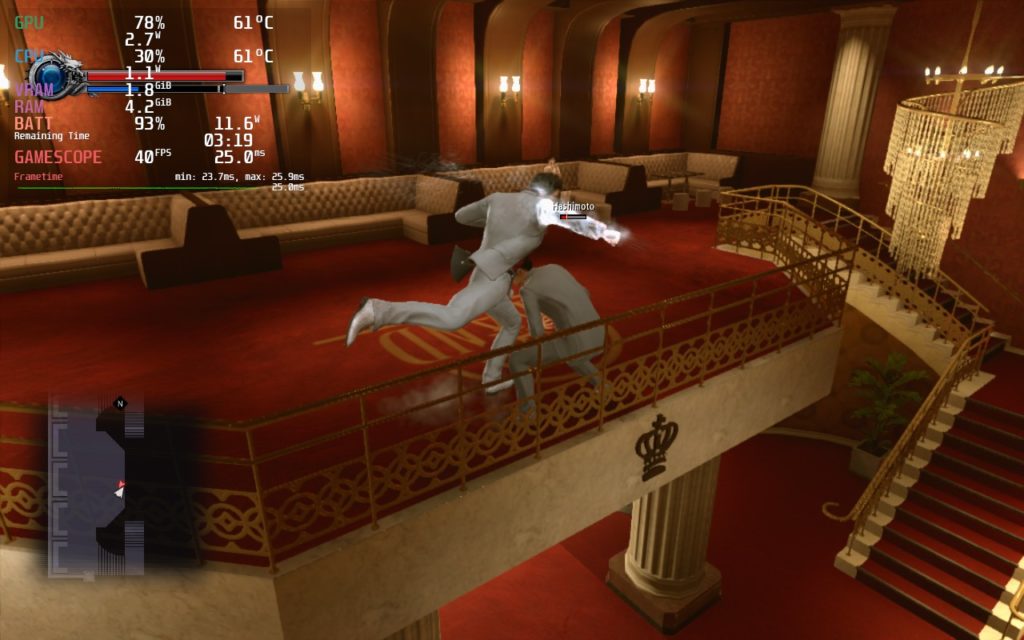
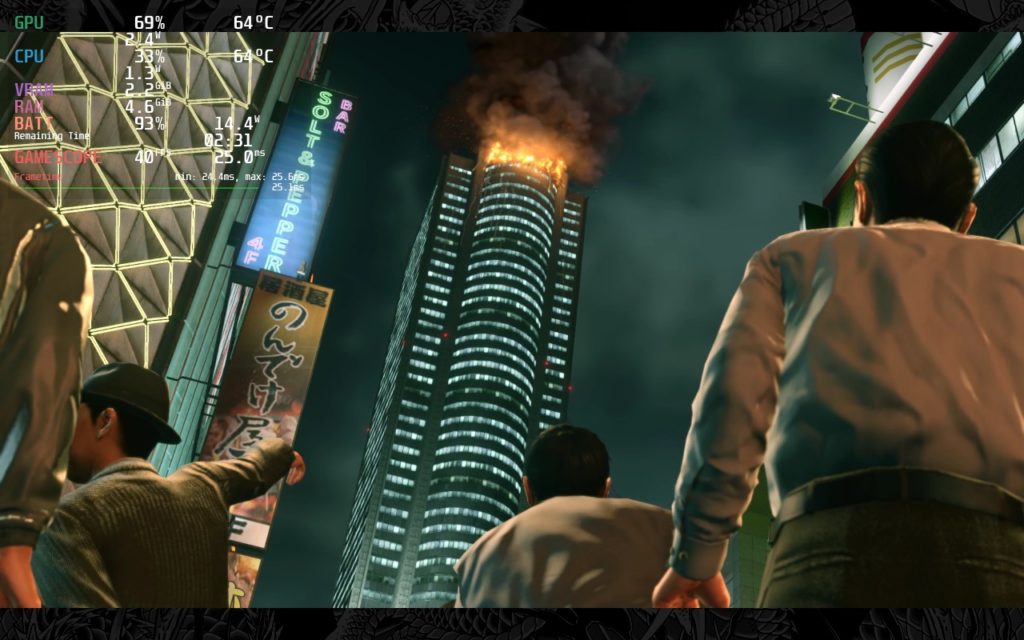
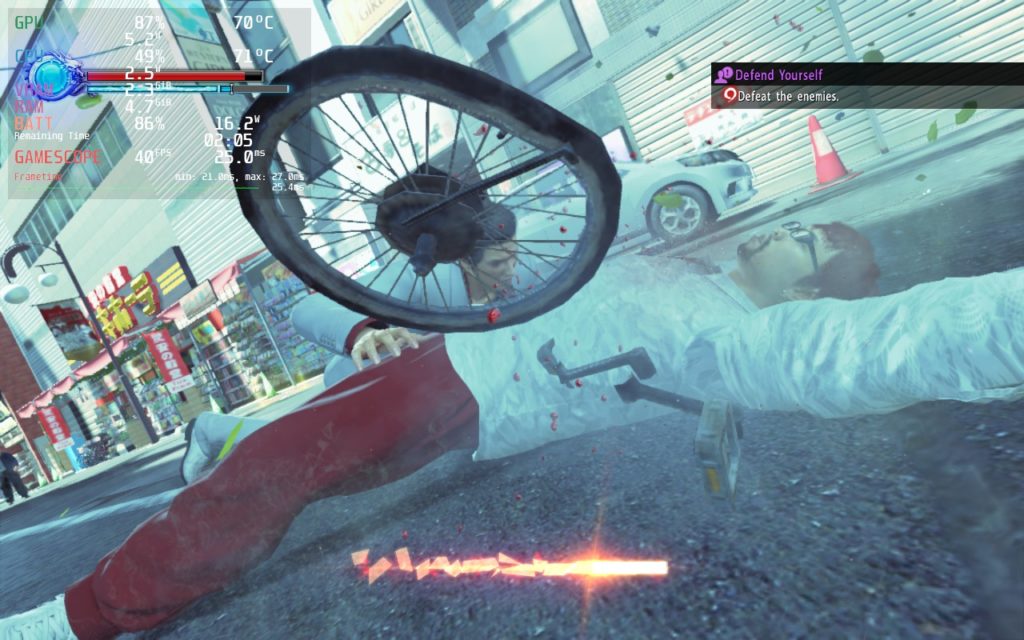
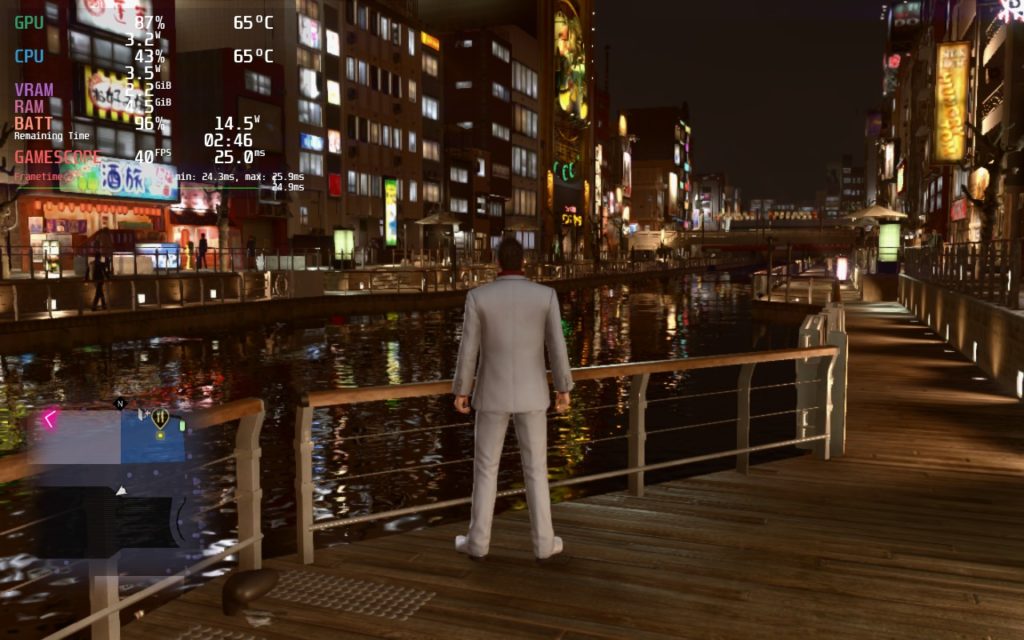
I elected not to make a battery-focused build for Kiwami 2 since the sacrifices didn’t justify the savings. With the game using the same engine as Yakuza 6, it is much more intensive so battery drain being at most 17W is pretty wonderful. I may post a battery-focused build later on and update this, but I felt it wasn’t something I could justify just yet.
There are some areas that tend to drain a little bit more than others, which are usually the opened up outside areas, which will bring both builds to around 17W at times. Inside buildings or contained areas, that number drops drastically and can hover around 11W – 12W. Otherwise, I experienced no issues when playing the game, though the menu and cutscenes of the game are 1280×720 while the rest of the game is 1280×800.
Conclusion
Yakuza Kiwami 2 is an awesome continuation that expands in both gameplay and visuals over the previous game. On top of that, the story continues and keeps its signature drama and humor that keeps you hooked. It also feels insane to be able to continue this series on the Steam Deck and play it fairly well, even with all the upgrades. The Deck is still my favorite way to play this series!
Our review is based on the PC version of this game.
If you enjoyed this review, be sure to check out the rest of the content on SteamDeckHQ! We have a wide variety game reviews and news that are sure to help your gaming experience. Whether you’re looking for news, tips and tutorials, game settings and reviews, or just want to stay up-to-date on the latest trends, we’ve got your back












2 comments
deckman
I found that it runs rather well at sub-15W even, and doesn’t look half bad. I really dislike the way they coded Kiryu’s beard though, without advanced filters it’s just an ugly texture floating around his chin lol.
Noah Kupetsky
Yeah it does look a bit weird at times, and most areas tend to go sub 15W, but there are the more open ones that can bring drain up or risk some drops. I just wanted to account for those!
Comments are closed.