


Tom Clancy’s Ghost Recon Breakpoint is a third-person shooter that will have you exploring a treacherous archipelago to take down a US military unit gone rogue. Create your character from thousands of combination options and loot, upgrade, and customize to become the deadliest ghost to exist. You can also team up with friends and share progression from story to pvp with a plethora of end-game content that includes raids and more. Will you be able to save Auroa and take down your old brother-in-arms?
Ghost Recon Breakpoint doesn’t run correctly in the beginning, but by changing a line in the BELauncher.ini, the game will be able to run and run decently well. First, go ahead and browse local files to go to the Breakpoint game files. Then, go to the BattlEye folder and open the BELauncher.ini. Find the line that says “GRB.exe” and change it to say “GRB_vulkan.exe”. After that, save the file. Now when you launch the game and choose to launch Vulkan version, the game will run! Thank you to @Yourmomlmao7 on Twitter for bringing this fix to our attention.
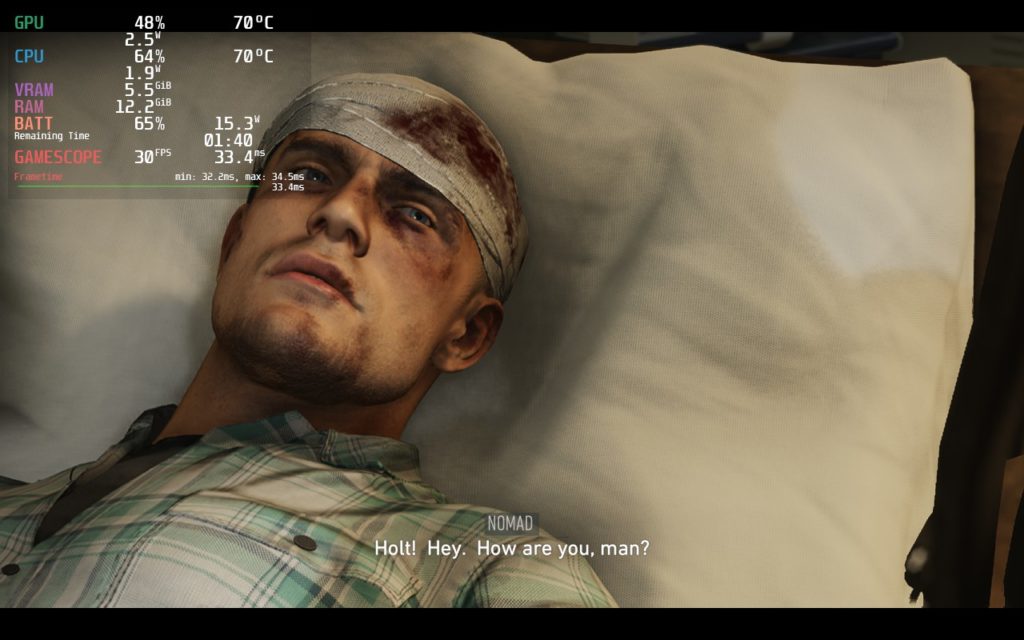
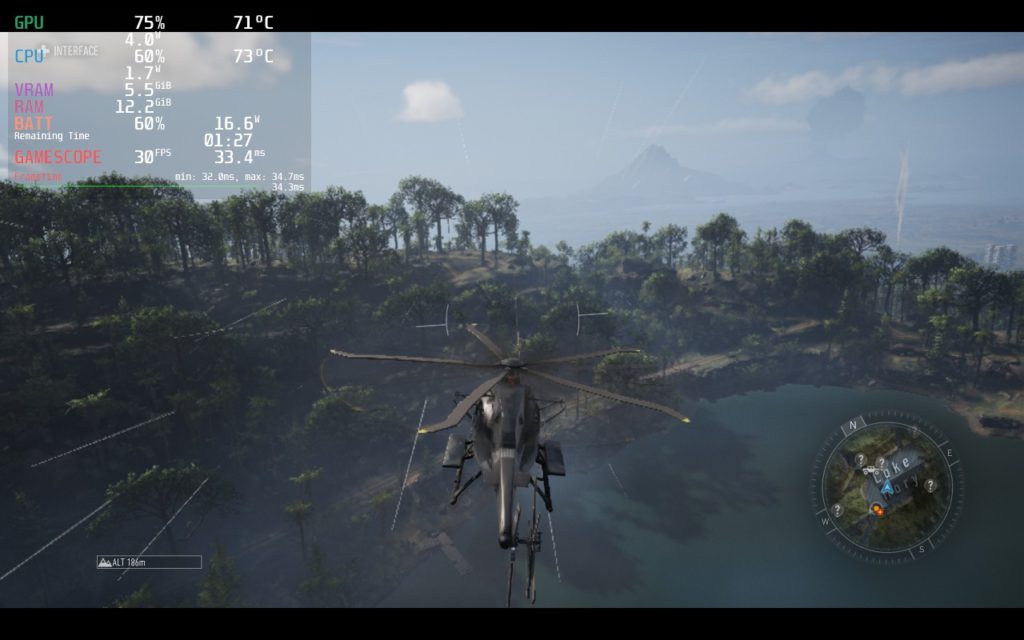
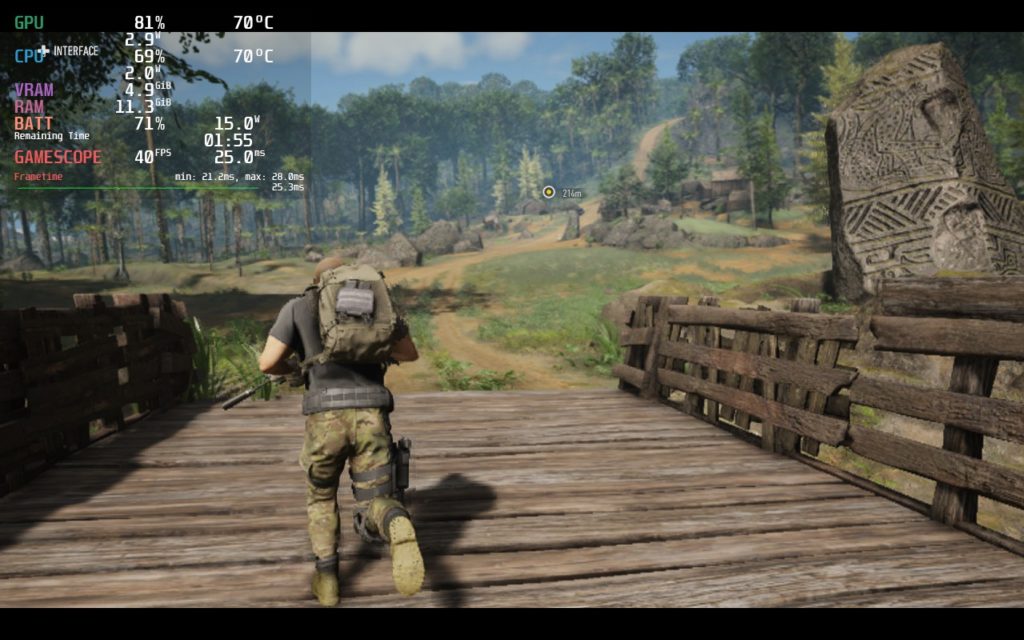
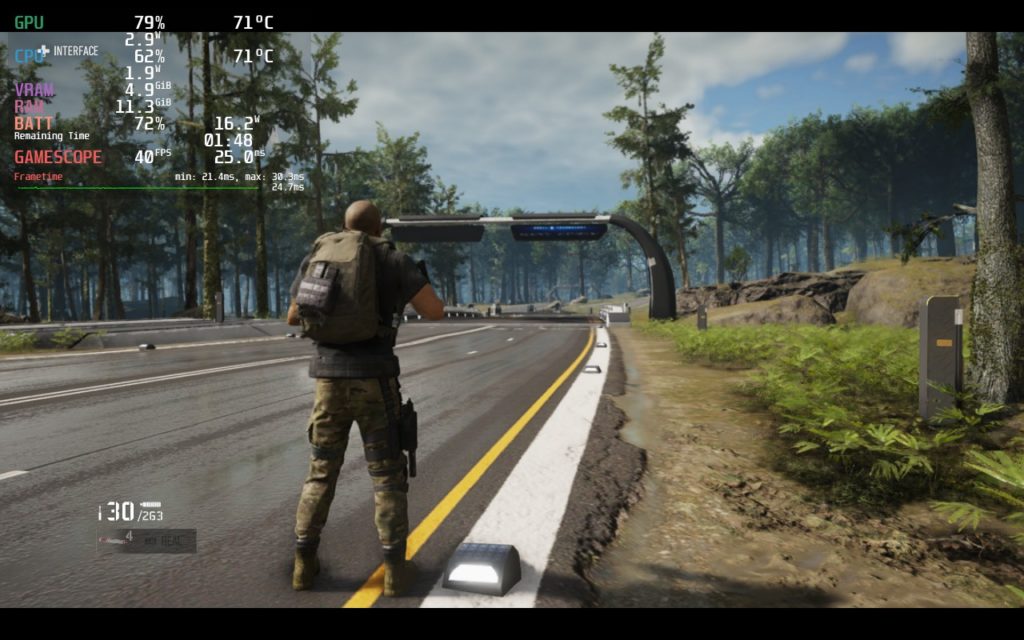
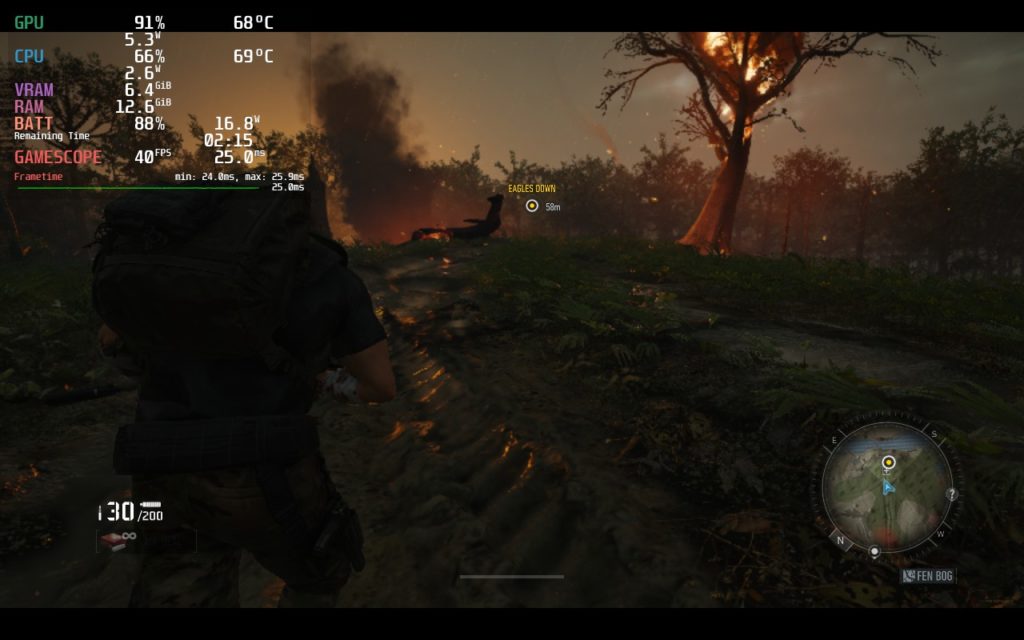
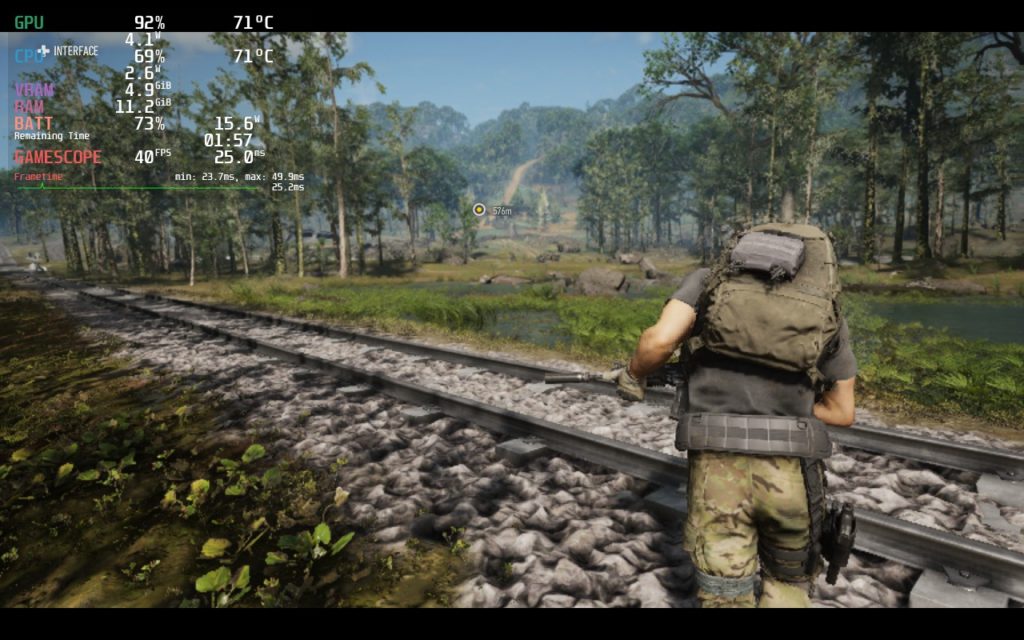
Once I got in-game, Breakpoint ran much better than I expected. It was able to hit 40 framerate at around medium graphic presets with around 90% resolution scale. For a game like this, it’s awesome to see how well it runs like this, but it does still drop a bit. So bringing the game to 30 FPS with 100% resolution scale and a medium preset felt fantastic. Having a 100% resolution scale also helped with seeing enemies that are further away which, in a game like this, is really necessary. I did encounter 1-2 places that went down to 29 FPS, but nothing below this.
I did try to see if forcing the resolution down and upscaling via FSR would help, but it made the game’s menus overblown. The in-game window was completely fine, but all menus were not scaling correctly, which made it unplayable. Controls were completely fine and they automatically went to the correct gamepad settings, which is fantastic. It also does use Ubisoft Connect as a 3rd party DRM, so playing offline will be a hassle.
Overall, with some more fine-tuning, Ghost Recon Breakpoint will definitely be a fantastic game to play on the Steam Deck. It runs much better than previous releases from Ubisoft and I can only imagine it will get better once the shader cache is built. But if you are wondering if this is a safe buy for the Deck, I would say yes.
Ghost Recon Breakpoint Screenshots:
Recommended Build:
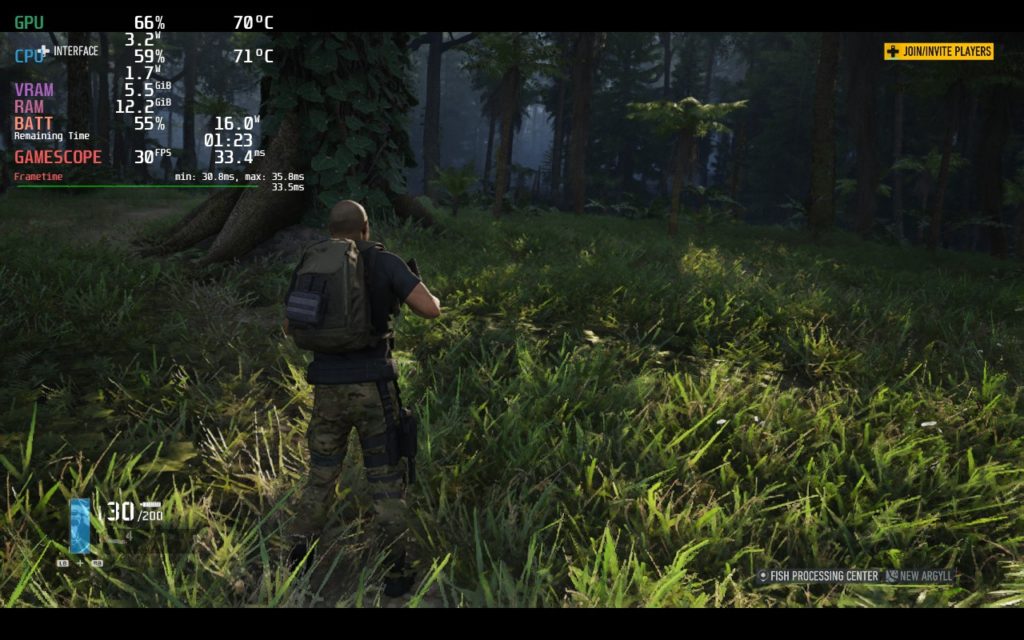
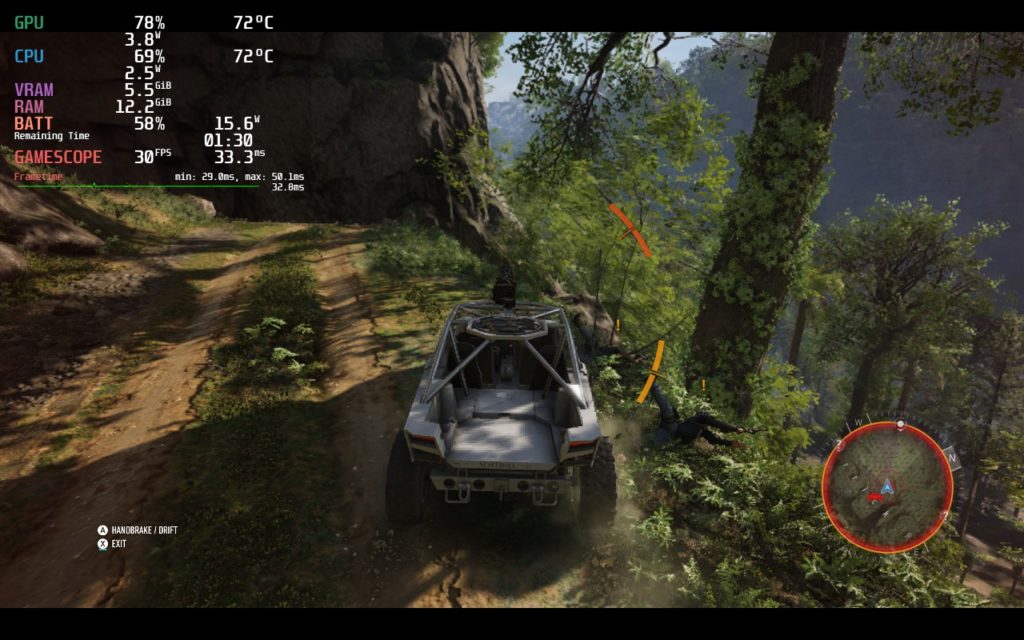
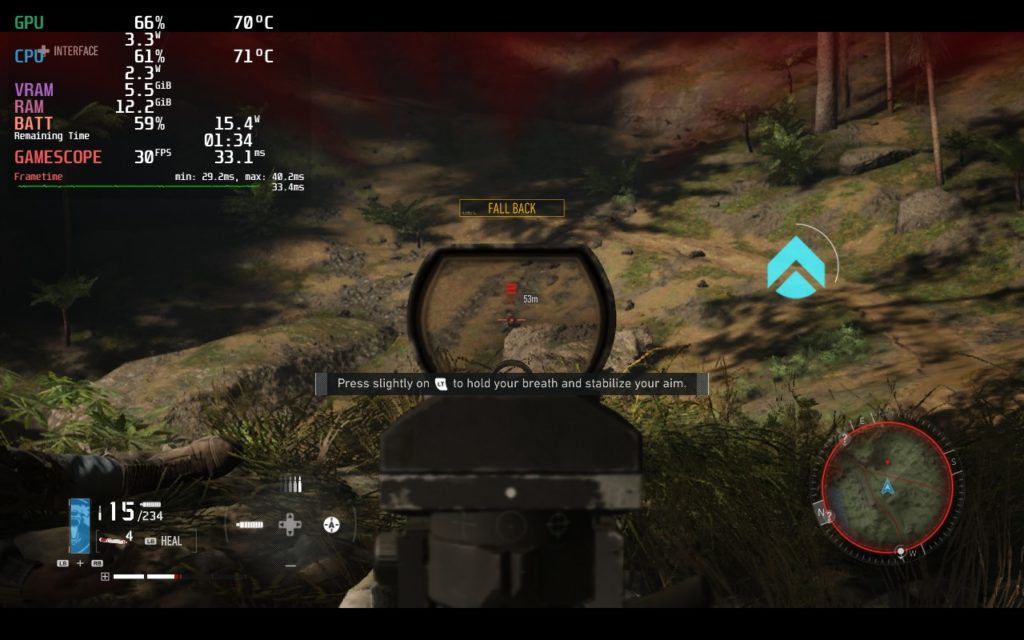
40 FPS Build:
Our review is based on the PC version of this game.
If you enjoyed this first look, be sure to check out the rest of the content on SteamDeckHQ! We have a wide variety game reviews and news that are sure to help your gaming experience. Whether you’re looking for news, tips and tutorials, game settings and reviews, or just want to stay up-to-date on the latest trends, we’ve got your back









5 comments
Km
In the past i played the Game without any problems. Changed the exe to Vulkan in the .ini and than started the game via ubi connect. Its the a ubi Game Key i used. The Game Settings wasnt changed an the fps Limit on deck was always Unlimited.
How ever since 2 or 3 weeks the Game crashes and i dont know Why. I changed the settings but it crashes too. Was there any Update or what???
Bobby
I’m having the same issue. Worked pretty good for a while then crashes after 5-10 minutes.
Dwayne
Changed the file to Vulcan and still won’t run checked all settings and still won’t boot up
Noah Kupetsky
You changed the .ini and it still won’t boot?
xoXO_SNIPER_XOxo
The game is very exciting and suspense .. Also, the performance of the graphics is very elaborate
Comments are closed.