
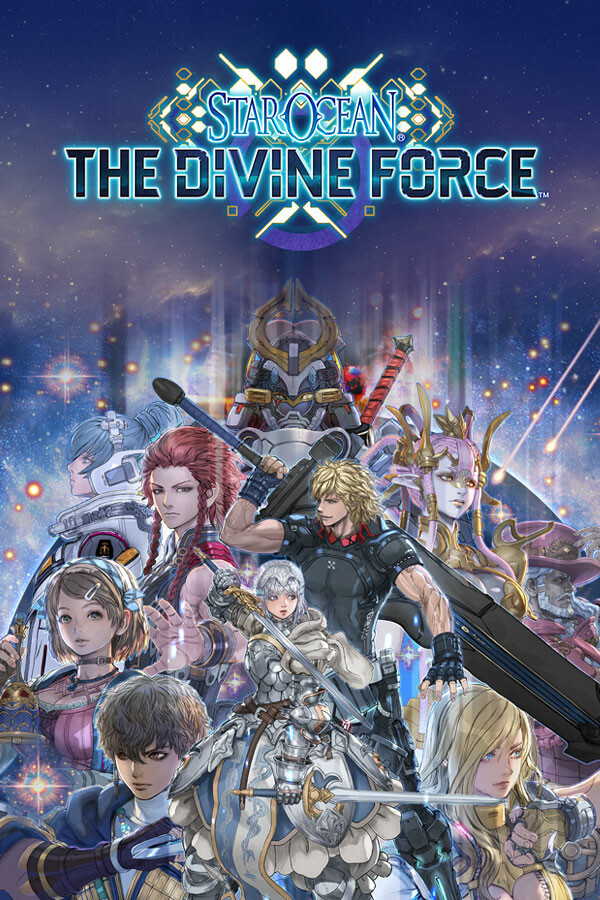

The next entry into the Star Ocean series is here! The Divine Force takes you on a wild ride to save a princess’s homeland from an invading empire and what happens could change the entire universe. Run around a massive open world in full 360 degrees. This entry brings in the action and high-speed combat to demolish large amounts of enemies all at once.
While the game has a beautiful setting and supports some nice QoL features like just walking over items in the world to pick them up and fluid transitions from combat to free-roam, some of the script writing and animations felt a bit stale. Overall, it feels like there’s a good game deep in there and if you like JRPGs, this could be a well-worth it experience.
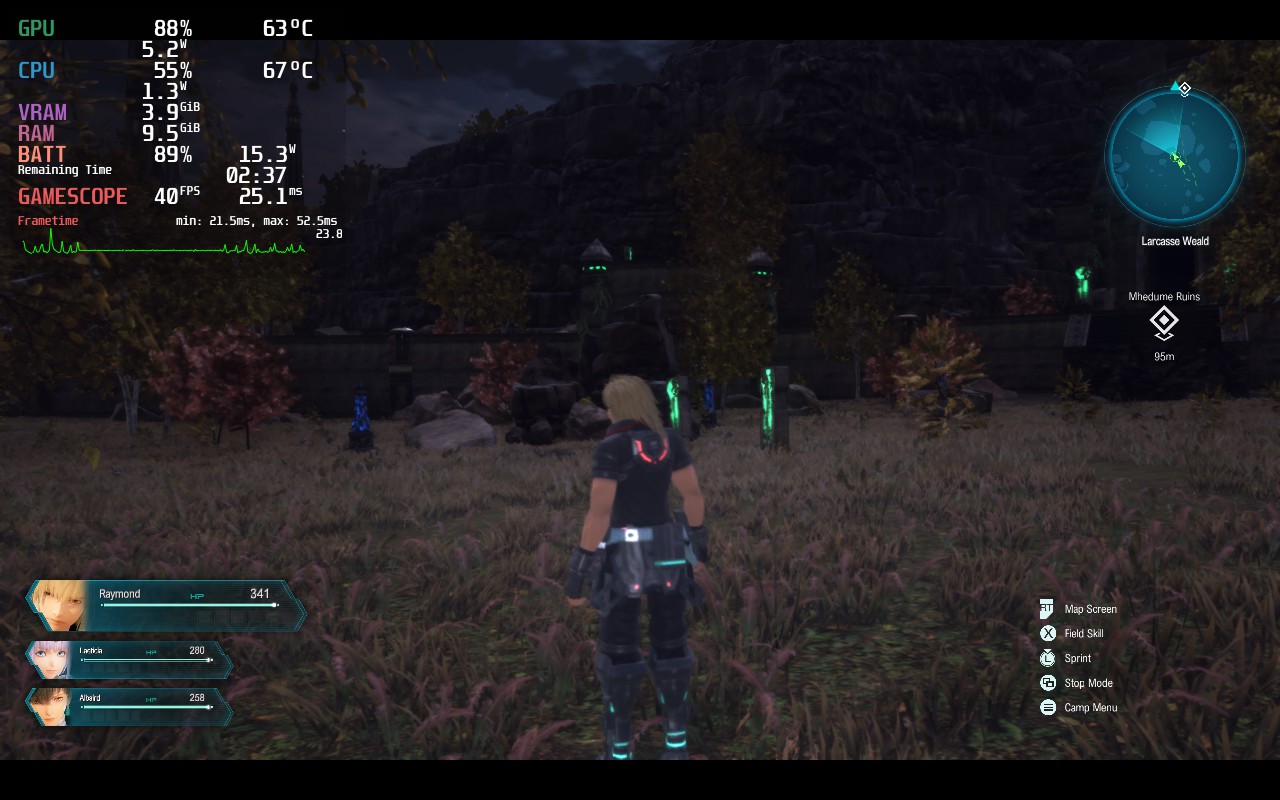
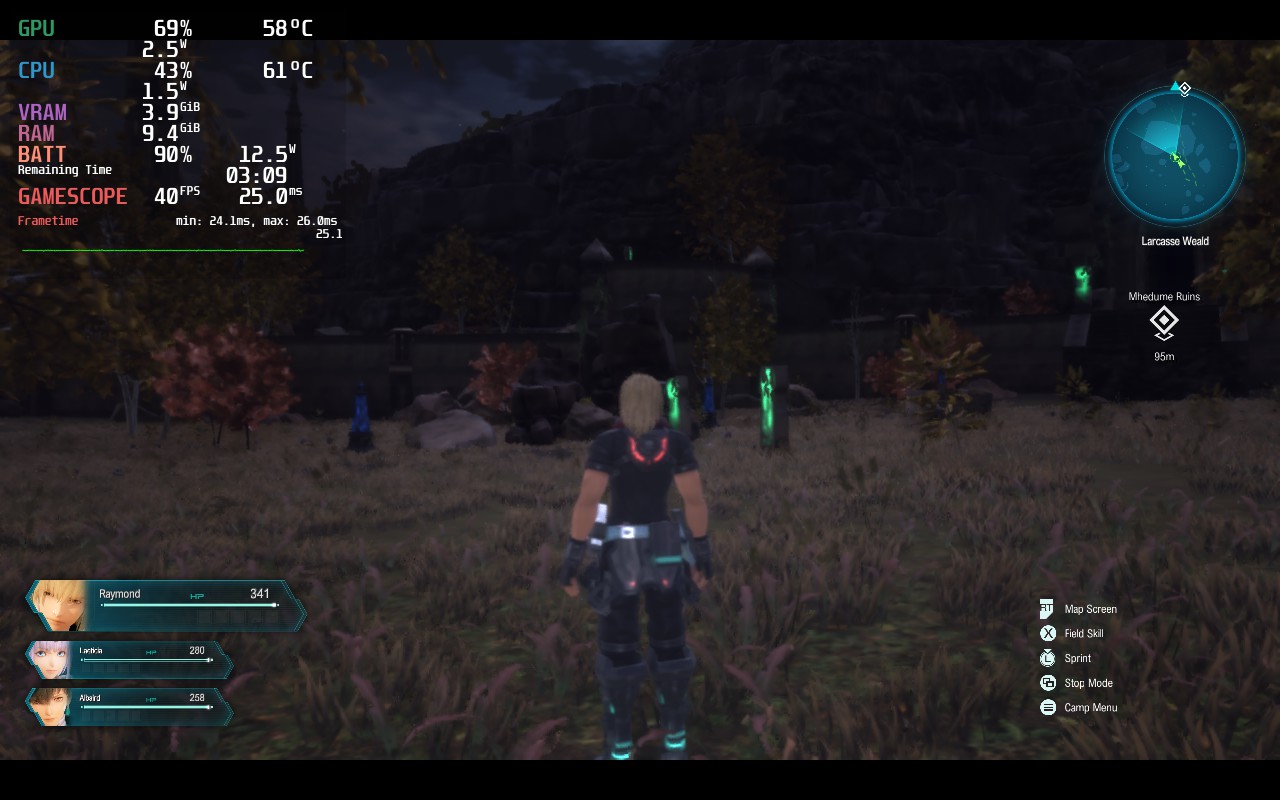
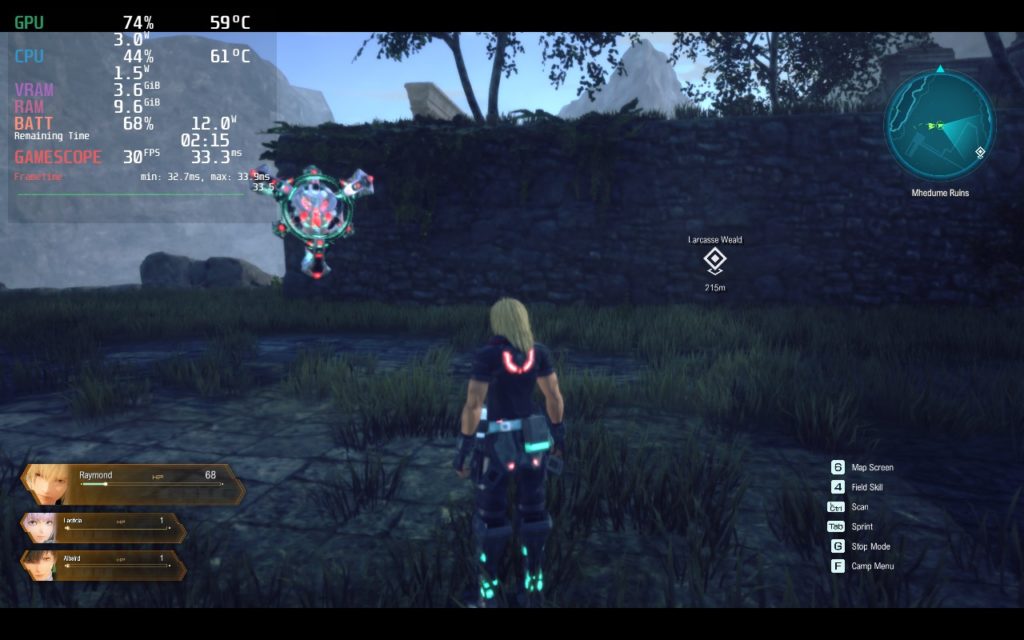
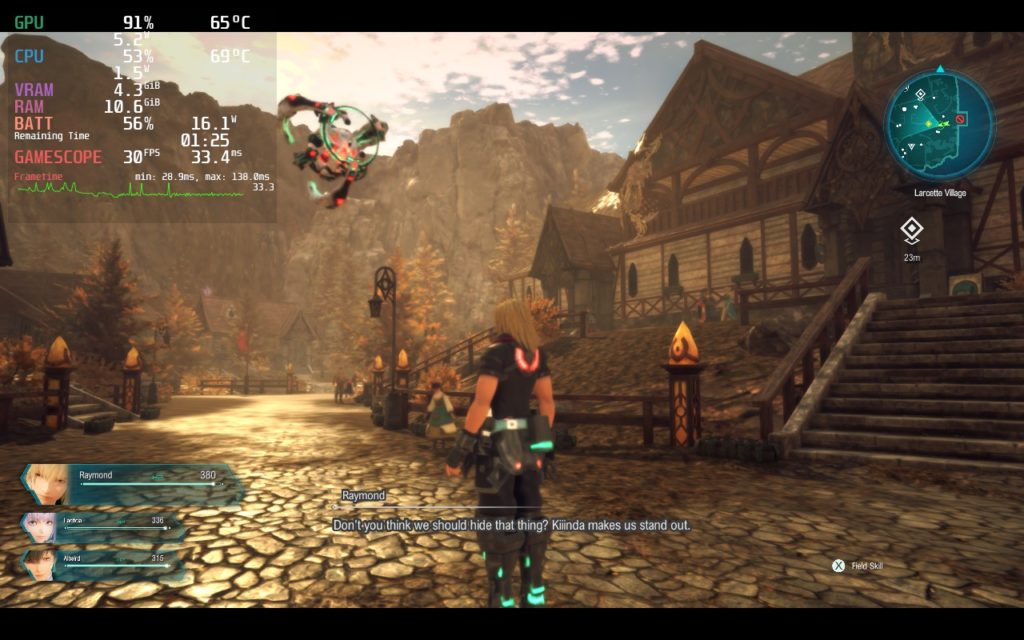
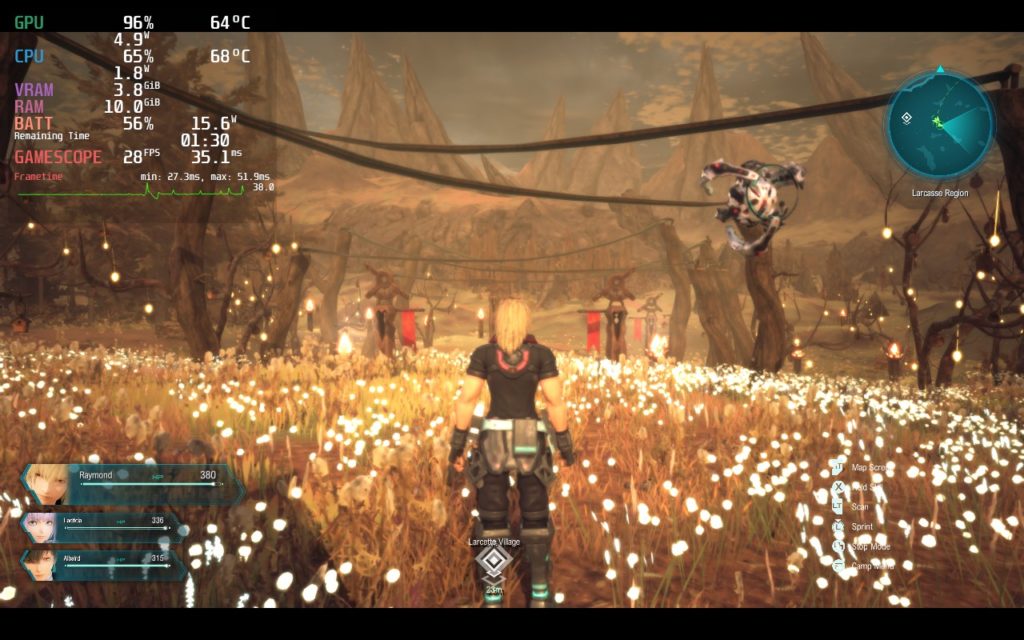
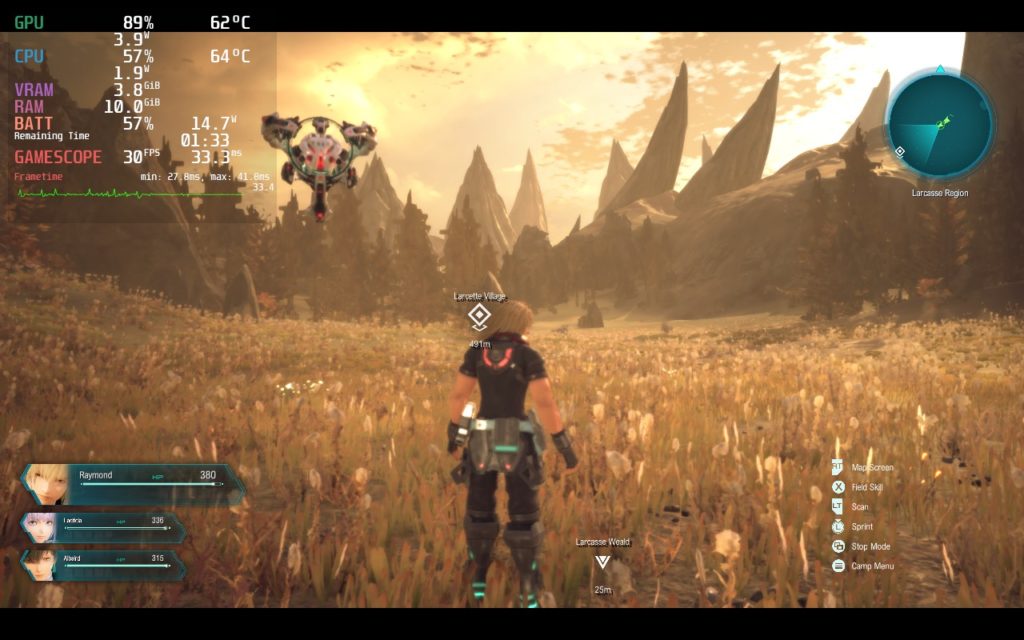
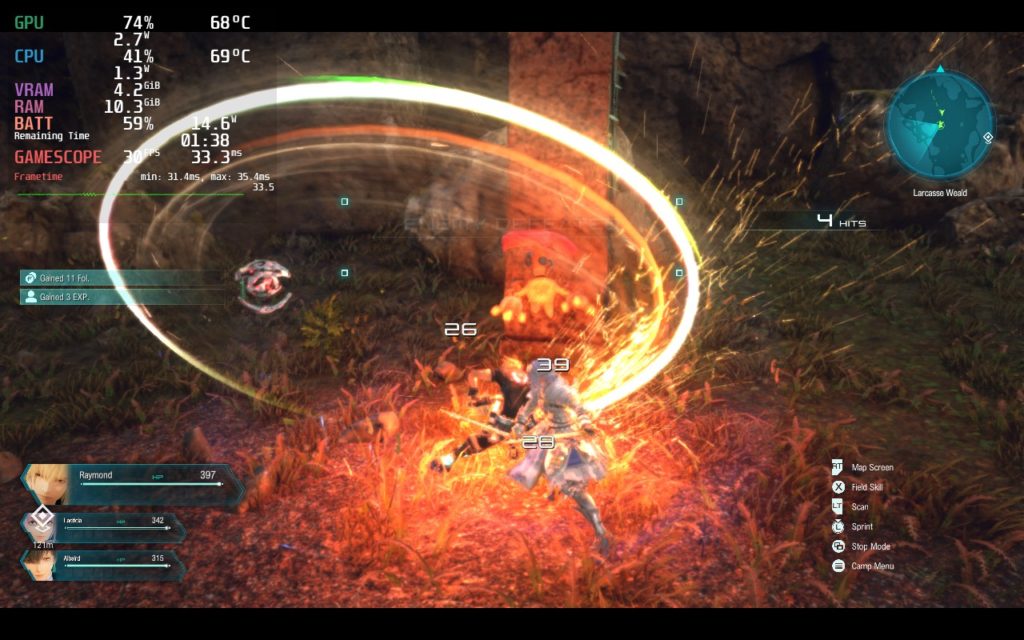
After trying a bunch of setting combinations in different environments, I felt the most stable way to play was prioritizing image quality at 30 FPS. You can prioritize framerate, which could push your game to 40 FPS, but I felt there were too many spots that brings the FPS down to 32 – 34. It also made the game look just a bit too blurry to enjoy. And with 30 FPS on prioritizing image quality, using the normal preset options worked fantastically.
The game also has a couple issues. The biggest one would be the stuttering. When first trying the game, there was some massive stuttering that occurred. It seems this could be a shader issue, but Twitter user Orion5007 figured out a launch option that does curb a lot of the stuttering. There is still some minor ones here and there, like when going into new areas initially, but it took out the significant ones to make the game much more playable! It is also worth noting that this launch option can only be used with Proton GE.
Launch Option:
DXVK_ASYNC=1 %command%
Other than that, I noticed a little bit of ghosting and slow loading into new areas. All the textures and models took a few seconds to load in some areas, but once they loaded, there wasn’t an issue anymore. I did also notice the gamepad icons telling you how to do certain actions did change to the KB+M counterparts once or twice. This wasn’t a big deal, but it did happen.
I need to play more to get a really good feel for other builds, but I believe that setting the cap at 30 with a normal preset feels fantastic and plays great for the most part!
Screenshots:
Comparisons:
Stills:
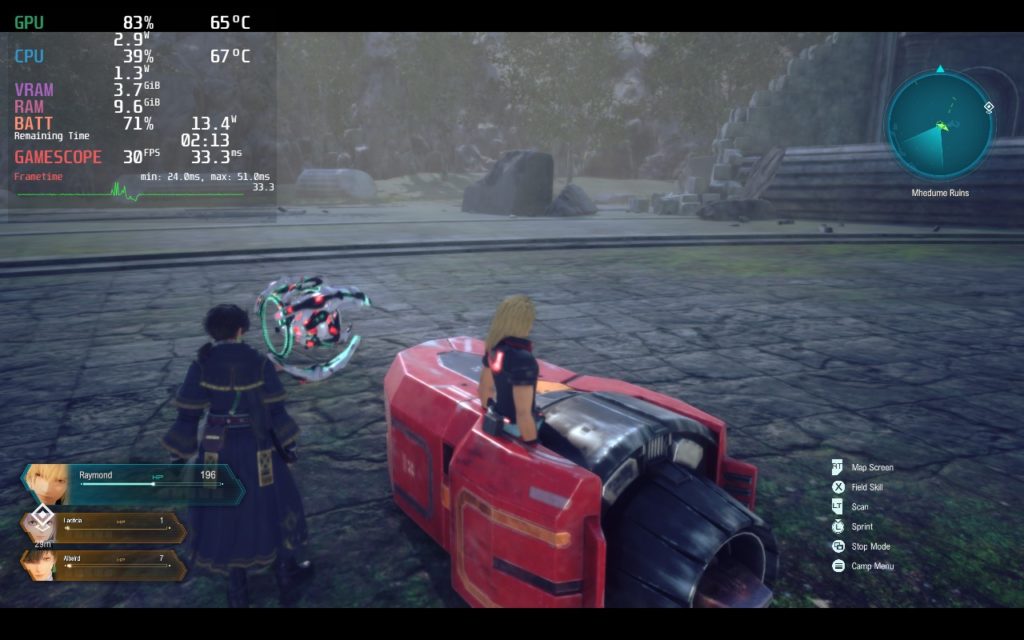
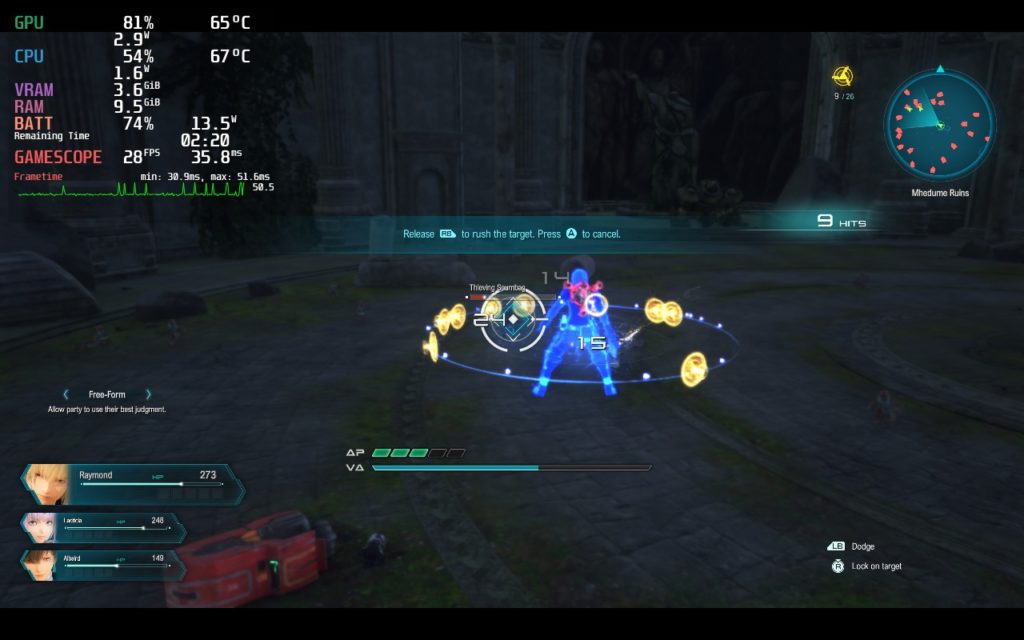
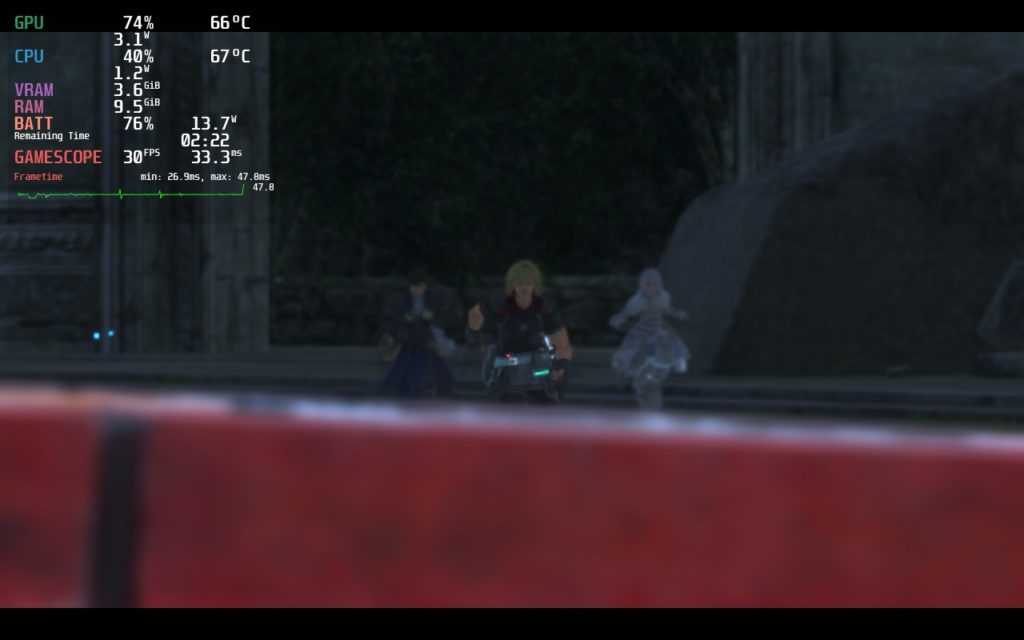
Our review is based on the PC version of this game.
If you enjoyed this review, be sure to check out the rest of the content on SteamDeckHQ! We have a wide variety game reviews and news that are sure to help your gaming experience. Whether you’re looking for news, tips and tutorials, game settings and reviews, or just want to stay up-to-date on the latest trends, we’ve got your back!






3 comments
clerisonB
Anhoter thing worth noting is that command parameter is now unssuported in proton-ge.
Aru
One thing worth noting is that the “DXVK_ASYNC=1 %command%” launch option works ONLY on GE-Proton.
Regular proton doesn’t support async shader compilation.
BarbecuedKitty
I will add that in there! Thank you.
Comments are closed.