



Re-imagined from the original PS1 release, Resident Evil 2 brings you back to the classic that stunned the world. As Leon Kennedy, you are stuck in a zombie epidemic and must work with Claire Redfield to make it out of Raccoon City alive. Using an over-the-shoulder camera, you will solve puzzles and take down zombies to survive the horrors that await. Will you be able to discover what is happening and get out with your life intact?
Resident Evil 2 is a full remake from the original 1998 version and overhauls a lot. Along with the updated visuals and new gameplay elements, the majority of the story is intact. You can still play through the story from different perspectives, but some changes like enemy designs and some small narrative backgrounds exist. But the changes are minor compared to how much the game keeps from its original. That being said, let’s take a look and see if this experience can be enjoyed on the Steam Deck.
Resident Evil 2: Max Performance
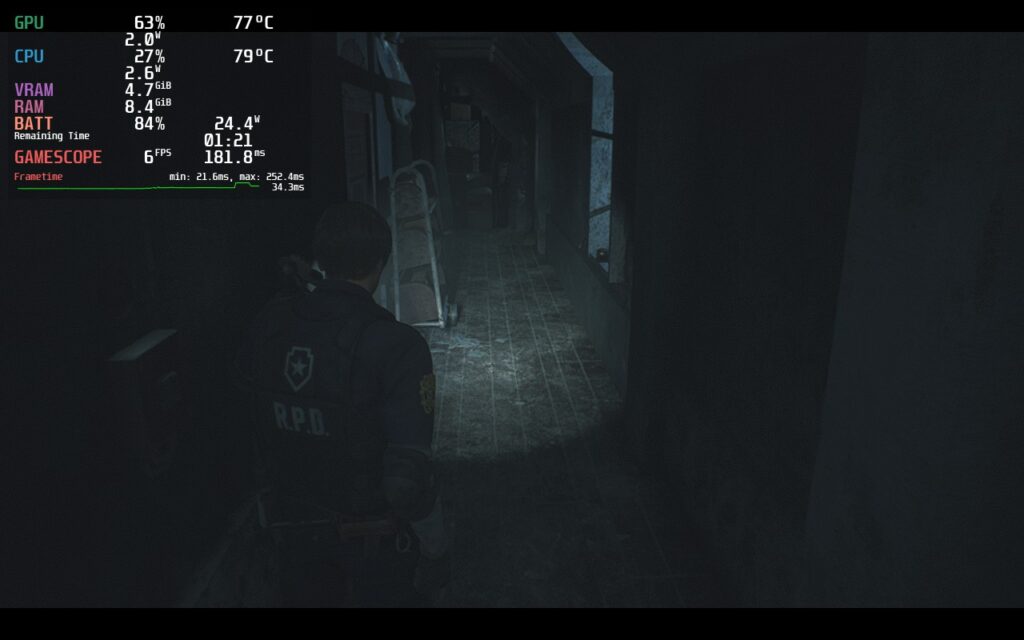
Before I get into this, let me say the RE Engine is amazing. The engine this game is based off of is so well optimized that it was able to run this game at the max quality settings, to a degree. While it is possible to play in some areas at 60, there are massive drops that happen in most other areas, especially corridors where the framerate can drop to 39-40 FPS with a 24W drain. But we don’t have to make many sacrifices for Resident Evil 2 to really shine.
Survive with Optimization
Knowing how amazing the RE Engine is, I decided to see how far down the settings needed to go to get a solid 60 FPS and luckily, they didn’t need to go down too far. The engine is well optimized enough to handle decent looking graphics, but it does drain the battery a bit more than I would like. So, I turned up the settings a bit and shot for 45 FPS, which altogether gave me an average of 11W – 13W for a solid 3 – 3.5 hours of battery life. This had a 100% render scale with native resolution and it looked incredible.
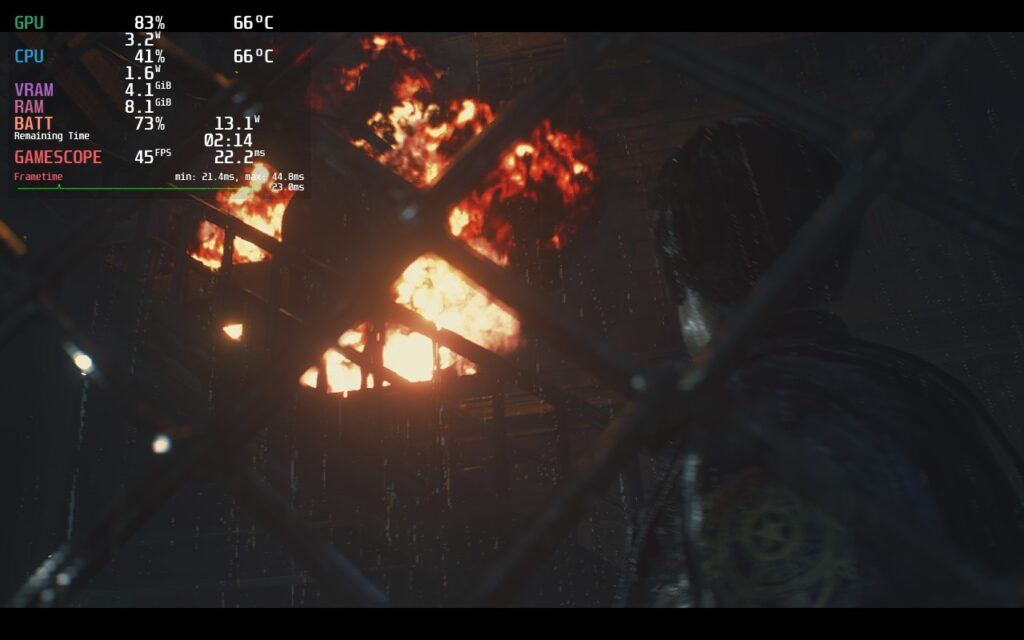
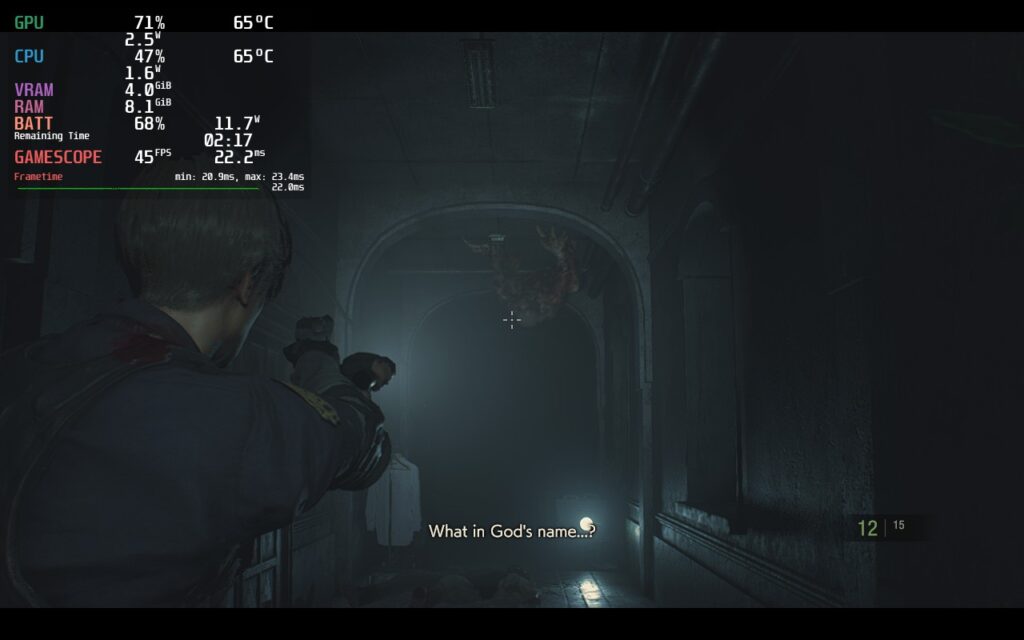
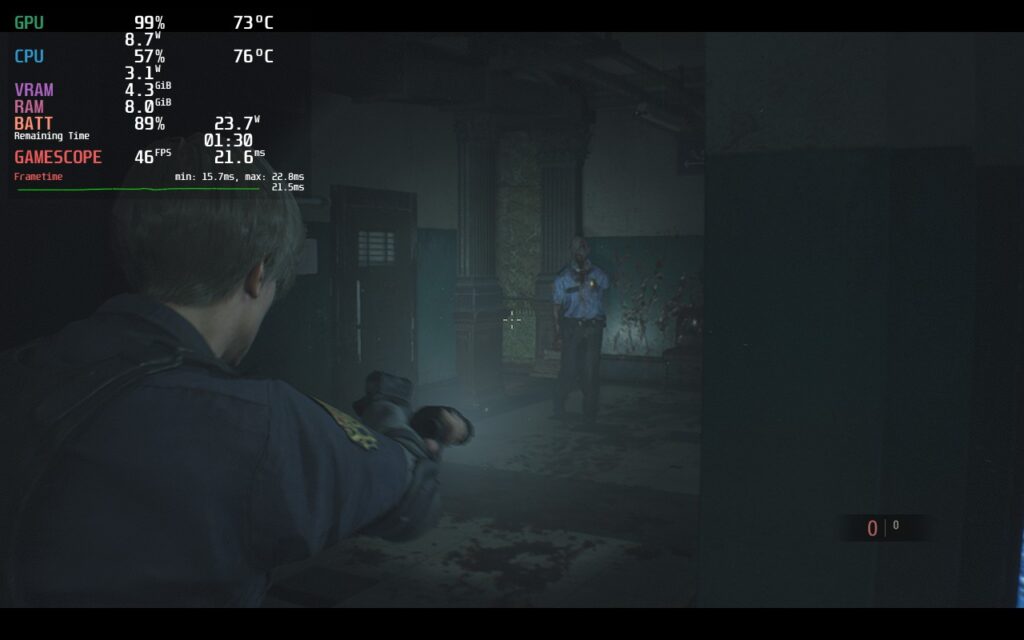
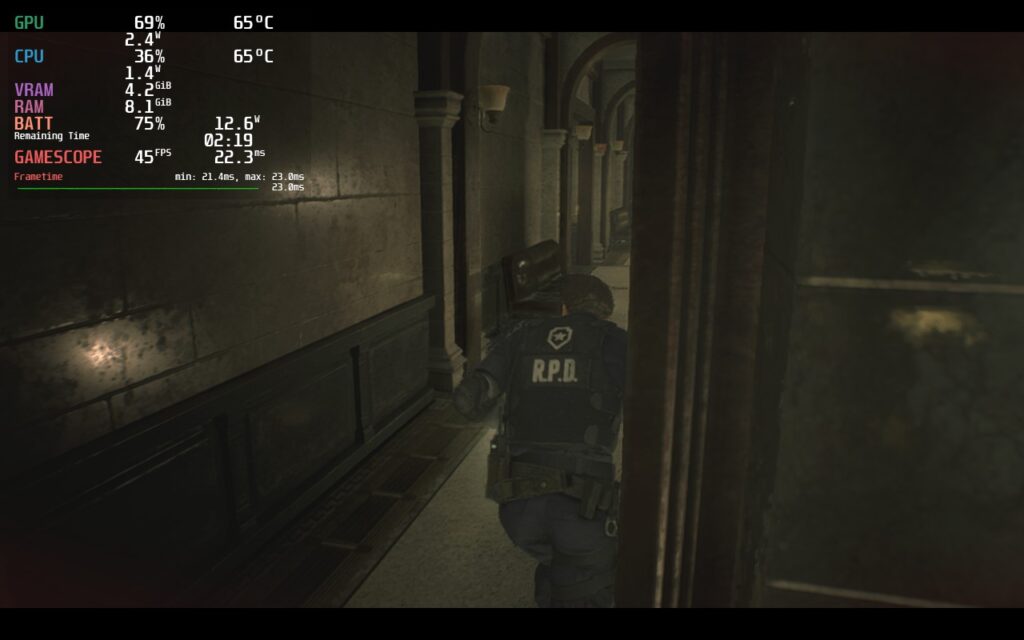
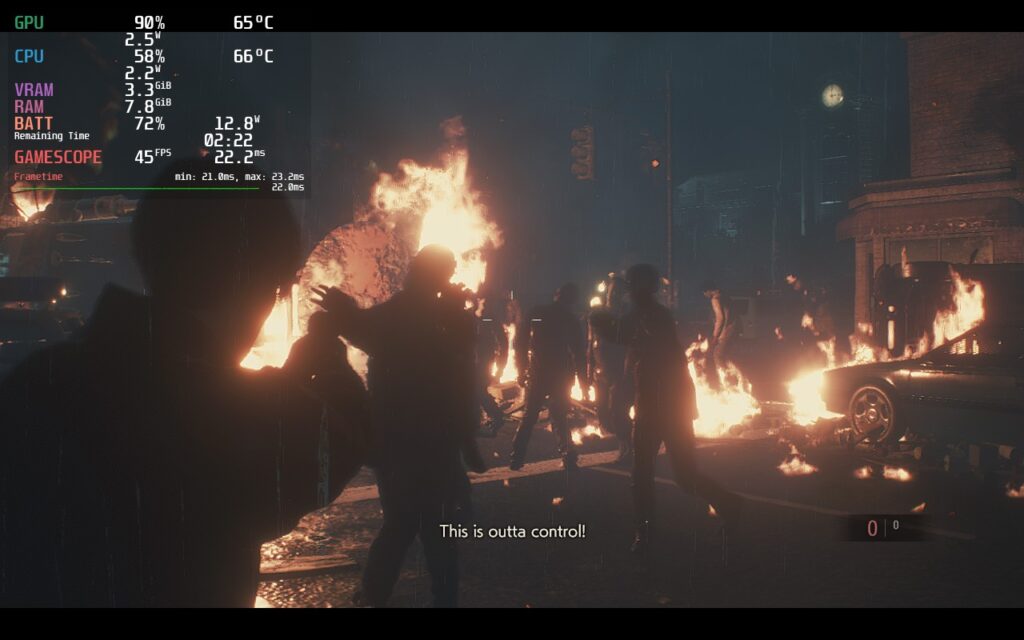

One of the big ways I was able to get a stable 45 FPS with low battery drain is due to the interlaced rendering mode being used instead of the normal. I honestly didn’t notice a ton of visual difference, but it did save on battery and kept the game very stable at this framerate, so it feels like a win-win.
After that, I decided to try shooting for the highest quality possible. I turned up almost everything to max, a normal render mode, and boosted resolution scale to 120%. This allowed a TDP of 14, or no limit if preferred, and 40 FPS. Resident Evil 2 definitely looked incredible here, but it did have a reduction in framerate and didn’t feel as smooth.
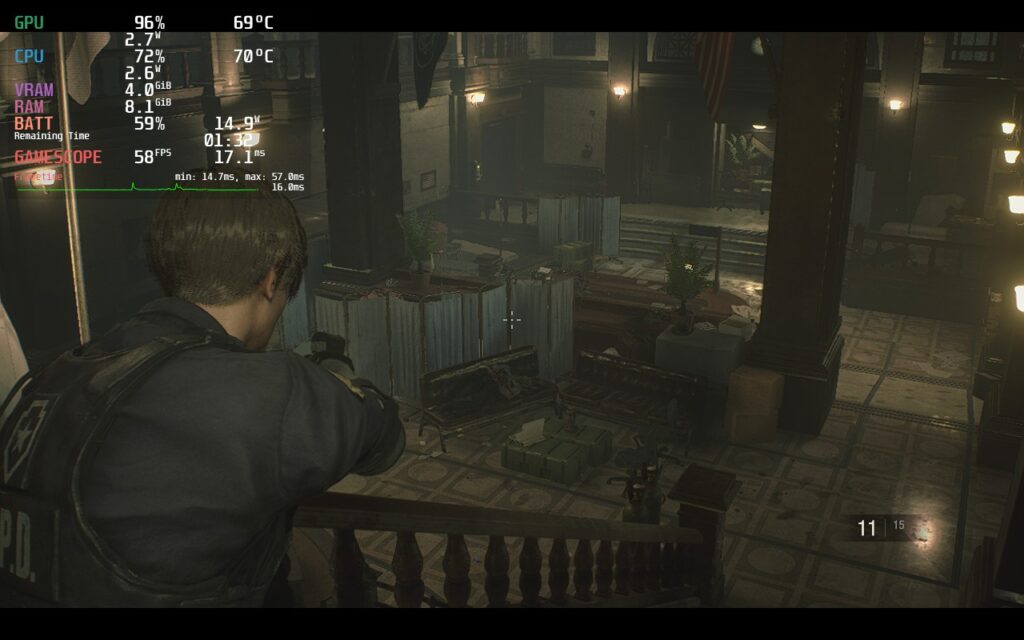
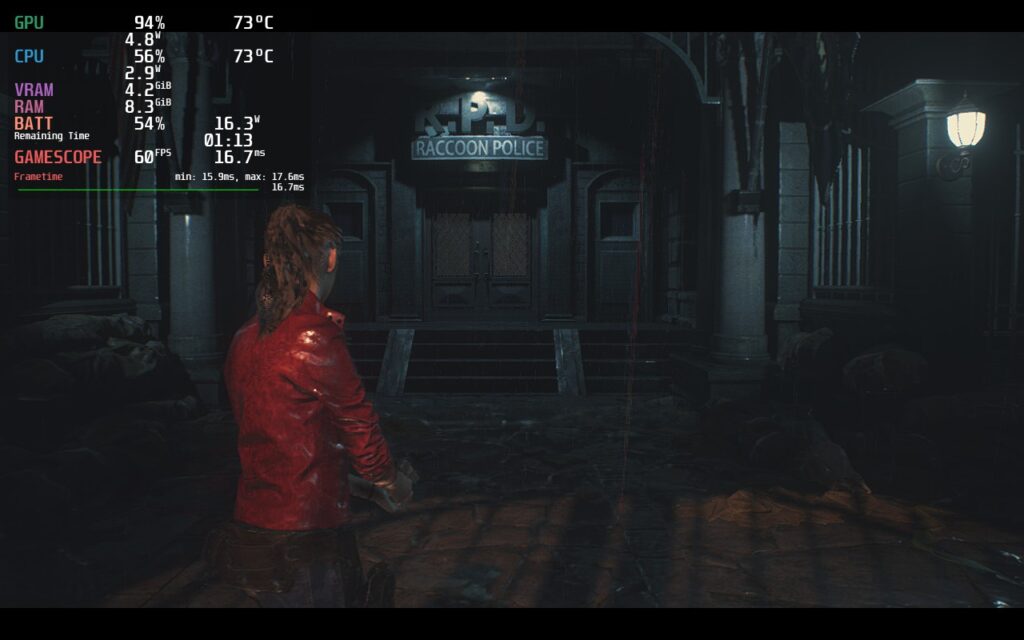
And then I elected to record and finalize a 60 FPS build. I already had a general idea of it from before, but I took a little closer look and made a couple of adjustments to improve stability. The game does have spots where it stutters a moment, generally when loading in, and playing on 60 makes it feel a little bit worse than it has to. Framerate dips below this are much more noticeable too, but it with these settings, it doesn’t happen often.

Saying No to FSR
On the Steam Deck, we use FSR for a lot of bigger games to make them run as optimally as possible, but Resident Evil 2 is the first game I decided against using it. I noticed that in some scenes, and especially in cutscenes, it was very jarring to watch as some thinner bars or far away objects looked like they were shining and going in and out. With how optimized this engine is, I didn’t feel it was necessary at all to have it enabled as there were enough options to really configure the game the way we want.
Other than this, I really didn’t notice any issues with playing Resident Evil 2 on the Steam Deck. Controls were great, visuals were amazing, and text was a good size.
Conclusion
Resident Evil 2 is a fantastic game and part of the remake series for the older games that Capcom is putting out. Survival horror was defined by the Resident Evil games and this one captures the awesome feeling from the original while modernizing it. On top of that, this is a clear example of how amazing the RE Engine is. And if this and RE3 are anything to go by, the upcoming RE4 remake will run beautifully on the Steam Deck.
If you enjoyed this review, be sure to check out the rest of the content on SteamDeckHQ! We have a wide variety game reviews and news that are sure to help your gaming experience. Whether you’re looking for news, tips and tutorials, game settings and reviews, or just want to stay up-to-date on the latest trends, we’ve got your back






7 comments
Tyler J Betts
Is this the new Dx12 version or the beta drop down to get the Dx11 version? Since they added Dx12 and ray tracing in line with the PS5/Xbox Series update. Performance got much worse over all. Not sure if it’s different today but this new broke over summer.
Noah Kupetsky
I didn’t go into the drop-down and select the beta. My review is on the default version that is downloadable without any changes. I do remember that performance got worse overall from that, but it genuinely still performs very well on the default DX12 version. I will do a quick test to compare though.
Tyler J Betts
Considering those tests Digital Foundary did and my own experiences were on Windows. Dx12 might be better to vulkan than Dx11 to vulkan in the steam deck’s case. Honestly amazed by your results. Never would have even thought to run this game on deck.
Lukas
And I’ve just started playing this earlier today ? Thx, your 45fps settings looks good.
Noah Kupetsky
Perfect timing right?? Thank you! Yeah it’s incredible how well the game can run at higher quality settings. The RE Engine is something else, that’s for sure.
Thomas
Doing the lords work ??
Noah Kupetsky
Just doing what we love to do, one game at a time 😀
Comments are closed.