
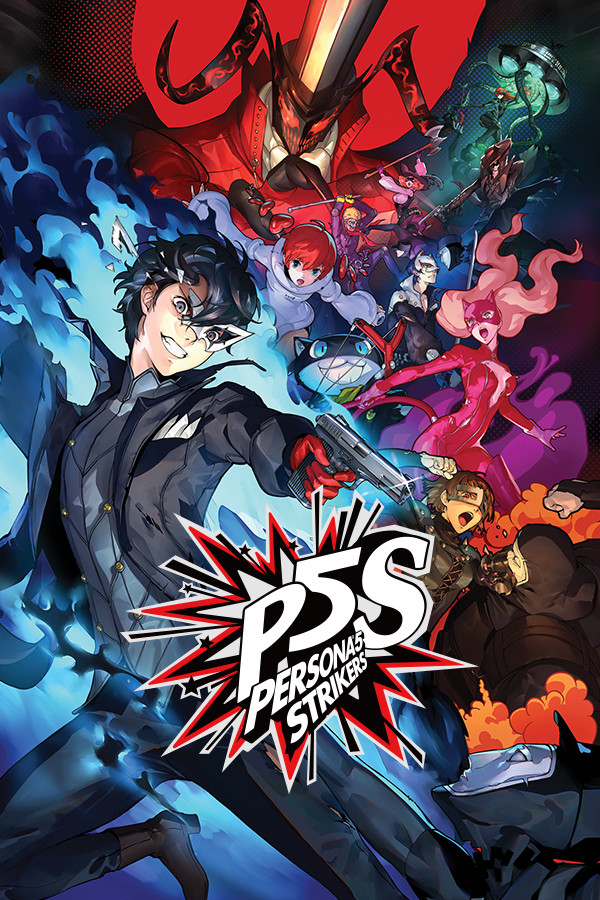

The Phantom Thieves are back to strike against the corruption overtaking cities across Japan. With the crew on summer vacation, Persona 5 Strikers will have you travel all over to figure out what is happening and redeem the hearts of those imprisoned at the center of this crisis. Unlike other games in the series, the gameplay is hack-and-slash, closer to Koei Tecmo’s series, Dynasty Warriors, but paired with the Persona charm, it fits near perfectly. Outside of combat, you will walk around the cities and get closer to your friends while talking to them with this road trip vibe. In the end, the game is definitely an awesome and worthy successor to Persona 5.
On the Steam Deck however, there are a couple of issues stopping me from enjoying this game. First, the game will only run when using Proton GE, so you will need to make sure it is installed (you can follow our guide on getting it). Next, while it can run at higher graphics settings, I noticed there was still some slowdown. The game can definitely hit 60 FPS, but even when set to it, it caps itself around 58. To fix this, make sure to turn Vsync off as this will push it lower.
The last one is that cutscenes will only play music, not any sound effects or voices. There is subtitles so it is still passable, but it does ruin the experience a little bit if trying to fully immerse yourself. No Proton GE layer seemed to fix this, so if you are going to play on the Steam Deck, cutscenes will be impaired.
Overall, the game is still very playable and can run on the Deck, but there are some caveats. The game is a lot of fun, but with the cutscene issues, it tends to break immersion a little bit. But if you can look past this, you will find a solid experience that continues one of the best JRPGs ever made!
Screenshots:
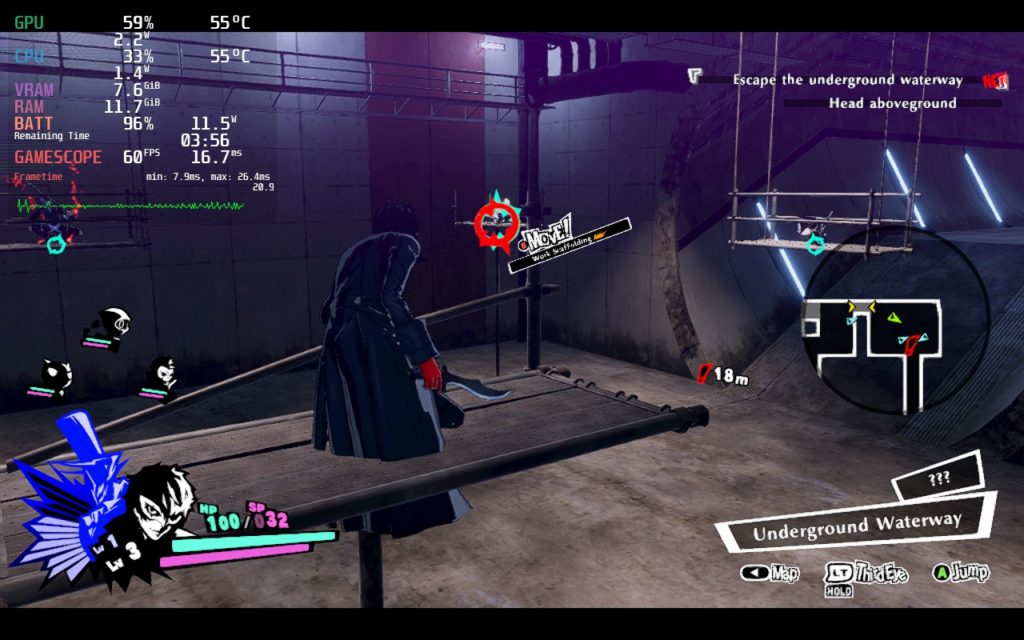
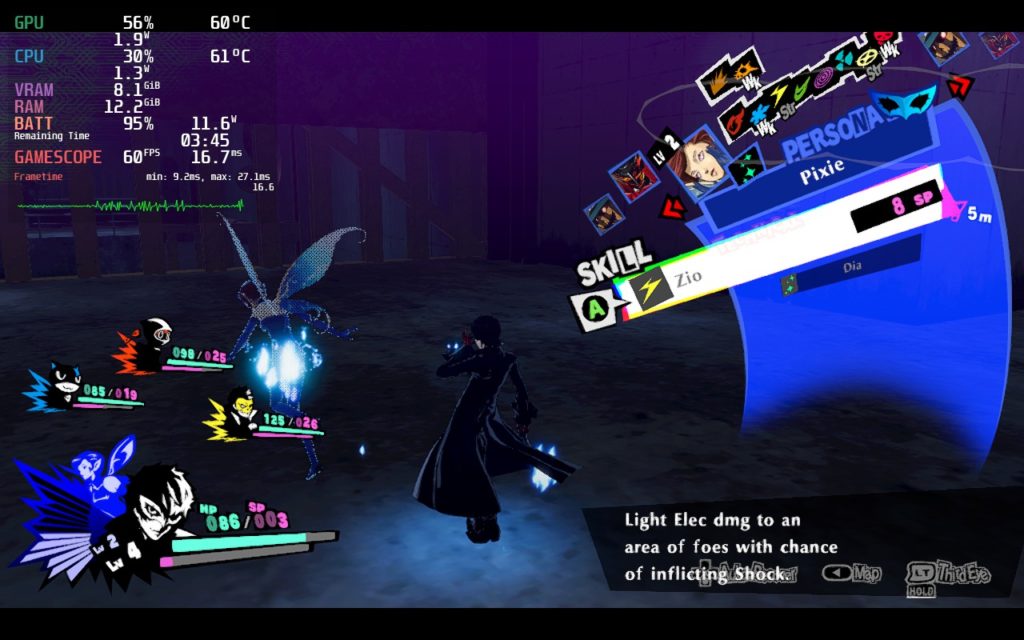
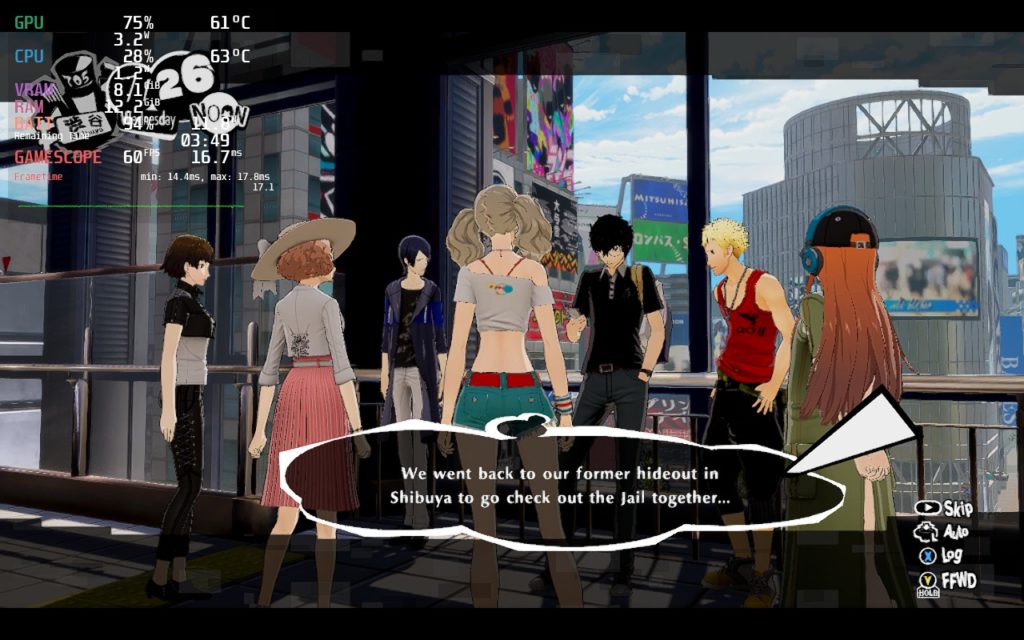
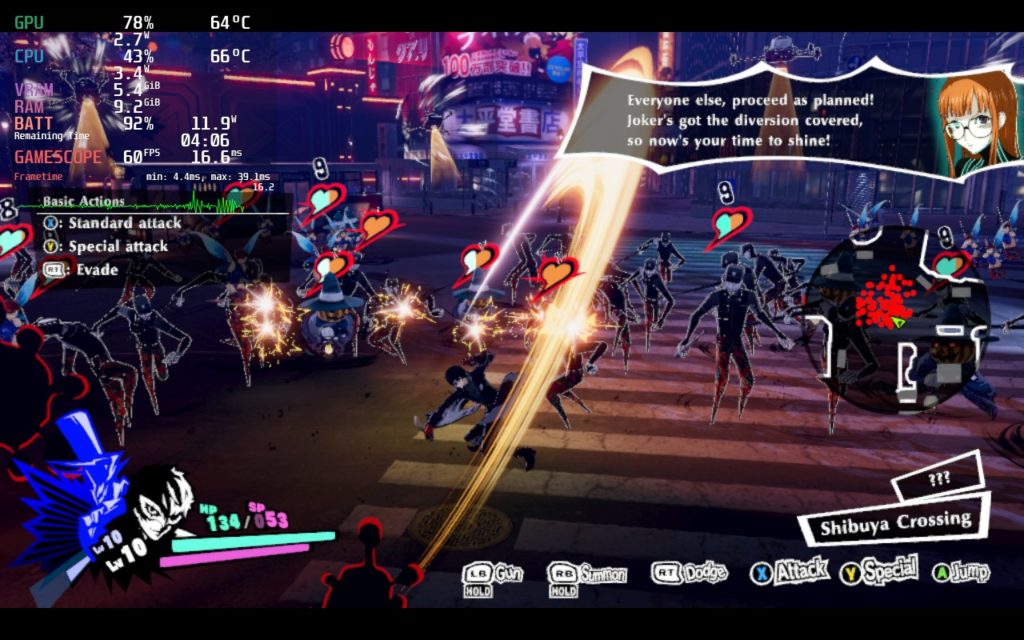
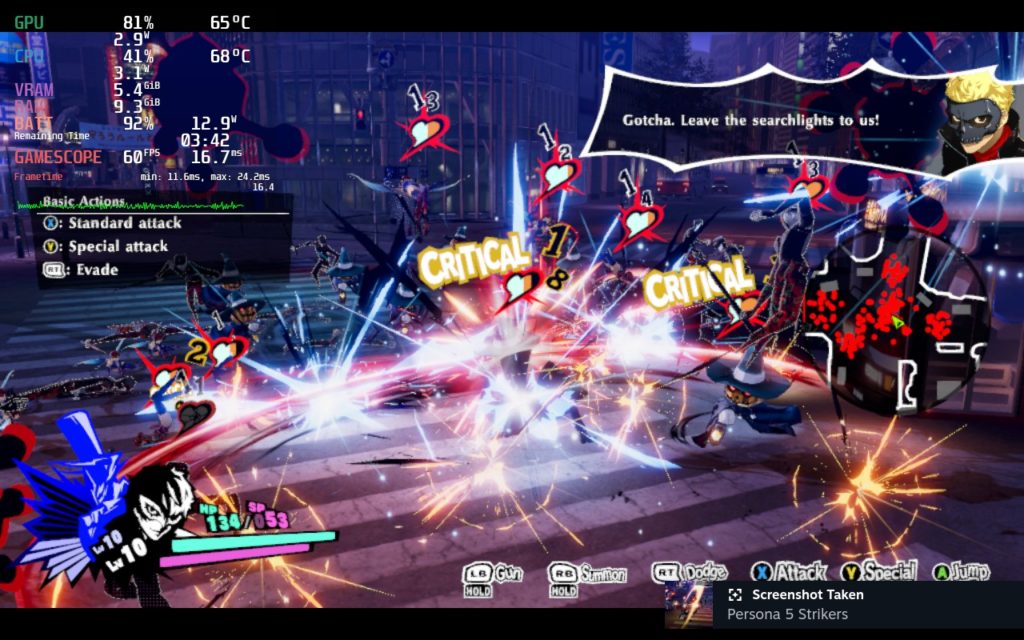
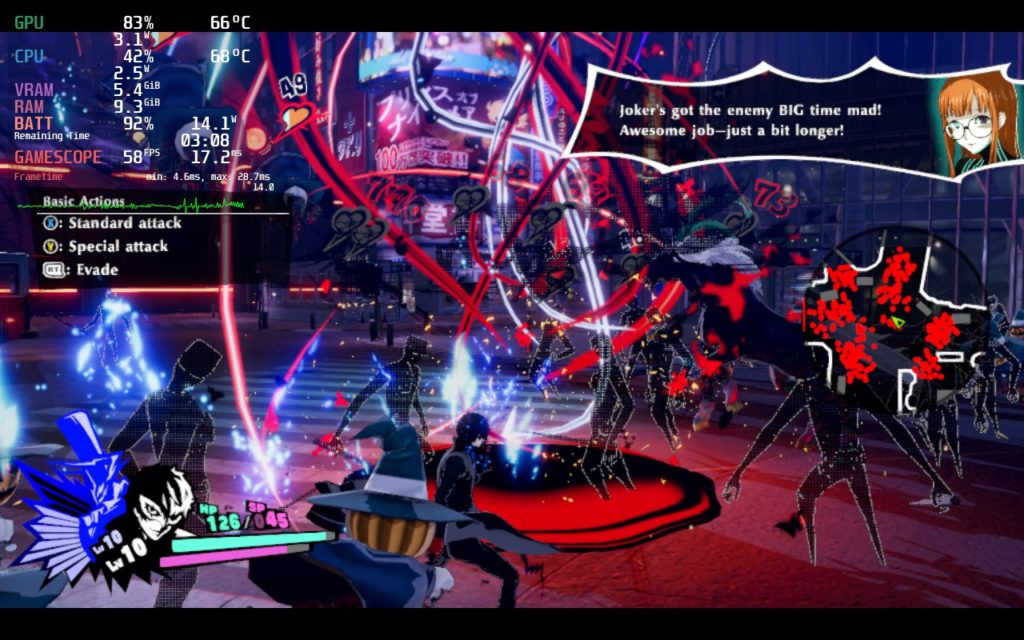
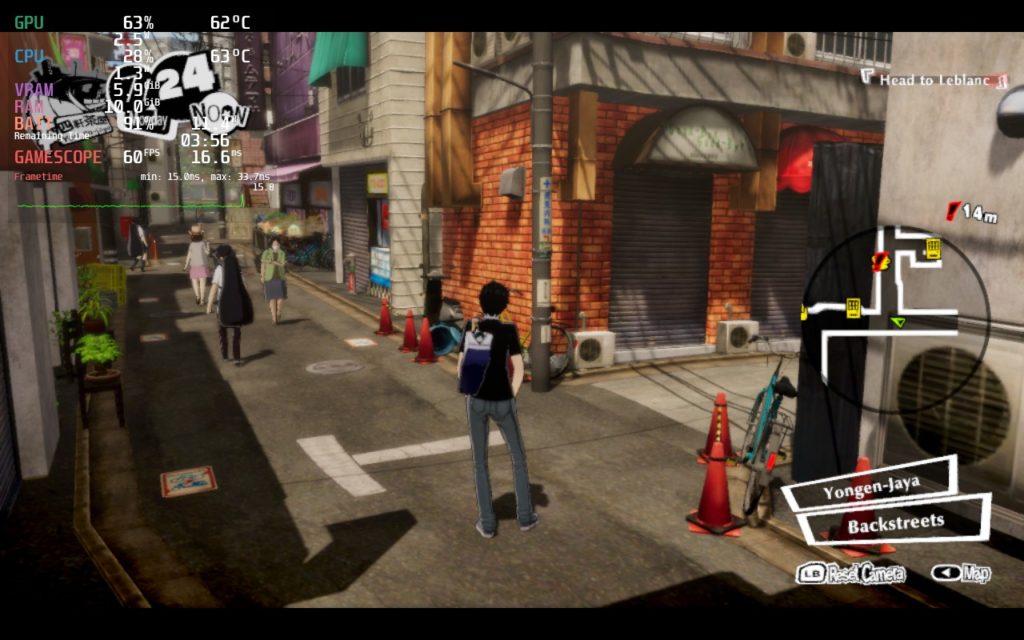
Our review is based on the PC version of this game.
If you enjoyed this review, be sure to check out the rest of the content on SteamDeckHQ! We have a wide variety game reviews and news that are sure to help your gaming experience. Whether you’re looking for news, tips and tutorials, game settings and reviews, or just want to stay up-to-date on the latest trends, we’ve got your back!






1 comment
Kevin Tiscareno
The setting I used (60 fps):
Proton GE8-3
TDP -10
Display Setting – Fullscreen
Resolution – 1280×720
Vsync – On
Shadows -Low
Texture Quality – High
Anti-aliasing – On
Ambient Occlusion – On
Bloom – Off
Radial Blur – Off
Rendering Scale 1.0
Comments are closed.