


Quite possibly one of the most ambitious games to exist, No Man’s Sky will take you across an infinite procedurally generated universe to discover. Get in your ship, discover new worlds, trade, fight on land and in space, and upgrade to follow along the story and get to the centre of the universe. With the constant updates since release, there are new ships, story expansions, base building, multiplayer, and so much more, you will always have something to do!
No Man’s Sky was released 6 years ago to underwhelming responses, but with the dedication of developer Hello Games, the game was brought back from its bleak launch and turned into one of the best games of its kind. Hello Games deserves a ton of props for how they brought this game back from the dead. Unfortunately, enjoying this one on the Steam Deck has some compromises.
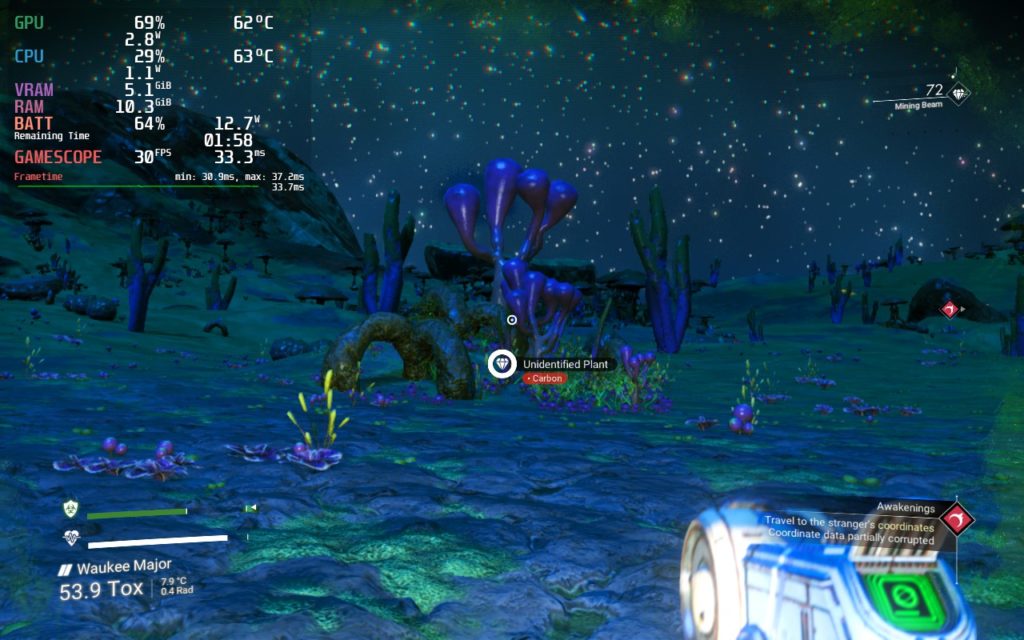
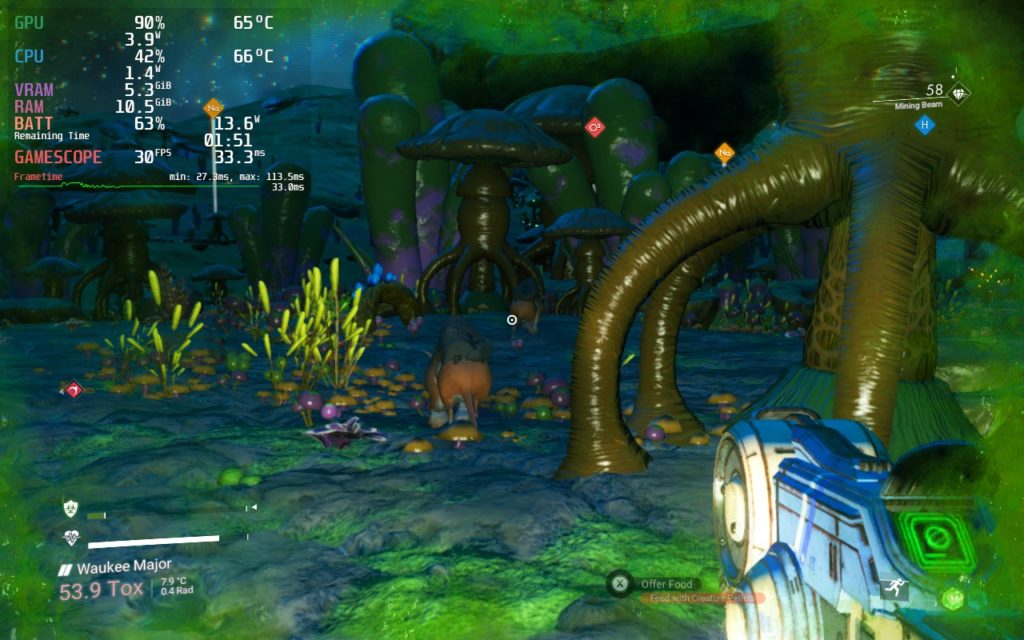
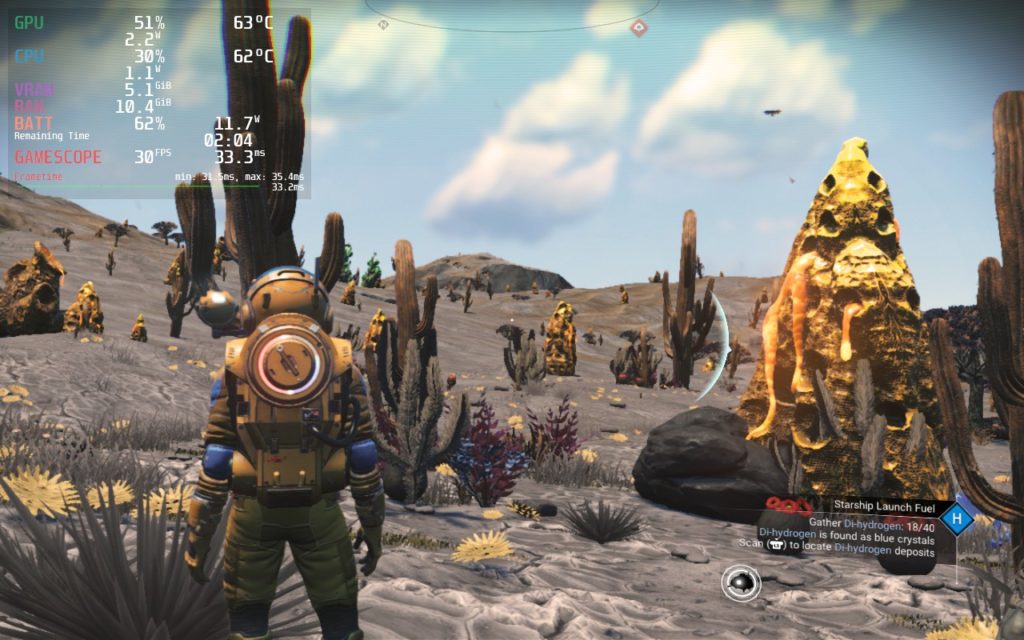
To start with the good, it isn’t super intensive on the device when it comes to battery drain, and thanks to this, I was able to keep most settings on high except for shadows and volumetric effects. And with anti-aliasing on TAA (low), the game looked fantastic at native resolution with 90% resolution scaling. For the most part, battery drain stuck below 15W and kept 30 FPS, but then some of the issues started to show.
No Man’s Sky suffers from some stuttering. This seems to come from loading in new areas rendering procedural meshes. Due to this, there was stuttering no matter what settings or framerates were chosen. I elected to stick to 30 though as there seemed to be less drops that weren’t as noticeable on higher rates. With this, the game was much more playable and enjoyable. This seemed to happen around every minute or so or when loading in significant amounts of a new area.
No Man’s Sky does support FSR 2.0, but does suffer a really unusual issue when trying to use it. When turned on, the game will start mimicking screen-tearing and slow down without showing it on the graph. You can actually see it at the bottom of the screen that there looks to be a line going through the bottom:

It is very slight, but if you look close enough, you can see a line going through the bottom and almost like it is duplicating the image. This is easiest to see on the pink object on the right.
I did also encounter a small UI glitch where the icons for a mission and where my ship was were blinking constantly and didn’t stop. It didn’t hurt gameplay, but it was annoying since I couldn’t find my way back to my ship.
No Man’s Sky is an awesome game and I love being able to play it on-the-go. It runs relatively well and battery is able to stay relatively on the lower side when taking the sheer amount of content into consideration, but with the drops from rendering issues causing problems across all settings, it will be a little bit of a compromise to enjoy on the portable device.
Screenshots:
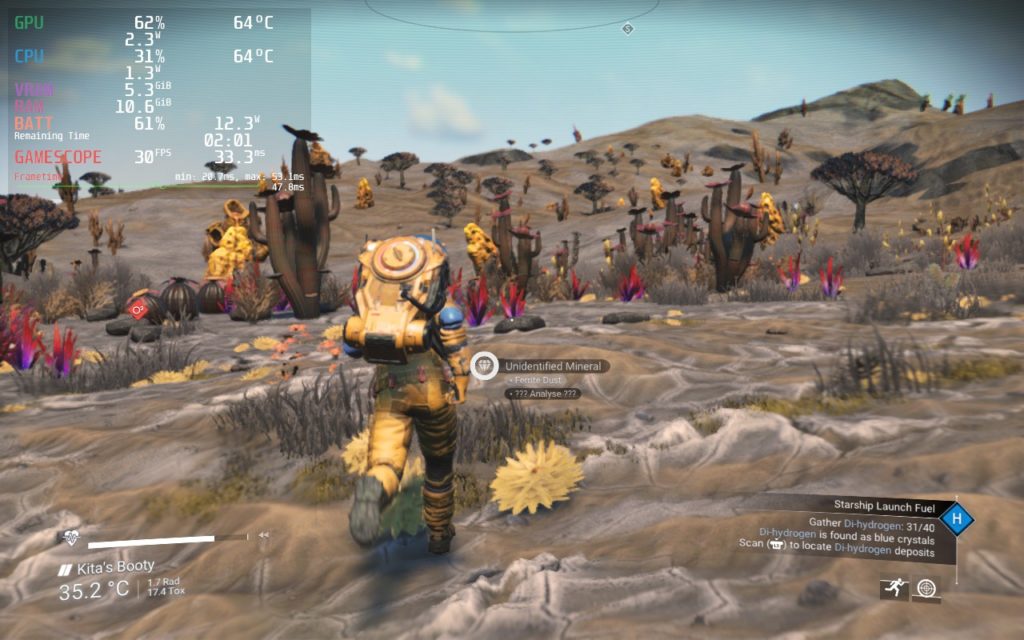
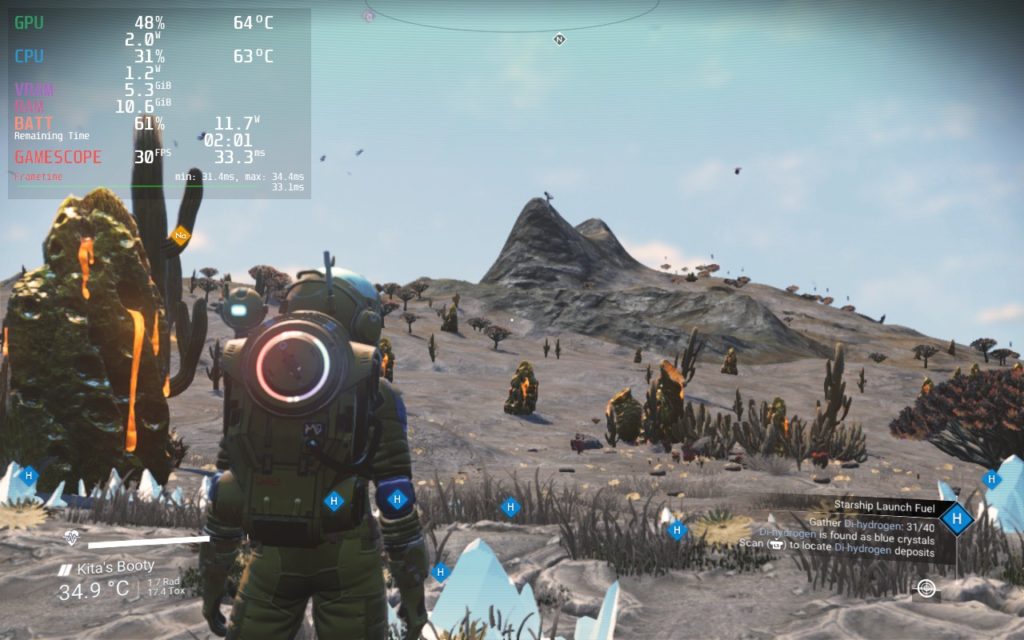
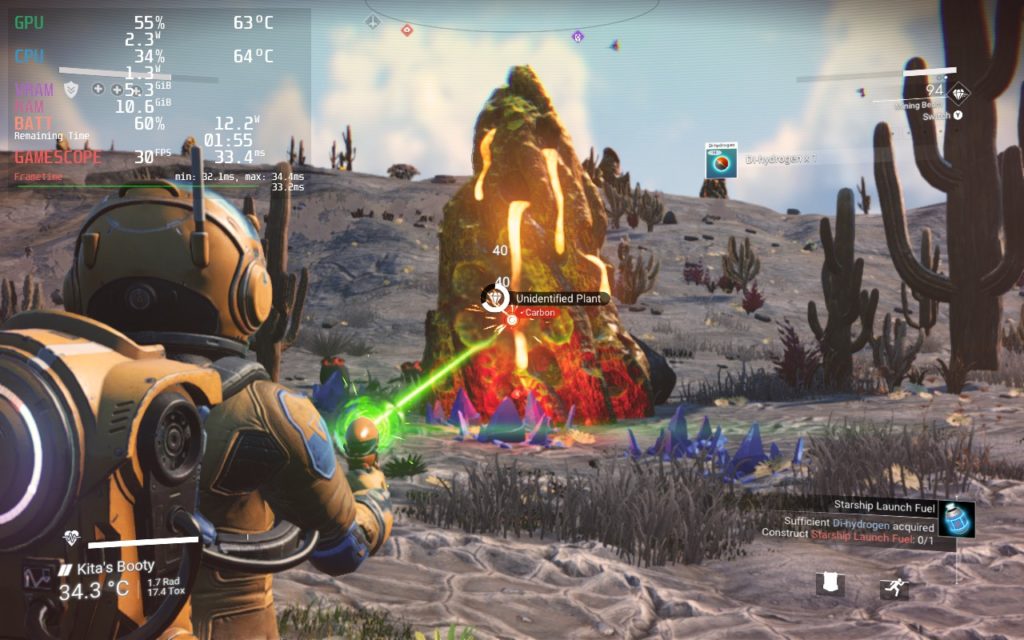
Our review is based on the PC version of this game.
If you enjoyed this first look, be sure to check out the rest of the content on SteamDeckHQ! We have a wide variety game reviews and news that are sure to help your gaming experience. Whether you’re looking for news, tips and tutorials, game settings and reviews, or just want to stay up-to-date on the latest trends, we’ve got your back






6 comments
Out
Amazing, just discovered this site and the config its dope, gj ty.
WhyKillWill
These settings are awesome. The stuttering issue is solved by using Cryoutilities created by cryobyte33.
Brodie Cole
Hi! Just curious, what are your FOV video settings set to with this profile?
Timo
Just found out this website because it popped up in the Google app on my phone.
Damn these settings are truly amazing. Was playing 60fps, fsr enabled, but with all settings on standard. I’ll happily trade that with the visual improvement these suggestion provide.
I do notice more frame drops with these setting than my mostly consistent 60fps fsr settings. I don’t care though.
I’ll happily keep coming back to this site. This is exactly what all steam Deck owners need!
Noah Kupetsky
Thank you for checking our site out! I am happy you like what you see and the settings. Did you just play at standard settings with FSR 1.0 or 2.0? I am happy to check it out and try to push out a higher framerate build for our full review!
Will
Maybe some setting details are omitted but I tried this configuration and it is basically unplayable unless there’s nothing going on around you. The frame drops are not “occasional,” but rather happen any time there’s any action at all.
Comments are closed.