
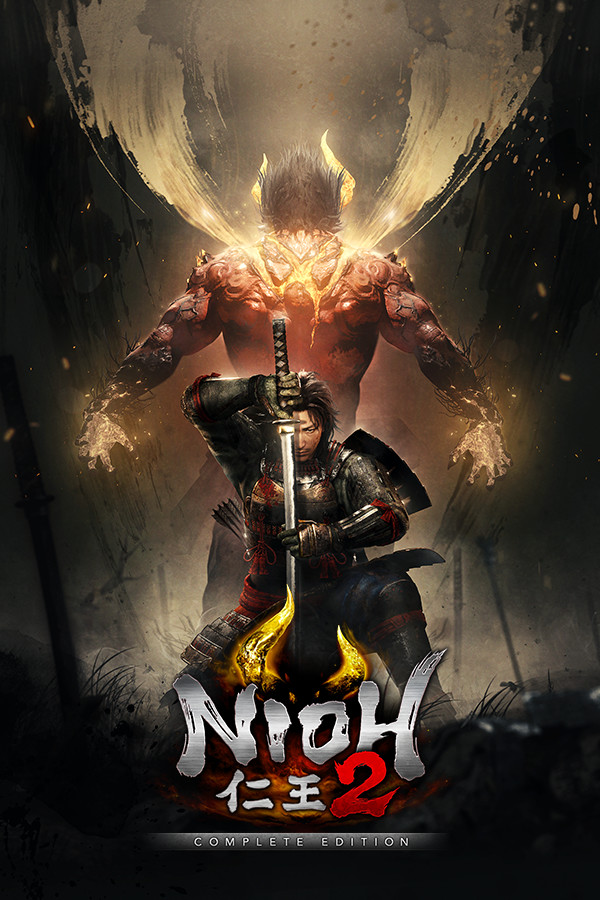


Nioh 2 is a critically acclaimed sequel to the game of the same name. Just like its predecessor, you will see yourself in a souls-like action RPG with elements of Diablo-like loot and Ninja Gaiden sprinkled in, though some could say this is much more Ninja Gaiden over Souls. Utilize new powerful Yokai forms to defeat your biggest foes across a wonderful story set during the Sengoku period. And with new abilities your enemies have, like creating Dark Realms, there is a lot more at stake in every fight.
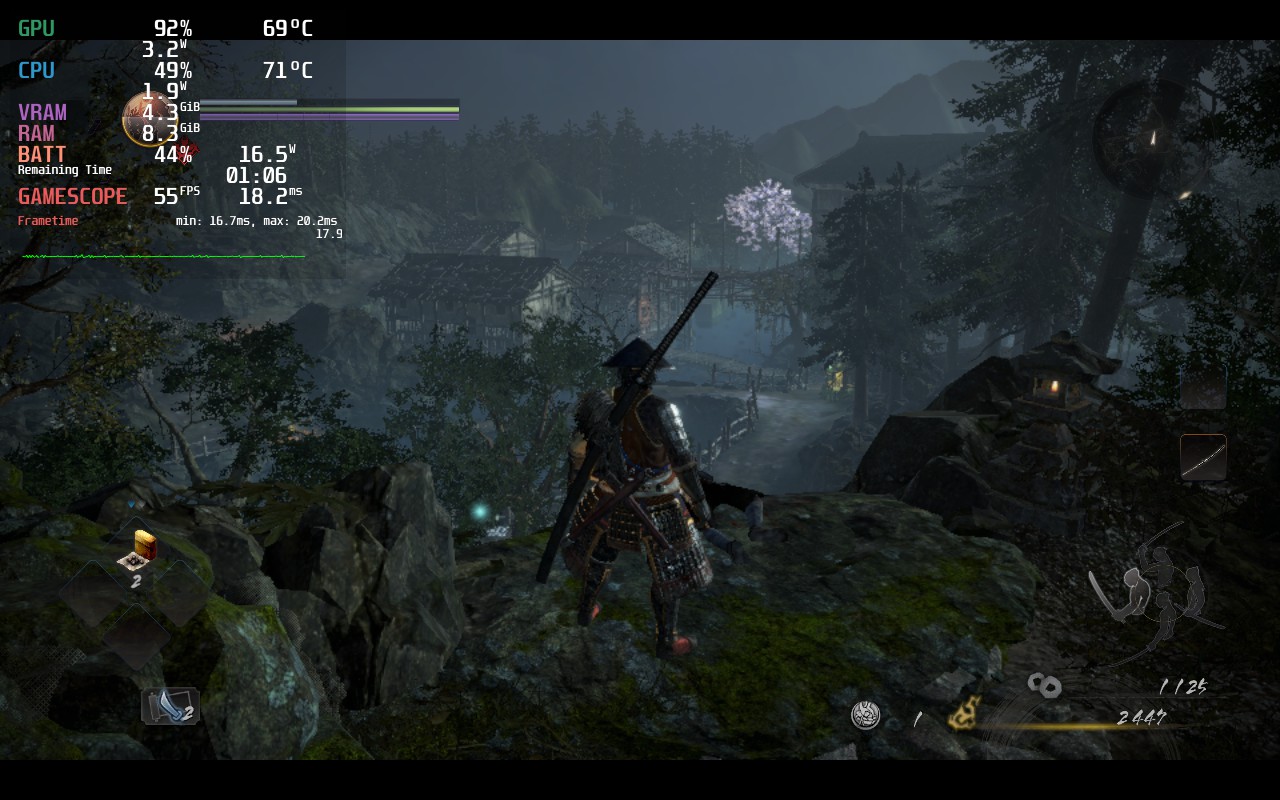
Compared to its predecessor, Nioh 2 runs SO much better. I was able to hit 60 FPS 95% of the time if battery was not an issue on default settings. I did find some changes to be more effective on battery without ruining the game experience.
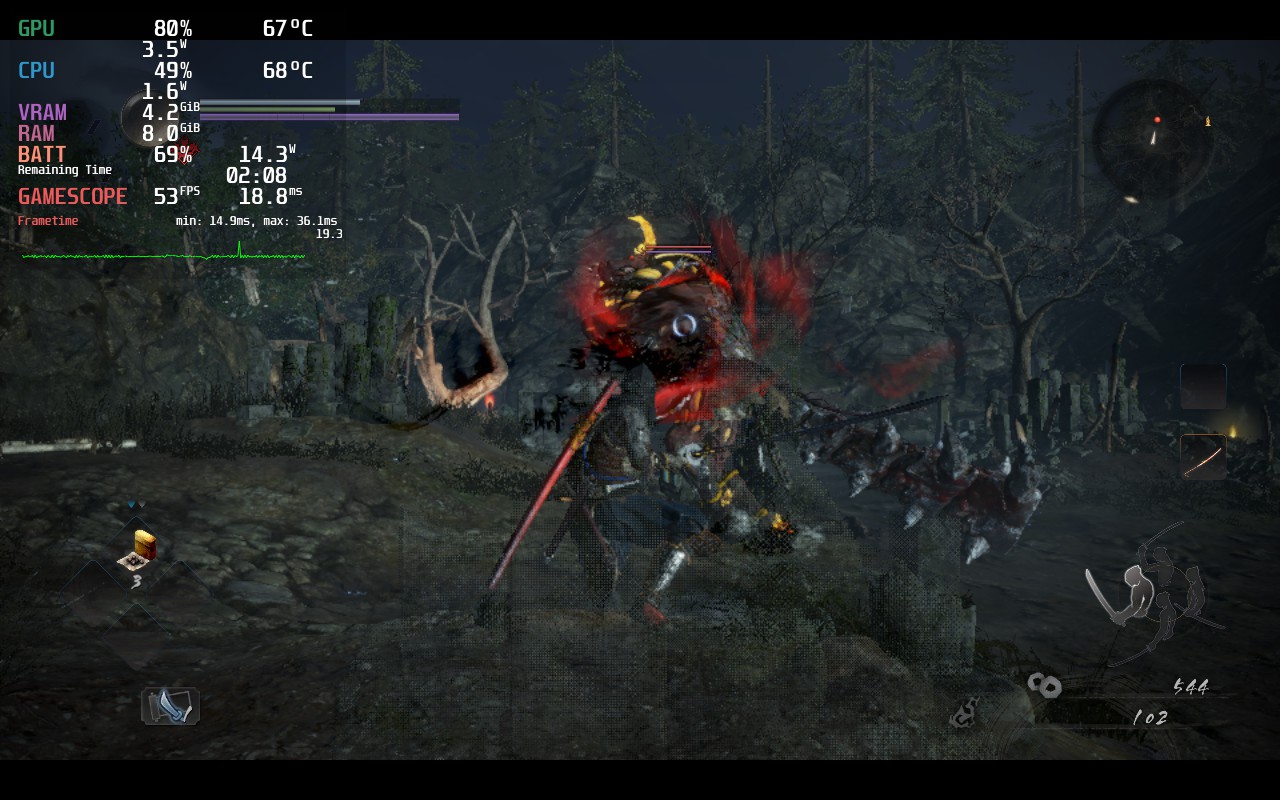
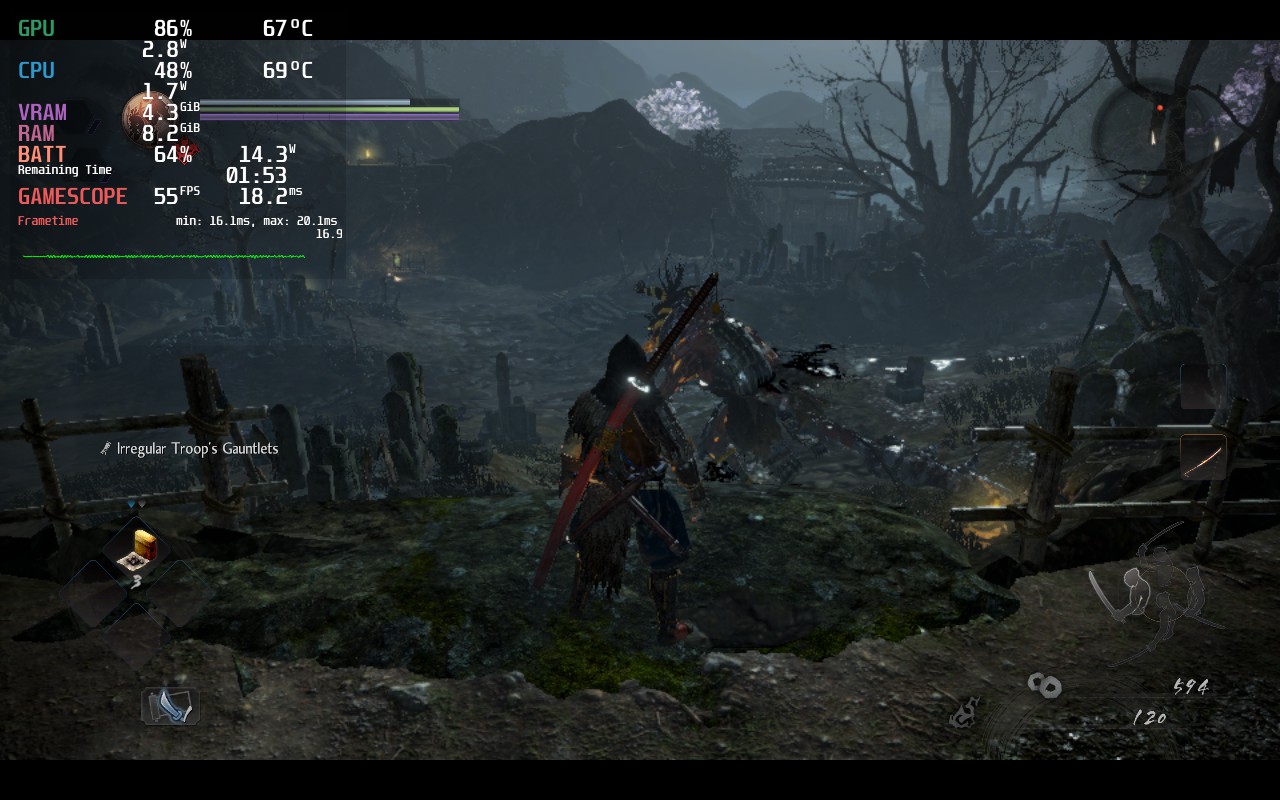
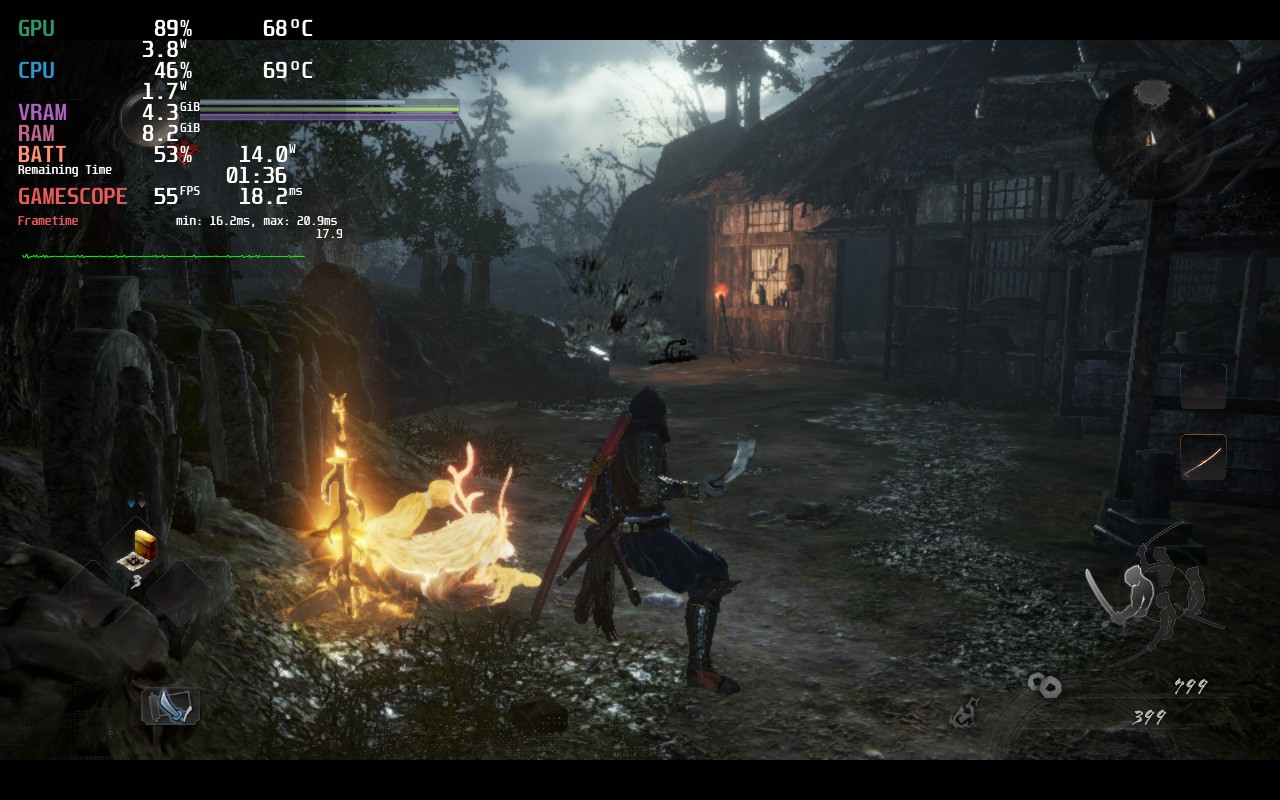
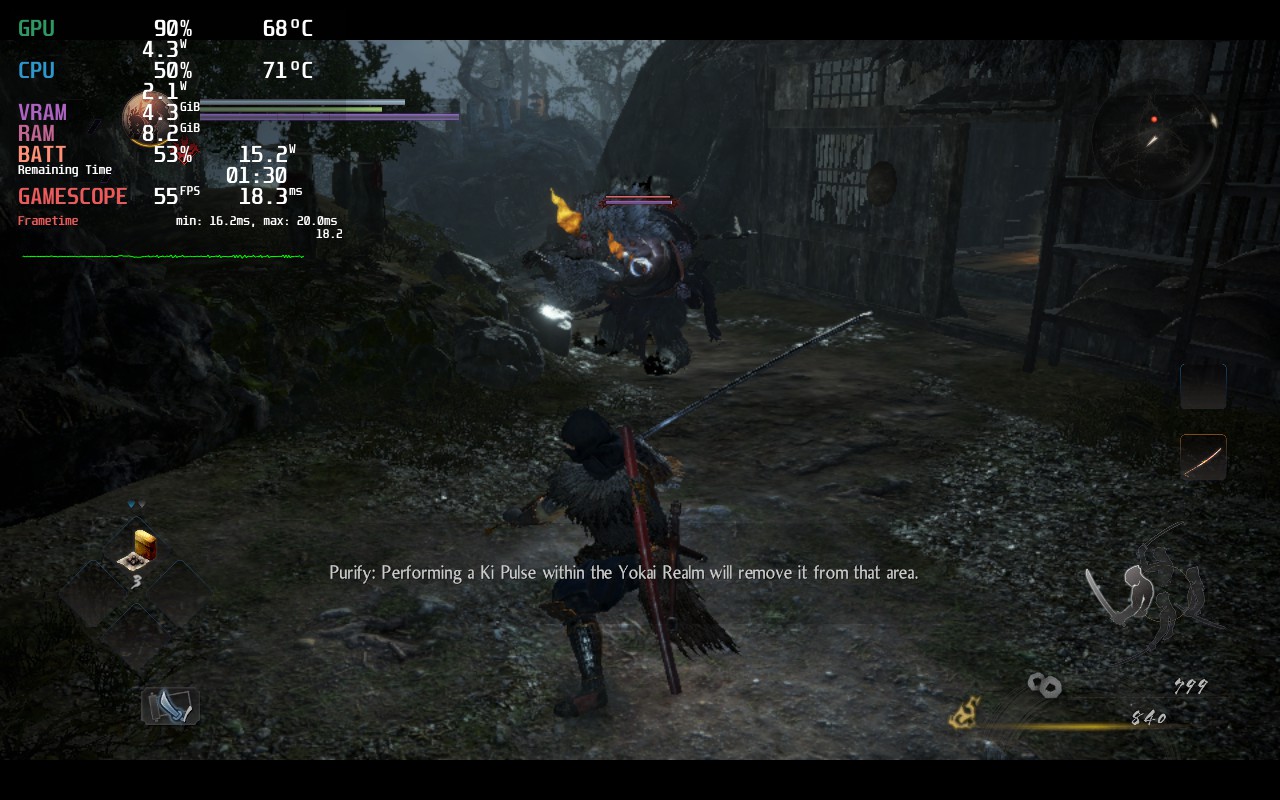
Setting the framerate to 55, which keeps the game looking smooth, allowed me to set a TDP limit of 9 to keep battery around 3 – 3.5 hours with a stable framerate. This all with most of the quality settings set to max, apart from shadow quality which was set to low. I couldn’t see any big difference with Shadows on High vs Low. I also left Rendering Resolution at 50%. Increasing it did make the game look a little more sharp, but I felt the game looked amazing at default and was able to prioritize the framerate and battery savings. In our full review later on, I will have a 100% build, but for now, this felt like the best way to play.
Otherwise, unlike its predecessor, this game runs SO well it feels like it was developed by a completely different team. If you don’t care about battery, this game can run at 60 FPS, though it still does drop at certain moments. 55 FPS mitigated that and allowed a much lower battery life and, honestly, this feels like the best way to play Nioh 2 by far. The text is slightly small, but not enough to hurt my eyes (You can slightly enlarge the text in settings), and does have cloud save support!
Screenshots:
Comparisons:
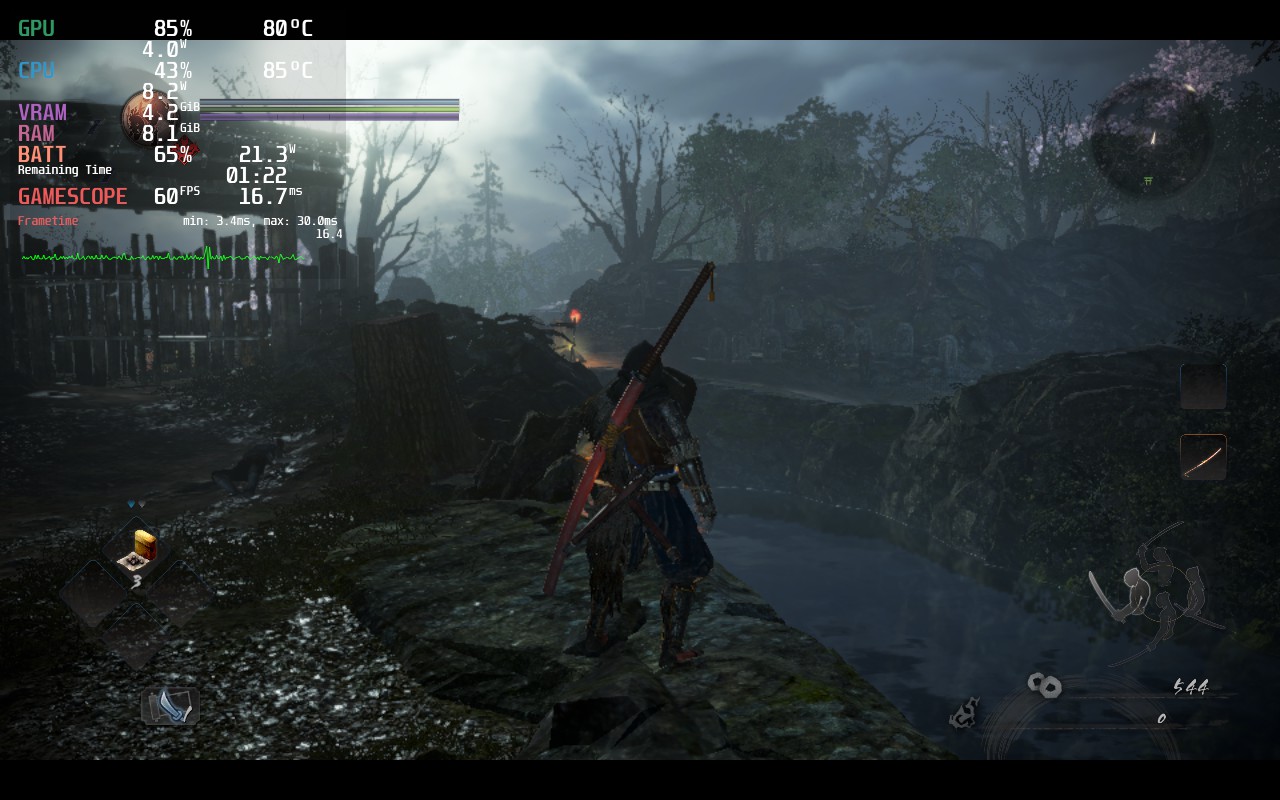
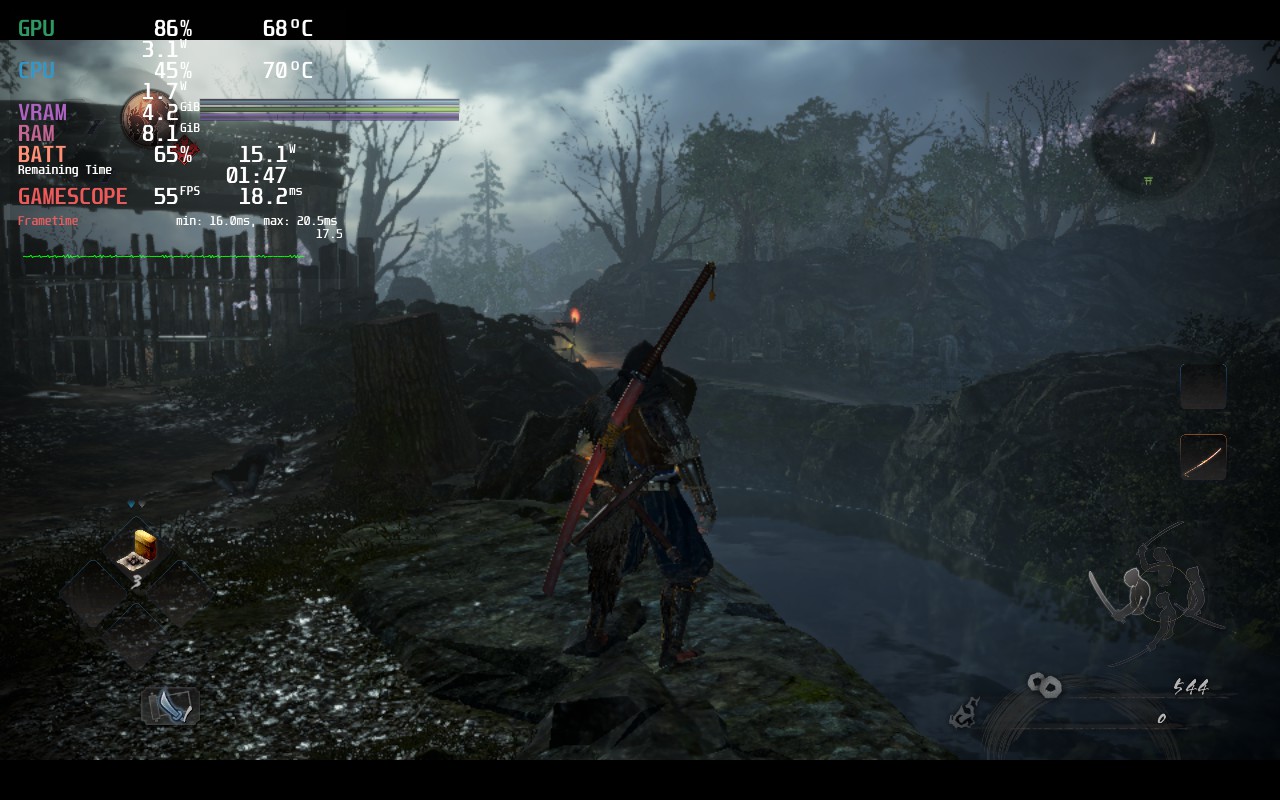
As you can see in the MangoHUD in the top left, the game draws way too much power when left unchecked. Luckily, with the recommended settings, it is a massive change for the better with more stability and significantly improved battery and temps.
Stills:
Our review is based on the PC version of this game.
If you enjoyed this review, be sure to check out the rest of the content on SteamDeckHQ! We have a wide variety game reviews and news that are sure to help your gaming experience. Whether you’re looking for news, tips and tutorials, game settings and reviews, or just want to stay up-to-date on the latest trends, we’ve got your back!





9 comments
Igat
This resolution 1080p or 720p?
Noah Kupetsky
If I remember correctly, 720p. Unless we are docked, we won’t use larger than 1280×800 resolutions.
Igat
What setting display resolution?
Mattias
Certain levels have really bad framerate as you get further into the game. Trees and rain tend to make the deck run super slow. It’s passable if you can put up with it.
Noah Kupetsky
Which levels? I will take a look into it when I go back over Nioh 2 for the full review!
Thomas
40 Hz, 40 FPS much more stabil on this parameters
BarbecuedKitty
I agree. It is definitely more stable, I just personally preferred the smoothness of 55 for a game like this!
Sancho
The frame pacing issues this game has on the Deck are pretty severe. The game is not smooth at all.
BarbecuedKitty
Hi there! We didn’t really notice any frame pacing issues in our testing. Would you be able to email us or join our Discord? We would love to assess and help improve!
Comments are closed.