


Lies of P was provided by NEOWIZ for review. Thank you!
Soulslikes are the one genre that I have a bit of trouble playing. Not because they are bad, but because I suck at them. And while that still rings true with Lies of P, it just doesn’t matter, thanks to its fantastic combat, gorgeous world, and gritty story that fully encompasses the genre in a great way. The game may not do a ton to separate itself from others like it, but it more than makes up for it with a tight experience and a Bloodborne-esque tone that I fell in love with.
The combat of Lies of P is pretty standard to the genre, but it does have a couple of interesting tidbits. You have a light and heavy attack, which you can combine. You can also use Fable Arts, a special quick attack that builds up as you fight, and use your legion arm to utilize special abilities you equip. There are many different weapons, and you can customize the blade and handles to fine-tune the stats, building the weapon you want. You can also upgrade those weapons and use special grindstones to imbue special effects into your weapon.
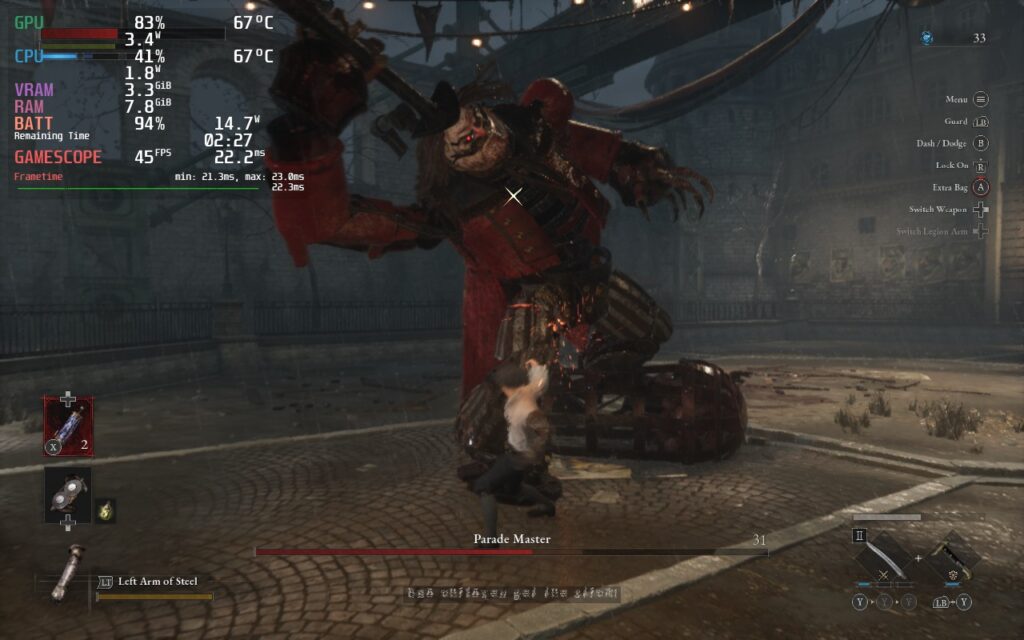
Then, there’s the aesthetic. The city of Krat is gritty and filled with a variety of different locations. I love the design of the world and the enemies, which really highlight the devastation that has befallen Krat. It’s interesting to just run around and see the intricate layouts of the deep cities, stunning cathedrals, and towering mines. There were times I found myself just getting lost in the sights, ad getting the same vibes I got from Bloodborne definitely helped.
Pair all of this with some nice quality-of-life features to make things a little easier, like the ability to refill your healing item through attacking if you run out of them, and we have what has become my favorite soulslike out now. It may be a little bit linear, but that doesn’t take away from how well made it is. And thankfully, this can translate over to the Steam Deck quite well.
Lies of P – Steam Deck Performance
After all is said and done, Lies of P runs extremely well on the Steam Deck, much better than I could have expected. It started off a little rocky, with a flickering issue that happened way too often, but after playing around with the settings, I discovered that turning the Visibility settings up ended up fixing this. Keeping them at a minimum of “High” eliminated this for the most part, though there may be some flickering or pop in on spots further away.
Other than that, the game runs extremely well and is one of my favorite soulslike games to play on the Steam Deck! And thankfully, there are multiple ways to enjoy:
Recommended Settings
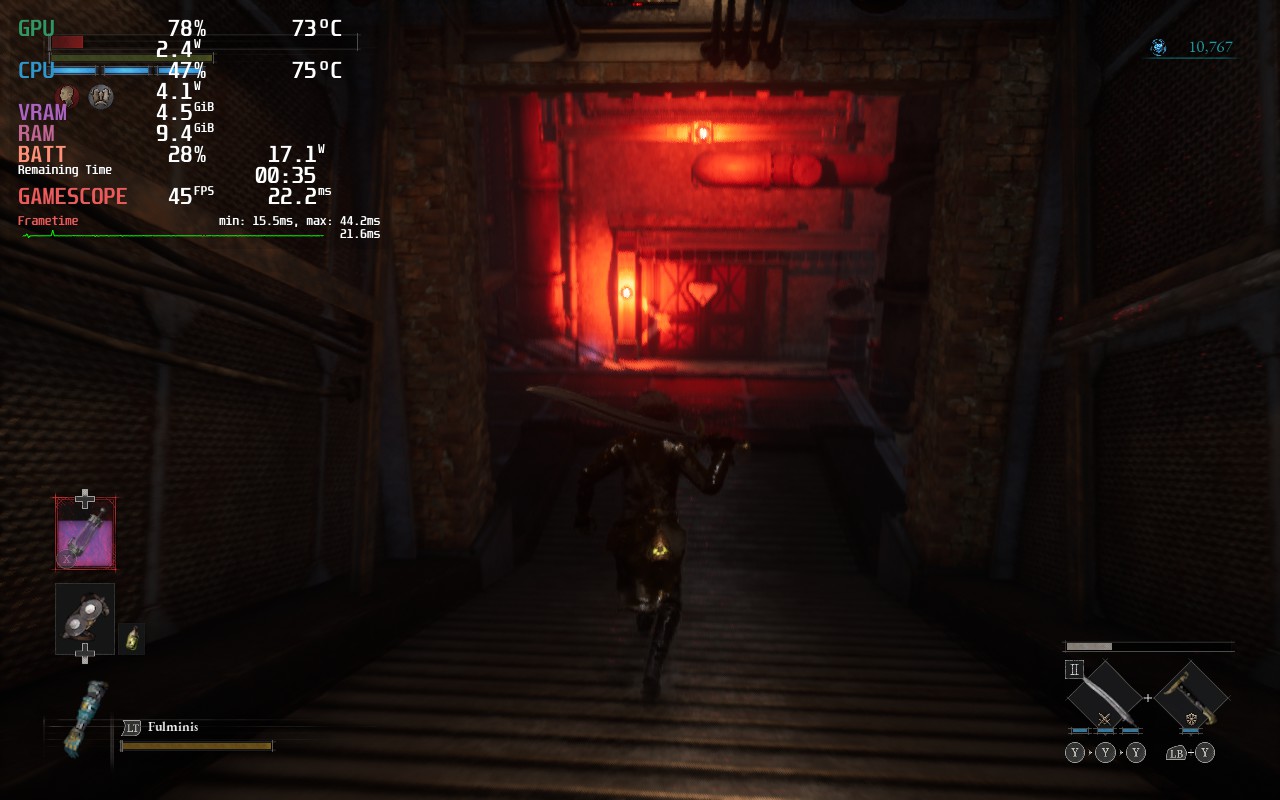
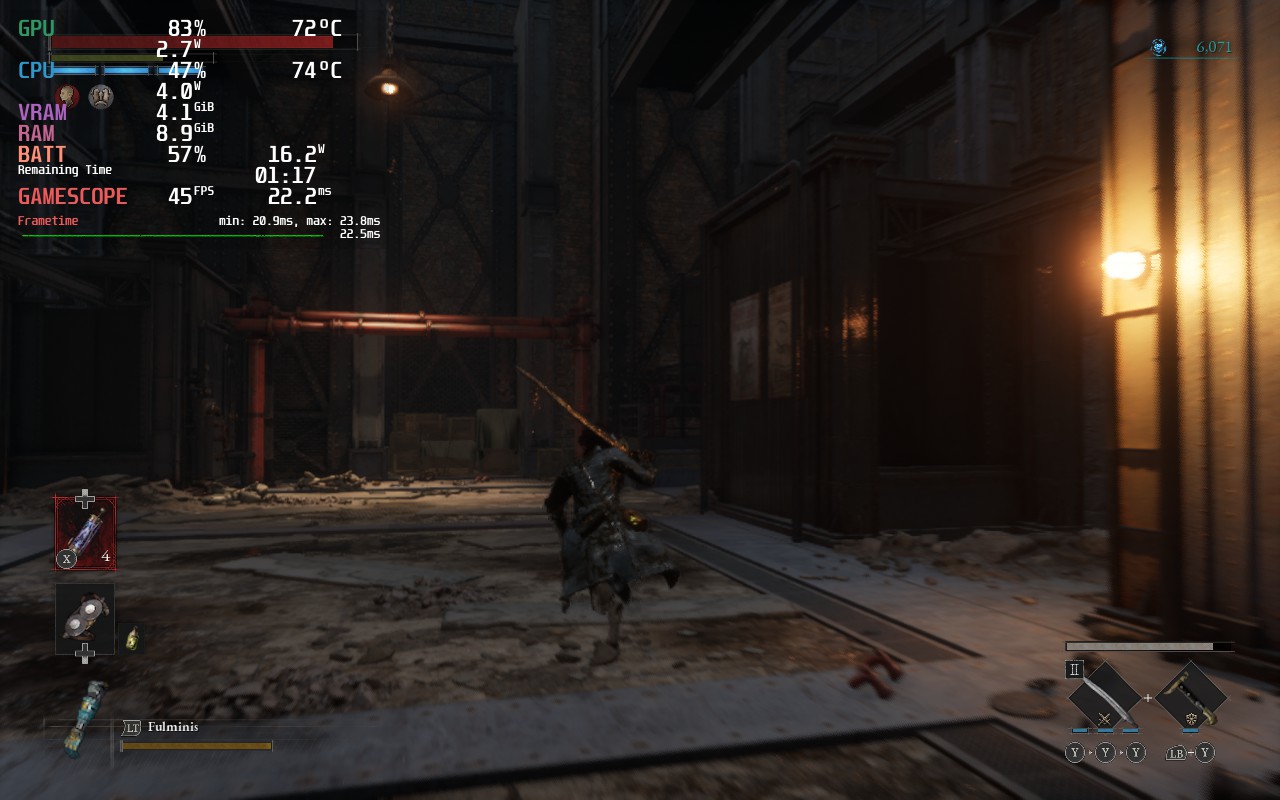
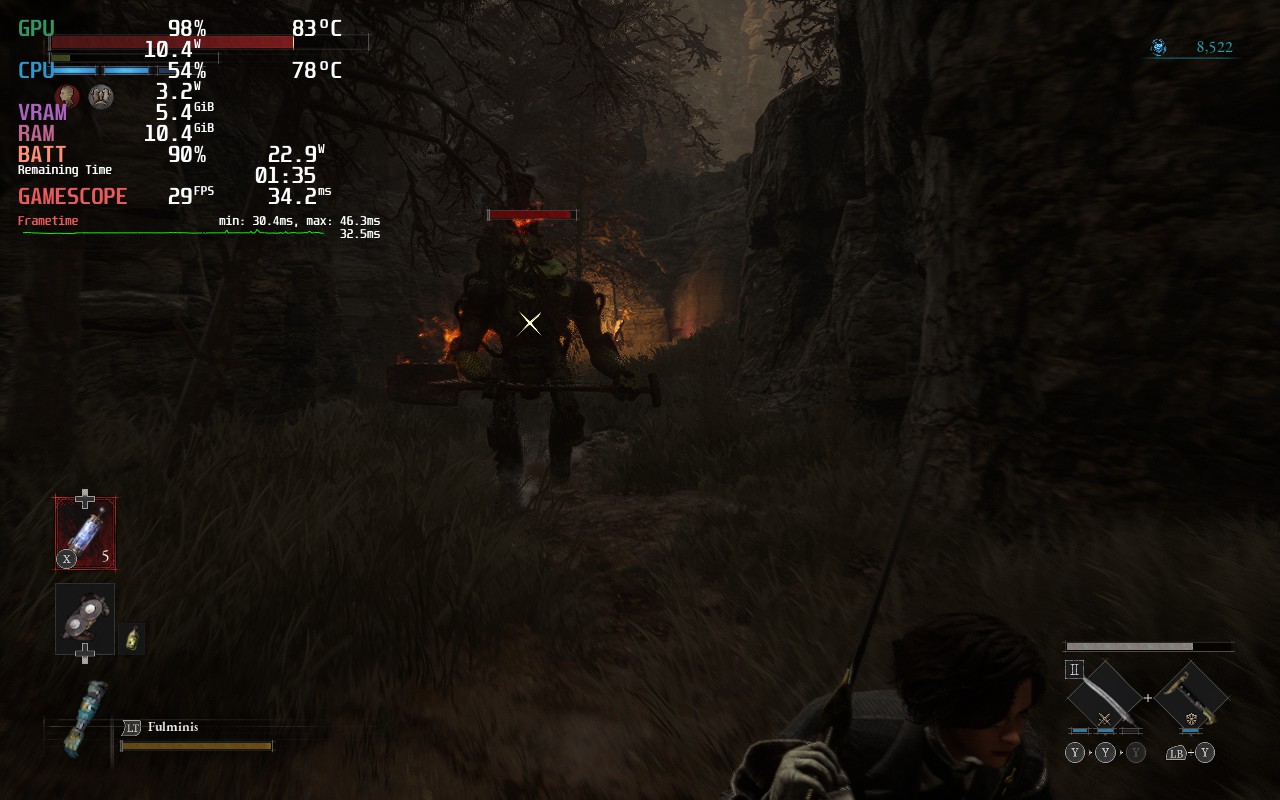
While I tend to enjoy battery life more, there is something really special about playing Lies of P with a higher framerate. With 45 FPS, a mix of Medium/Low settings, and Visibility on High, we can get a 95% solid experience with a TDP limit of 9. There is some slowdowns when going into new areas fast, but these disappear when standing still and fighting enemies or bosses.
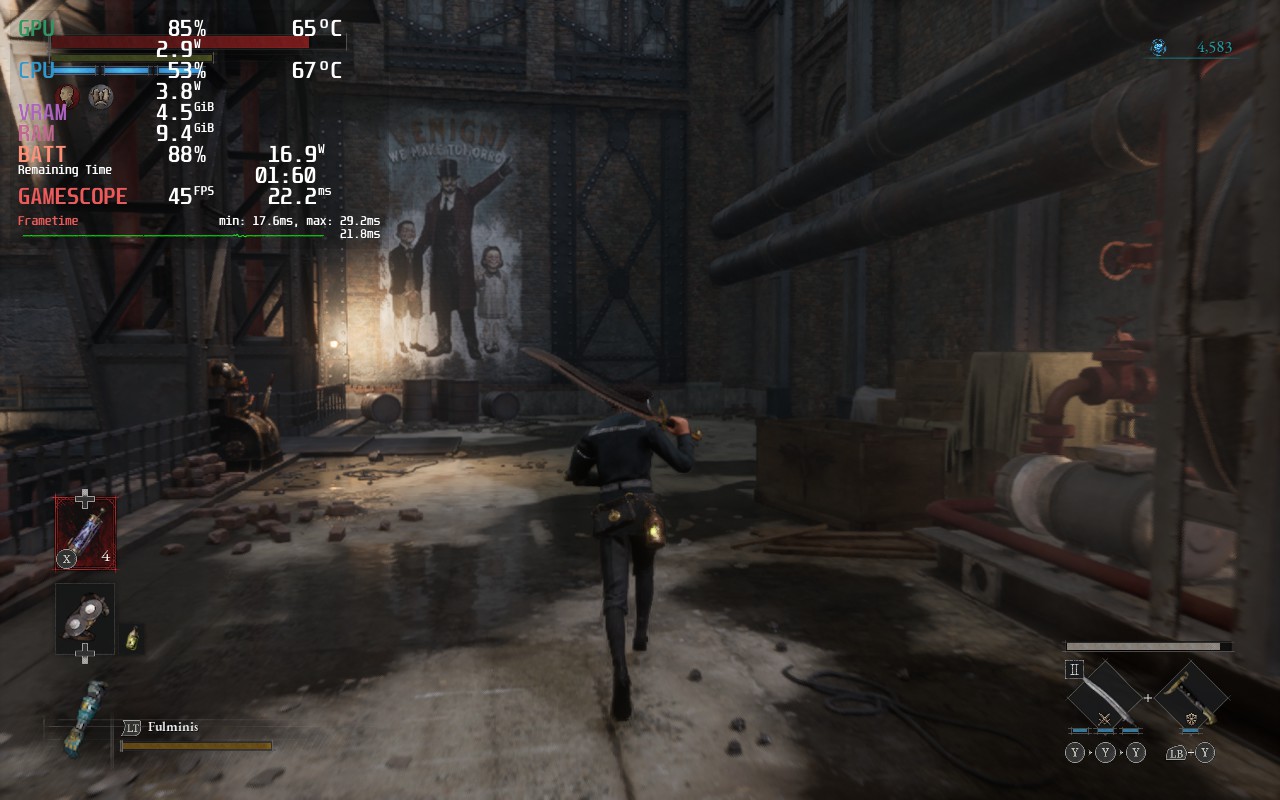
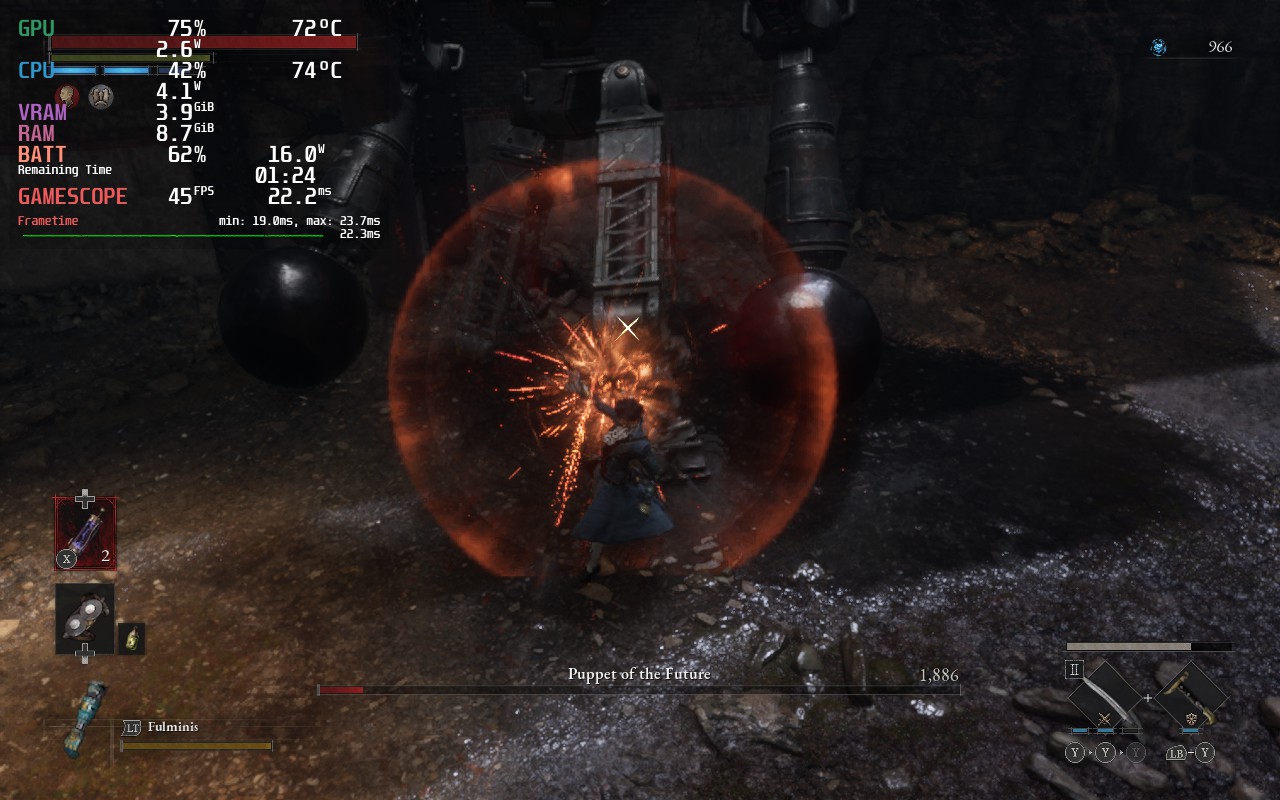
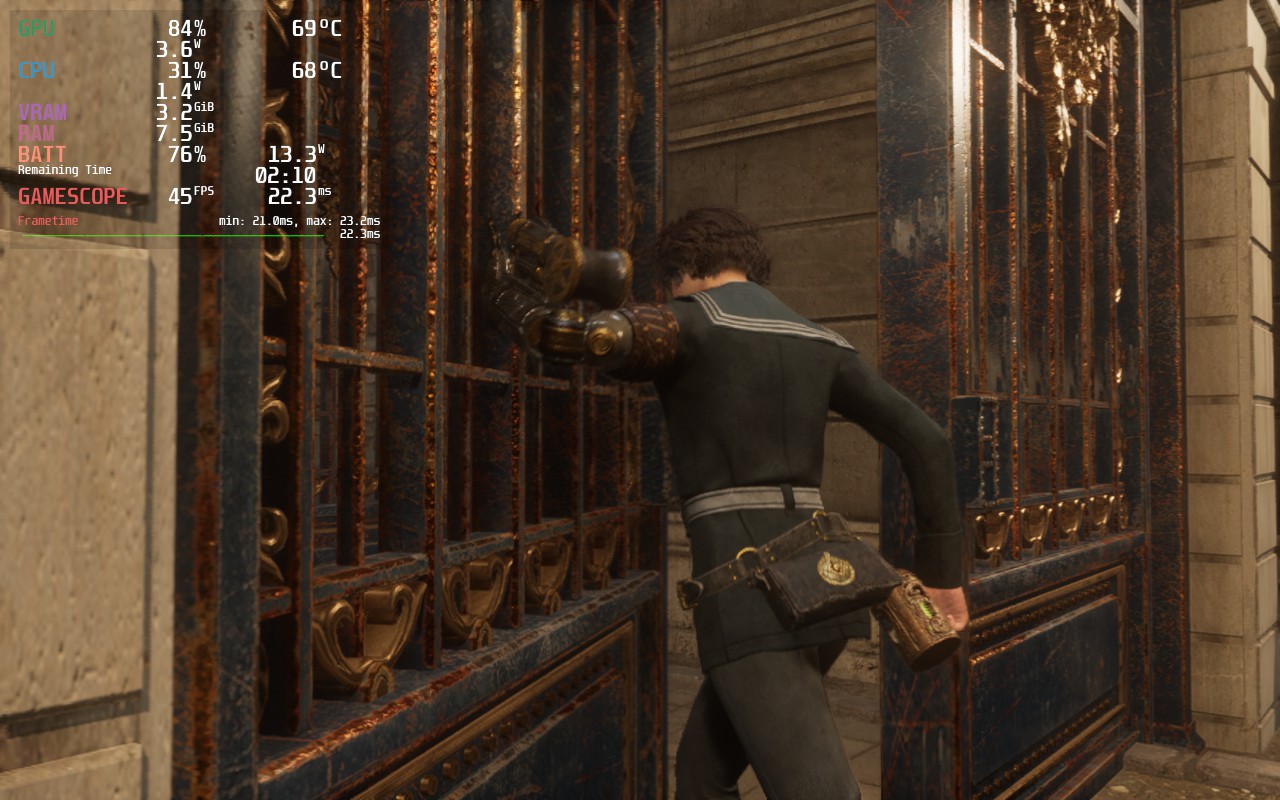
Quality Build
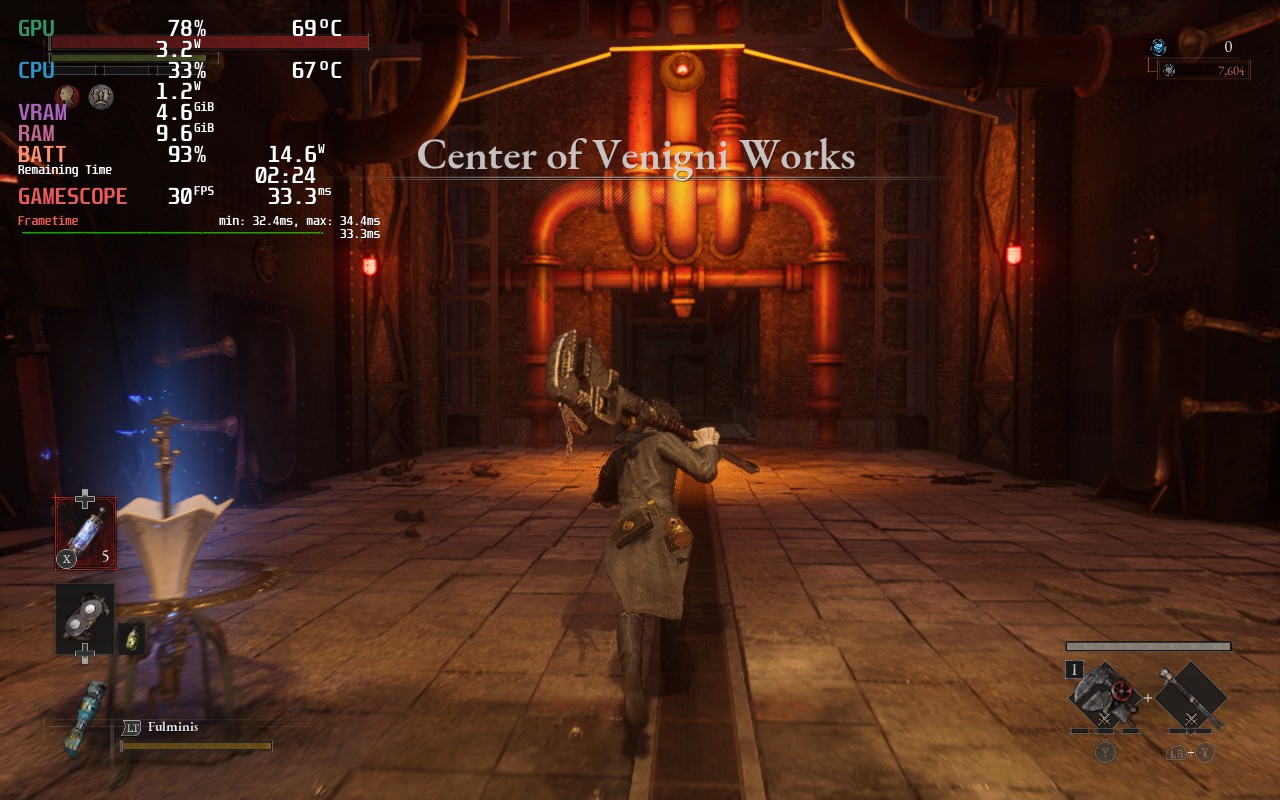
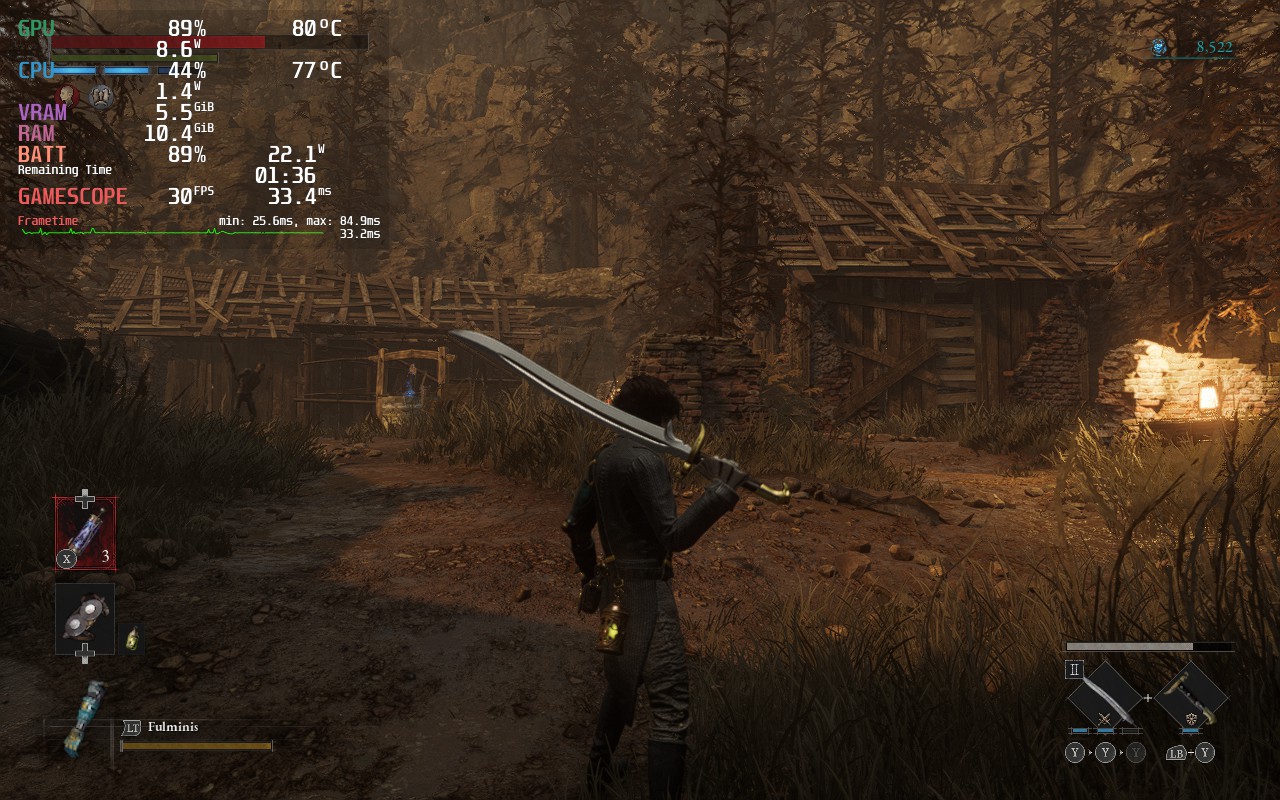
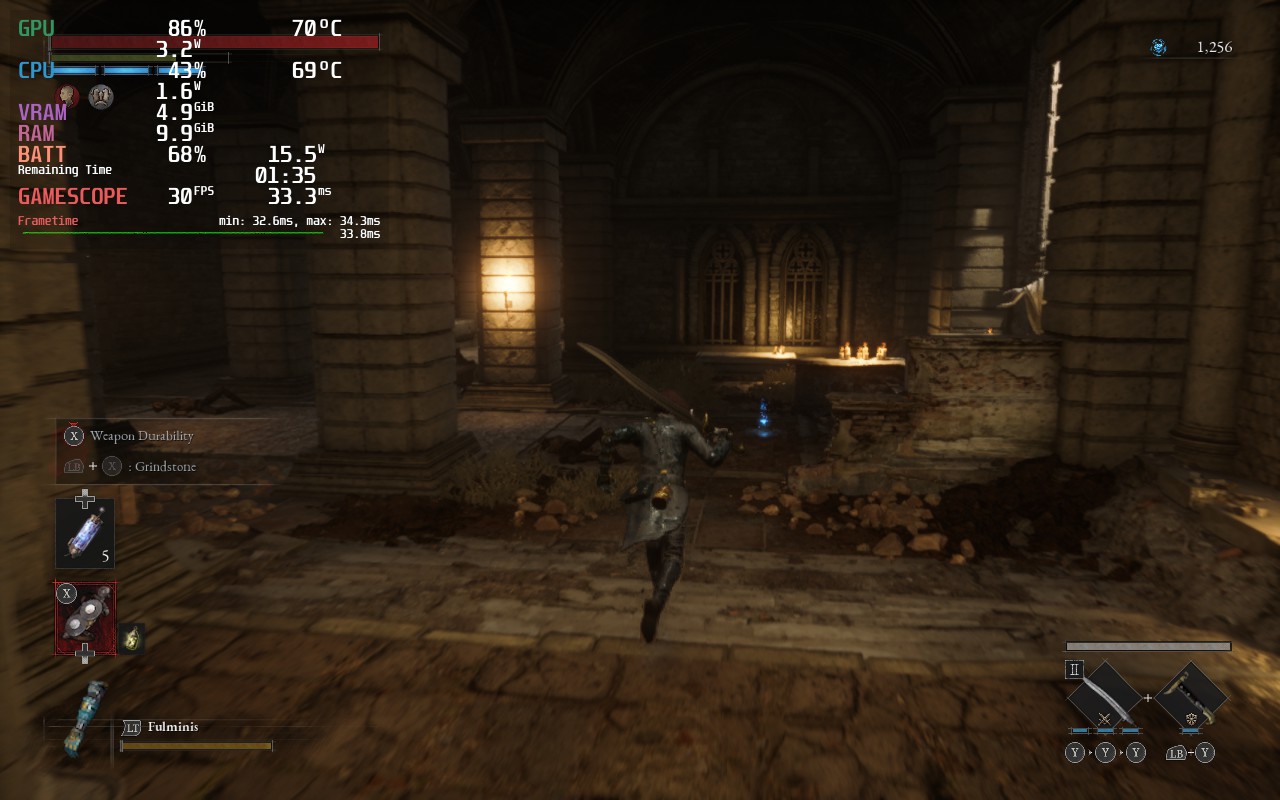
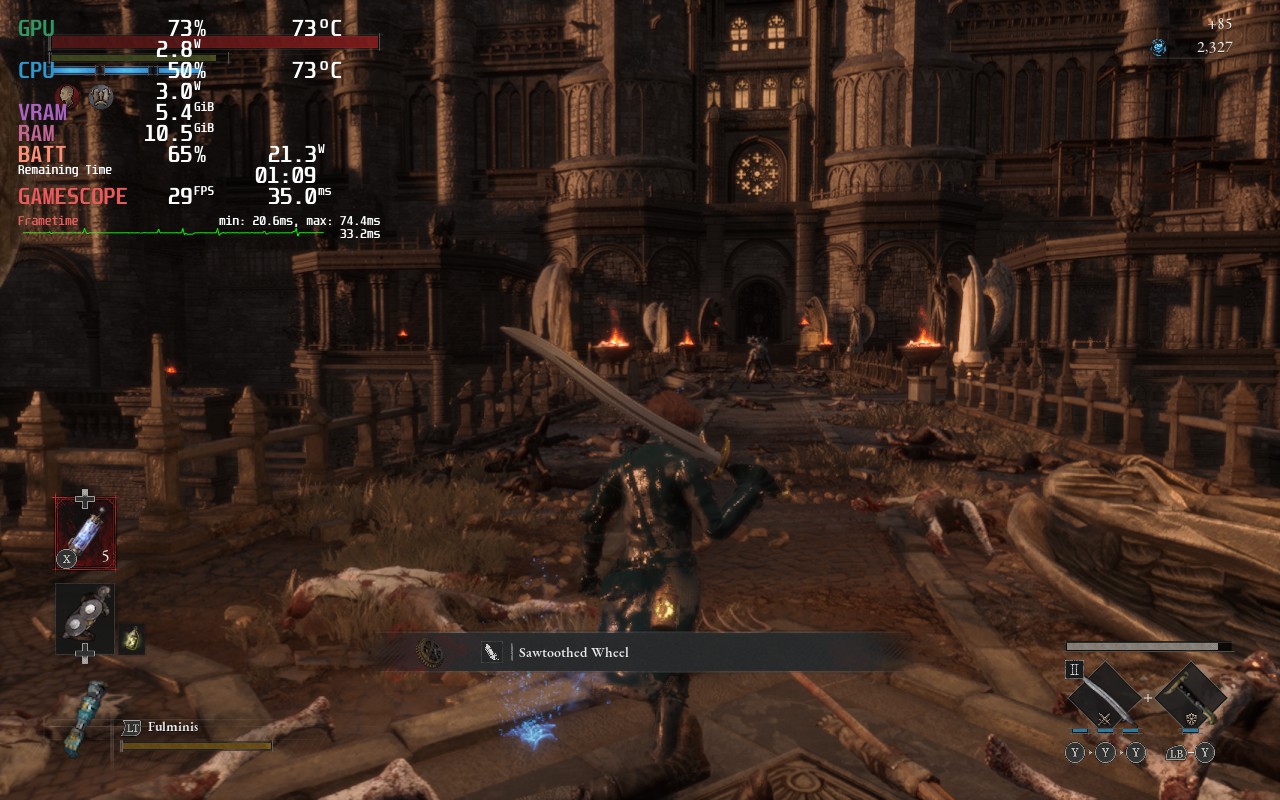
Then, I wanted to find a way to push visual fidelity as much as possible. First, I turned off FSR 2 and put the visual quality at the highest it can go. While some areas can hit 30 FPS with no cap, there are some areas that will drop to 26 – 28. To make up for this, I ended up turning on FSR 2 to Quality mode and there was no issue hitting the framerate.
I would recommend using this build when plugged in.
Battery Build
Finally, I wanted to see how much battery I could get from lower settings. With everything on low except for Visibility, as well as FSR 2 on Performance, I was able to set a TDP limit of 8 with 40 FPS. This allows an average battery drain of 13W, while the game still looks great and is a bit smoother thanks to its higher framerate.
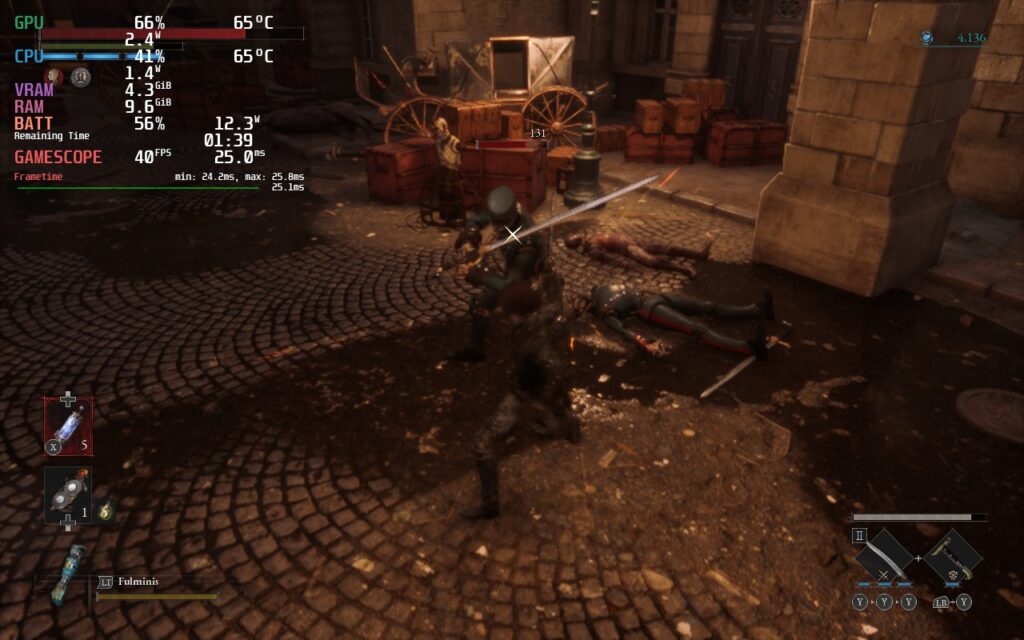

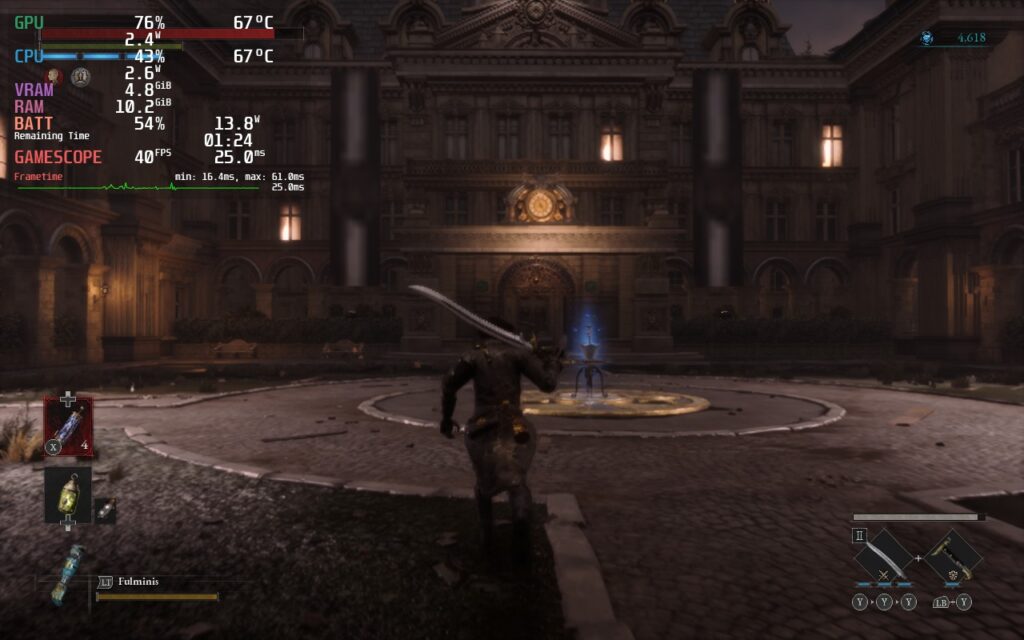
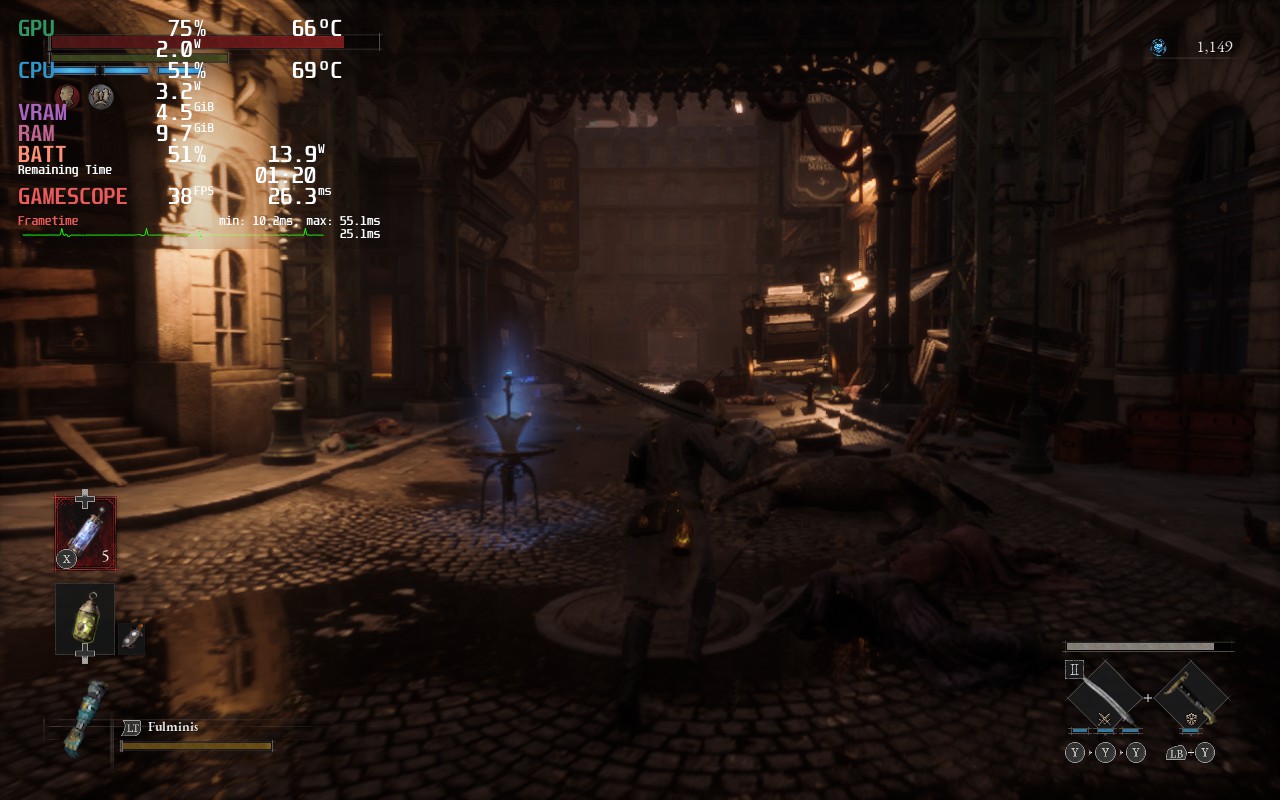
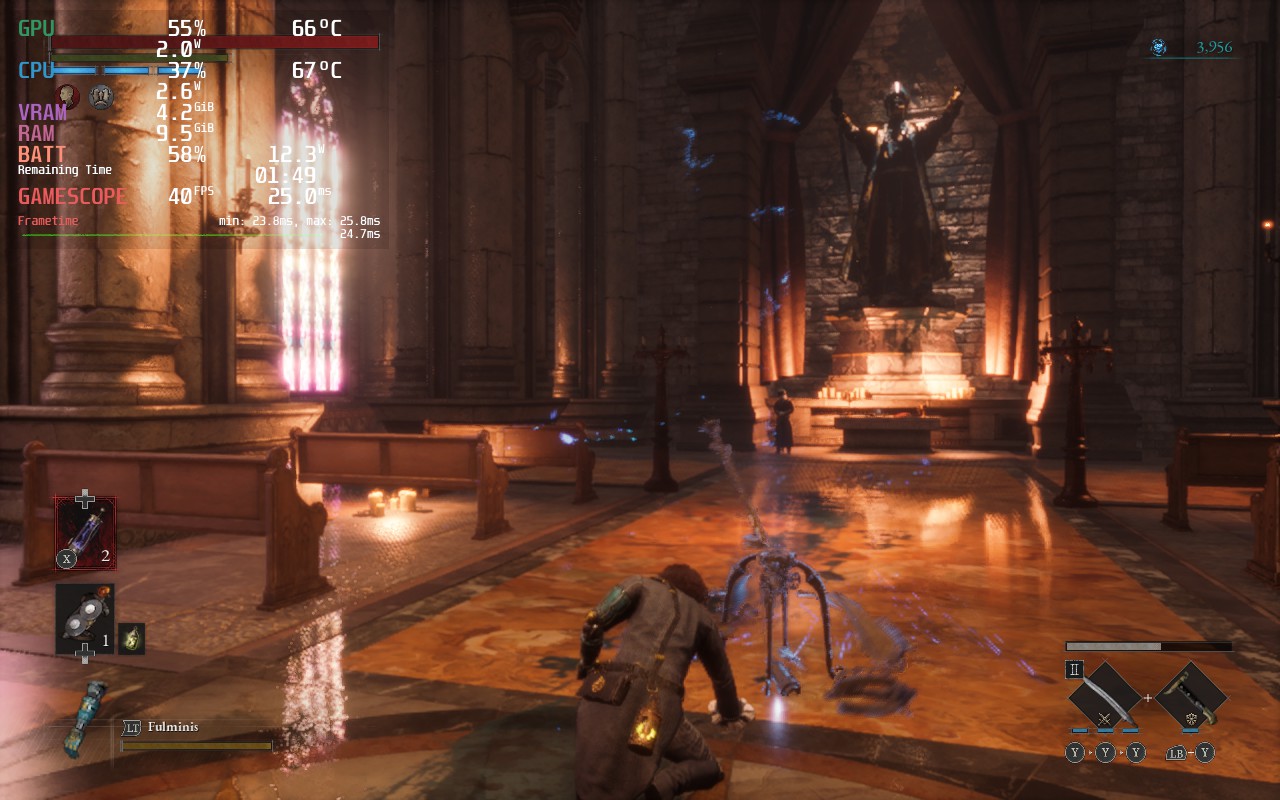
You can also use this build and push framerate to 60, and it will hit it most of the time with some minor dips to 56, but battery drain will be much higher and can’t have any caps.
Accessibility
There are a plethora of options in Lies of P to configure the game they way you want to. You can turn on and off the HUD, blood, attack direction, subtitle display/language, camera controls, different volume sliders, stick sensitivities, and remapping controls.
The game also supports 16:10 resolutions and has full controller and cloud save support.
Conclusion
Lies of P has become my favorite soulslike game to play. Through its dark world, tight combat, and interesting customization features, I was captivated by this game every second I played. Any time I put the game down, I found myself thinking about what I would try differently when I picked it back up, and when I did, I would be having a blast all over again. On top of this, playing on the Steam Deck is just phenomenal. Yes it has some stuttering when going into new areas, but this didn’t hold a candle to how well the game could run when it needed to. If you are a fan of soulslikes, Bloodborne, or just good Action RPGs, buy this game now!
Our review is based on the PC version of this game.
If you enjoyed this review, check out the rest of the content on SteamDeckHQ! We have a wide variety of game reviews and news that will help your gaming experience. Whether you’re looking for news, tips and tutorials, game settings and reviews, or just want to stay up-to-date on the latest trends, we’ve got your back!






1 comment
Jamesley
There’s a typo mistake for “Shadow Quality” in the game settings section; you wrote “Shadoq Quality” instead.
Comments are closed.