
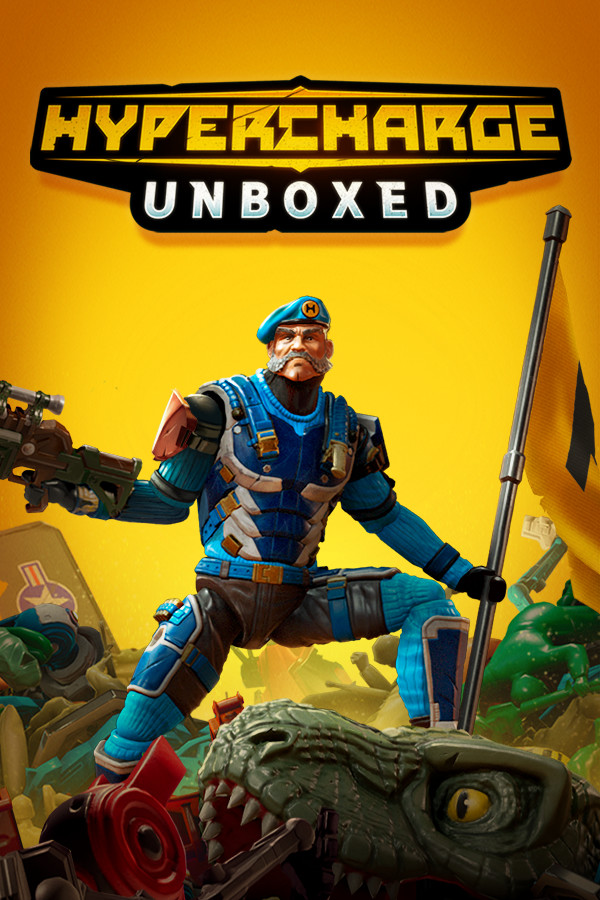

Welcome to the Toy Story action game of your dreams! In HYPERCHARGED: Unboxed, you are an action figure come to life to defend base from a plethora of enemy toys. Customize your figure, grab a friend, and get ready to defend your hypercores in first or third person. Build your defenses to make sure no enemies can get through as you pickup building tokens and gun parts to enhance your weapon or get a completely new one! But how well does it run on the Steam Deck you ask? Well, let me tell you!
HYPERCHARGE: Unboxed Max Settings
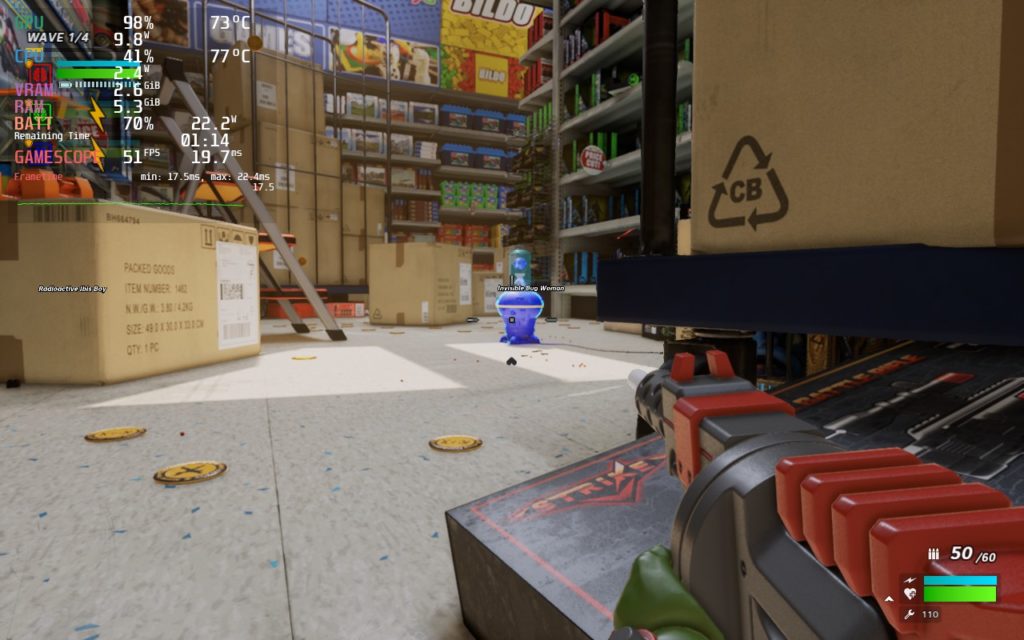
At max settings, HYPERCHARGE can hit 60 FPS, but it really depends on the level. Levels without outside lighting seem to perform better, but there can still be pretty big dips down to 45 FPS with battery drain up to 24W. But with some changes, we can improve this immensely!
Unboxing Optimization
My goal for HYPERCHARGE was to get a solid 60 FPS with the game still looking as incredible as it can while sticking to low battery drain and I am happy to say it can! By setting to a mix of medium and high settings, TDP limit of 8, and 1152×720 resolution with FSR, I was able to get a solid 60 FPS under 95% of circumstances.
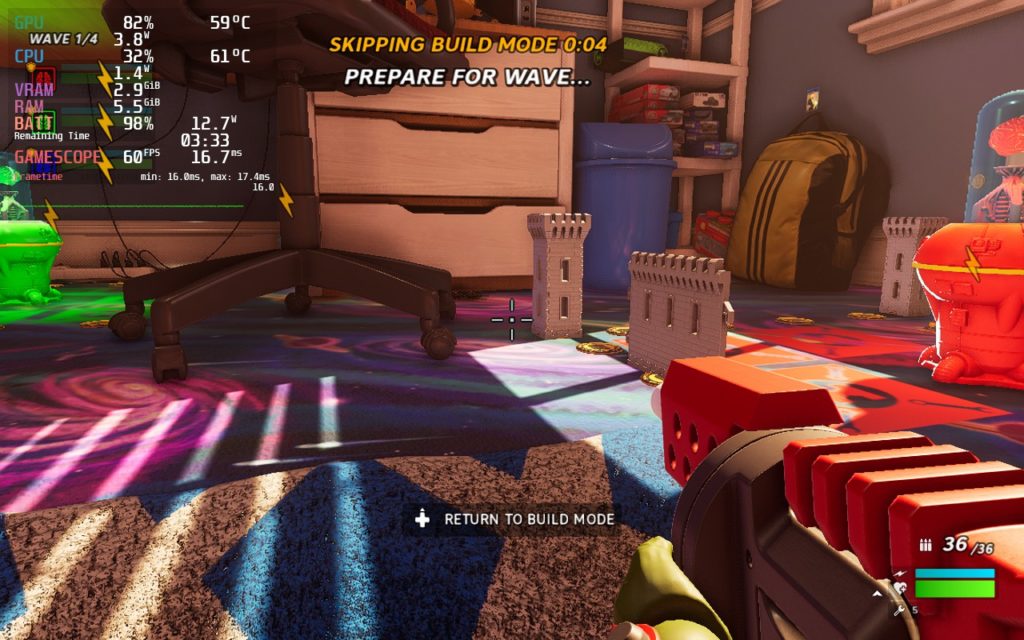
I felt these were the perfect settings personally. I did test with higher graphical settings and a higher TDP limit, I still encountered some slowdowns in situations where there was groups of enemies up close and personal with the framerate dipping. The settings I found eliminated this and kept the game running perfectly. I also didn’t see much difference visually when compared to the max settings, it still looked absolutely incredible!
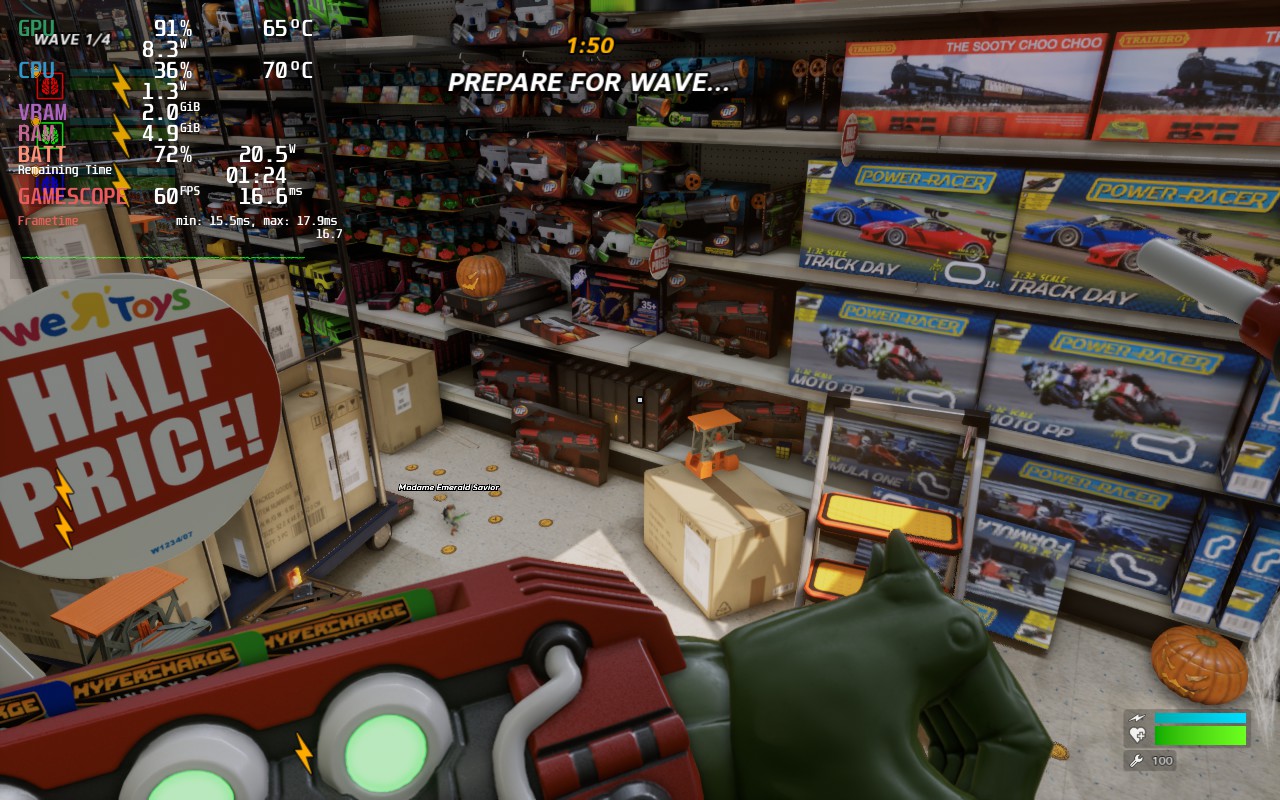
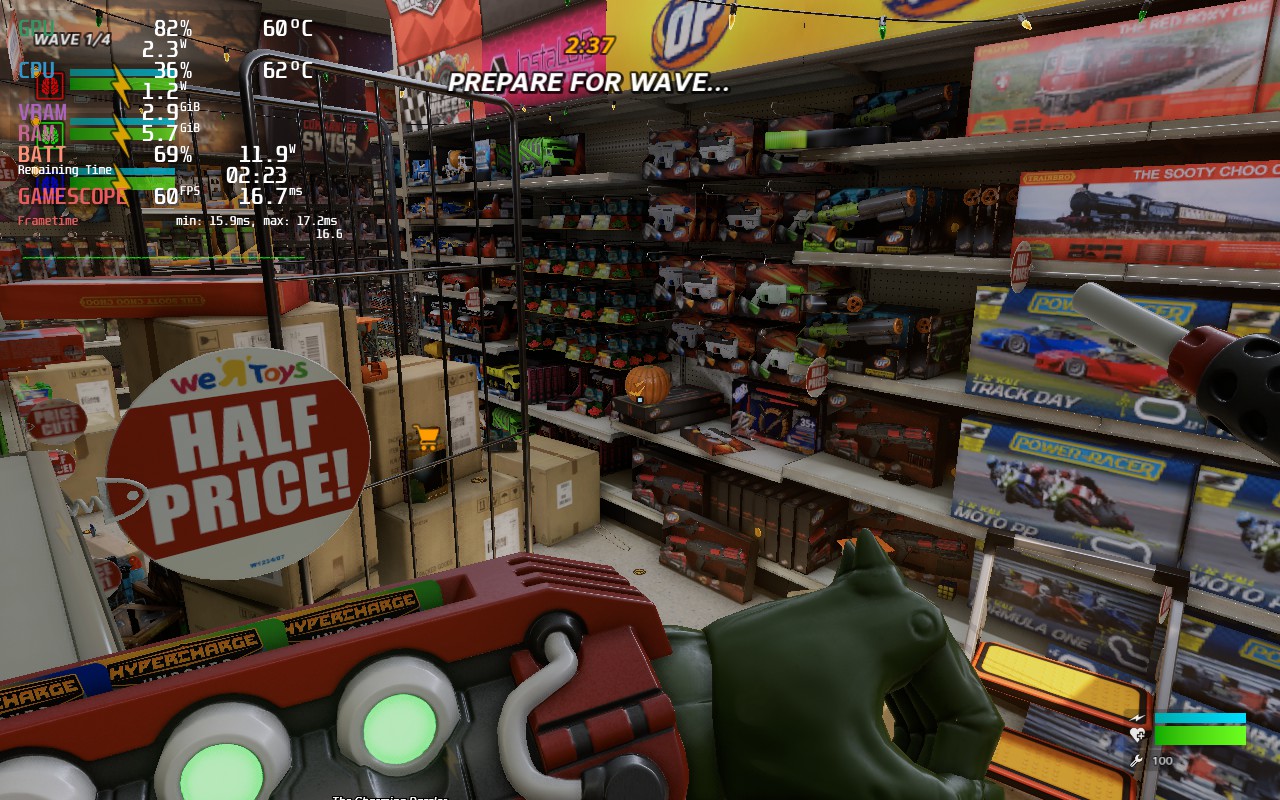
It was a bit hard to line up, but I still didn’t feel like there was a huge difference in quality.
I also didn’t encounter any weird bugs. The game ran fine and felt fantastic to play.
Controller Issues
Now I didn’t encounter any issues with the controller, but there was a couple of weird quirks with them. For instance, to jump or run, you have to use RB or LB. This can be a bit jarring, but I did get used to it. If it does bother you though, I would recommend editing the controls in the settings, switching sprinting to pressing the left joycon and jumping to the A button. This will automatically replace the Prompt/Voice Menu to RB, which feels a bit better overall.
Conclusion:
HYPERCHARGE: Unboxed is a wonderfully fun game with so much content and a fantastic coop mode. And luckily, it is just as incredible on the Steam Deck. With a solid 60 FPS not only possible, but still achievable with great visual quality, this is an essential game for you and your friends to add to your library!
Our review is based on the PC version of this game.
If you enjoyed this review, be sure to check out the rest of the content on SteamDeckHQ! We have a wide variety game reviews and news that are sure to help your gaming experience. Whether you’re looking for news, tips and tutorials, game settings and reviews, or just want to stay up-to-date on the latest trends, we’ve got your back!





