



It’s time to feel the beat in this third-person action-adventure game! Hi-Fi Rush is the newest game from Tango Gameworks (The Evil Within and Ghostwire: Tokyo) that just shadow-dropped yesterday, surprising us all with one of the more stylish games to release recently. Take on robots with flashy combat and solve platforming puzzles, all to the beat of the incredible soundtrack. With gorgeous and vibrant visuals, addicting gameplay, and a popping soundtrack, Hi-Fi Rush is a treat for all your senses.
For a game like this to just be shadow dropped is insane. I am still shocked that something this good, this stylish, this fun, was kept under wraps for so long. I absolutely adore the gameplay and music, not to mention that I am a sucker for vibrant visuals. Overall, as a game, this is not one to miss. And thankfully, playing this on the Steam Deck will keep that feeling of pure enjoyment going!
Hi-Fi Rush: Max Settings
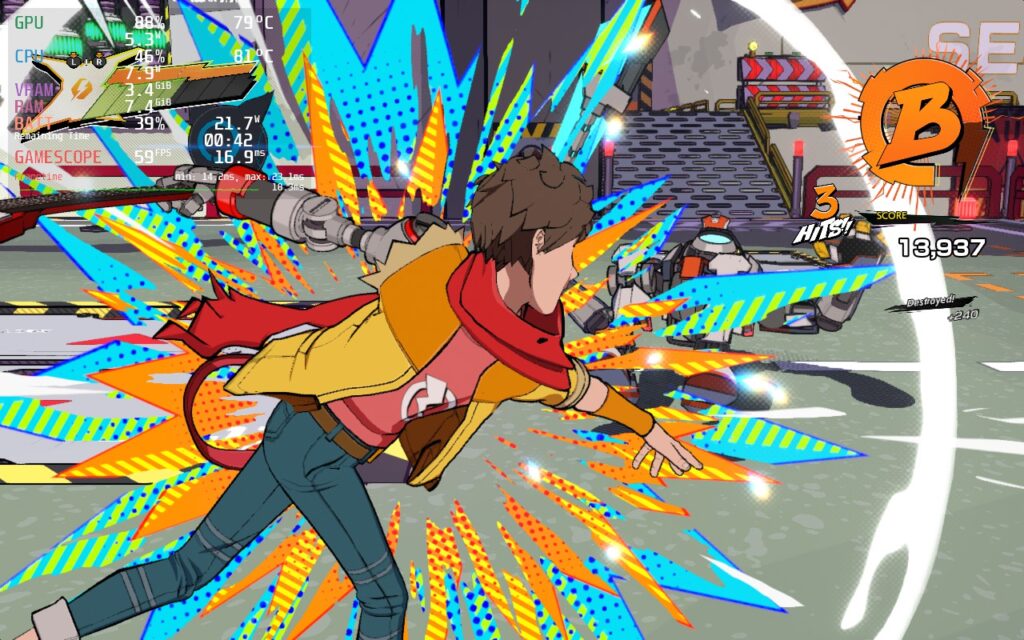
Due to how Hi-Fi Rush looks, I decided to see what it would be like to give max settings a go. At first, it seemed like it could handle it within a TDP limit, but this turned out to be wrong as I kept playing. The game would spike above 23W and framerate could drop to 56-57, which would feel jarring when trying to play at 60 FPS. Thankfully, we have figured out a couple ways to really maximize your time with this fantastic experience.
Optimizing the Beats
For a game like this, framerate is very important to me, so I wanted to see if I could reduce the cap/refresh rate with the game still feeling smooth as butter. Luckily, a 50 refresh rate feels fantastic, fluid, and allows us to really save on battery. To help with stability, I kept a medium preset, but turned dynamic shadows to low, SSAO to Performance, and foliage to medium, all of which helped keep a stable 50 FPS with a TDP limit of 9.
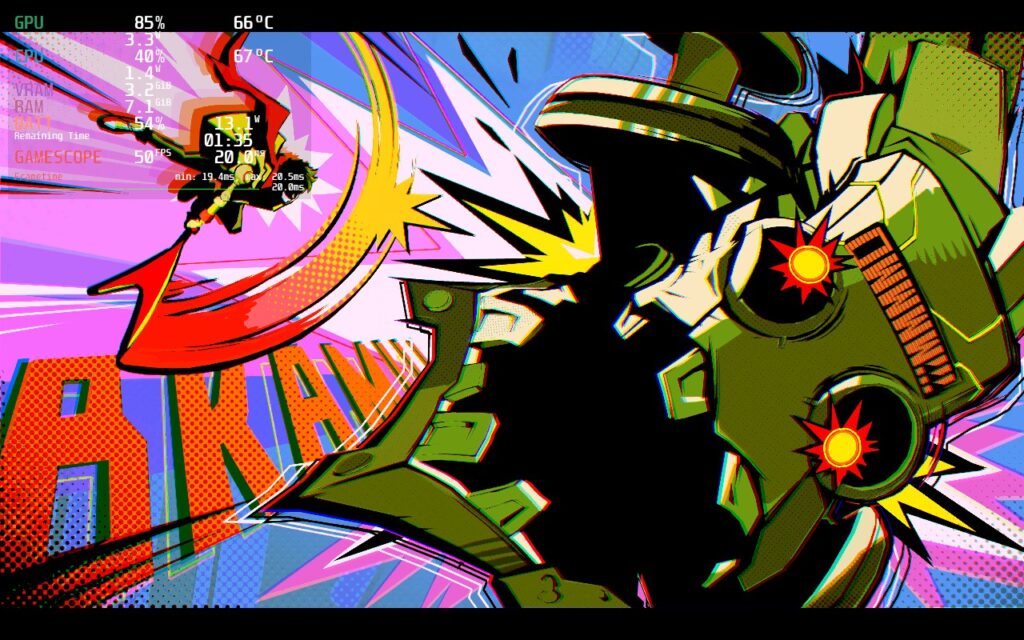

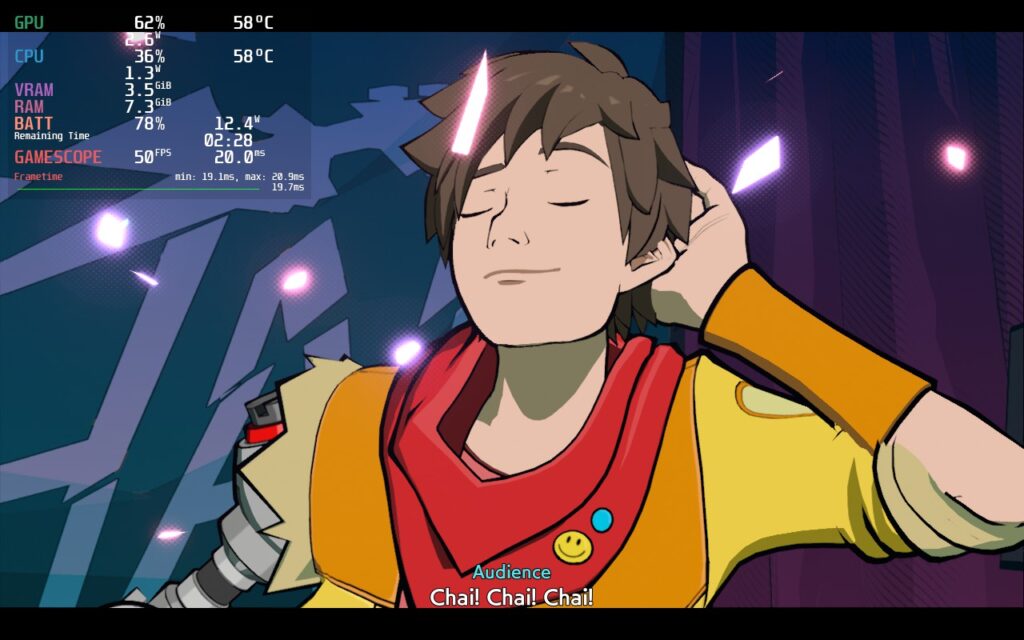
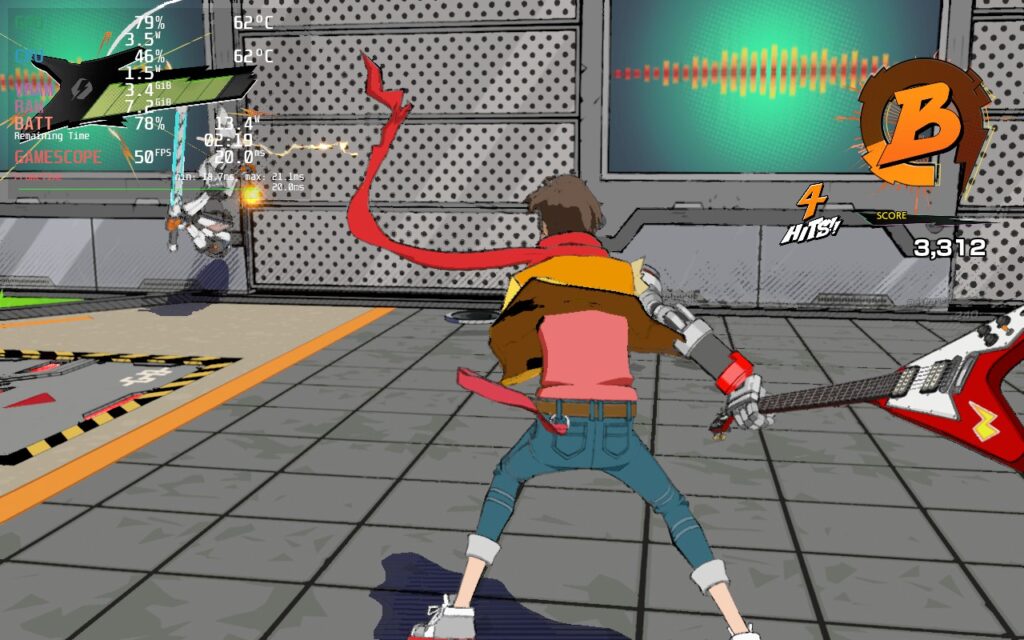
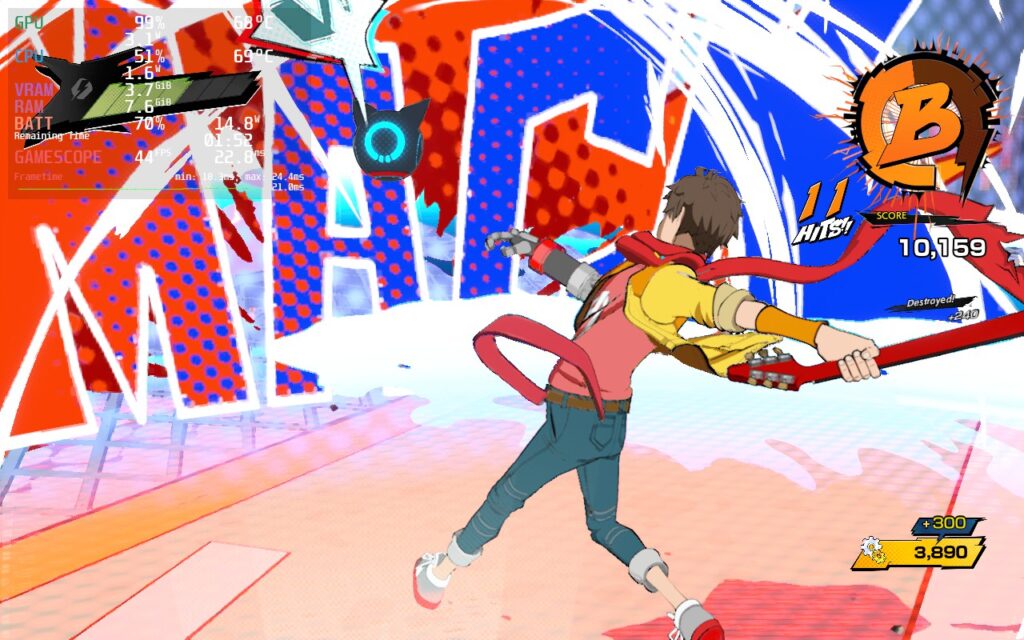
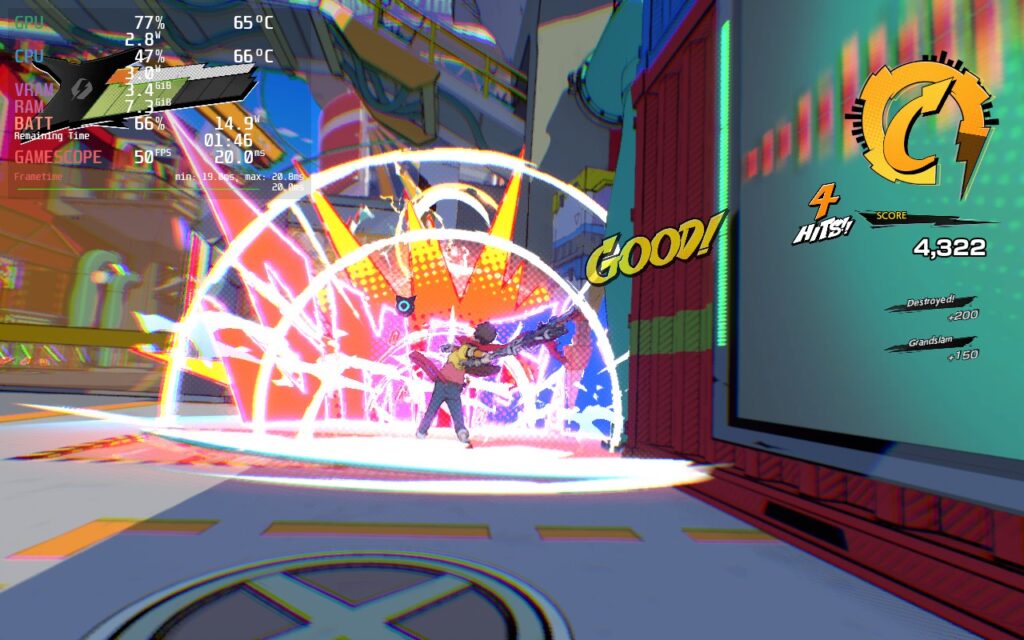
I elected to keep Vsync in-game on while turning the framerate cap in SteamOS off. This actually helps a bit with input lag. It wasn’t very noticeable, but I did feel a very slight delay when inputting. All of this will keep you in a range of 13W – 16W battery drain with temps sticking below 70c. I also checked out the difference between max quality and the recommended build and felt, overall, that the visual quality didn’t deteriorate at all.
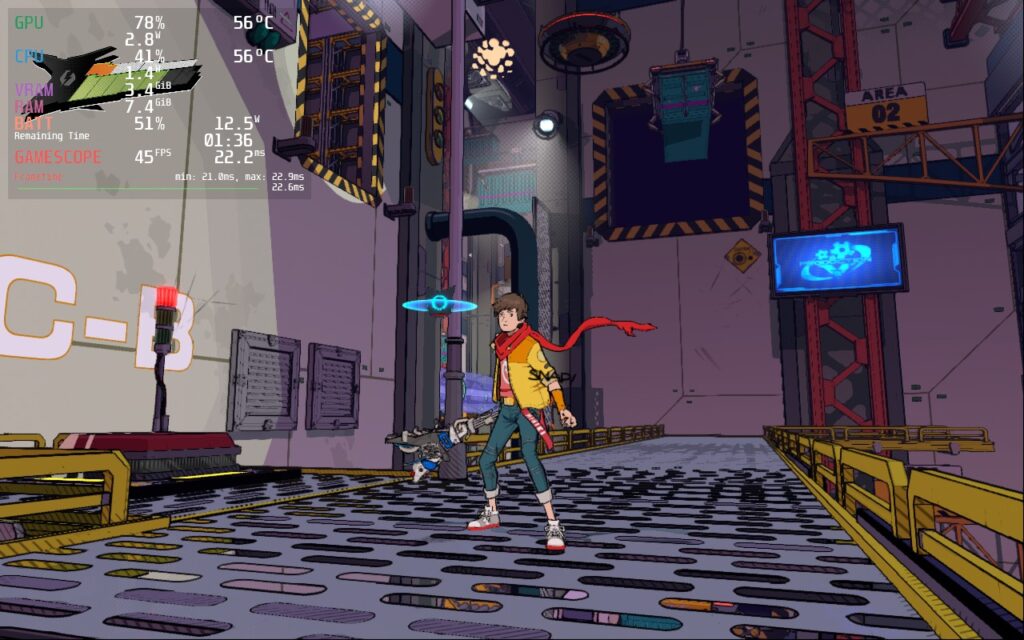
I elected to also make a battery saver build, but this one I was able to actually keep the quality mostly on the highest. I did turn dynamic shadows to medium, but otherwise, a 45 refresh rate allowed me to keep TDP at 8 and the game still feel quite nice. It isn’t as smooth as 50, but it feels good overall.
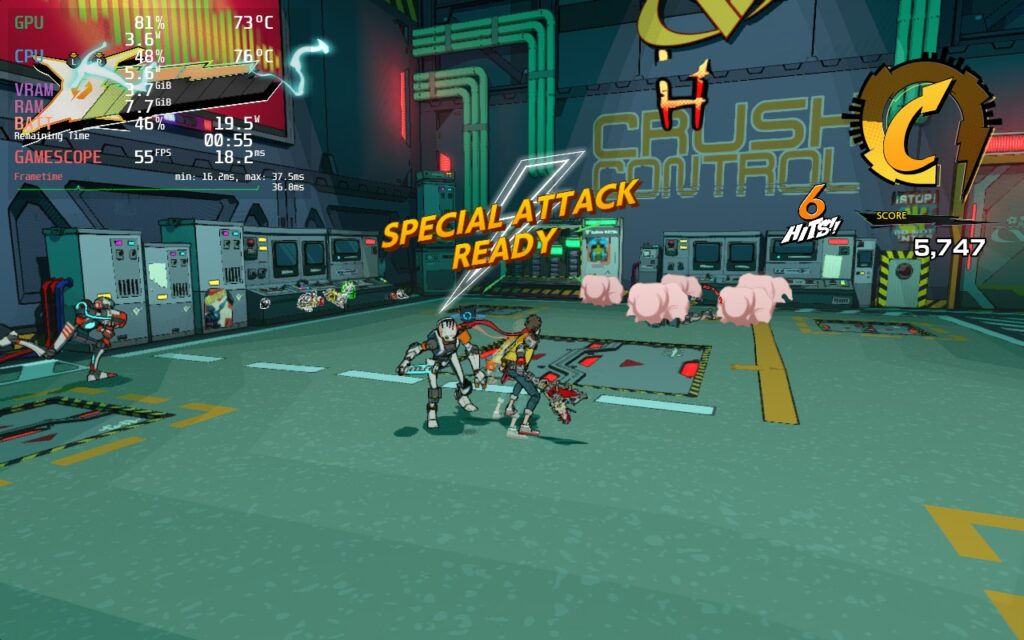
For those who don’t care about battery at all, the quality build I created focuses on high framerate with high visuals. A 55 refresh rate cap feels as close to 60 as it can possibly get while keeping a stable framerate. I also kept all the graphics settings on max, but due to this, battery drain is around 15W – 20W.
To Upscale or Not To Upscale
While Hi-Fi Rush does feature upscaling methods like XeSS and FSR 1.0, none of them really impact the game enough to justify using them. They make the game look a bit worse, due to the style of the graphics, and it doesn’t affect performance nearly as much as it should. FSR 1.0 is the least impactful on the visual end, but XeSS causes significant ghosting that looks atrocious when trying to play. I would highly recommend leaving this off.
I also went through anti-aliasing methods since the game features temporal AA and FXAA. This decision can be more about preference here. Temporal AA looks a bit cleaner, but causes a more blurry image, while FXAA is sharper, which works really well with the style of Hi-Fi Rush. FXAA is slightly better for performance, but not enough to justify switching if you like the temporal visuals. I personally preferred FXAA, but you can swap it out in any of our builds if desired.
Conclusion
Hi-Fi Rush is a gem. It is a damn fun game and one that deserves a lot of attention. While the visuals are pleasing the eyes, the music is pleasing the ears and bringing together an experience that any fans of action games will love. This is captured very well on the Steam Deck and will ultimately be the best way to play on my end. Tango Gameworks and Bethesda outdid themselves with this one and it deserves all the praise I can give!
Our review is based on the PC version of this game.
If you enjoyed this review, be sure to check out the rest of the content on SteamDeckHQ! We have a wide variety game reviews and news that are sure to help your gaming experience. Whether you’re looking for news, tips and tutorials, game settings and reviews, or just want to stay up-to-date on the latest trends, we’ve got your back






2 comments
Spice Coffee Enjoyer
Just tried the Quality Build and it’s working pretty nice. Played until my fingers got numb!
Thanks a bunch for testing! This game got me hooked good.
Noah Kupetsky
The game is addicting isn’t it?? Thank you!
Comments are closed.