
Dust & Neon was provided to us by Rogue Games and Keymailer for review. Thank you!
Dust & Neon is a roguelike twin-stick shooter set in a futuristic wild west filled with robots! As a robot yourself, you will go on an epic quest to fight armies and partake in insane boss fights, all while unlocking abilities and finding the right weapons amongst thousands of different ones. Dying and coming back stronger with passive ability upgrades to beat the missions in front of you will be imperative as well. Now pick up your guns and get ready for a challenging top-down shooter that will keep you on your toes.
I first played Dust & Neon during the Steam Next Fest last week and it quickly became one of my favorite demos. The visual aesthetic of the game is right up my alley, vibrant and simple, while the gameplay loop is engaging and addicting. I do love randomized items/weapons and roguelike systems in games and I feel this one does it really well too. The randomized weapons keeps me trying to crawl up the power while managing if I will need a certain capacity or accuracy, while the passive upgrades I get after dying influence some of my choices in terms of spending money to get certain weapons initially.
You do have to reload your gun manually by pressing the X button, which some might not like, but I feel it adds to the challenge and charm of the game (also the gun showing on the right side when reloading is awesome). Combine the aiming, shooting, rolling, sliding to cover, and swapping between equipped weapons, Dust & Neon is such a fun game to play. And what makes it even better is how well it runs on the Steam Deck!
Dust & Neon – Max Performance
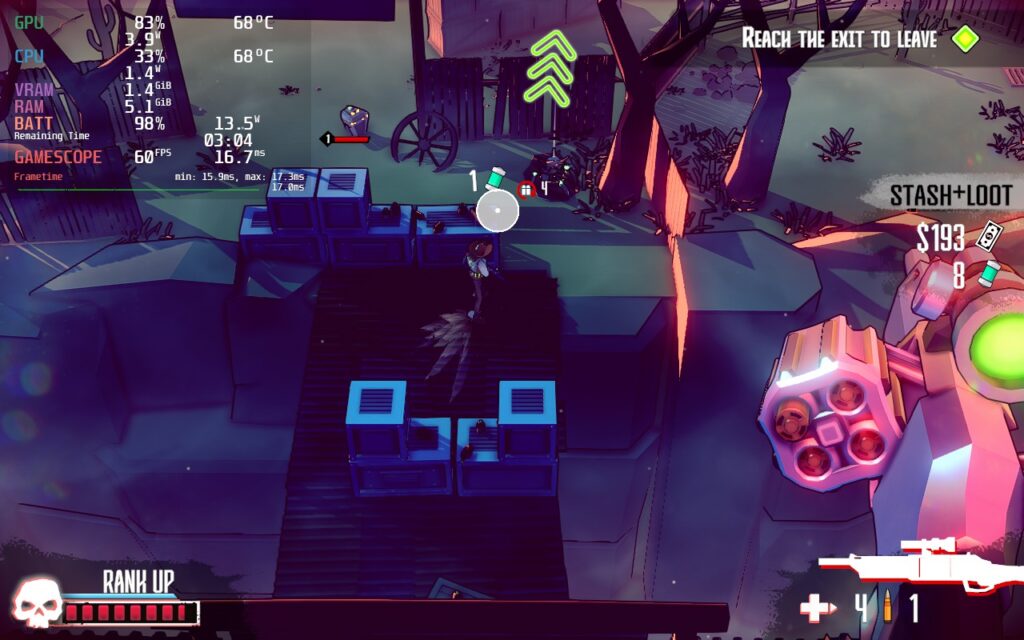
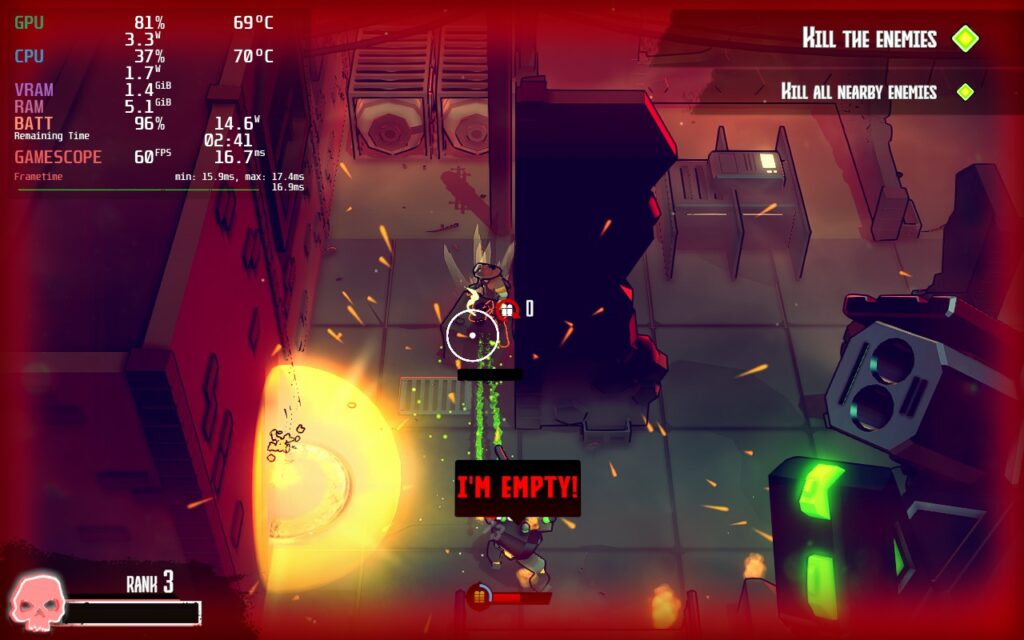
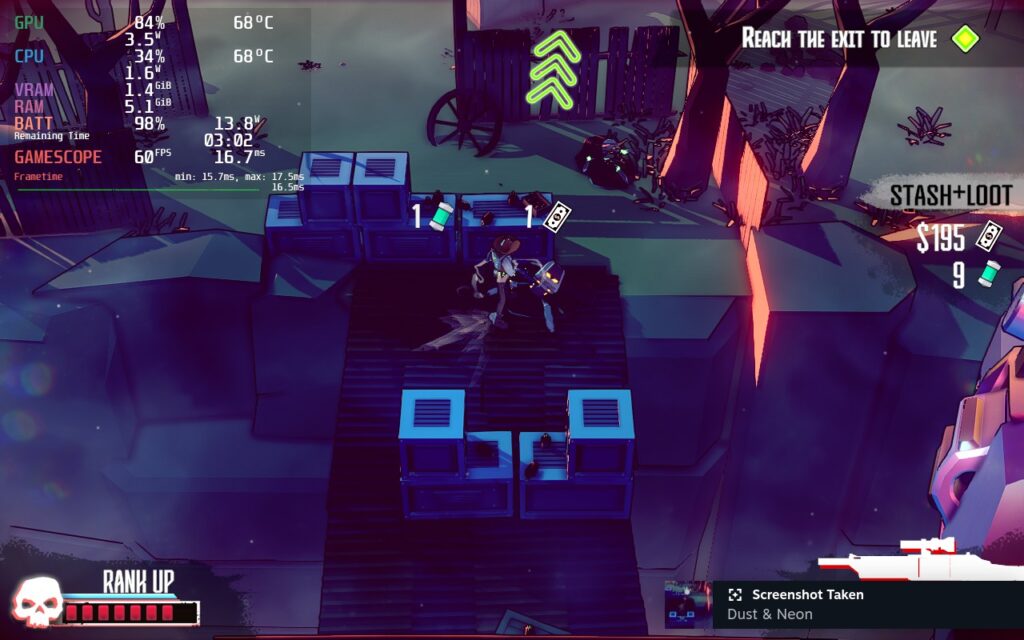
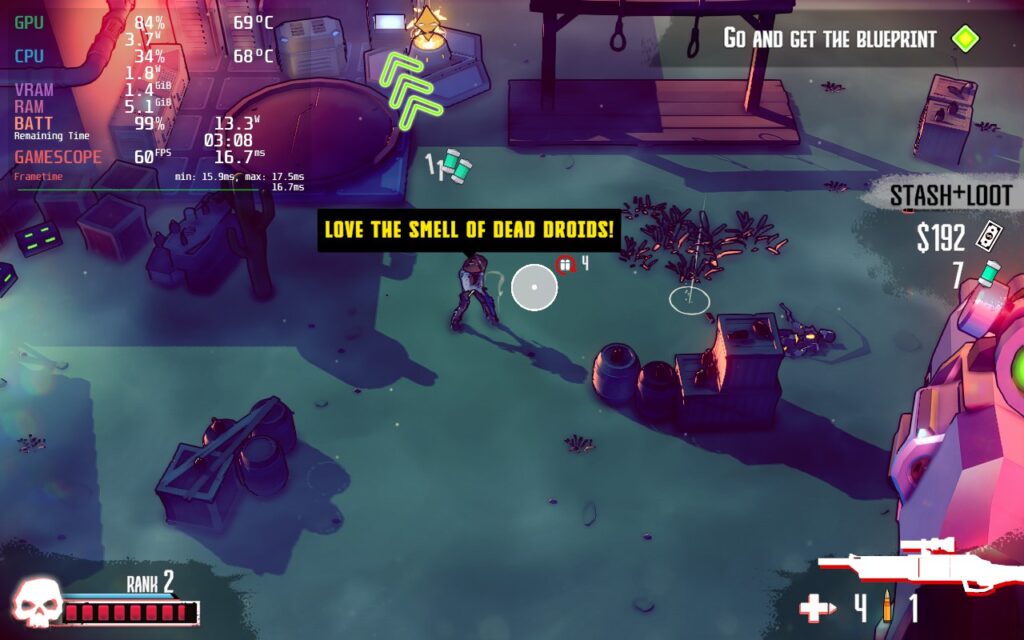
Booting up Dust & Neon, I noticed it was automatically set to the highest graphical quality. Luckily, the game runs fairly well at max! 60 FPS with the max settings brings in around 13W – 17W battery drain depending on the location and amount of enemies on the screen. While this is fantastic, there is a change or 2 that we can make to really get the maximum battery life out with the game still looking wonderful.
Dusting Off some Optimizations
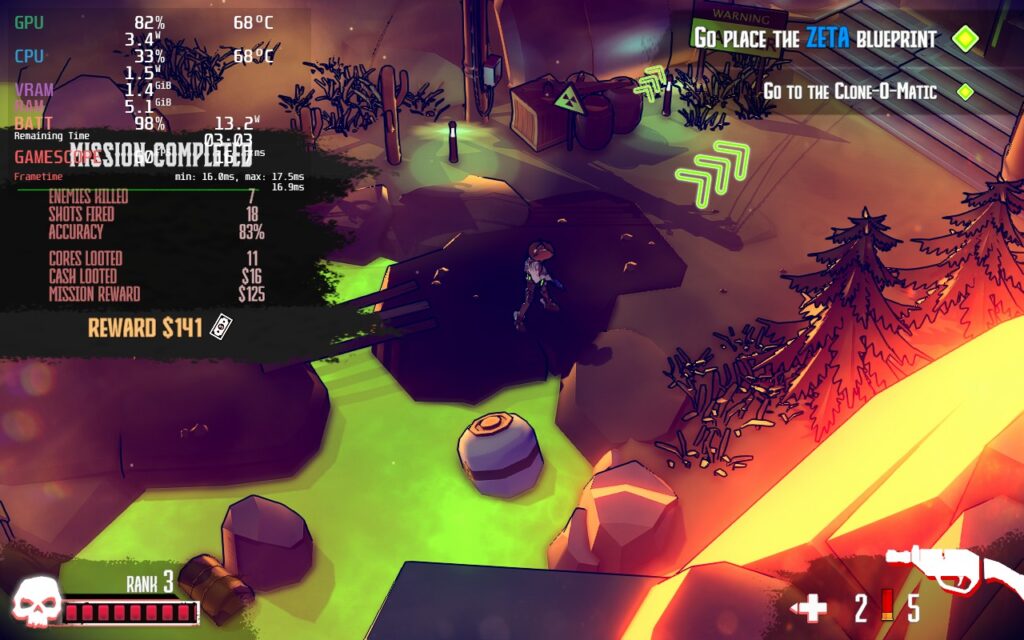
In this case, I wanted to retain the pleasing visuals and their crispness while bringing battery drain down. Luckily, I was able to do this just by turning the graphics down to medium. This primarily got rid of some detailed shadows, but overall kept battery drain around 11W – 12W. I did see once or twice where drain went a little above 13W, but this was far and few and overall added an extra hour or so of battery life. This is easily the recommended build I would say others should use.
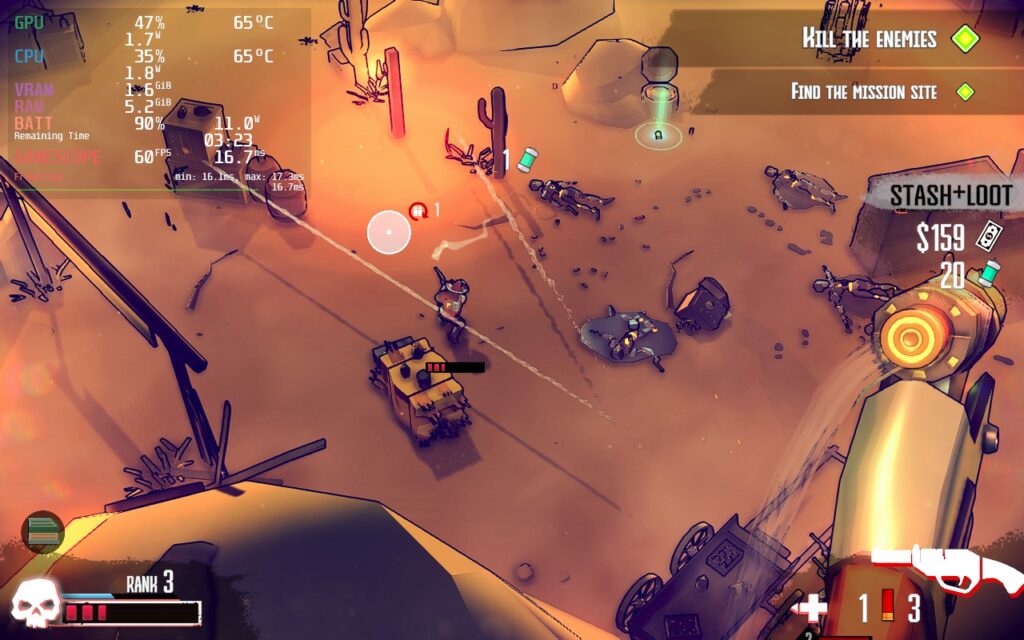
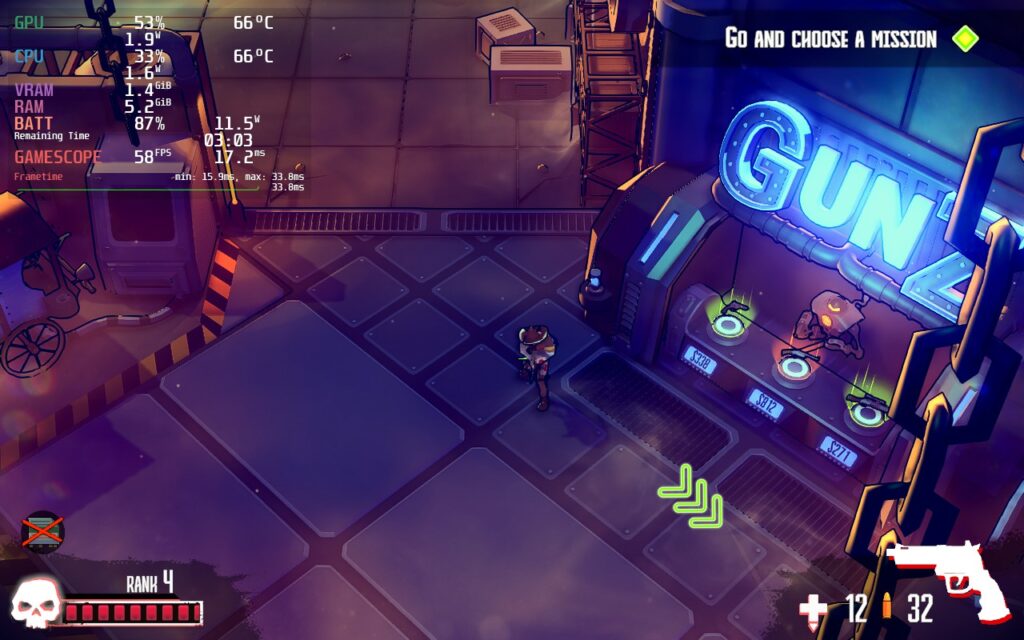
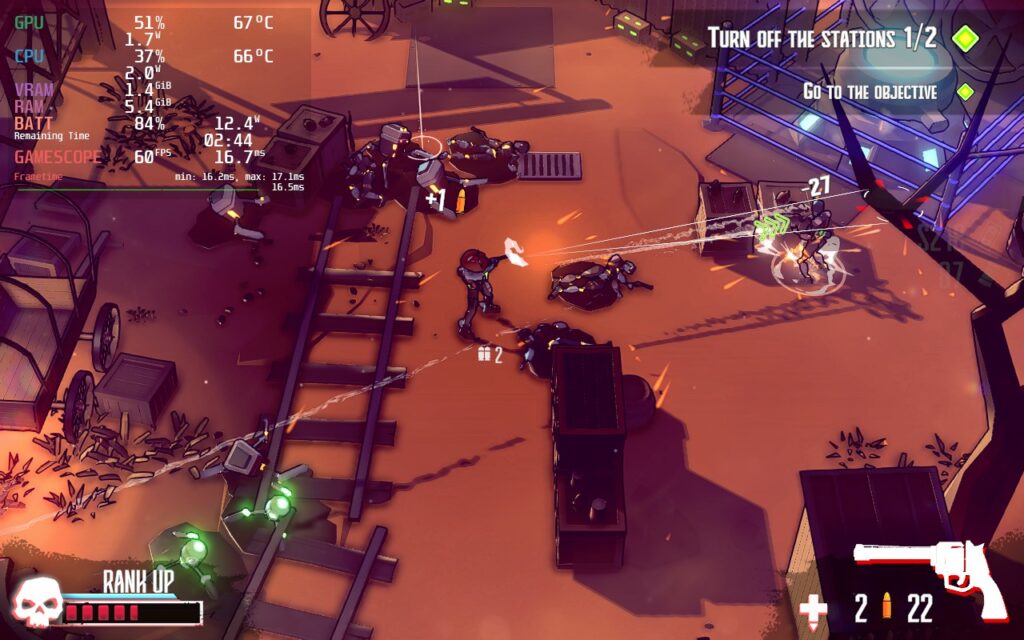
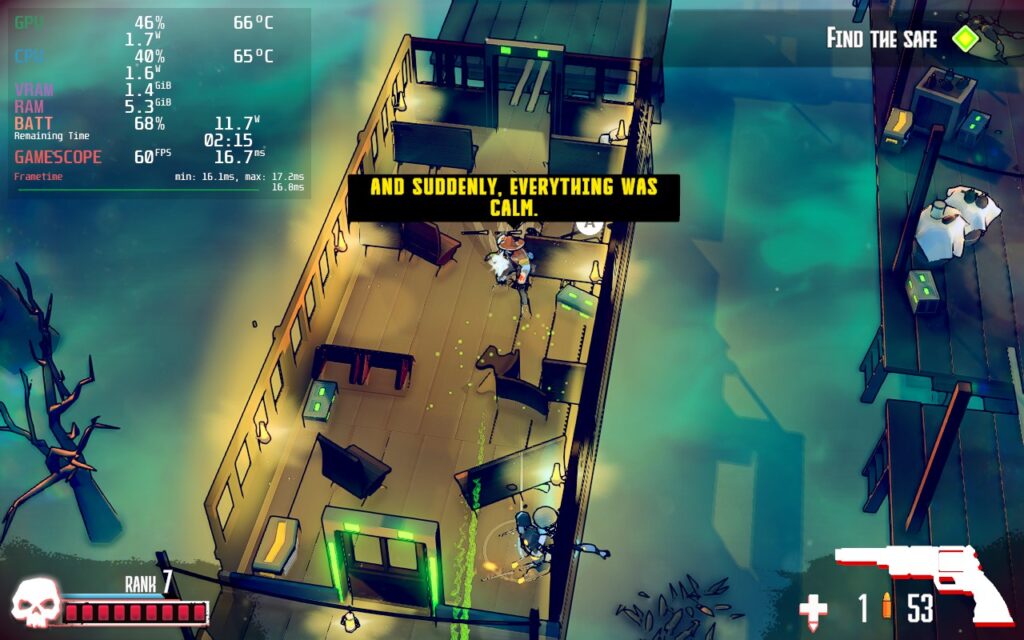
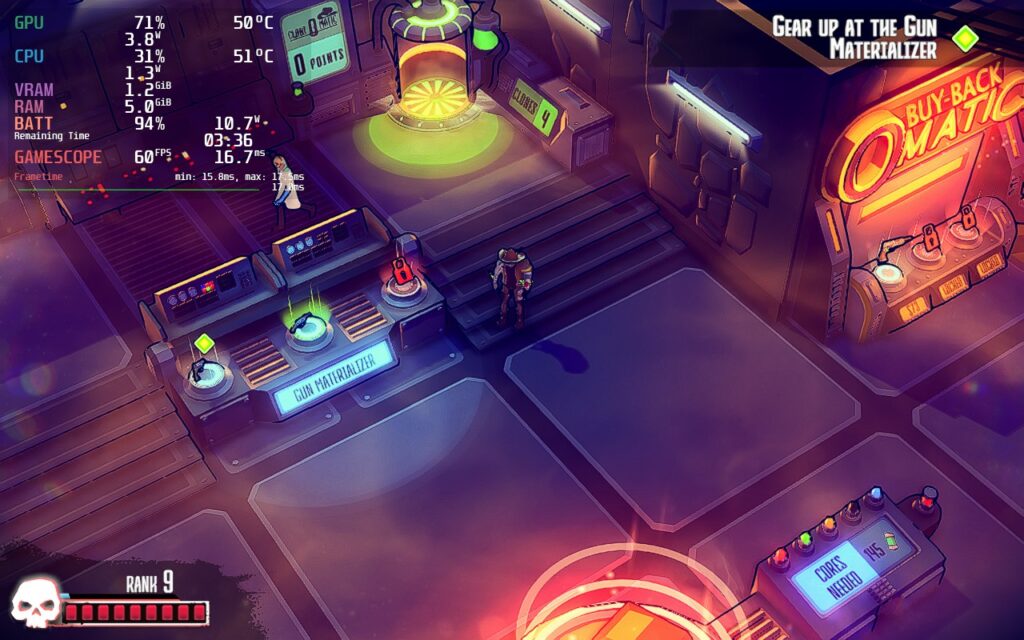
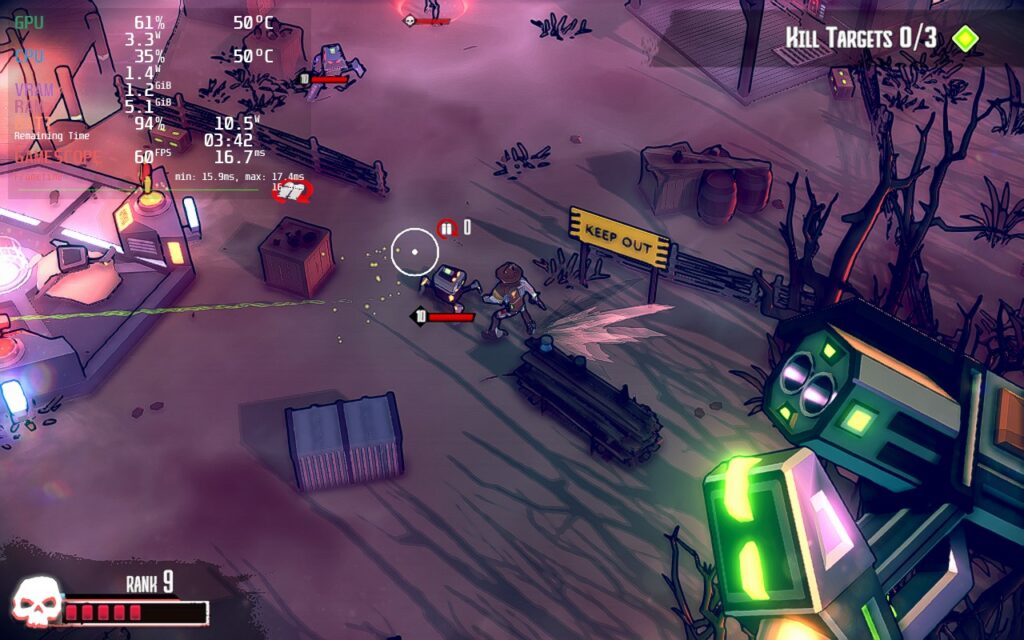
For a battery build, I elected to keep the graphics settings the same to keep the better shadows, but use Steam to force a 1024×600 resolution. This keeps the game looking quite nice still, with a slight bit of bluriness, but ends up saving around 2W drain with a stable 60 FPS. It looks a little worse, but if you’re saving as much battery as possible without compromising visuals, this will be the way to do it!
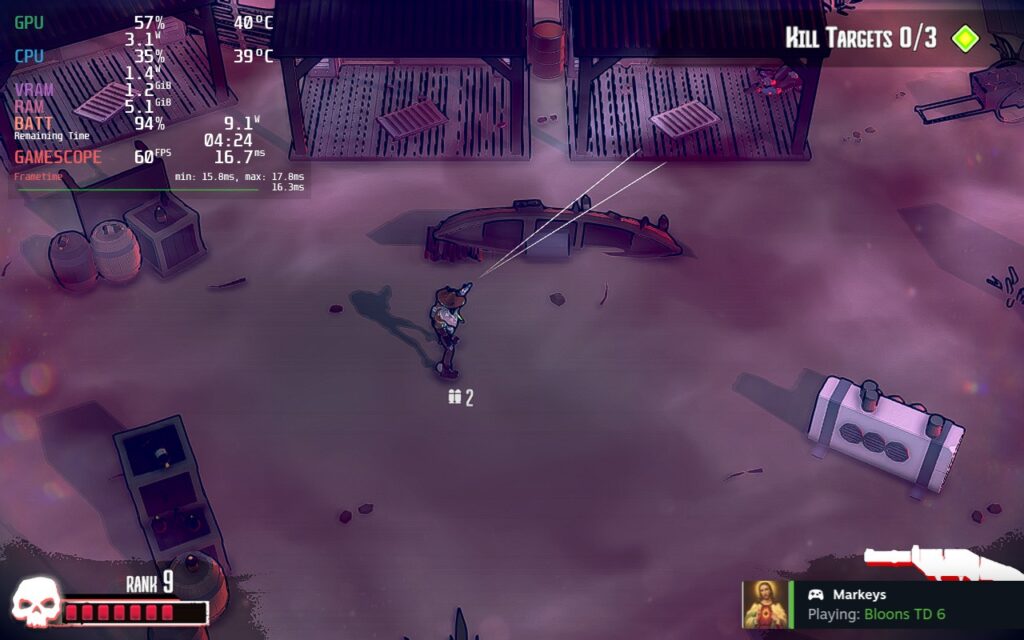
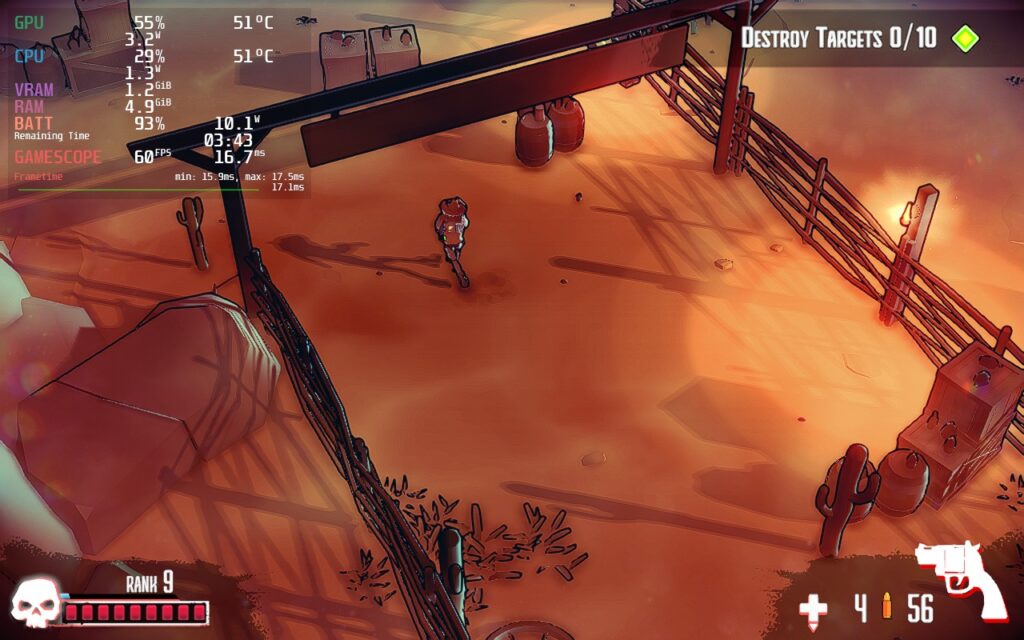
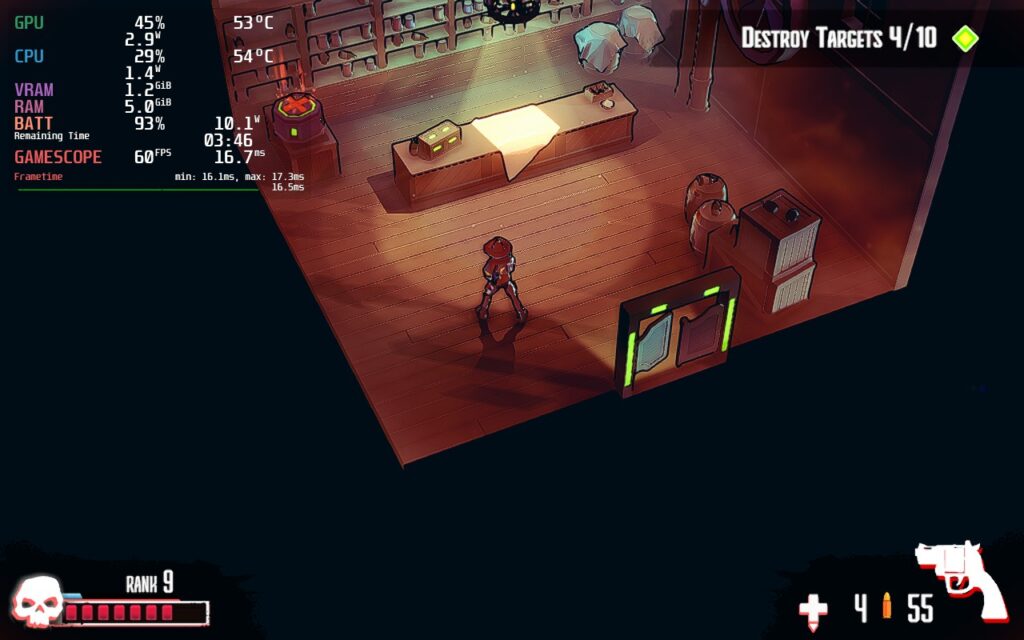
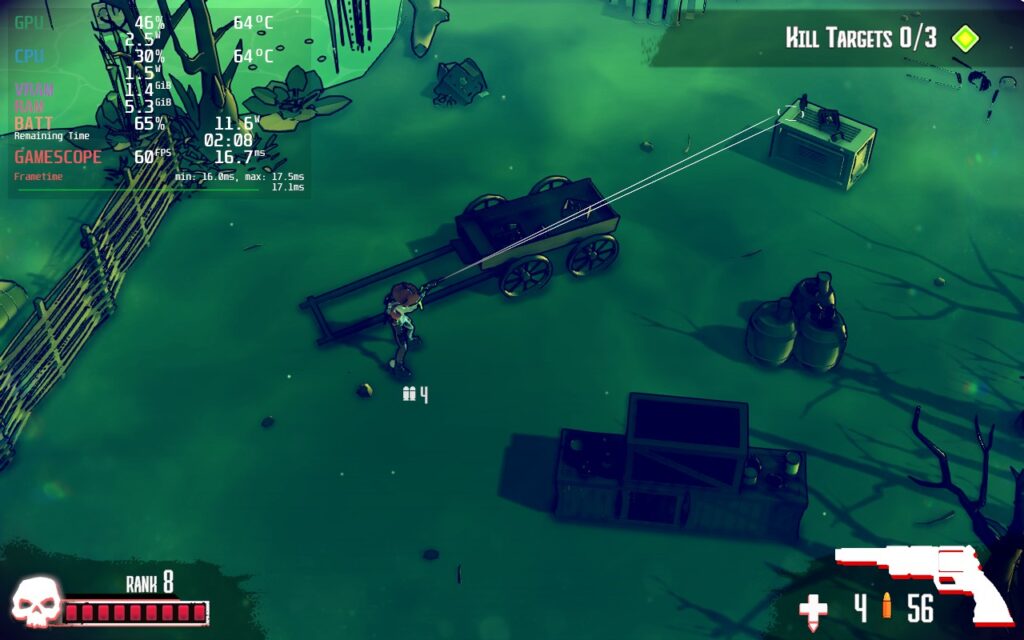
Other than that, I had no controller issues or visual bugs. The game also displays at a full 1280×800 resolution and has cloud saves!
Conclusion
Dust & Neon is an incredible top-down shooter that shines with its gorgeous visuals and addicting gameplay. The game can get really intense in fights and feels quite rewarding when getting a new weapon that starts killing enemies in 3 hits instead of 4 or an overpowered shotgun that one-taps some enemies. Switching from actively shooting robots to rolling for cover to reload, then rushing around the corner and emptying the revolver’s ammo into a group of bots feels fantastic. And while our recommended settings change the graphics quality, the game can be fully enjoyed and played without changing anything, making this our newest Best on Deck game! As one of my favorite Next Fest games, this is one I highly recommend adding to your Steam Deck library.
If you enjoyed this review, be sure to check out the rest of the content on SteamDeckHQ! We have a wide variety game reviews and news that are sure to help your gaming experience. Whether you’re looking for news, tips and tutorials, game settings and reviews, or just want to stay up-to-date on the latest trends, we’ve got your back