


Disco Elysium is a CRPG where story-telling and world-building take center stage. You’re a detective and, utilizing a unique skill system, will crack down on murders taking place across a city block that you can freely carve your path across. Interrogate, take bribes, and become a hero…or a horrific human being…as you have the freedom to choose how you make your mark. Disco Elysium also had a final cut upgrade which added new quests, controller support, language switching, and full voice acting! Trust me, this is probably one of the greatest story-driven RPG games ever made, but can you really enjoy it on the Steam Deck?
Disco Elysium Max Settings
When it comes to max settings, Disco Elysium can almost hit it throughout the entire game, but it isn’t consistent. In the game, there are two main scenes you can be in, inside and outside. Inside rooms or buildings, the game doesn’t slow down at all with max settings hitting around 13W battery drain and a solid 60 FPS. But as soon as you step outside, the drain spikes to 21W with a 53-55 FPS range. What we need to do is optimize the game for outside scenes, and luckily, it isn’t hard to do.
Optimization Investigation
Because of the type of game Disco Elysium is, I felt hitting 60 FPS wouldn’t be hard to do and I was kind of right. Hitting 60 FPS is very do-able, but as soon as you step outside into the open world, the game can easily slow down noticeably. To fix this, I turned off anti-aliasing, which helped a little, and dynamic shadows, which helped a lot. This brought down a 20W drain outside to under 13W, increasing battery life from 1.75 hours to 3+ while keeping a stable 60.
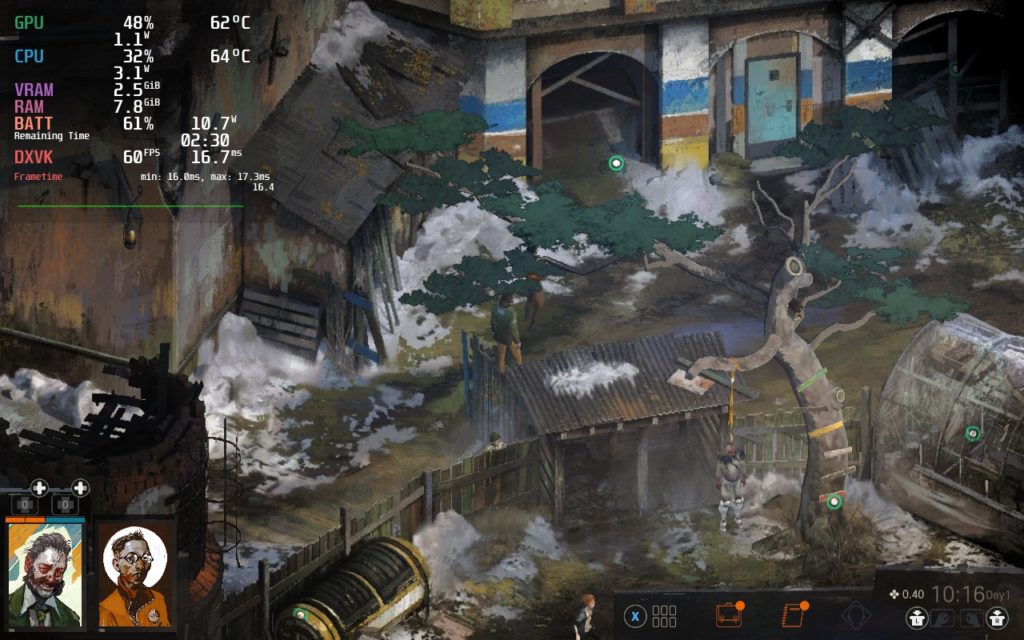
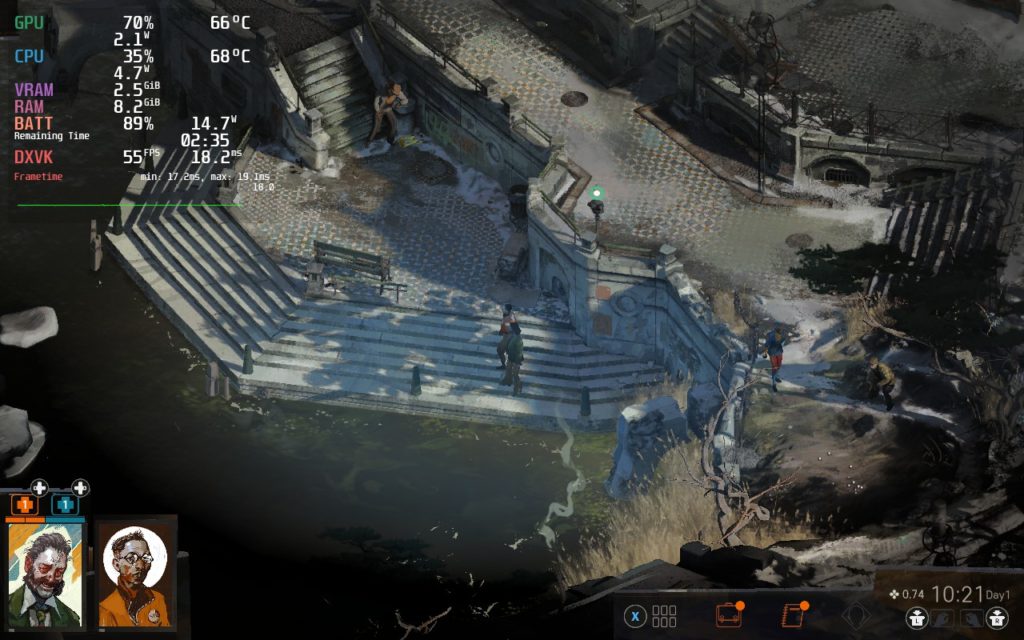
Dynamic Shadow Quality is the biggest change in the settings that really affect the game visually and performance wise. While some scenes are affected heavily by it, a lot of them aren’t and can save on performance. Below, we are providing 2 examples of scenes, one where it isn’t a huge change and one where it is:
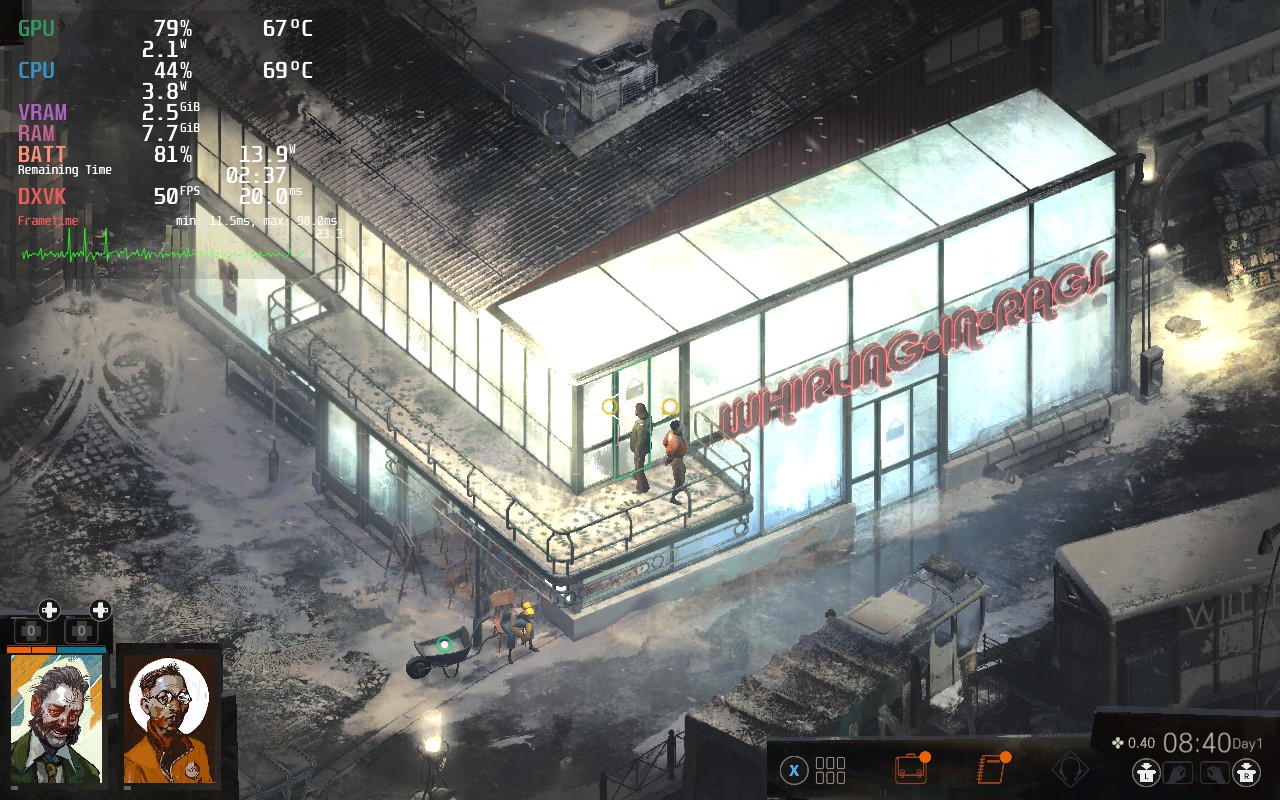
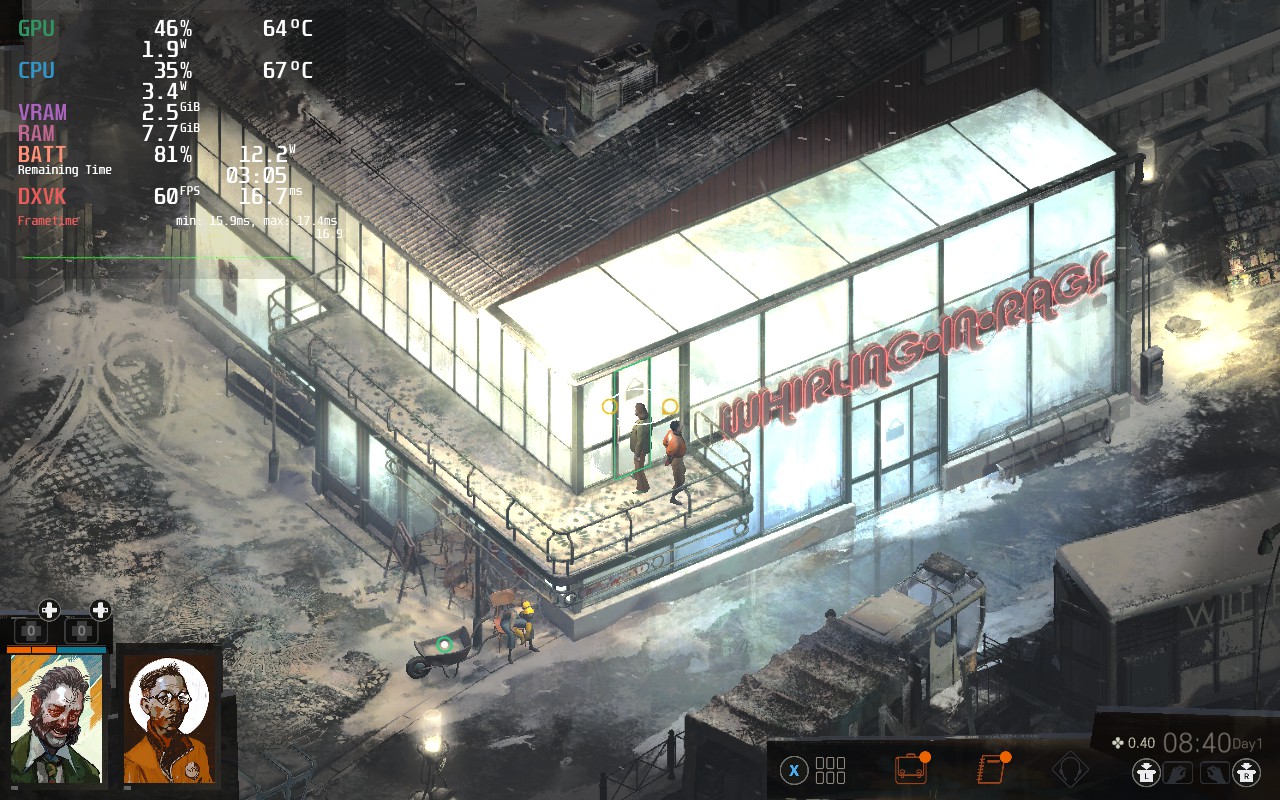
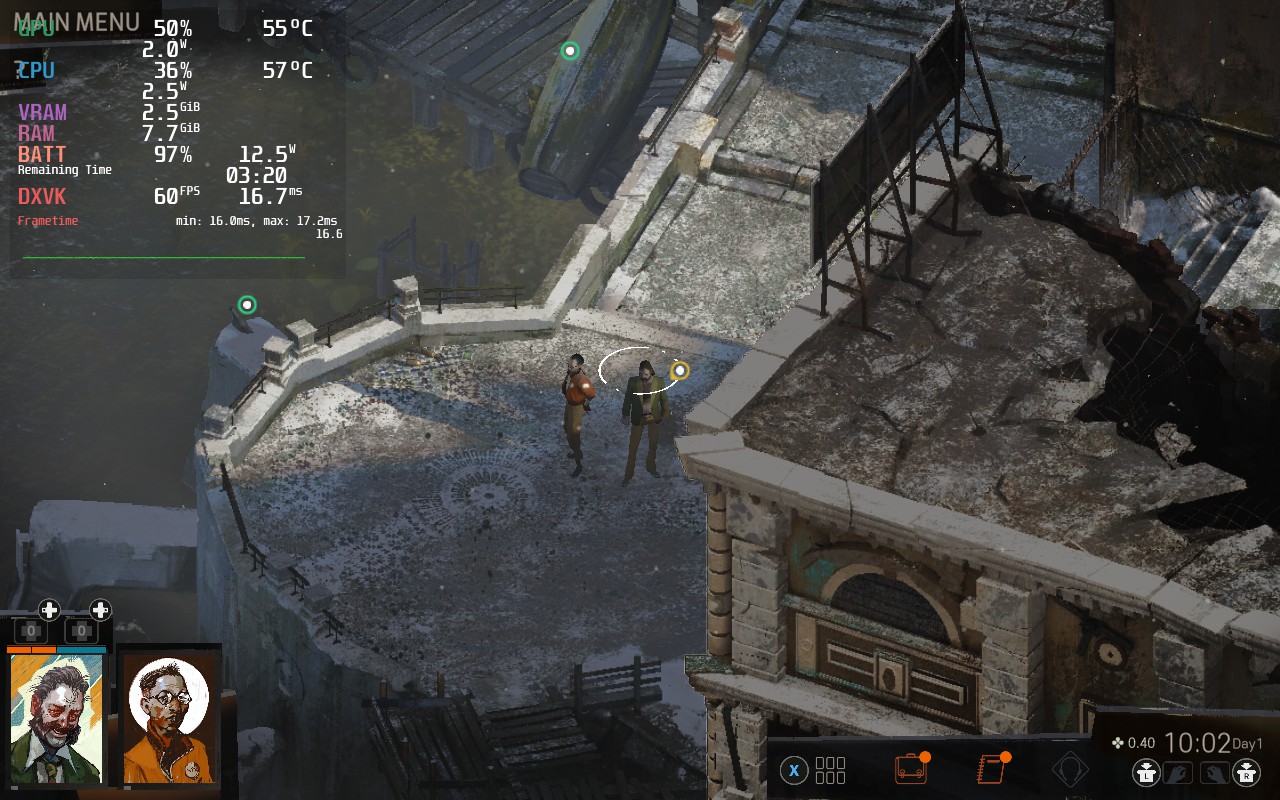
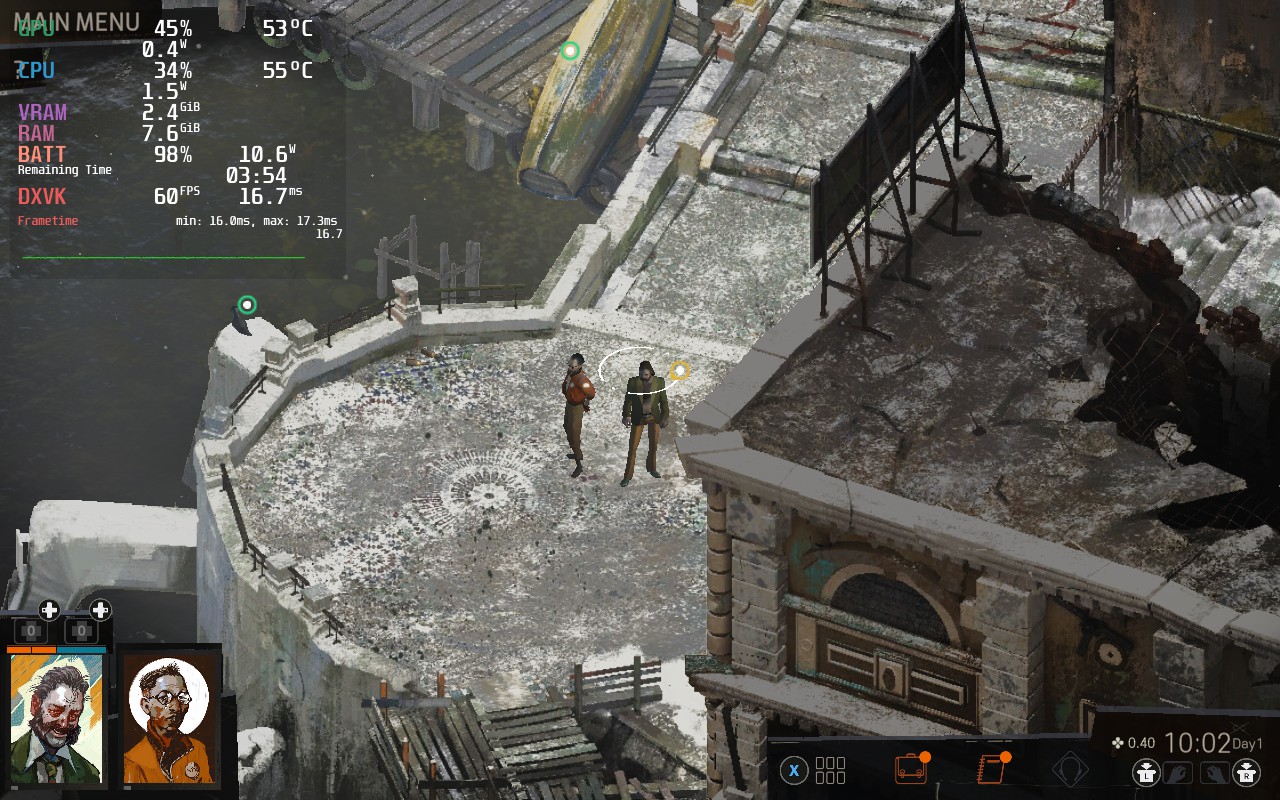
While the dynamic shadow change can be drastic, it doesn’t affect the enjoyment of the world and keeps everything manageable. As you can see from the top and bottom, the effect varies from miniscule difference to pretty obvious.
I also understand that these shadows can be huge graphically and some will want it regardless, so I elected to create a max quality build that sets TDP to 10, turns on dynamic shadows and anti-aliasing, and sets FPS to 55. While this may not seem like a huge downgrade compared to the recommended build, there are some issues I have.
When testing any framerate below 60, there was a lot of stuttering. 30 FPS was ok, but 40 FPS and even 50 were very obvious. I found 55 to be the least noticeable while helping to keep any performance drops in check. It is still there if you look closely, but if you aren’t actively looking for it, you should be fine. There are still some drops to 54 and 53 outside, but they aren’t noticeable.
There is some frame drops I noticed in Disco Elysium regardless of the build. This was most prevalent when going into the skill menu and would regularly drop a little. It also happened when going into the open areas with the camera zoomed all the way out, but it wasn’t impactful on the game itself.
Accessibility Galore
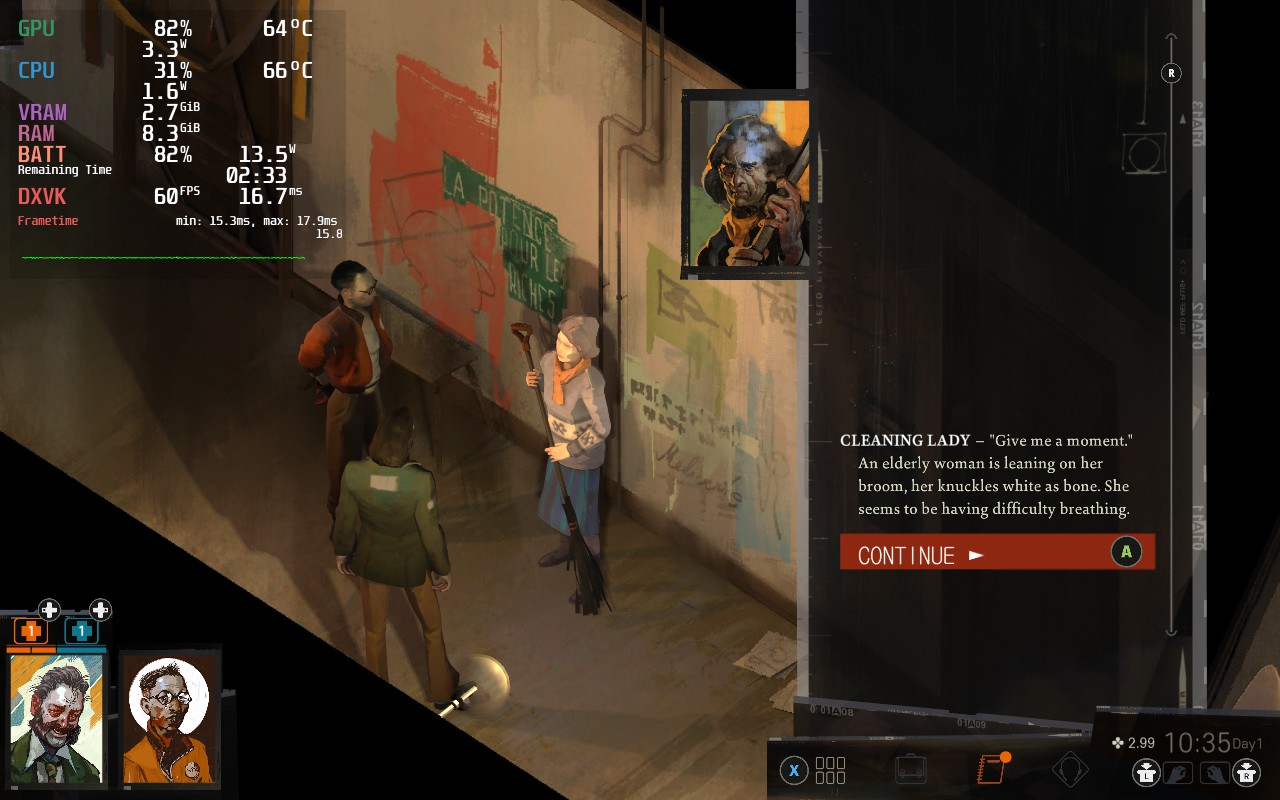
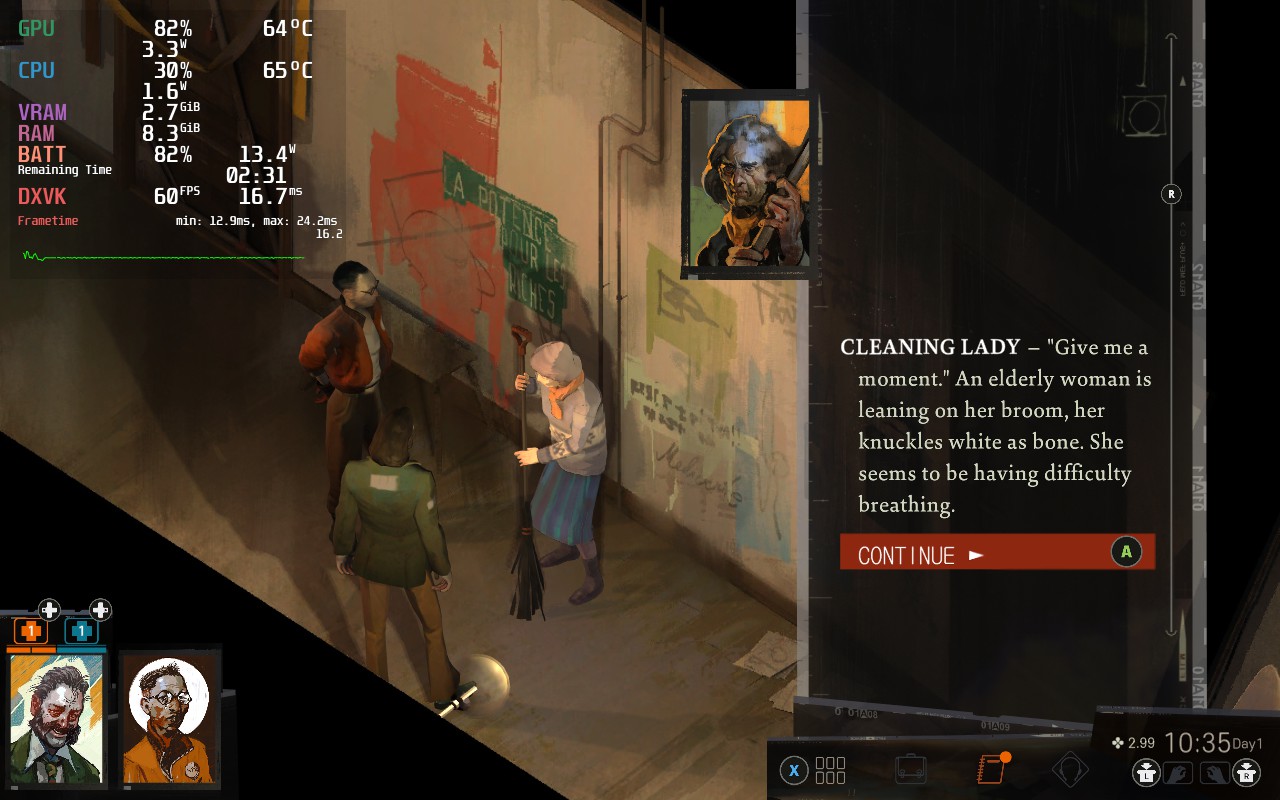
Something I believe Disco Elysium should be praised for is their accessibility features. Not only do they have keyboard remapping and easy language switching, they have an option for a dyslexic-friendly font and the ability to resize text of the menus and dialog. This is extremely helpful on a small screen and will keep reading dialog easy without any eye strain.
Conclusion
Disco Elysium is an incredible game in its own right and so worth the time to invest and put into it. The writing is fantastic, the world is invigorating, and the skill system and freedom you have is wonderful. On top of that, with those minor tweaks, it becomes a fantastic game to play on the Steam Deck. And again, props to the developers who added in text resizing, thank you!
Our review is based on the PC version of this game.
If you enjoyed this review, be sure to check out the rest of the content on SteamDeckHQ! We have a wide variety game reviews and news that are sure to help your gaming experience. Whether you’re looking for news, tips and tutorials, game settings and reviews, or just want to stay up-to-date on the latest trends, we’ve got your back!






4 comments
Vincent
I’m curious to know why the battery lasts 3.5 to 4 hours and only got a 3/5 rating for it.
Noah Kupetsky
At the time, I had expected more out of the battery for a game like this. But compared to other games, it is pretty in-line. I will assess again, but off of glance, 4/5 may be a better rating for battery.
Michael
Just in time to start my deck play through. Recently picked this up on steam. Great job and ty!
BarbecuedKitty
It is such a good game! Personally love it to death. I hope you enjoy!
Comments are closed.