



The ultimate action-RPG is back and better than ever! Diablo 4 is welcoming you back into the near endless slaughter-fest with new abilities to master, horrifying dungeons, and epic loot. Whether alone or with friends, you will choose from 1 of 5 classes and embark through a dark, gloomy world where you can trade, battle world bosses, or test your skills against each other in PVP zones. Get ready for an insane experience you won’t forget!
I can’t say too much about Diablo 4’s gameplay as there is still a lot of ground to cover, but this game is amazing so far. If you are a fan of Diablo and want the most refined version yet, this is the one to get. So far, I have chosen my Rogue and played a couple of dungeons and gone to a couple towns. There’s still a lot to see, which is why this is a first look, but it is such an addicting time. And on the Steam Deck, it is truly amazing, but we do need to install Battle.net’s launcher first.
Installing Battle.net Launcher
To play Diablo 4 on the Steam Deck, as well as any other Blizzard game, you will need to install Battle.net. since the game isn’t on Steam. We have created a guide going over the easiest way to install not only Battle.net, but most other launchers too.
Once you are done following the guide, and make sure Battle.net is installed and the forced compatibility is set to Proton GE (newest at time of writing is 8-3), you can open and log in. Then, you should be able to start playing!
Diablo 4 – Steam Deck Performance
Diablo 4 is insanely well optimized. I want to start off by saying how well this game can run on the Steam Deck. It isn’t perfect, primarily due to the lack of shader cache (that Steam usually provides) and some Proton adjustments. This means there are little stutters here and there, but overall, it is very playable. Just as a test, I was able to push the game to a slightly unstable 70 FPS (a guide on this will be made soon) in an area that was a bit heavier.
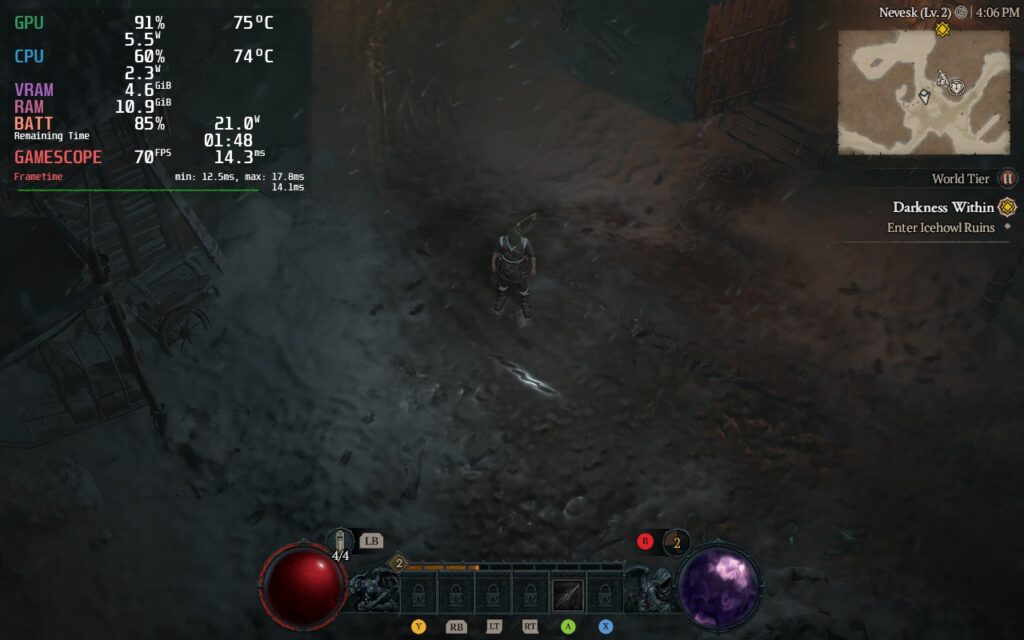
Regardless, the game shines on the Steam Deck for what its worth and I was easily able to enjoy it to the fullest so far. I will be including 2 builds with this first look, but as I play the game, I will be expanding it to include a more refined version of both.
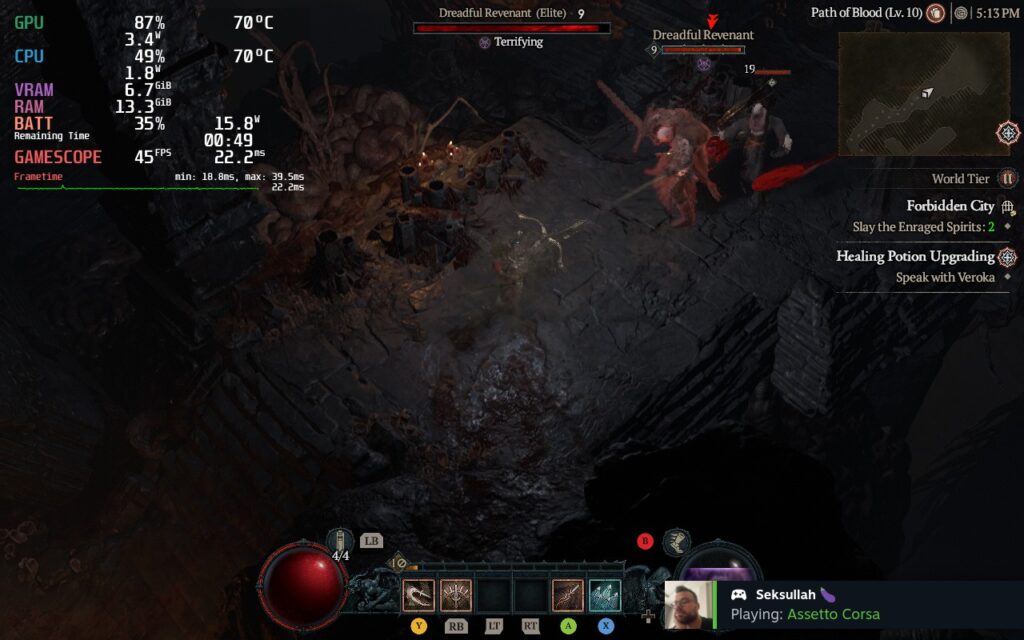
The first will be my recommended. Using a Medium preset and FSR 2 on Quality mode, I was getting a stable 45 FPS with a TDP limit of 10. I could push this to 9 and it still work, but some areas will dip so keeping at 10 fixed this. Again, since there aren’t optimizations on Proton or a shader cache, there are going to be some slight stuttering and minor dips, but I barely felt these.
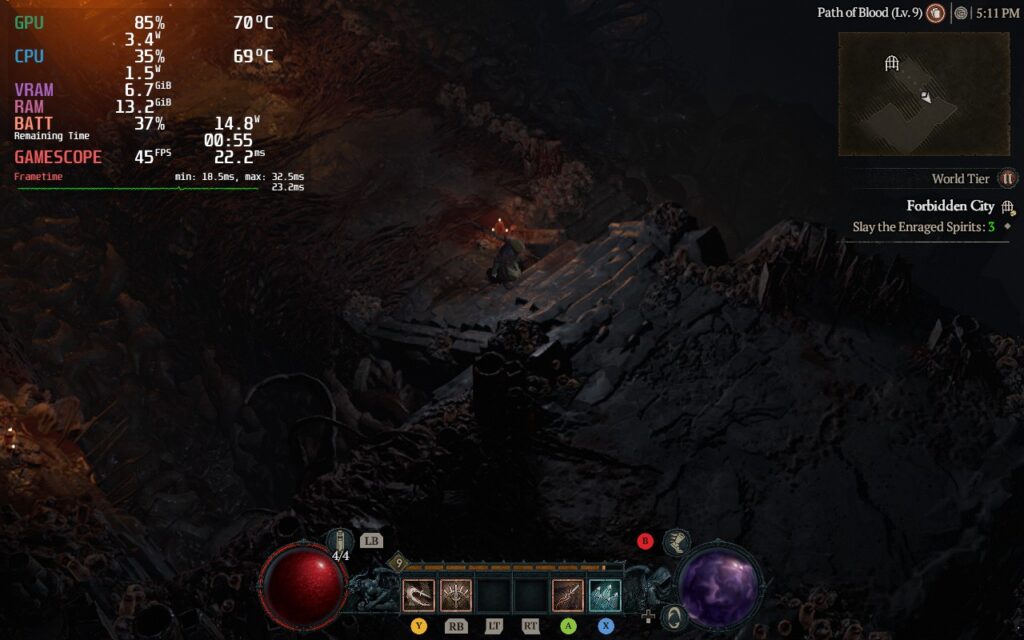
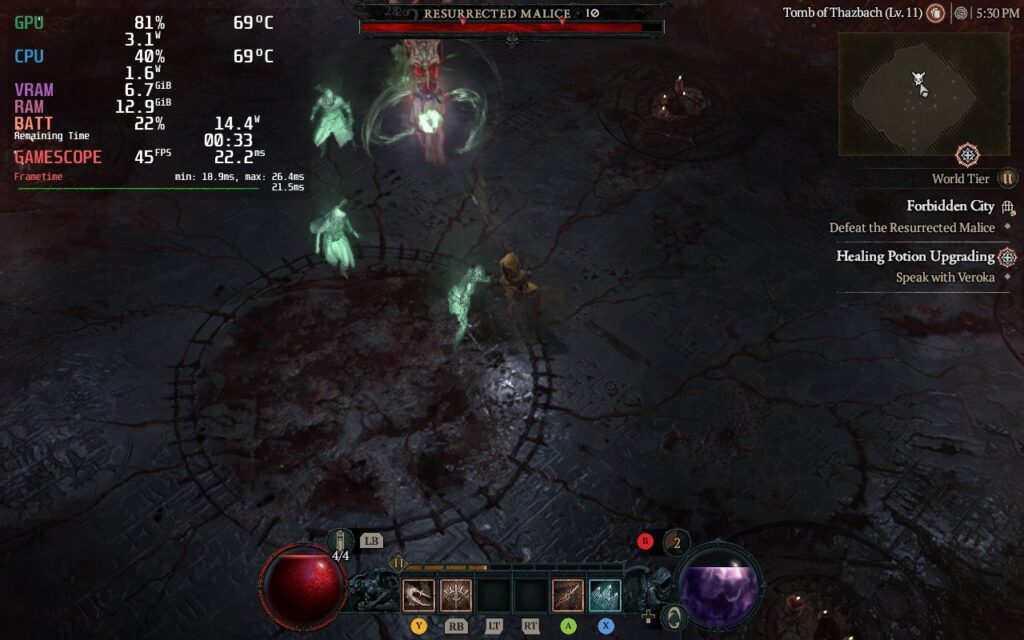
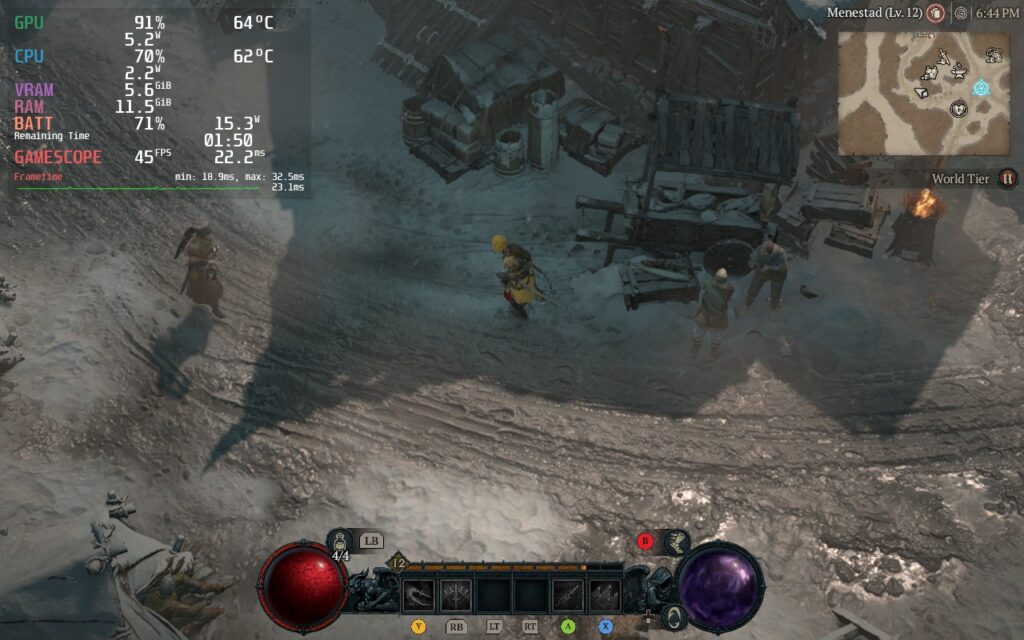
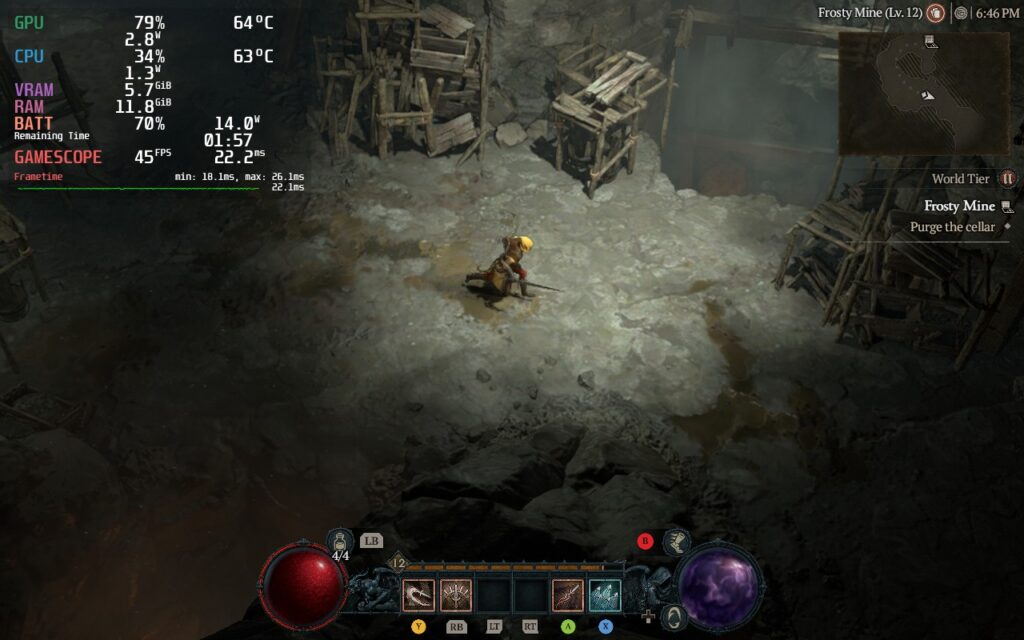
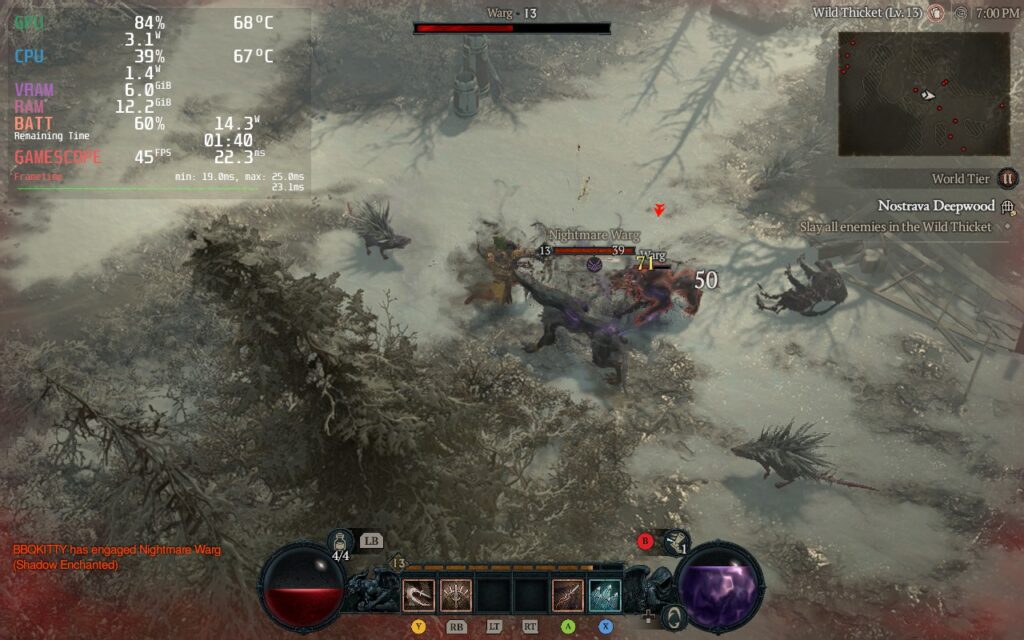
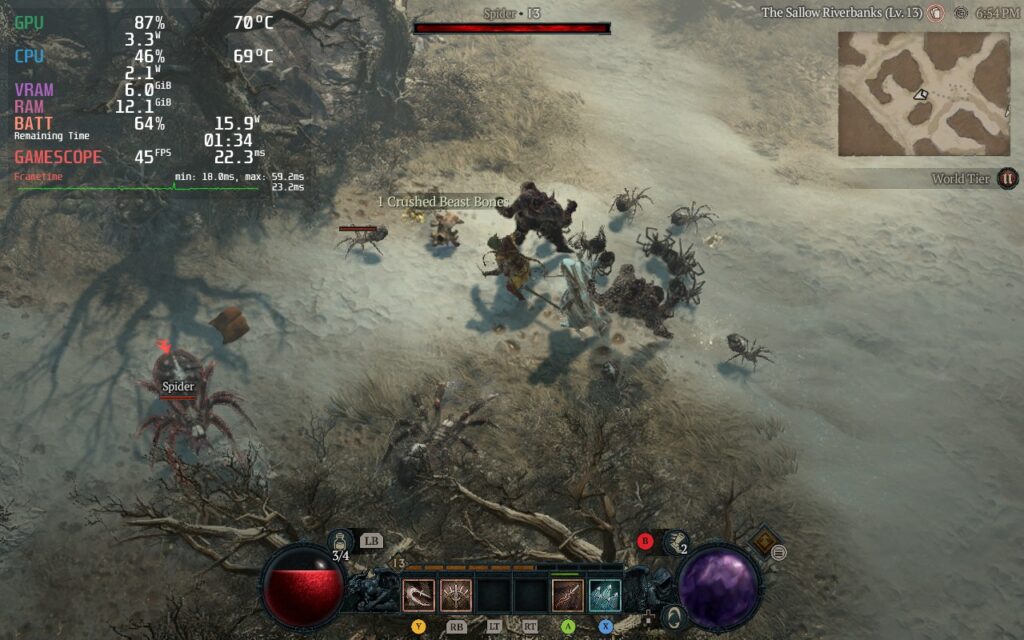
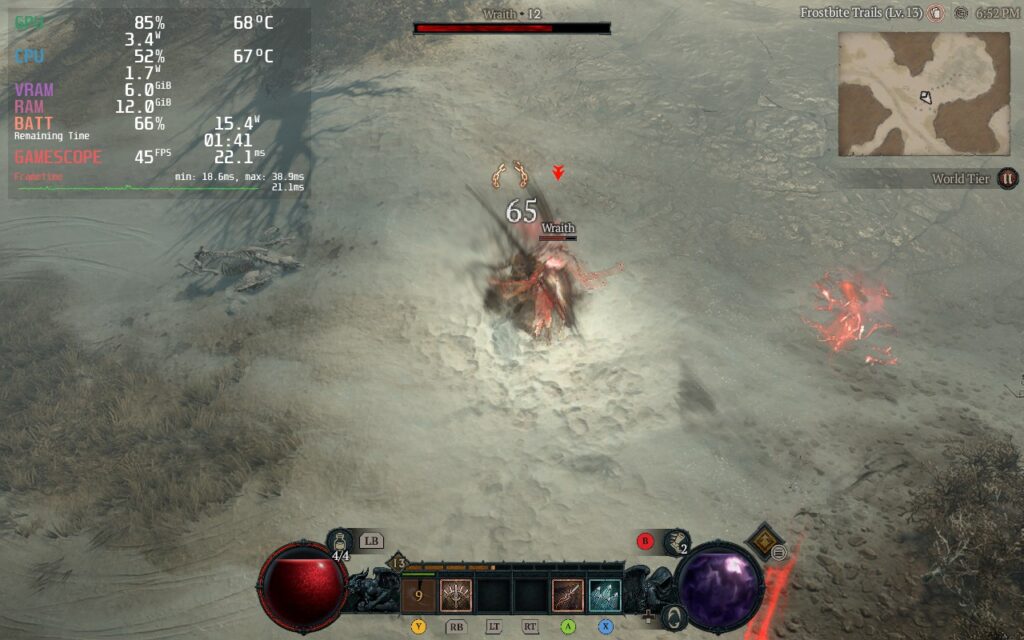
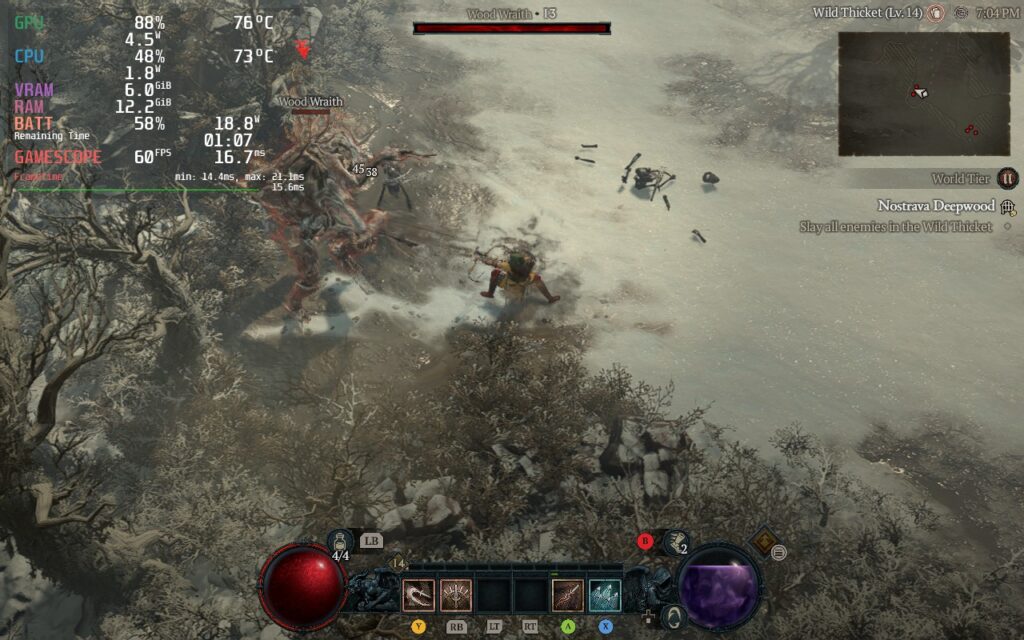
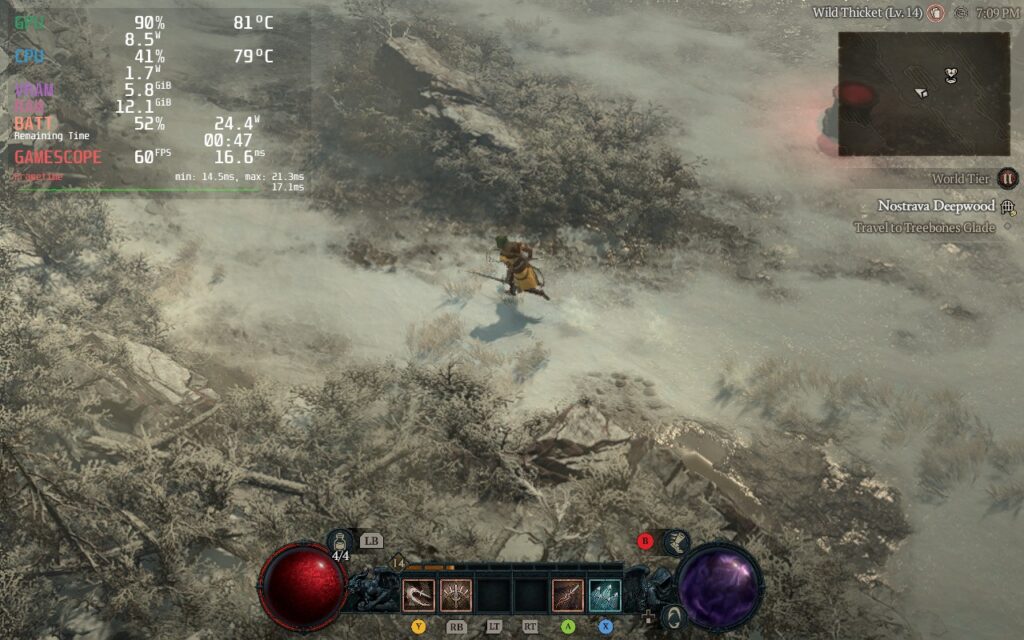
I am also putting down a 60 FPS build for those who are near an outlet and want to push their Decks. Since we are getting rid of the TDP limit, I tried pushing the graphics preset to high and FSR to Balanced, which works really well in most areas, but there are some that have issues. Luckily, these can be mostly fixed by bringing Shaders, Fog, and Shadows to medium while keeping everything else at High.
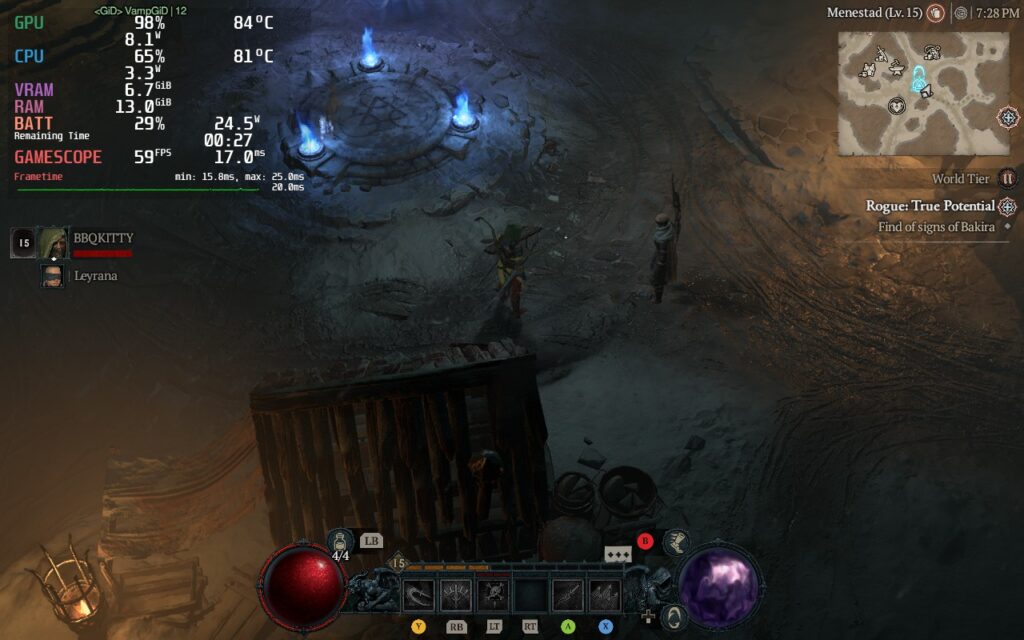
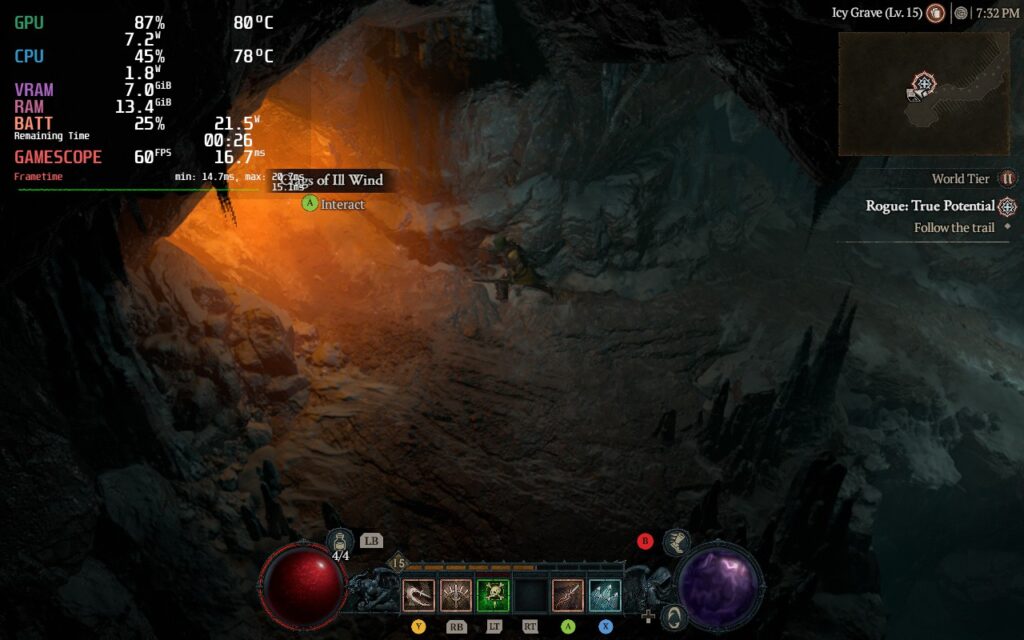
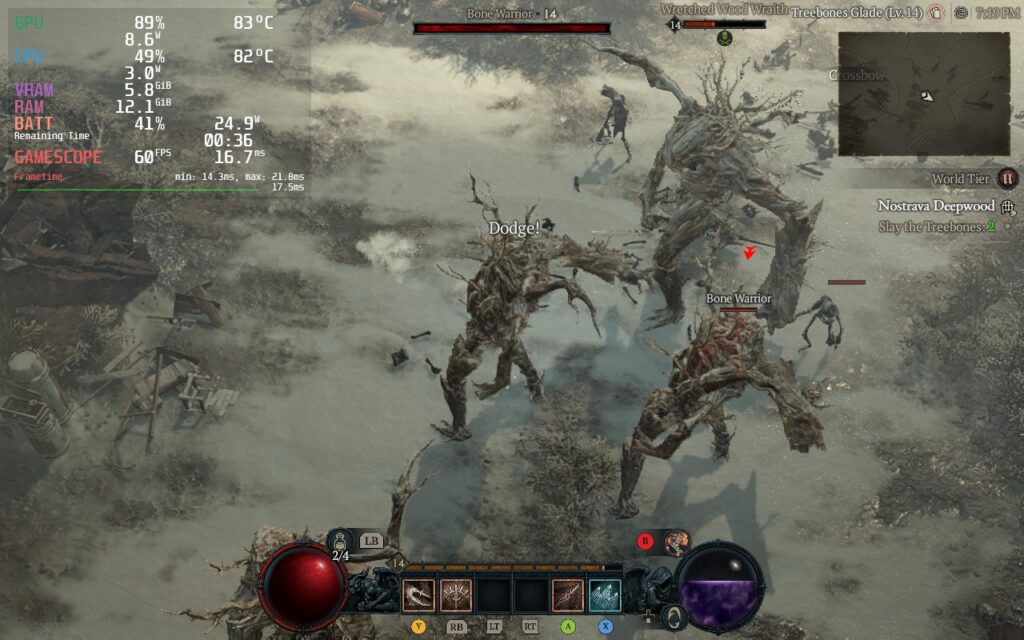
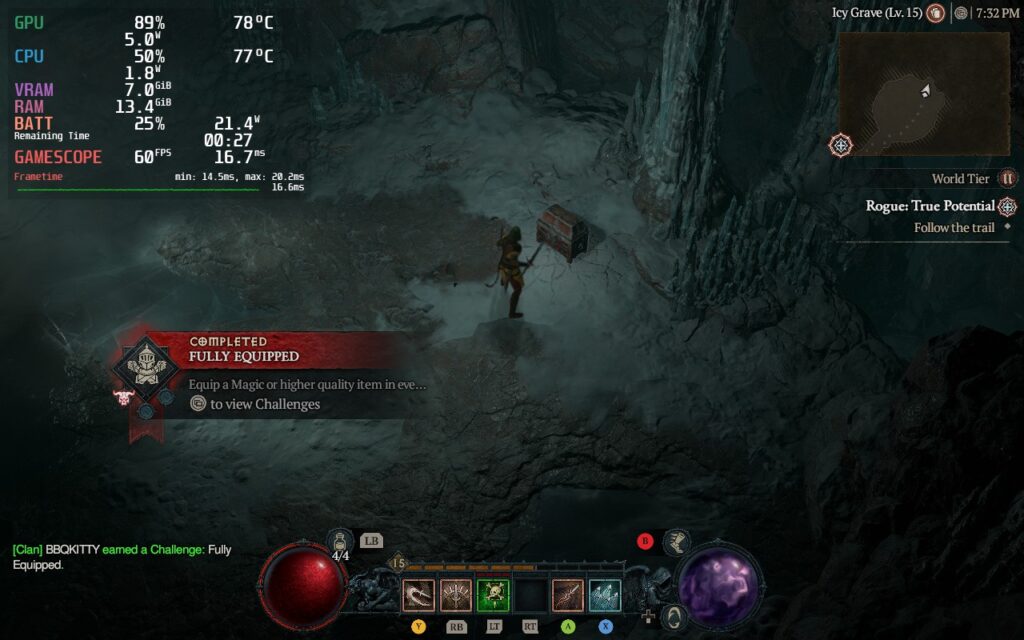
Diablo 4 supports 16:10 resolutions and cloud saves, as well as full controller support that, honestly, is my favorite way to play. There aren’t many games I prefer Gamepad/Controller over KB+M, but this is one of them.
Conclusion (So Far)
Diablo 4 is amazing from what I have played so far. The world, the visuals, the mechanics, it feels like the team knew what people wanted and cranked it up and refined it. There is so much more for me to explore, to keep the story going, and get to end game, but I can’t wait. And on the Steam Deck, Diablo 4 feels right at home. It may need a little tweak here and there from Proton, but it is fantastic nonetheless. You WILL be able to play this on Steam Deck and you WILL enjoy it!
Our review is based on the PC version of this game.
If you enjoyed this first look, be sure to check out the rest of the content on SteamDeckHQ! We have a wide variety game reviews and news that are sure to help your gaming experience. Whether you’re looking for news, tips and tutorials, game settings and reviews, or just want to stay up-to-date on the latest trends, we’ve got your back.






3 comments
Chris
Maybe adjust the review due to the now official Steam version exisiting. Are there any performance or stability differences? Would love to know!
Noah Kupetsky
There most likely are! We do need to re-buy and test. It is something we will get to soon!
Zh4nk0u
Contact @Pezradar on X.com
I’m sure he would be more then willing to support SteamdeckHQ.
Comments are closed.