


Dead Space 3 brings back Isaac Clarke on another adventure to attempt to end the Necromorph threat permanently. Heading to the icy planet of Tau Volantis, you and Sgt. John Carver will fight aliens, Unitologists, all while upgrading and forging new weapons to survive. The sequel adds keeps the action-oriented gameplay that the 2nd game started leaning towards, but adds in weapon crafting, scavenging, and a co-op campaign. It’s time to end this and save mankind from the impending apocalypse.
While this iteration of the game went more towards action over horror more than the 2nd game did, Dead Space 3 is still a ton of fun to play. The co-op mode is way more fun than I expected and I thoroughly enjoyed playing it this way. Unfortunately though, this game does use EA Play as a third-party DRM. Due to this, you will need to be connected to the internet to play at all. I did try to play without internet, but I couldn’t start it. This is a real shame, but the performance on the Steam Deck starts to make up for it!
Dead Space 3: Performance
Just like the other Dead Space games, having V-sync on limits the game to 30 FPS and actually drains more battery. So the first thing I would do is go to your settings and change resolution to 1280×800 (starts at 1280×720 which isn’t bad), turn V-sync off, and change the overall graphics settings to “Very High” and you will get a fantastic 60 FPS experience with 3 – 3.5 hours of battery! This was tested with the base game and its awakened DLC!
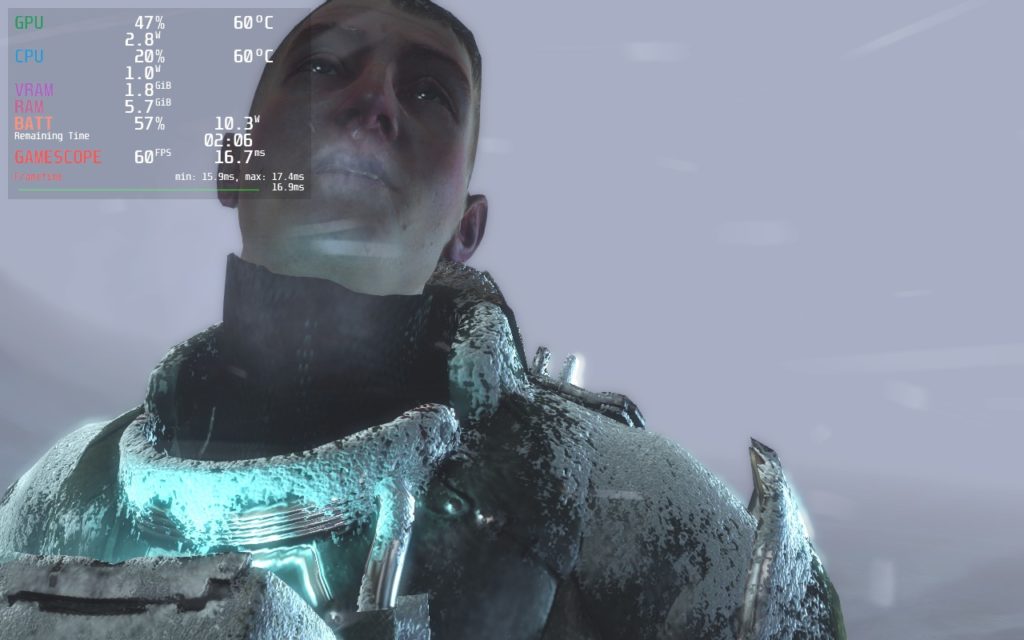
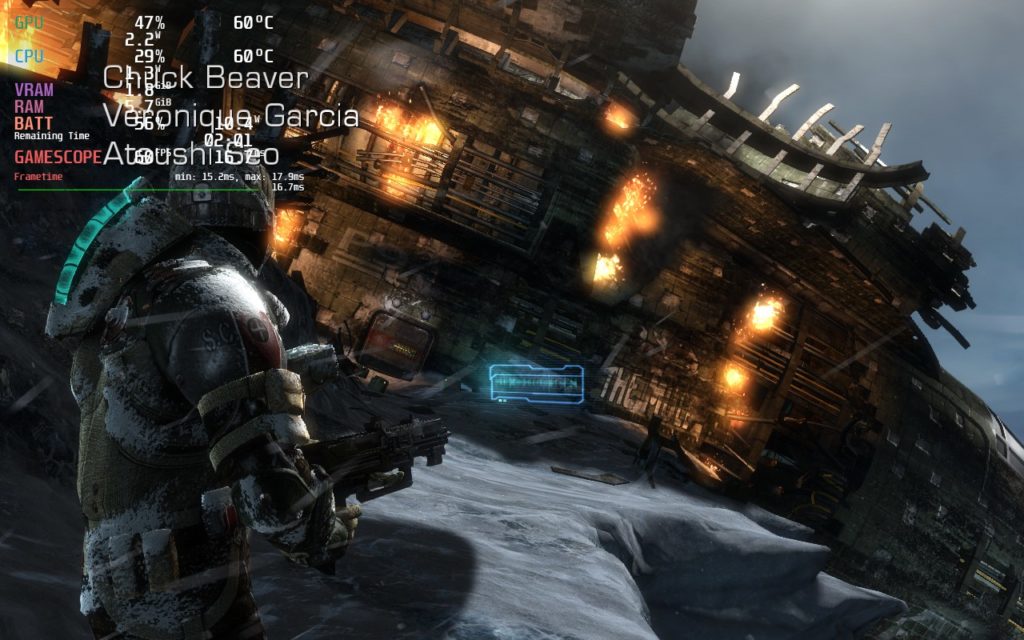
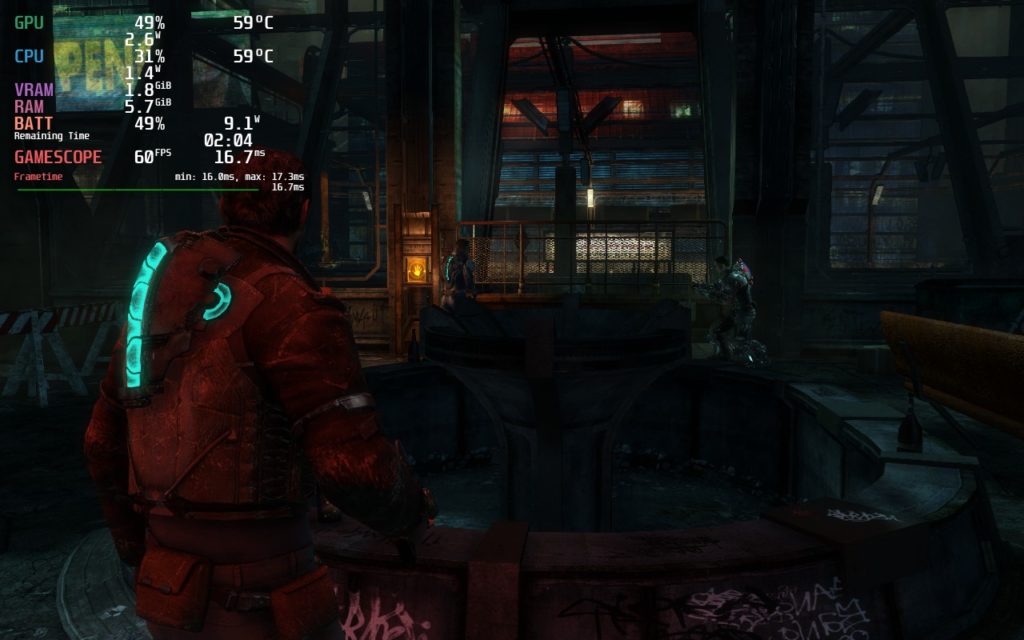
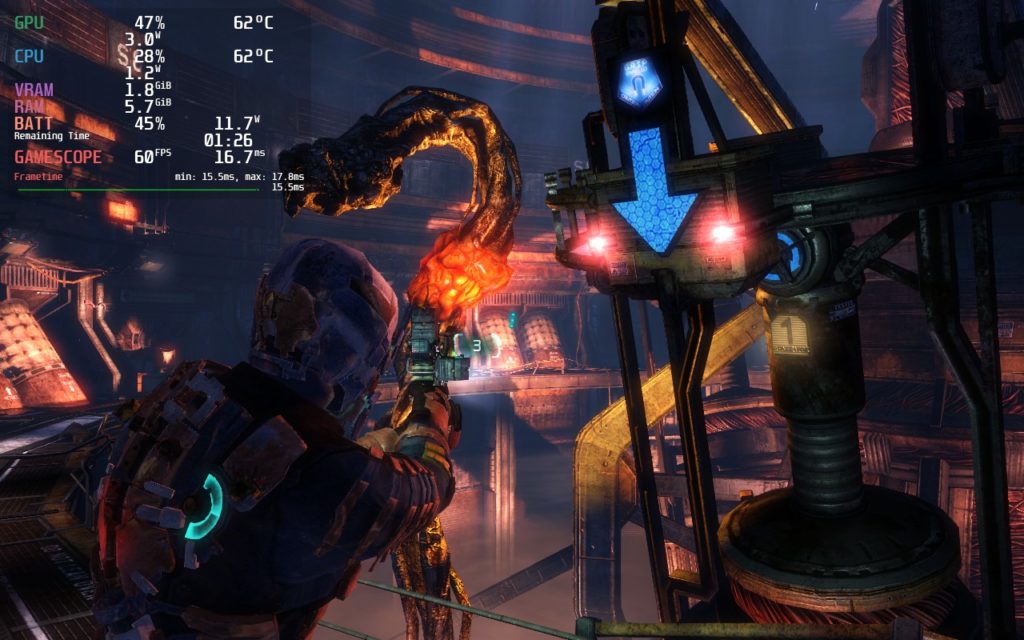
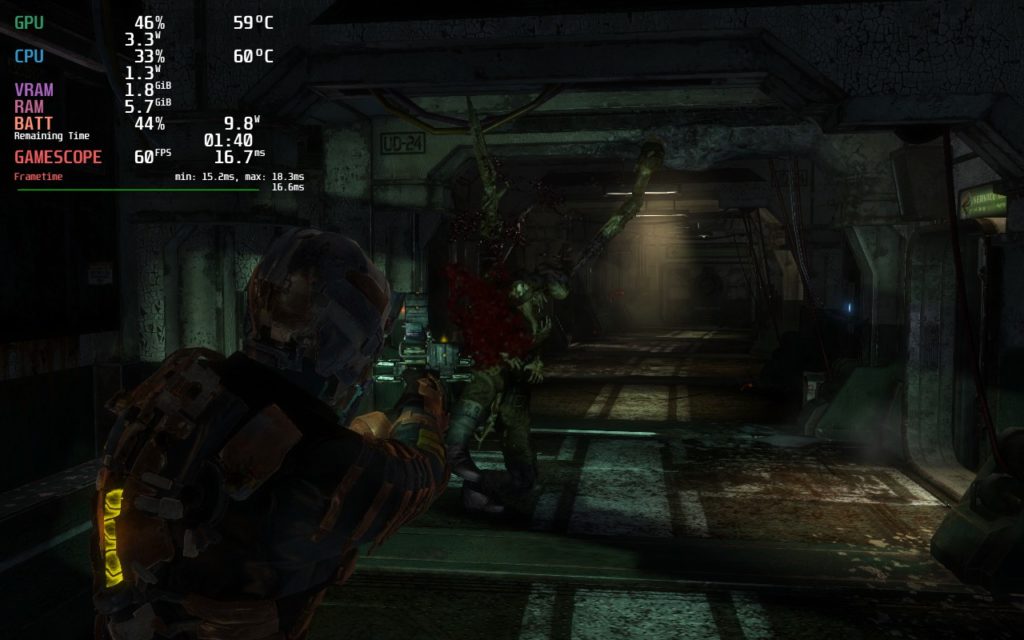
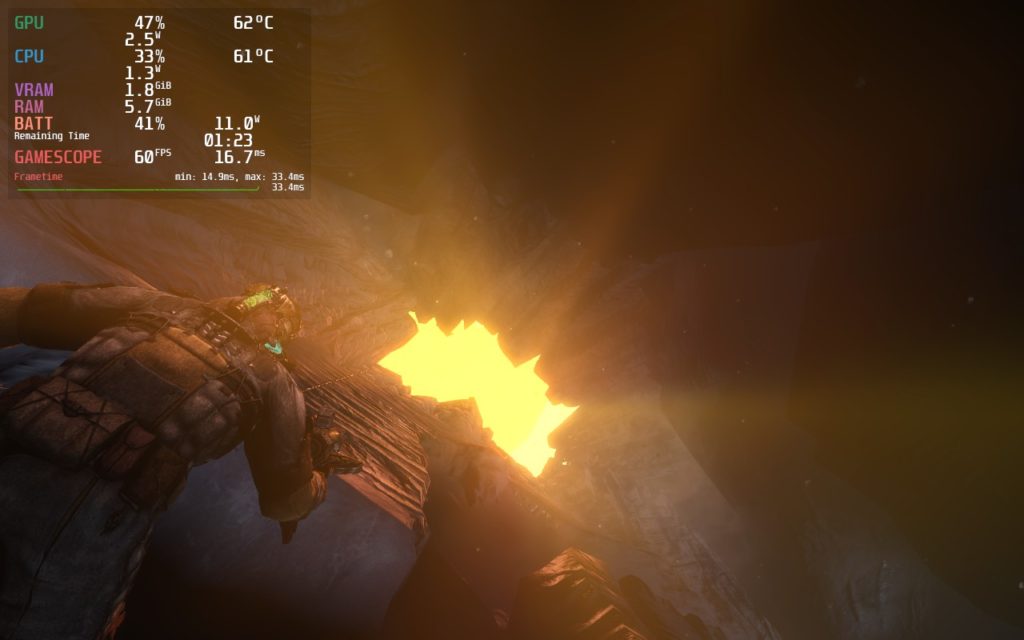
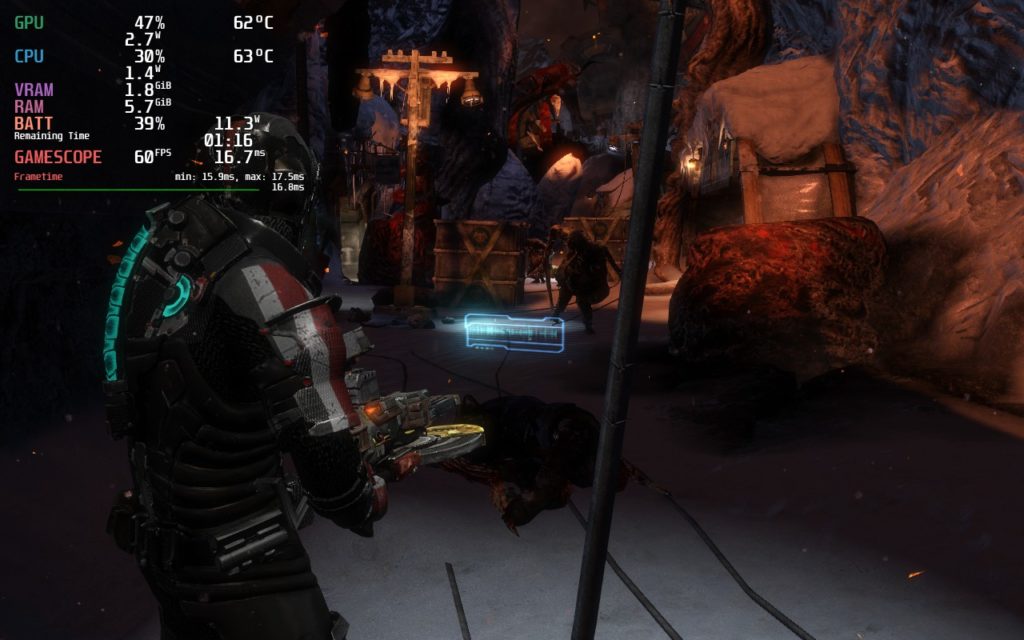
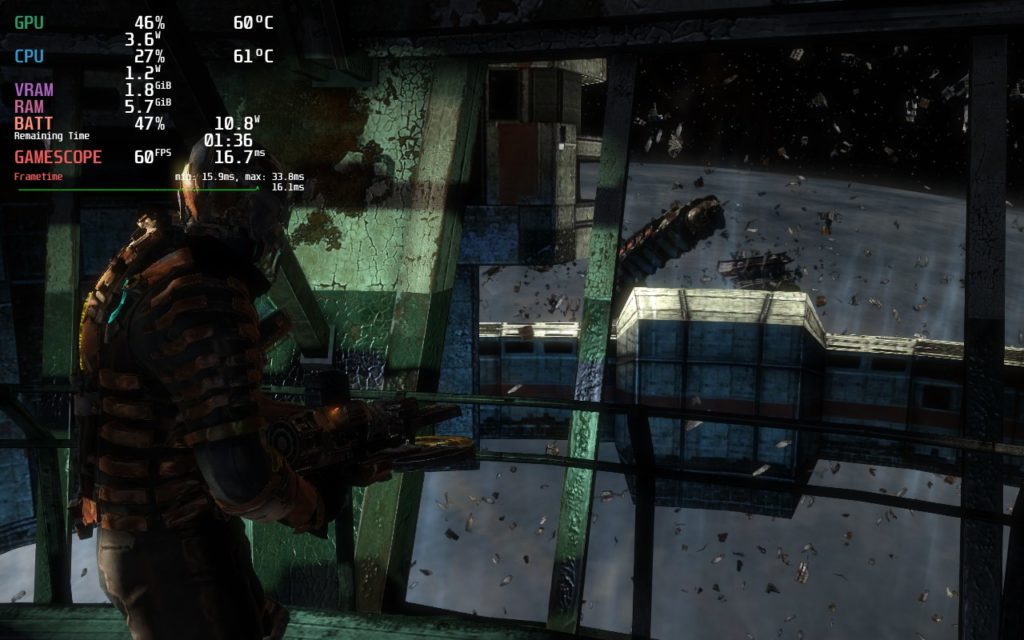
I did see some small drops in frames when going to new places or loading in, but this bounced back really quickly. I did also feel some cutscenes either drained more battery or felt slower, but bounced back immediately during actual gameplay.
Controller Scheme
When initially starting Dead Space 3, it defaults to a controller scheme called “Dead Space 3 Xbox Like”. I am not sure what controller scheme this is, but it doesn’t work properly and some buttons won’t register at all, like the up D-pad. To fix this, you will need to go to your controller settings for the game and change the scheme to “Gamepad with Joystick Trackpad”. You can use whichever scheme you want to as long as it is an official “Gamepad” one, that is just the one I chose.
Once you do that, you will be able to play the game with all controls working perfectly. It has gamepad support, but it wasn’t properly set up when this was brought over to Steam, so you need to change that default.
Conclusion
Dead Space 3 is the finale to this original series and turns a lot of the original elements of the game into a more action-packed adventure. It doesn’t reach the heights that the original or 2nd game did, but it’s still an enjoyable adventure and the co-op is a blast to play! And on the Steam Deck, it runs like a charm once the setting changes are implemented! It is a shame it needs the EA Play DRM and can’t be played offline, but if you can get past that, the Deck is a great way to play!
Our review is based on the PC version of this game.
If you enjoyed this review, be sure to check out the rest of the content on SteamDeckHQ! We have a wide variety game reviews and news that are sure to help your gaming experience. Whether you’re looking for news, tips and tutorials, game settings and reviews, or just want to stay up-to-date on the latest trends, we’ve got your back.






7 comments
Bernie
The game need hand grenades.otherwise it’s great.
Coach
Isn’t this the game where they introduced all the microtransactions? I have this game on the EA game site but I really never gave it time. I have never played any of the other debt space entries either. I am however, looking forward to playing the remake of the original.
Noah Kupetsky
I wouldn’t consider them scummy microtransactions (like experience or crafting material boosts), but small DLC for unique weapons and suits yes.
Ranzington Scout
How did you get the coop to work? I get an error every time. I figured the EA servers were shut down long ago.
Bruce L King
Yea I had the same problem and like you I thought it was the servers too so you and I are in same boat but if you figure it out please let me know
Noah Kupetsky
Will be diving into this one! Last time I played, coop was working, so I will see what I can do about it. Coop Dead Space 3 was a blast.
Anthony
Yes, but the bots you get in game can be used to grind anything you could spend real money on.
Comments are closed.