


The newest addition to the Call of Duty franchise doesn’t play natively on the Steam Deck due to its proprietary anti-cheat engine, RICOCHET, which is incompatible with Proton. Determined to play this game on the go, or to cram in a round of multiplayer while on the porcelain throne, I installed Windows on a MicroSD card, which doesn’t rely on the Proton compatibility layer.
While the game does not come out for another week at the time of writing (release date is 10/28/22), some users shared their positive experiences with the multiplayer beta, which was live earlier this month. Players who pre-ordered the game were able to play the campaign a week early (starting 10/20/22), so that’s what I’ll be basing this impression on.
I had hoped to cover more areas of the game after completing the campaign on my desktop, however I was disappointed to learn that Steam Cloud Saves are not supported on this title. The specs on my desktop are nothing special (i7-3770k CPU, RX5700XT GPU, 16GB RAM), but handled the game great on the high preset, delivering a consistent 70fps at 3440×1440 ultrawide resolution.
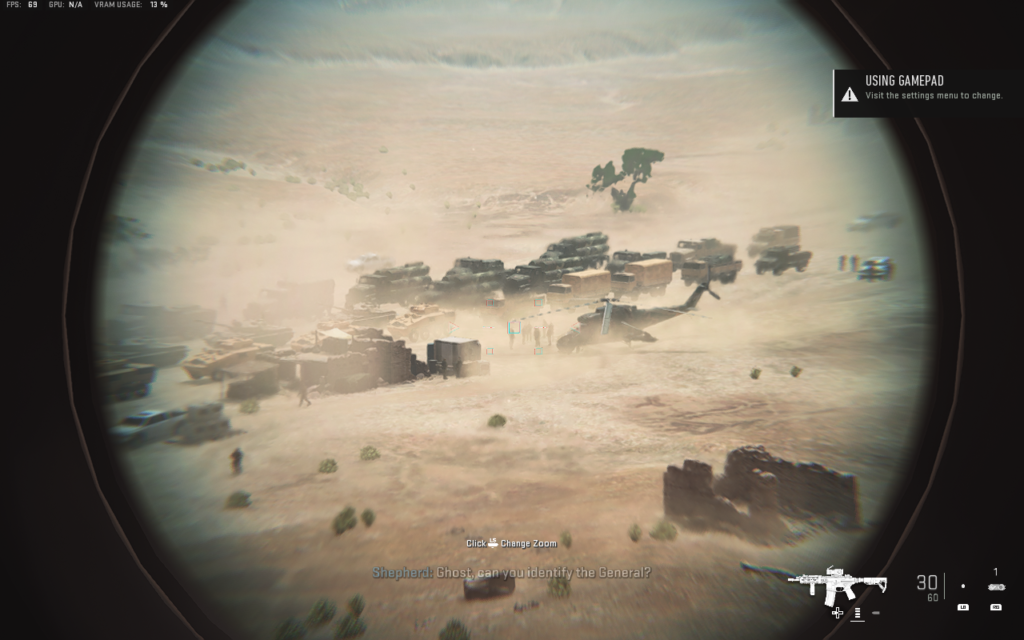
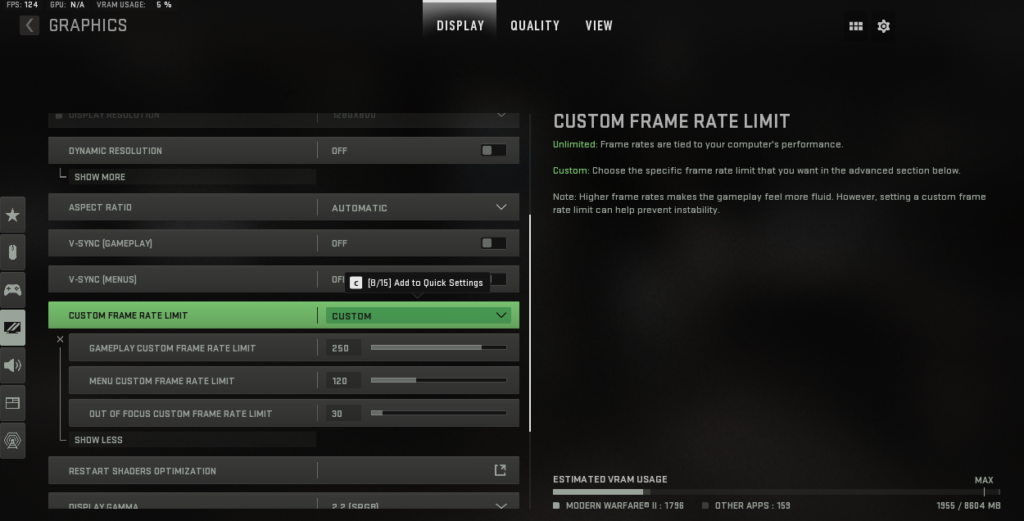
Without the SteamOS performance menu available, I loaded up the game and let it auto-configure settings. The game chose a resolution of 1152×720 with FSR enabled and set most settings to low (except for 2-3 texture settings which were set to medium. One thing I found interesting about this game is the frame rate optimization, which allows for different configurations for gameplay, menus, and out of focus objects (background elements). This game feels incredibly optimized as I was getting 60-95 FPS on average through the first two missions.
Some scenes containing a lot of foliage or AI movement dipped below 60 FPS, but never for long. Color me impressed with how well this game looks and performs on the Steam Deck. While I wish it ran natively, a $27 256GB Micro SD card dedicated to Windows was a worthy investment to play this game and other Proton-incompatible titles I may try in the future.
Our guide to installing Windows on the Steam Deck using the method here will be coming tomorrow!



Our review is based on the PC version of this game.
If you enjoyed this review, be sure to check out the rest of the content on SteamDeckHQ! We have a wide variety game reviews and news that are sure to help your gaming experience. Whether you’re looking for news, tips and tutorials, game settings and reviews, or just want to stay up-to-date on the latest trends, we’ve got your back!






2 comments
Baran Y
this is a very, veeeeery misleading review. this game does not even launch right now. and according to ProtonDB i am not the only person
Vanderjud
Hi, this review is for Windows only. Unfortunately, Ricochet anti-cheat isn’t compatible with Proton and won’t run via SteamOS. If you run Windows on your Steam Deck either via Micro SD card or internal SSD, the game runs and performs well with the settings noted in the review.
We’re sorry you found this review misleading. The title and first paragraph explain Ricochet’s incompatibility and that this was tested and reviewed on Windows OS.
Comments are closed.