


A Plague Tale: Requiem is the next installment of the wonderful action-adventure franchise. Follow Amicia and Hugo after they have escaped their ravaged homeland to start a new life. In a vibrant new world, they must now overcome new foes and challenges with a variety of weapons and tools…or rats. Sneak around and strike from the shadows or unleash all hell in this harrowing and brutal tale to save the family you have left.
A Plague Tale: Requiem is an incredible follow-up to its predecessor. Requiem features a gorgeous world and fantastic continuation to the story with some gameplay improvements over the original. With some minor QoL improvements like stones being infinite, the game feels much smoother and streamlined to play. While it also can be played by itself, it feels like something is missing if you haven’t played Innocence before this, so I definitely recommend checking it out first. Requiem can also be played on the Steam Deck, but it isn’t the easiest game to run.
A Plague Tale: Requiem – Steam Deck Performance
When the game first released, it was significantly harder on the system. It could barely chug along to 30 FPS on the lowest settings and exhibited intense ghosting. Luckily, on November 9th, Requiem received a patch that made it much more compatible with the Steam Deck and added some new graphics options to play around with. This patch made the game much more playable, but it is still pretty heavy on the system.
With the update, Requiem tends to stick around 14W – 20W battery drain to hit 30 FPS on the lowest settings. This is definitely a huge improvement over how it ran before, and looks significantly better, but it is still going to be a drain to keep a stable 30 FPS. I did also notice that with everything on low, turning Vsync off helps stabilize the framerate a bit more. I tested with Vsync on and SteamOS’s FPS limiter off and it was still smoother using only the SteamOS cap with Vsync off.
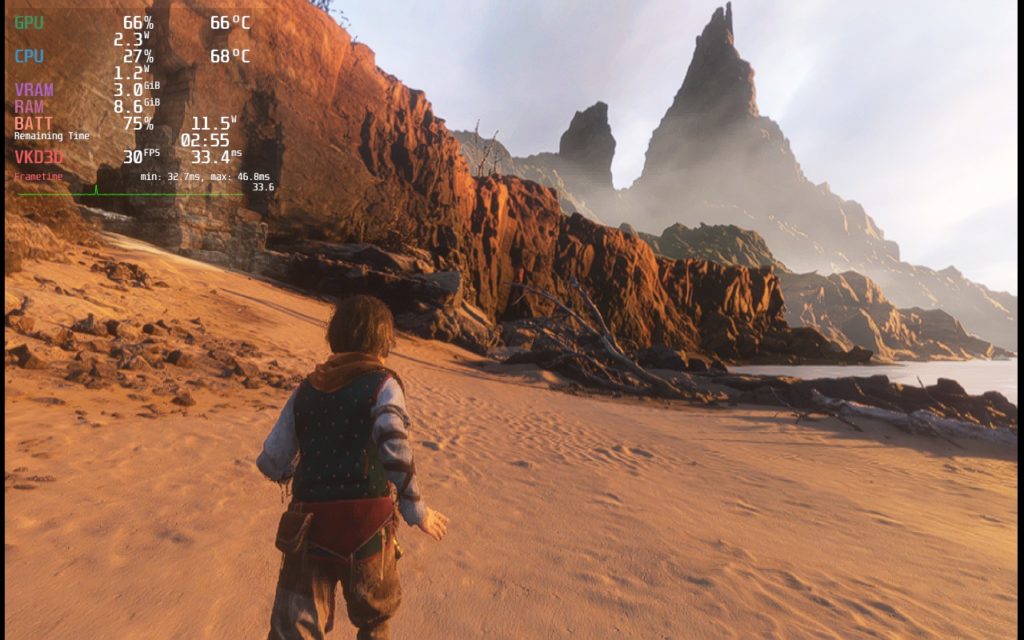
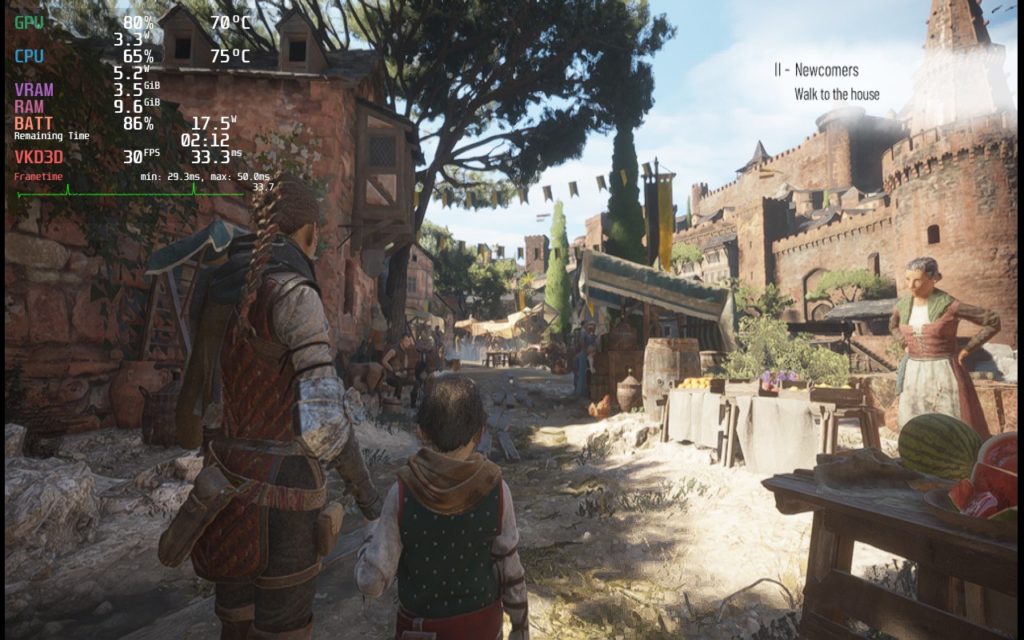
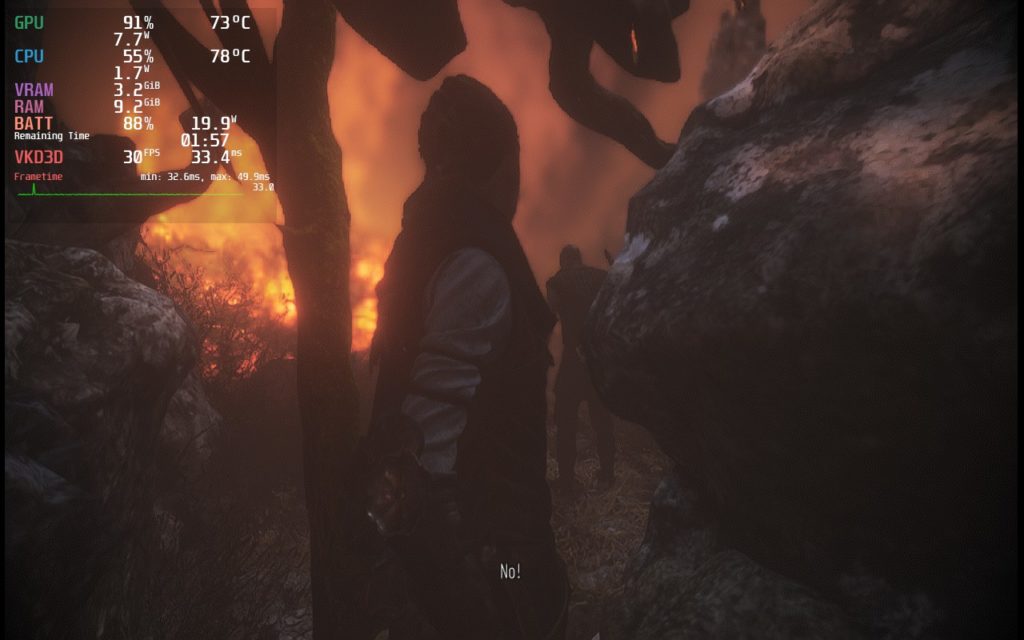
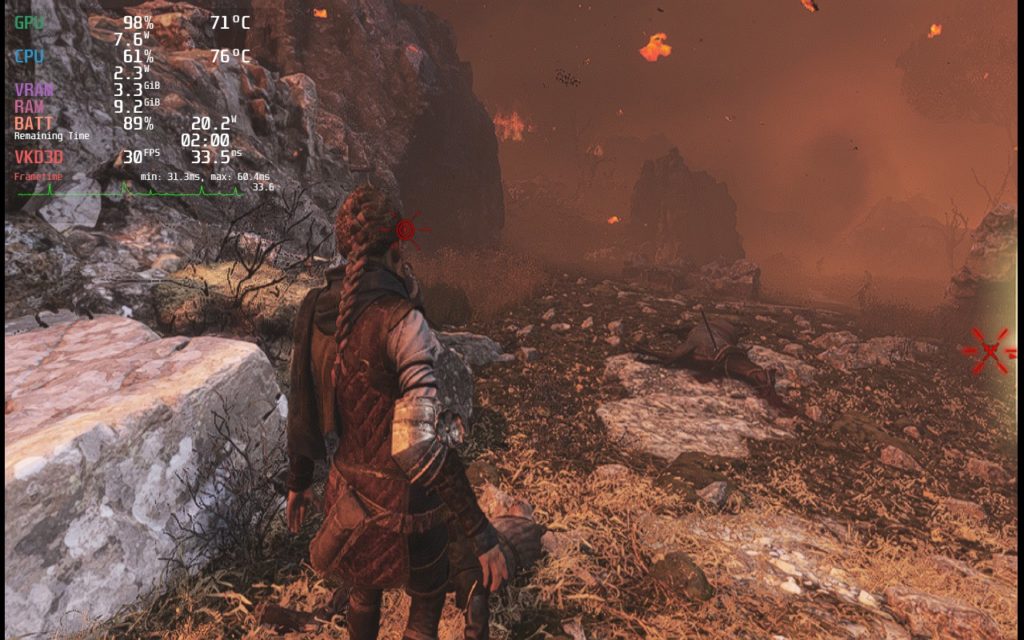
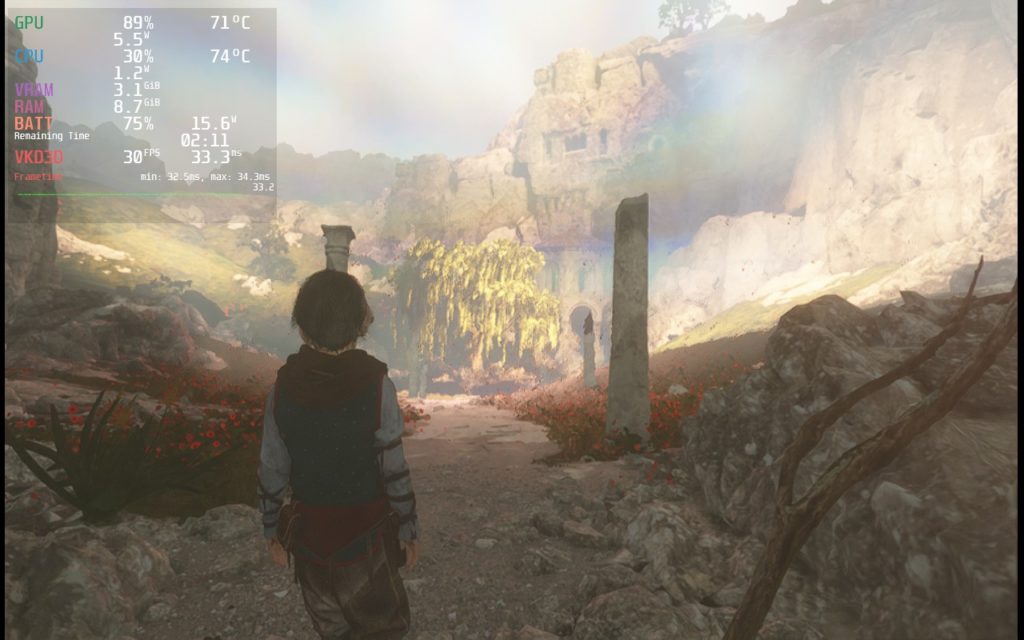
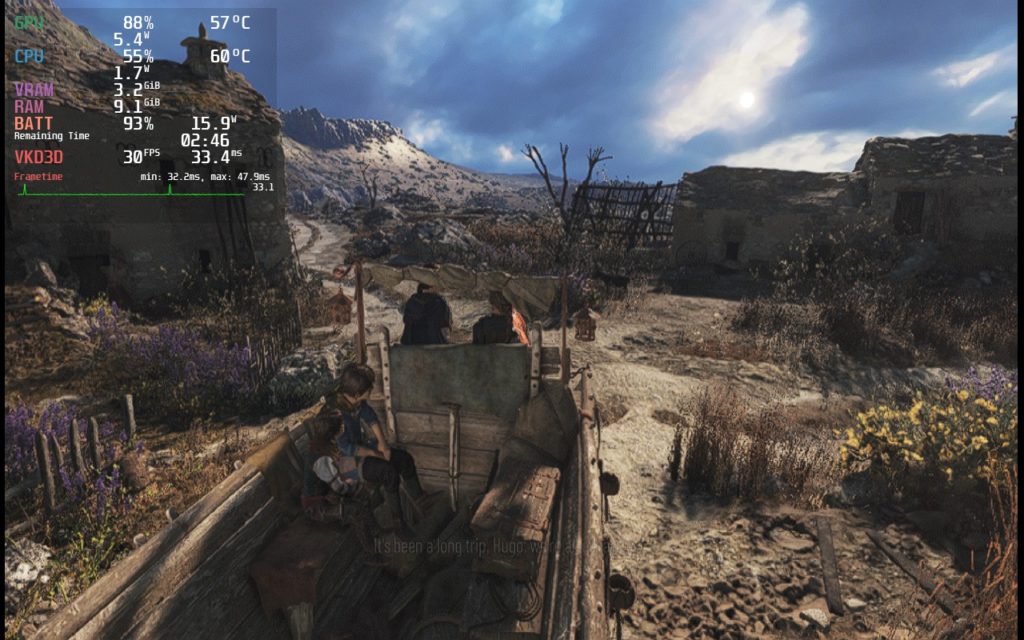
There are still some spikes that go below 30 FPS, but this is usually during very crowded scenes or cutscenes. Otherwise, the game had no issues with the controller and no visual bugs!
Conclusion
A Plague Tale: Requiem is an awesome game that continues the story in a fantastic way. With some pretty wonderful improvements to keep gameplay smooth and fluid, this is a wonderful next step in the franchise. While this game is fantastic and I recommend playing it, the performance on the Steam Deck leaves a lot to be desired. For what it is worth, it is playable with a lot of compromises to settings and framerate. But, if you are willing to put up with all of that, you will be rewarded with an enjoyable experience that anyone who follows the series should have.
We definitely recommend playing Innocence before this though, it adds a lot to the experience!
Our review is based on the PC version of this game.
If you enjoyed this review, be sure to check out the rest of the content on SteamDeckHQ! We have a wide variety game reviews and news that are sure to help your gaming experience. Whether you’re looking for news, tips and tutorials, game settings and reviews, or just want to stay up-to-date on the latest trends, we’ve got your back!






8 comments
LonelyGamerVibez
Bought this game last week and haven’t been able to make it past launch screen. I tried to run this game in stable channel, Beta channel and Preview channel. Tried all protons including experimental and proton GE. Tried verifying game files and proton files and everything came back normal. Tried reinstalling the game in the internal storage and it won’t work and tried on sd card and same issue. It’s frustrating to want the Steamdeck to succeed and have to deal with a “verified” game not working at all.
CaptainJSparrow
I just want to post an update because they updated game for steam deck ! Now the default settings run the game fine at 30 FPS with decent quality, the battery is not great since it’s pushing the APU it but it’s very playable now since they included an in game upscaler with FSR and more graphics options. Just a side note but it’s listed by steam when you go in “playable” details, quit to desktop option is not working well on deck and you may need to close it manually using steam overlay. I think this review is out of date now, but for a good cause 🙂
BarbecuedKitty
Yes it is! I know Requiem had a specific Steam Deck update, but I need to test it still. Will do so tomorrow and update accordingly!
Zh4nk0u
Could always play it on Deck via Gamepass (Xcloud) or GFN (free tier).
Hazarduz
That’s exactly what I’m doing. Windows on MicroSD and playing with Game Pass. Runs pretty well considering.
BarbecuedKitty
Really? What kind of performance are you getting?
Benbrada
Yep games run well, cooler too on SteamDeck!
BarbecuedKitty
Interesting! I am quite curious to see some of the specifics of how much better it is running.
Comments are closed.