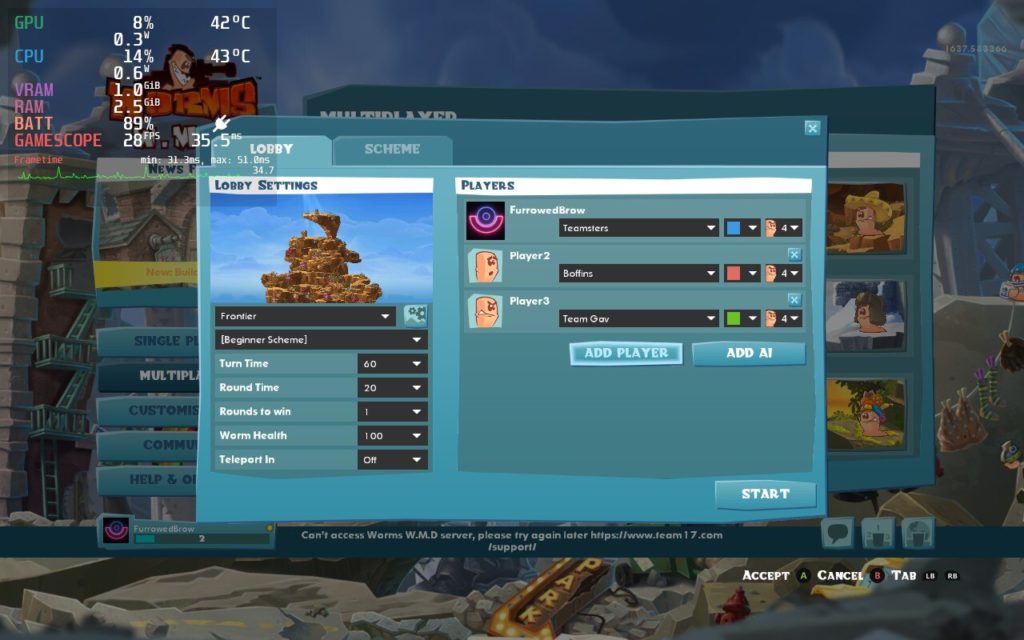

The Worms franchise is a blast from the past, reminding me of gaming on the PS1. It had a resurgence during my college days, where it could make or break friendships, and again has made its way into the games I currently play. These quirky worms, armed to the teeth, debut with some tongue in cheek humor, randomly generated maps, and both online and local multiplayer. Worms W.M.D. is listed as Unsupported on Steam, but worked perfectly fine out of the box, with no additional configuration needed.

Online multiplayer works flawlessly and supports Steam invitations, so it’s simple to gather up to three other friends in a lobby. Local multiplayer is also supported, which I tested with both Bluetooth and wired controllers. Local multiplayer using Steam Link opens up some unique possibilities, like playing against friends or family from an entirely different room.
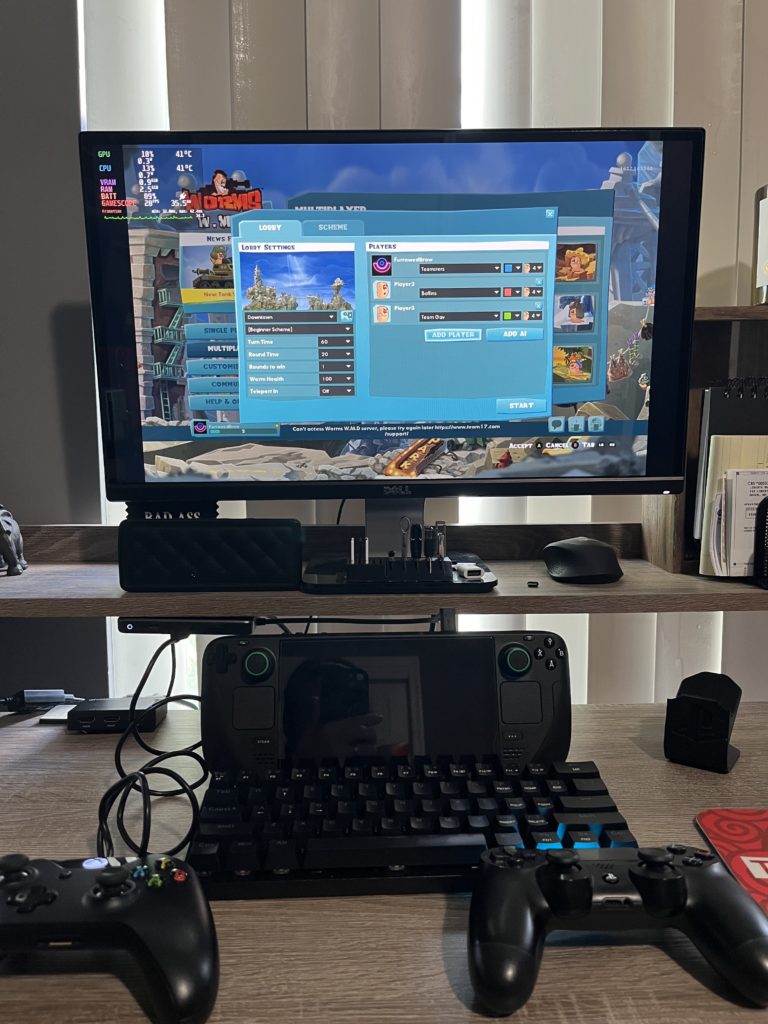
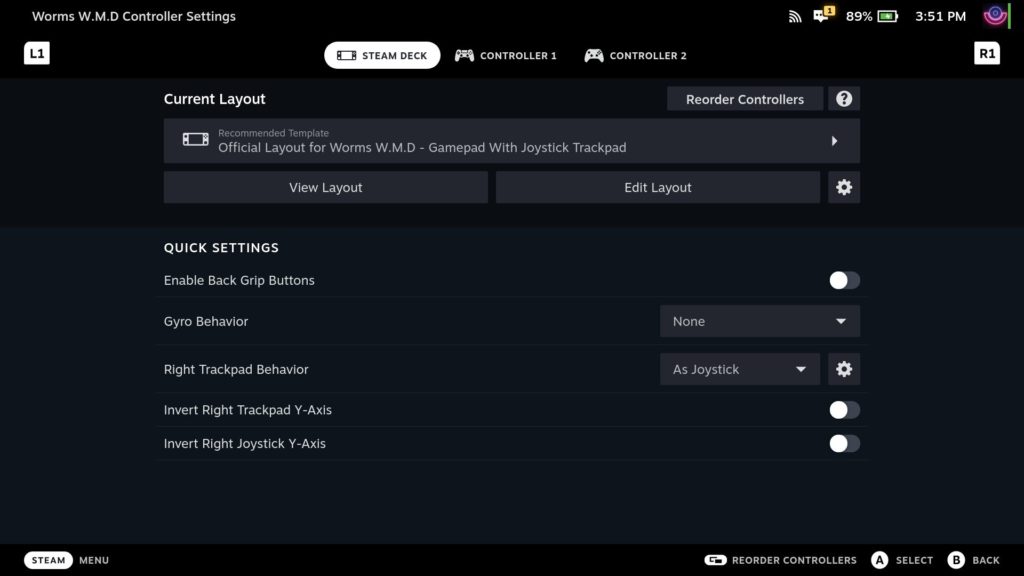
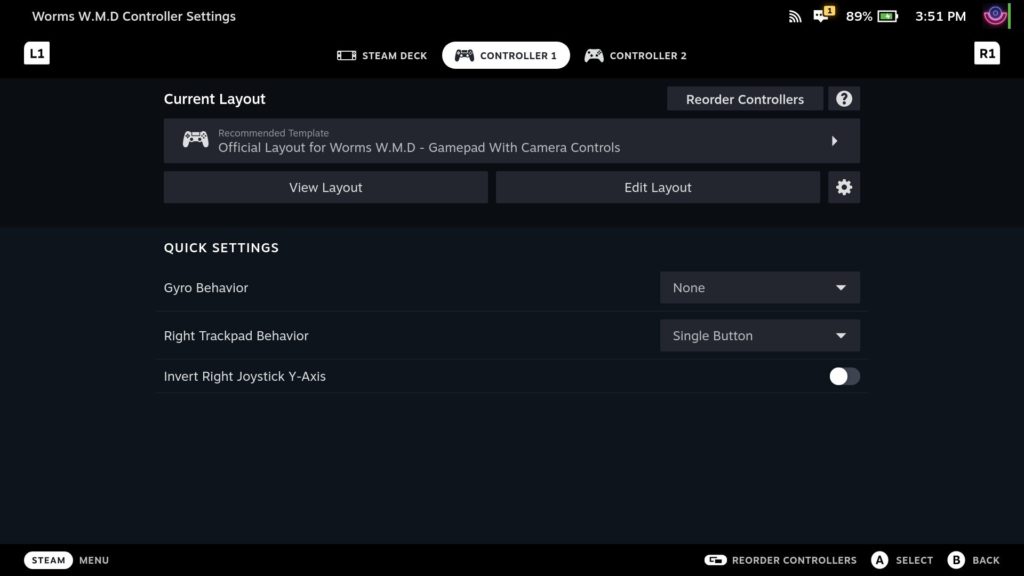
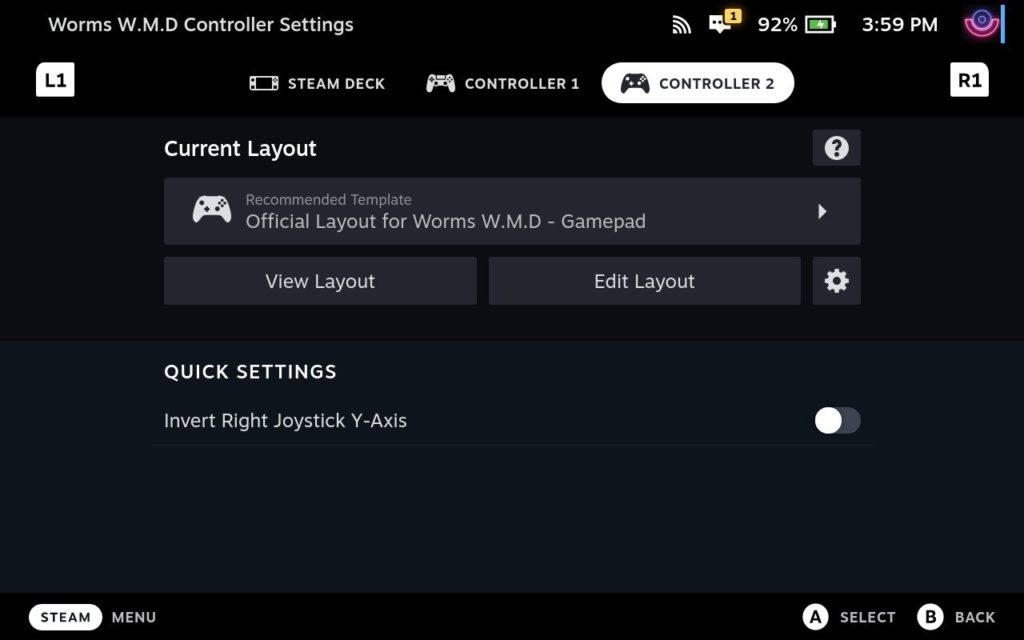
Better yet, Worms W.M.D. supports a “pass the controller” style of multiplayer. When each player is added to a match, they are instructed to Press A on the controller they will be using. That way, everyone can have their own controller, you can use the Deck while friends share a controller, or you can pass the Deck around the room. If playing local multiplayer, make sure each controller appears in the Deck’s controller settings prior to opening the game.
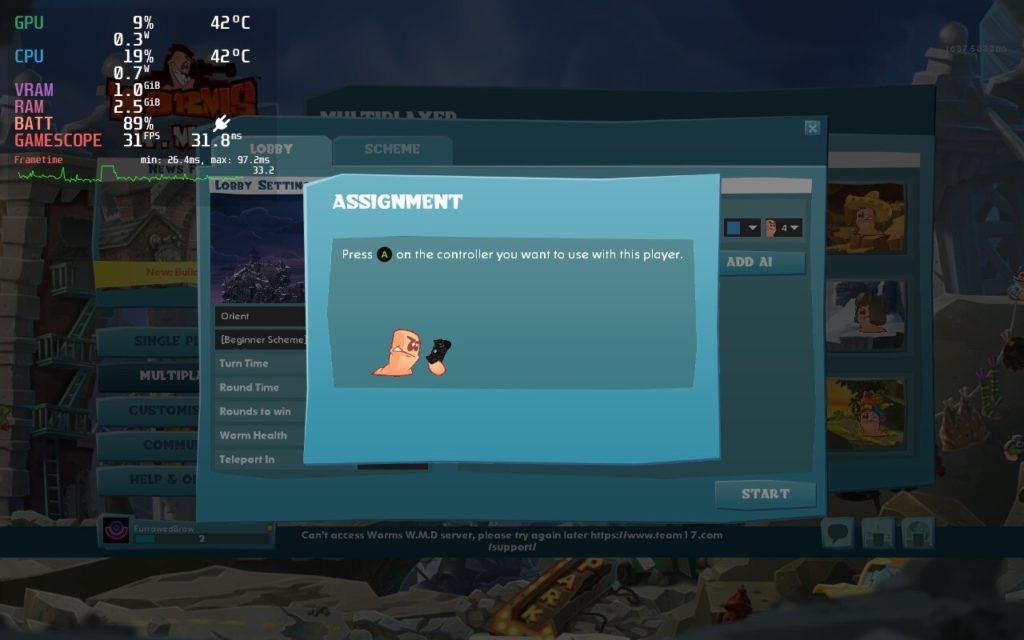
The simple, yet vibrant graphics are not demanding of the Steam Deck’s hardware, supporting 60fps in native 1280×800 resolution. With default settings, I was able to get about 4 hours of gaming out of the Deck, with peak temperatures never reaching 65 degrees. By limiting the TDP to 4 watts and setting the GPU clock speed to 600, FPS dipped to the 35-40 range, which is perfectly playable for this type of turn based game, but extended the battery life to a whopping 6 hours with peak temperatures around 50 degrees.
Since framerate was stable around 35FPS, I dropped the refresh rate and FPS down to 40 and gained another 30 minutes of battery life. I noticed that if I dropped the GPU clock below 600, framerate became unstable, dipping into the low to mid 20fps range.

Worms W.M.D. can be fun for hours on end, creating some funny moments and rivalries along the way. While Valve lists it as unsupported, we know, in many cases, that just means it hasn’t been tested. I was happy to take the plunge and pleased at how well it runs natively.
Happy gaming!
Our review is based on the PC version of this game.
If you enjoyed this review, be sure to check out the rest of the content on SteamDeckHQ! We have a wide variety game reviews and news that are sure to help your gaming experience. Whether you’re looking for news, tips and tutorials, game settings and reviews, or just want to stay up-to-date on the latest trends, we’ve got your back!