


Wild Card Football was provided by Saber Interactive for review. Thank you!
There are a few games I would consider guilty pleasures for my own enjoyment. Roguelikes tend to take up the majority on the list, but there is one type of game I have always loved playing when I could: sports games. For some reason, I have always loved playing sports games, but in particular, the Madden football games stole my heart. I have fond memories of playing with my father, picking our plays, and trying to distract while I passed the ball to make a touchdown. Those were the days. Wild Card Football takes the regular formula and adds a new spice to it that, for me, works quite well.
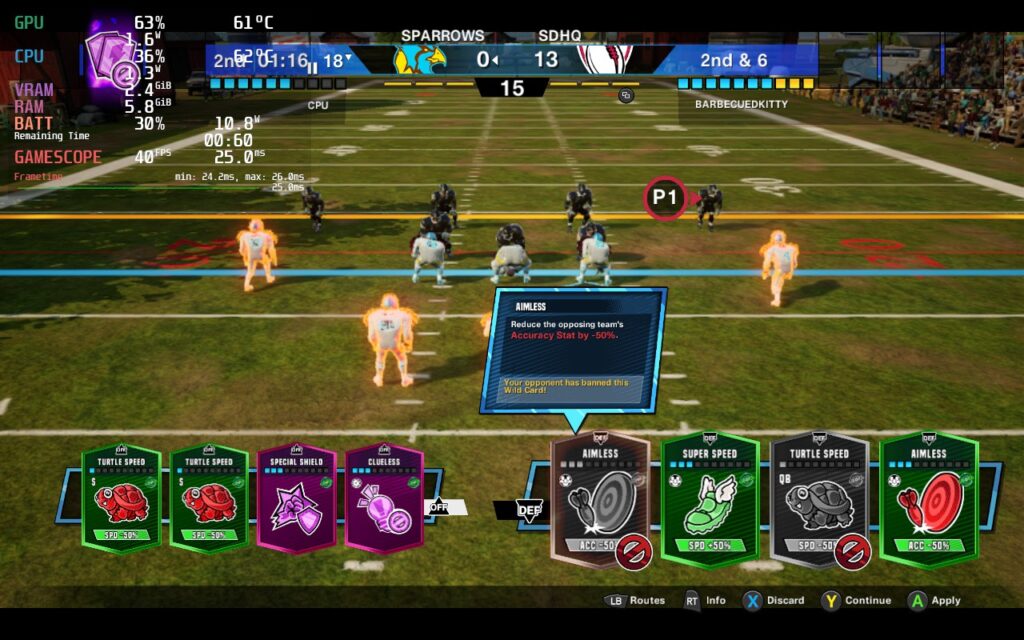
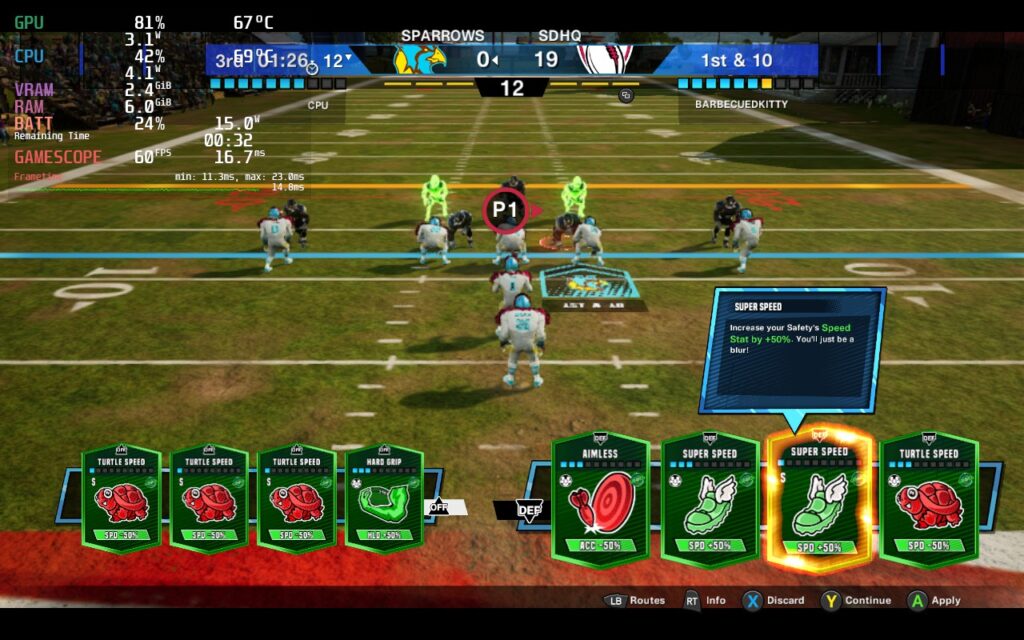
While most of the popular football games focus on realism, Wild Card Football takes a step into the fantasy world, and I love it. The biggest gameplay change is the card system, which you can use each down to augment your team or hurt the enemy team. These can include something as simple as moving the yard line closer or further away or get as crazy as abducting players and moving them back if they hit a beam of light. They can all affect how the game is played, which adds a new sense of strategy to the game.
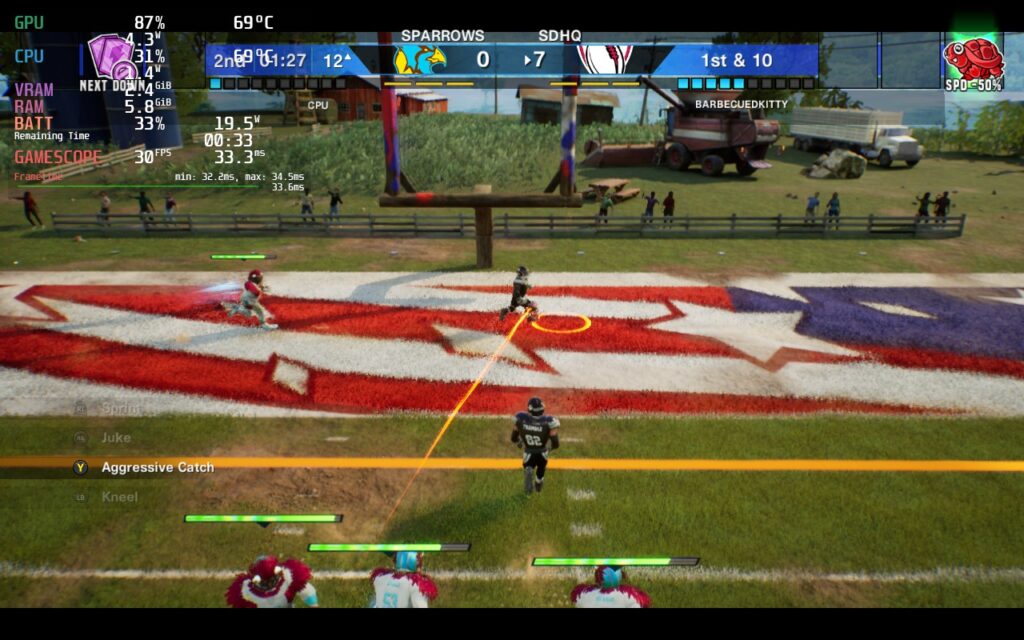
Wild Card Football has 3 distinct modes with it: Exhibition, Season, and Dream Squad. Exhibition is the standard mode where you will be able to quickly choose a team and play multiplayer, while Season mode will take you through an entire Football season with your team of choice. Dream Squad will see you actually creating a team, the roster, and building a deck of cards to use. You will primarily be facing off against other players online, but there is a mode to play against CPUs.
I thought the modes were awesome and offered some variety, which I liked. There were a couple of confusing bits for me, like I had no idea how to sell cards to get tickets to buy new cards, but the majority of the game was easy to understand and fun. Best of all, it is very playable on the Steam Deck, with some changes!
Wild Card Football – Steam Deck Performance
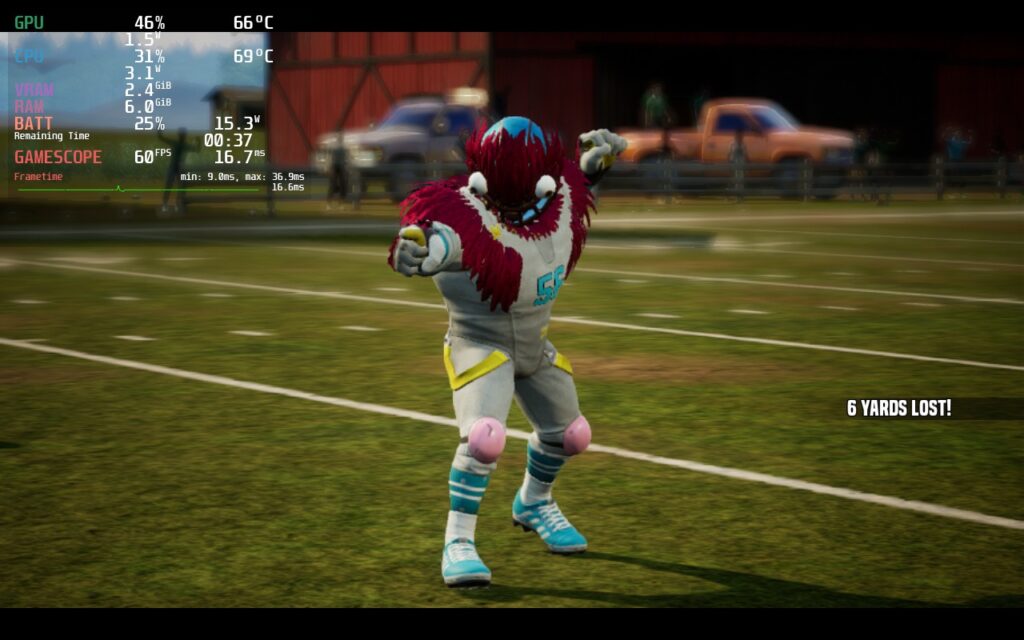
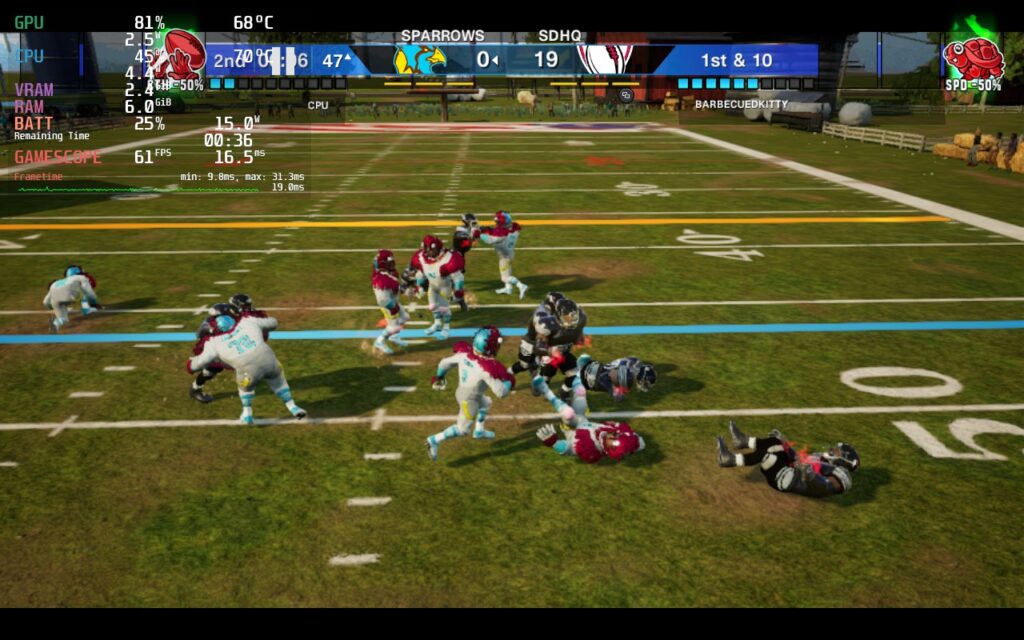
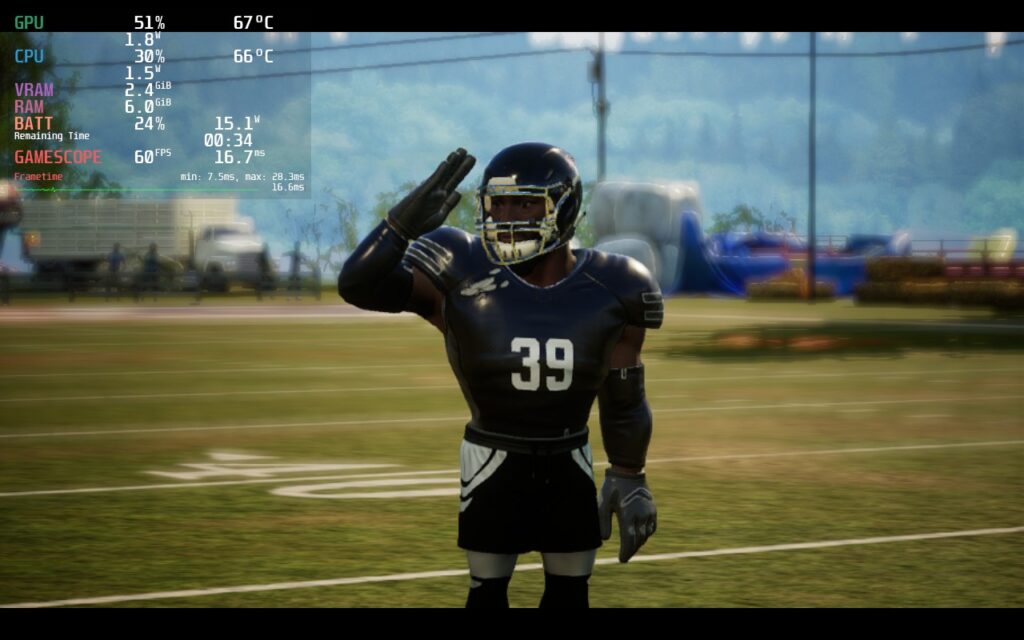
Wild Card Football is a pretty well-optimized game and can run great on the Steam Deck in a multitude of different ways! With it, I was able to find a solid build for battery life, framerate, and quality, all without many compromises, mostly since there is only one option for graphical quality:
Recommended Build
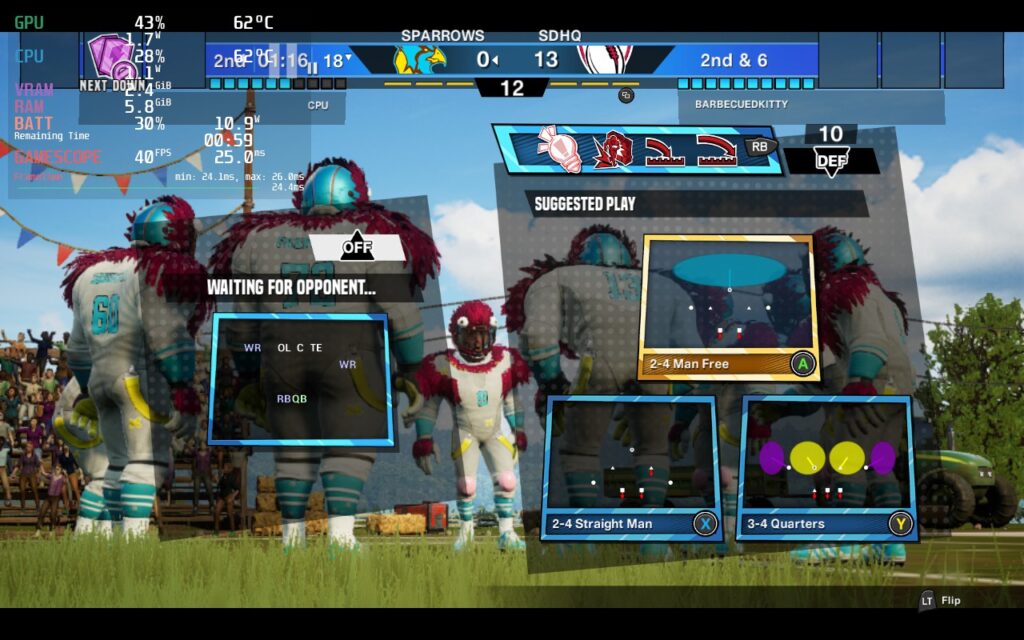
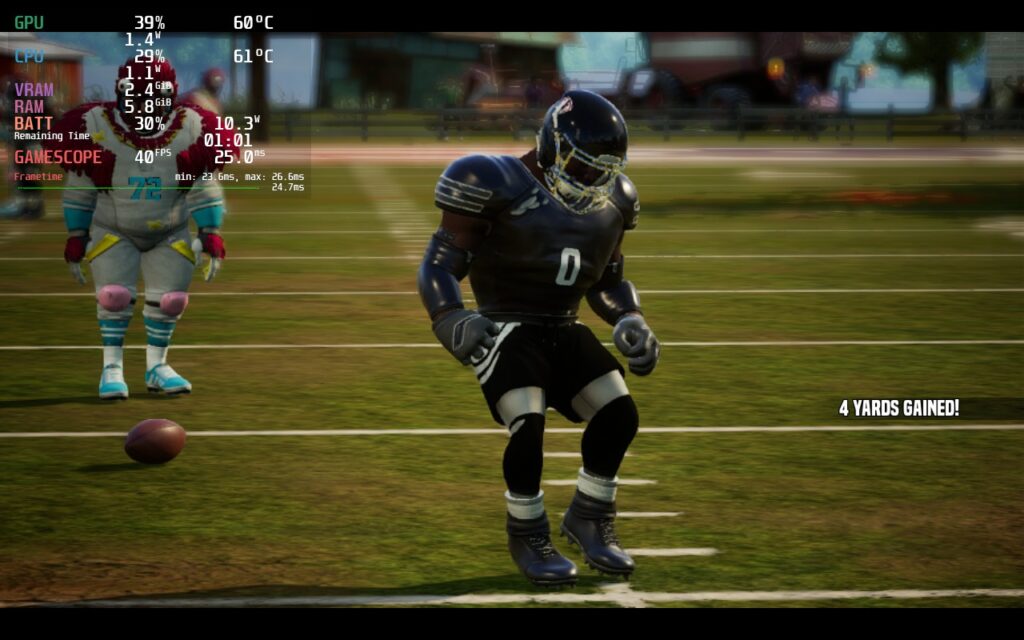
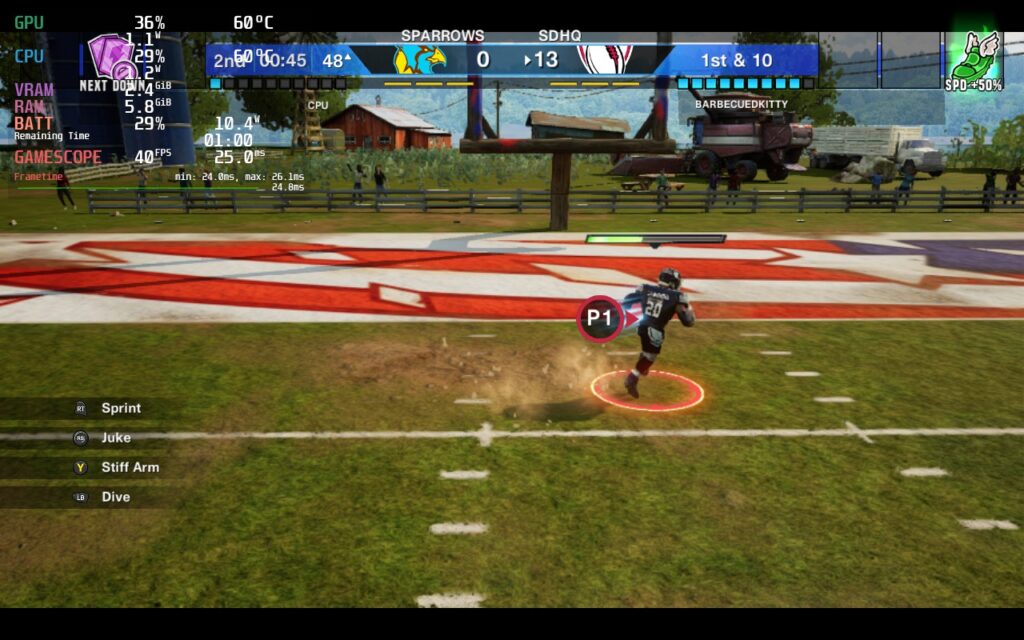
First, we have the recommended build. I felt that the battery build ended up being the safest of all three, mainly due to the different fields draining more or less. The battery build has a 40 FPS cap on the low graphics quality but allows a TDP limit of 5. This saves a ton of battery with a smooth framerate. I do wish it wasn’t as blurry, but it was still very playable.
Quality Build
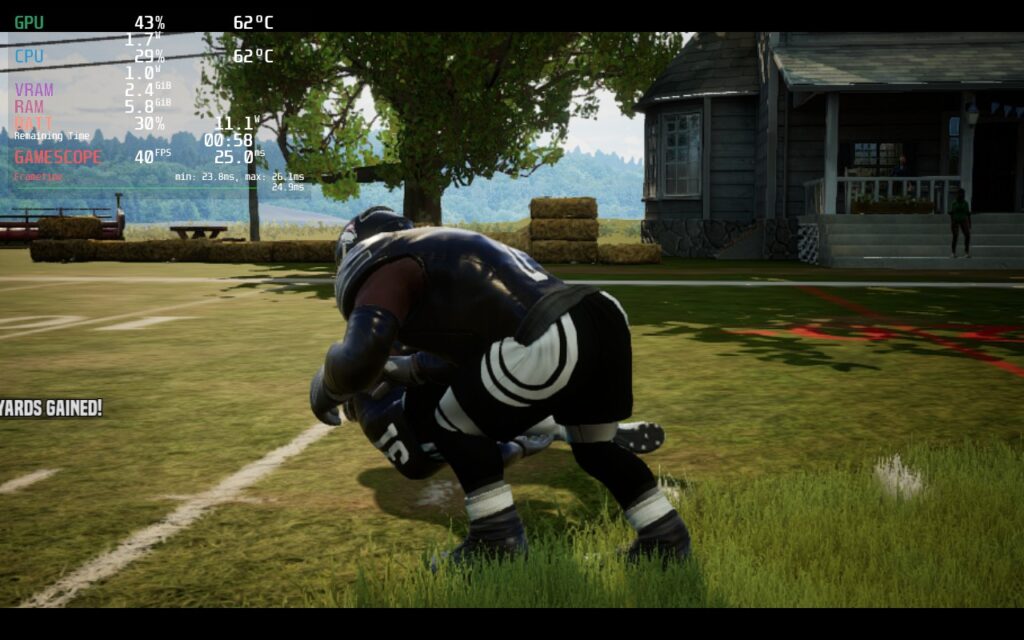
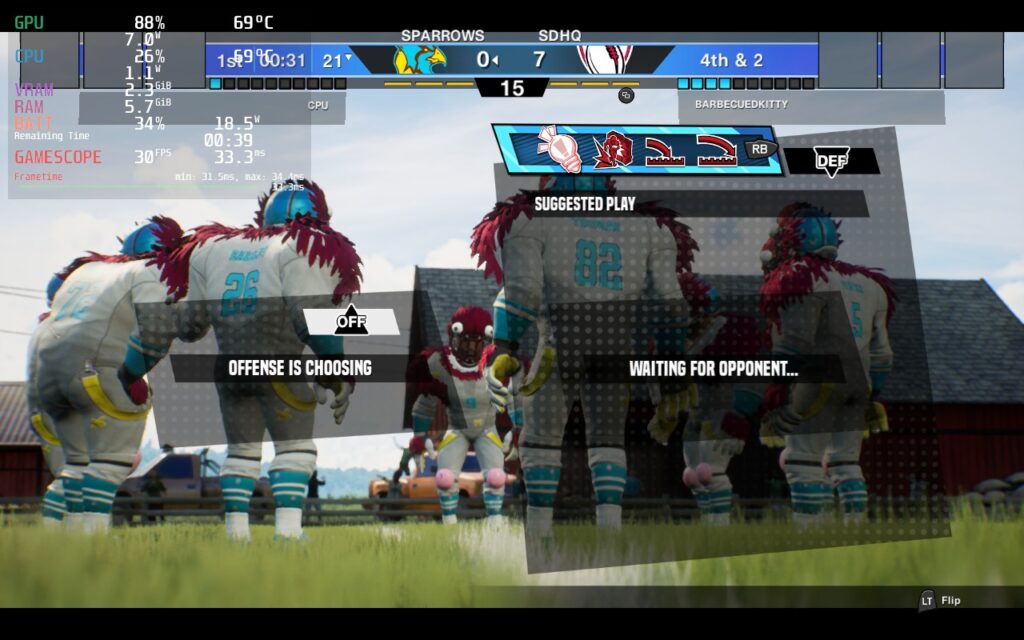
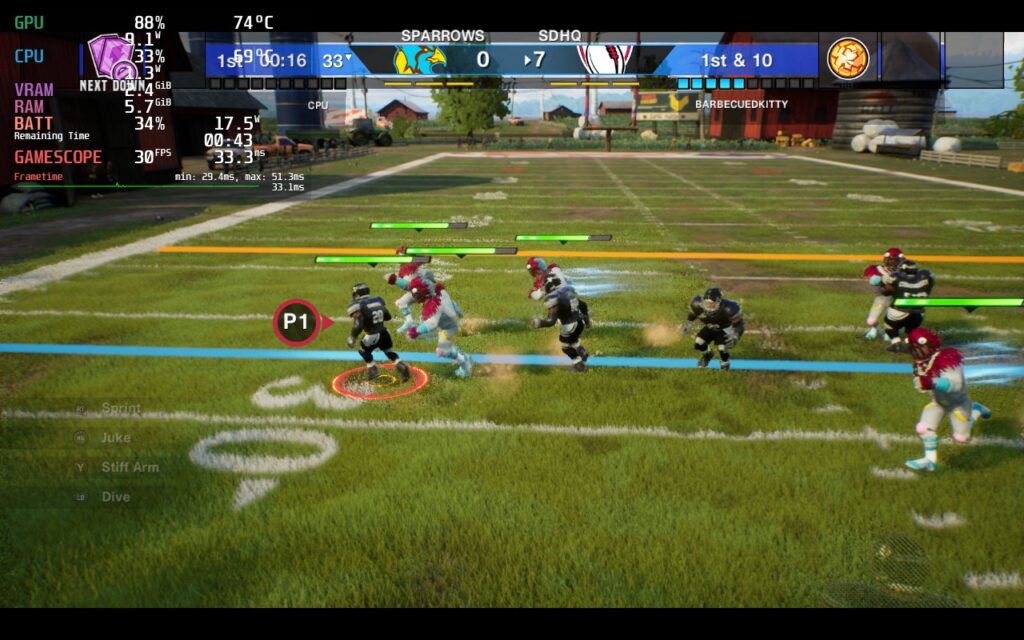
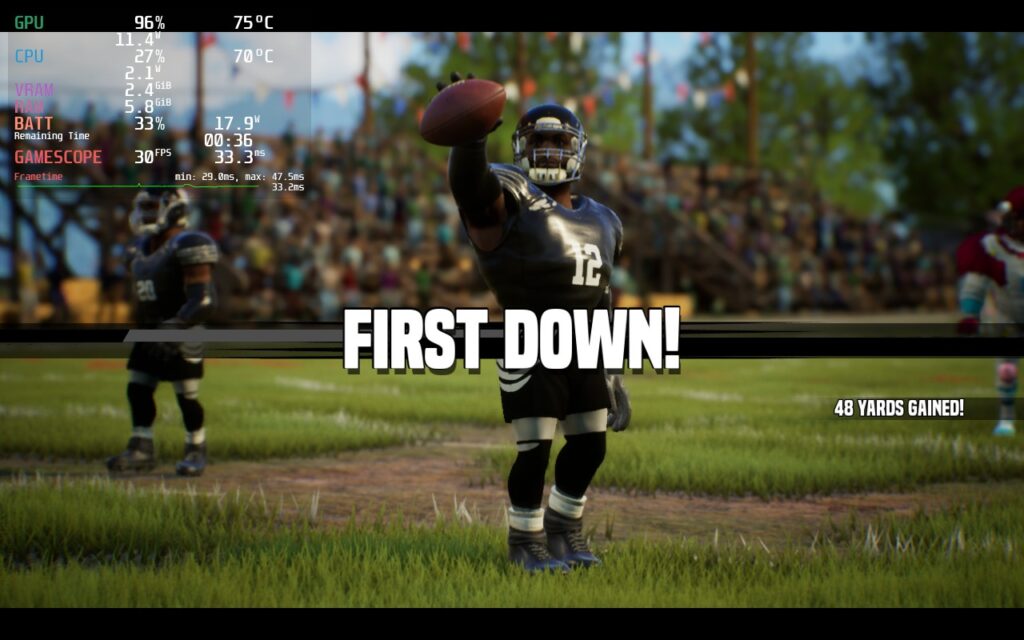
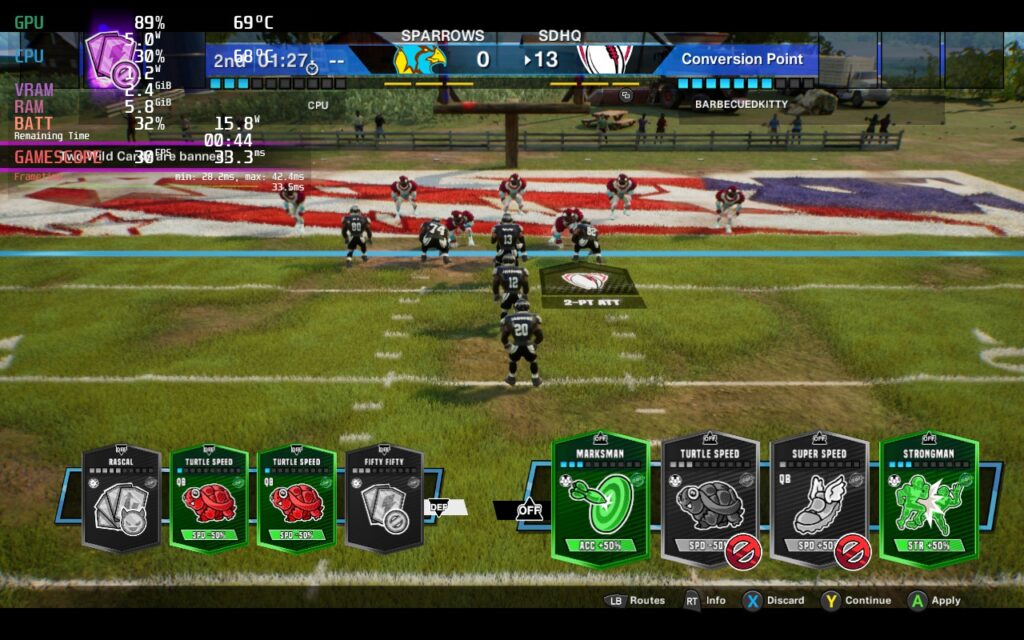
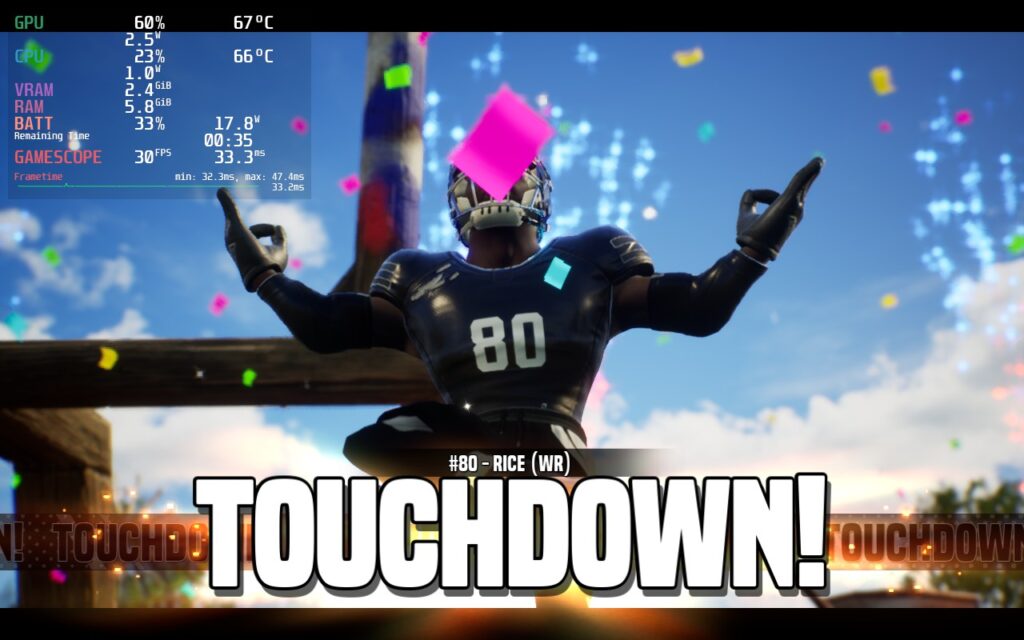
On the high graphics settings, I was able to get a solid 30 FPS with no TDP limit. The game looks fantastic while also feeling really smooth and enjoyable. There are some dips to the mid-30s whenever a play is done and a player is celebrating, but during gameplay, the framerate is held. You can increase TDP to 10 to account for the drop, but since it was during a celebration and not gameplay, I preferred to save a little more:
Framerate Build
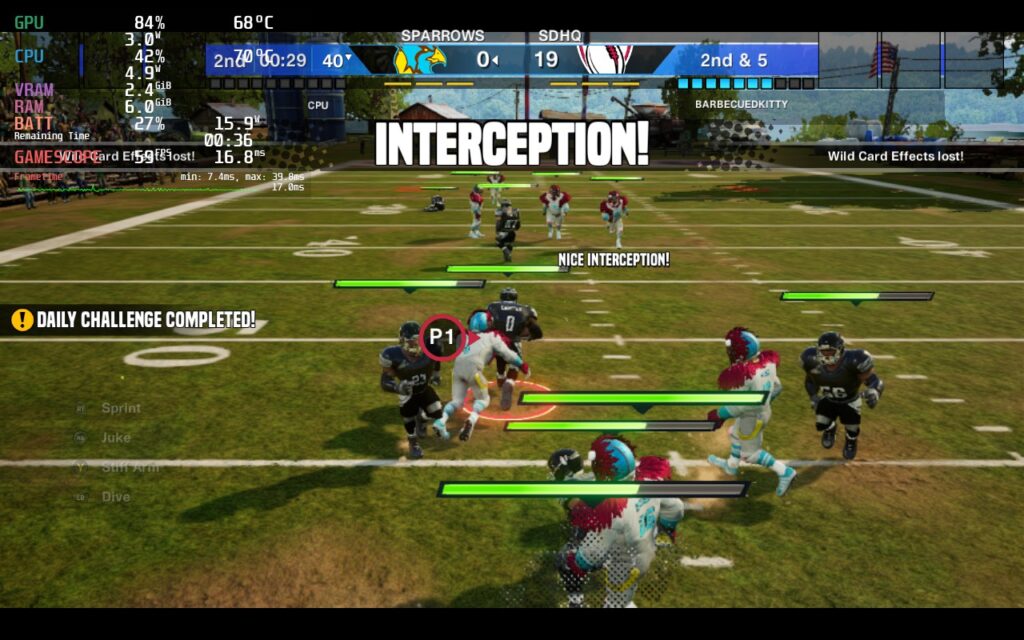
Finally, I looked if 60 FPS was possible, and yes, it is! On the low quality, I was able to get a nearly solid 60 FPS with around a TDP limit of 9. I did notice the framerate bar was acting erratic, but in the end, it did this regardless of the TDP limit I set. It still felt smooth, and I wouldn’t have been concerned at all if I didn’t have the overlay up.
Accessibility
Wild Card Football has a slim selection of accessibility settings, but it doesn’t need many. You can toggle cross-play, vibration, juke input, input helper, tutorials, and change volume sliders.
The game doesn’t support 16:10 resolutions, so there are black bars, but you can use SteamOS 3.5 to stretch and fill those in. It also has full controller support but no cloud saves.
Conclusion
Wild Card Football is an interesting and fun take on the football game. It has all the core elements of the game but adds a unique mechanic in the card system to create different effects that change how you strategize each turn. The game can run quite well on the Steam Deck as well, though it does need a couple of changes. Otherwise, this is an awesome game to play, even with a couple of faults.
Our review is based on the PC version of this game.
If you enjoyed this review, be sure to check out the rest of the content on SteamDeckHQ! We have a wide variety game reviews and news that are sure to help your gaming experience. Whether you’re looking for news, tips and tutorials, game settings and reviews, or just want to stay up-to-date on the latest trends, we’ve got your back.





