


Warhammer 40,000: Darktide is a new co-op focused RPG made by the team behind the Vermintide series. Combining the fantastic melee combat with intense gunplay, you will fight an onslaught of enemies as you complete your missions as you attempt to retake the city of Tertium. Create and customize your character with their physical appearance, voice, origin, and class to determine which skills and traits you will have for your unique person. Will you be able to retake your city?
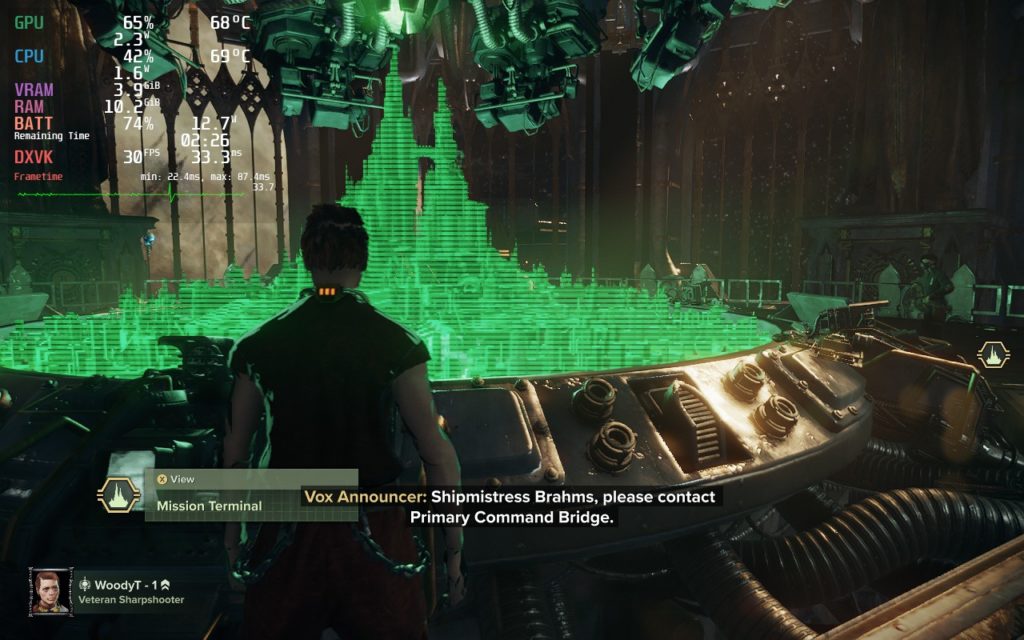
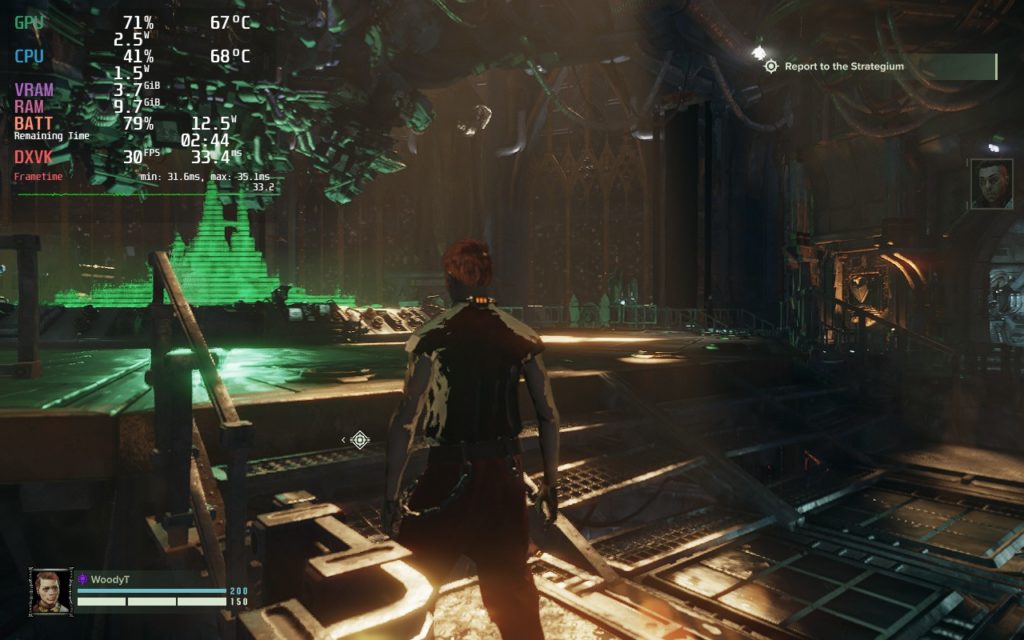
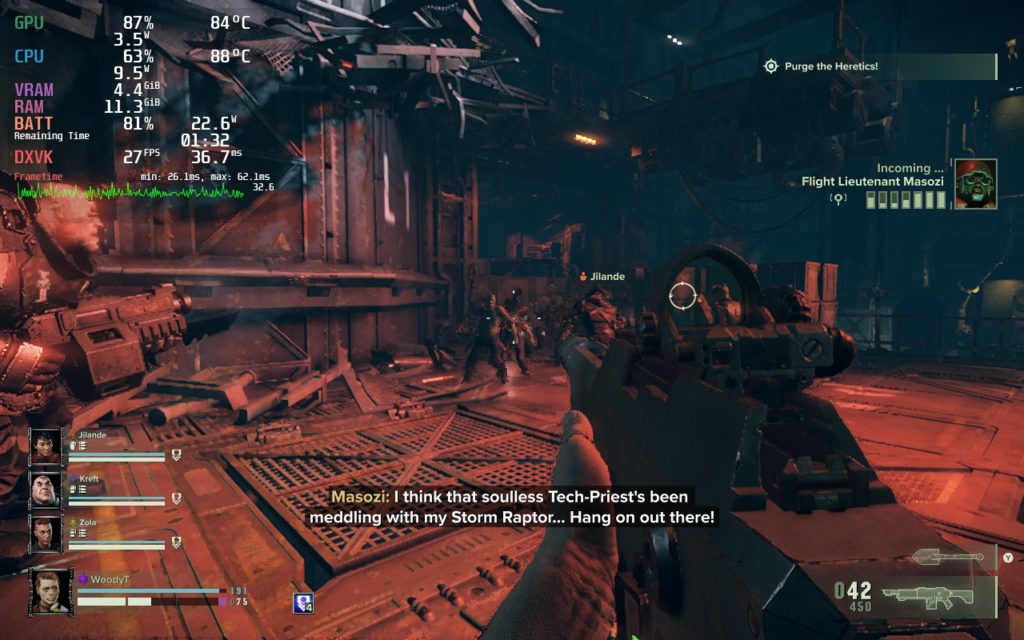
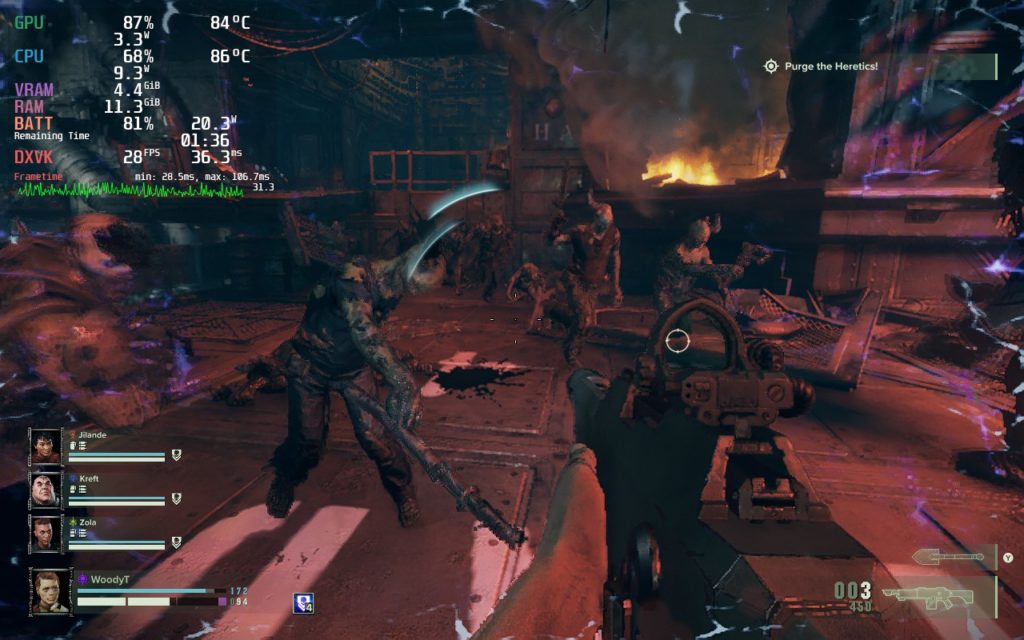
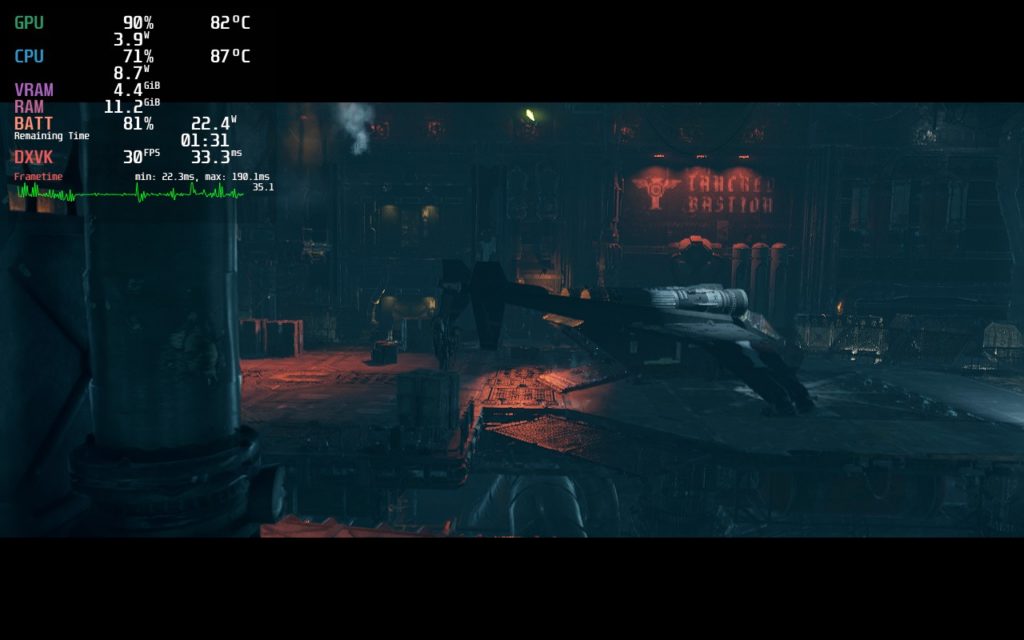
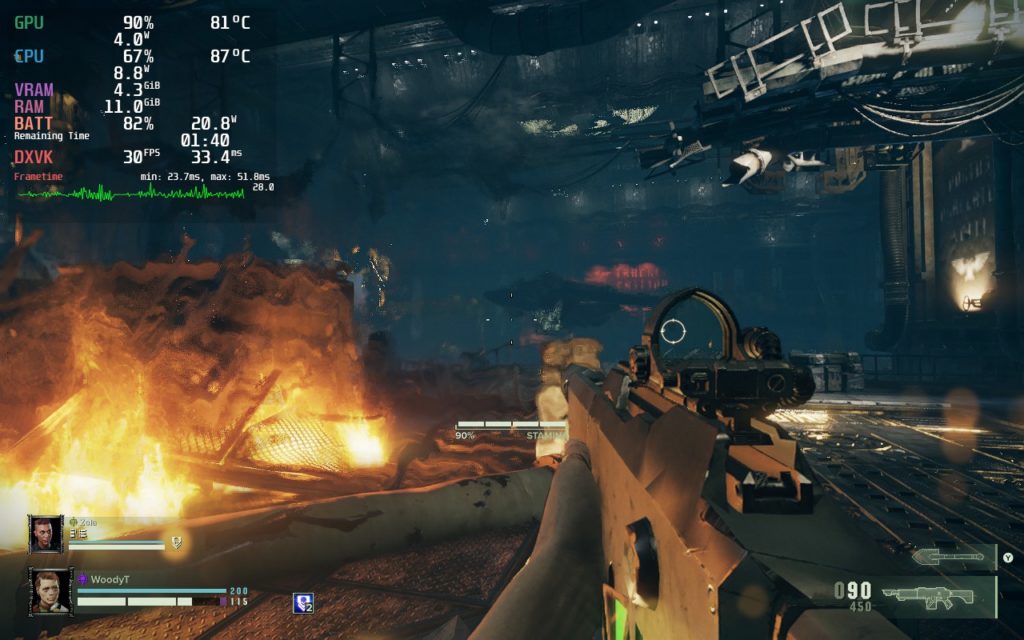
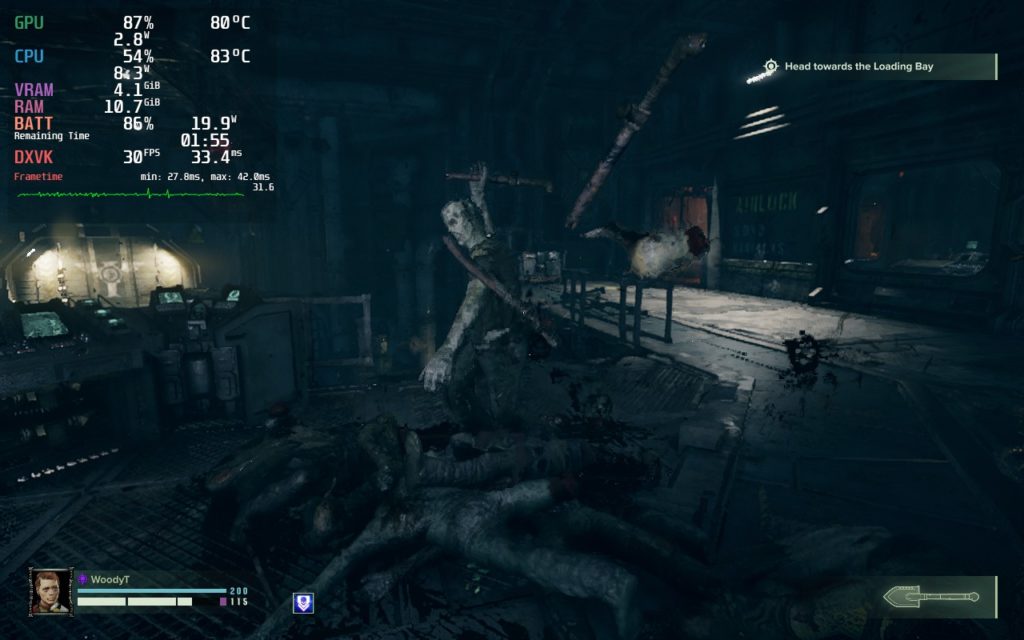
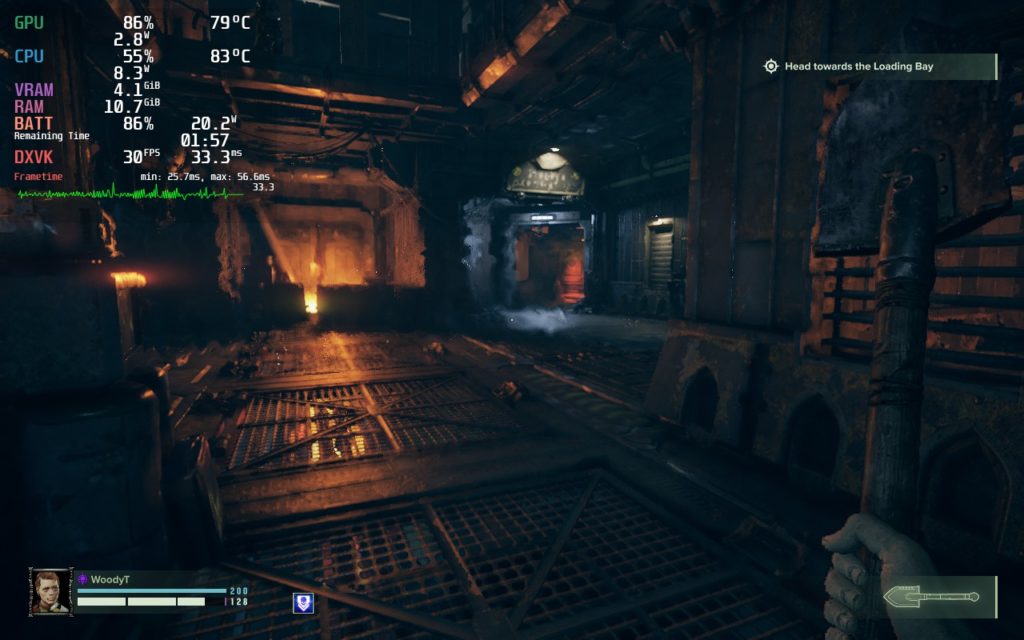
While Darktide is awesome and has a lot going for it, there are way too many performance issues happening to recommend on the Steam Deck. While I tested a bunch of different setting combinations, and tried to hit 40 FPS, hitting it consistently was near impossible. I decided to attempt for a solid 30 FPS stable build, hopefully one that conserved battery life, and I couldn’t feasibly do it. I ended up settling on low settings with FSR 2.0 Performance without any TDP limit. But unfortunately, even without a limit, stability wasn’t there.
With a 30 FPS cap, I would half the time have a stable 30 with a 15W-16W drain, but the other half, was a fluctuating 26-30 FPS with a 22W-24W drain with upt o 90c temps. If I tried to put on any cap to keep battery drain and temps down, the framerate would immediately shoot downwards to 23-25 and fluctuate rapidly. While there are still more levels to test, which is why this is a first look, performance is not ready for prime time. I also want to make note that this game does NOT support Mixed Input, which means gyro controls won’t work well, which would make gunplay much better.
I have heard adding this launch command could help, but I haven’t had the time to thoroughly check yet. We will update the review accordingly afterwards, though I don’t expect it to help as much as I would like:
DXVK_ASYNC=1 %command%There were a couple other little issues I encountered when trying to change settings. First, the game will crash if trying to change resolution. It does say N/A, but I was curious if I could change resolution to try increasing performance. Doing so actually crashed the game, so I would recommend leaving the setting alone. On top of that, trying to change any setting with the gamepad that required scrolling down a little bit won’t work. Pressing A, which should bring up a drop down menu, will just push you to the top of the settings instead of allowing you to change any settings. You will need to use your finger to interact with the touchscreen to change these settings.
I still have more to playthrough on Darktide before a final assessment is made, and it is possible that the shader cache, once compiled, will help performance a bit. Unfortunately, as it is right now though, I wouldn’t be able to recommend the game locally download. If you are going to play on the Deck, I would recommend using GeForce NOW or Steam Play to stream it, that will be a much more enjoyable experience.
Screenshots:
Our review is based on the PC version of this game.
If you enjoyed this review, be sure to check out the rest of the content on SteamDeckHQ! We have a wide variety game reviews and news that are sure to help your gaming experience. Whether you’re looking for news, tips and tutorials, game settings and reviews, or just want to stay up-to-date on the latest trends, we’ve got your back!





