



SpongeBob SquarePants: The Cosmic Shake was provided to us by THQ Nordic for review. Thank you!
When SpongeBob and Patrick get their hands on wish-granting Mermaid Tears, the fabric of the entire universe starts to unravel. Now, our favorite sponge has to work with a balloon Patrick and travel across different worlds to put everything back in its place. Donning over 30 iconic costumes, The Cosmic Shake will send you on a 3D platforming adventure across 7 different lands. Traverse and defend yourself using classic skills, with many new ones you can unlock as you progress. Will SpongeBob be able to save the day?
Even though I am older now, SpongeBob has always delighted me, and it’s wonderful that this game captures that same delight. The art style is incredible, vibrant and simple, and the gameplay was very enjoyable. I had a blast going from world to world, seeking out the Bikini Bottom residents we have come to know and love, all voiced by their original cast! If you’re a fan of SpongeBob, or looking for a great game to play after Battle for Bikini Bottom, this is going to be it. With that said, let me tell you a bit about how this will run on the Steam Deck.
The Cosmic Shake: Max Performance
While The Cosmic Shake starts off on a great foot and decently well out of the box with 60 FPS, it does start to dip in certain areas. This is much less stable later on, with drops to the 40s, and battery drain rising to 24W+. Luckily, there are a couple things we can do to make this game significantly more enjoyable on the Steam Deck!
Cosmic-Level Optimization
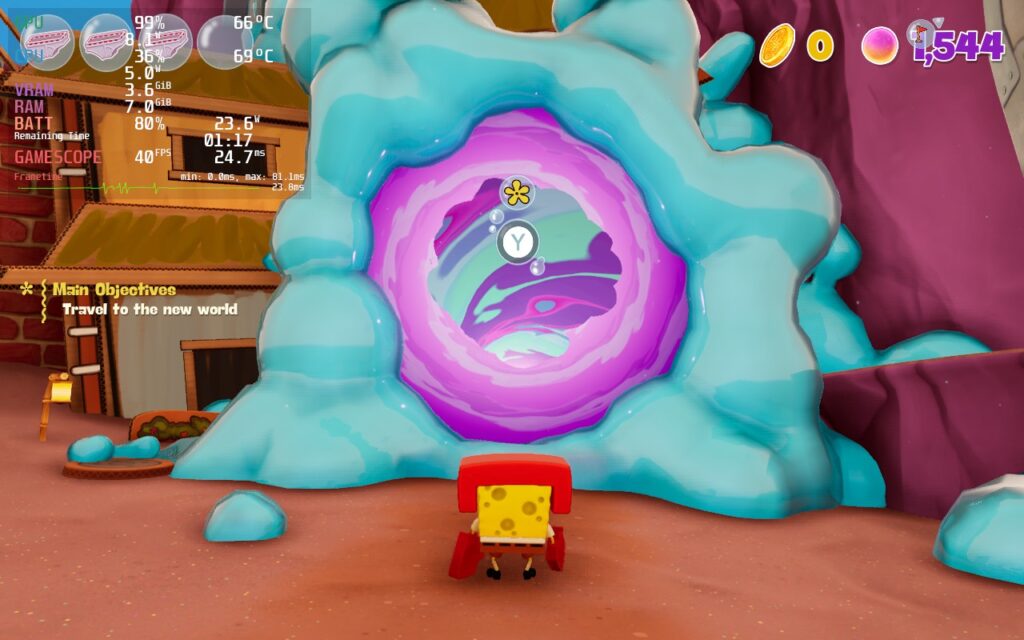
The first thing I did when trying to optimize this one was see if upscaling would look alright. To my surprise, I actually noticed almost no change from native resolution! I even believed that it initially didn’t work because it looked so close to native, yet it helped significantly with stability in most areas.
From there, it was a matter of finding the right balance of framerate cap and TDP limit. For The Cosmic Shake, it seemed to dip to around 41-42 at the worst of times, so a 40 FPS cap worked out the best. This, along with the upscaling resolution, allowed a TDP limit of 9 that held up in all playable areas and still felt fantastic. I also put on a GPU Clock Speed Frequency of 1200 as this chilled out the framerate instability that occurred from time to time.
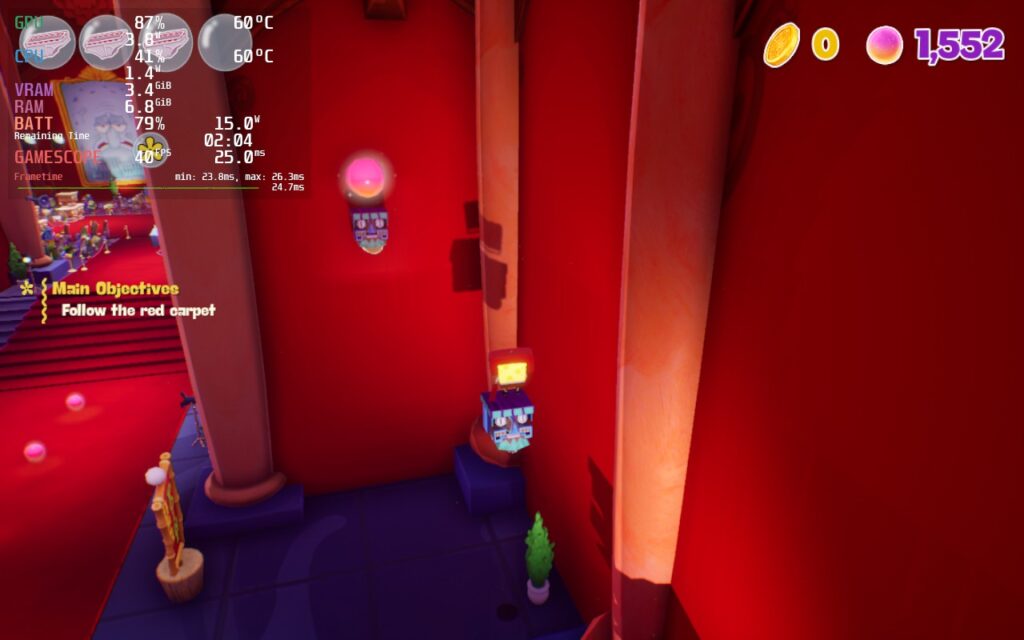
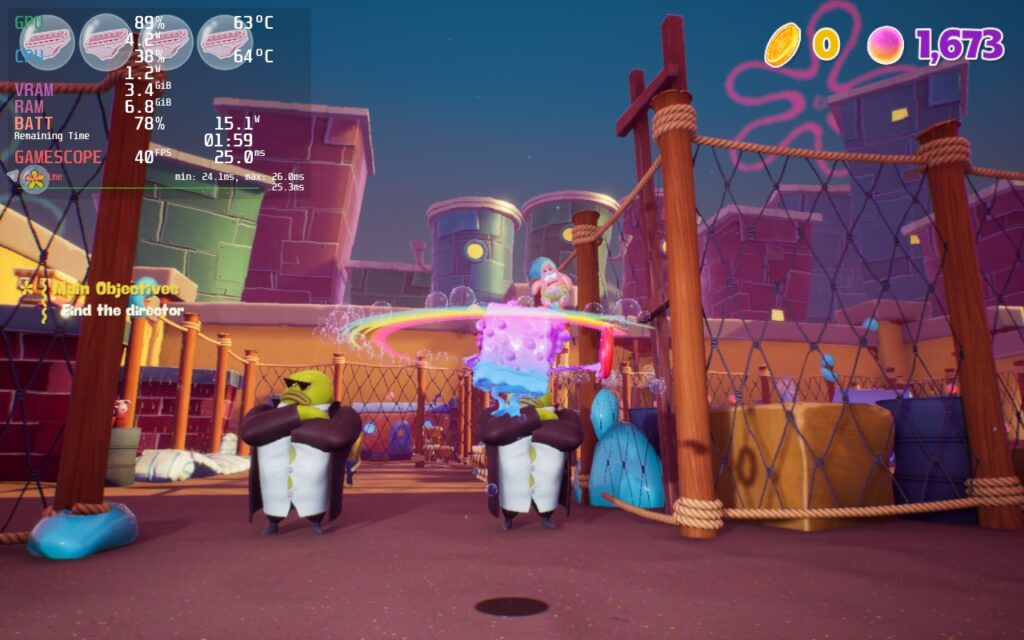
I wanted to also find a 45 FPS build that I could be happy with, since 45 FPS felt fantastic. While there are still some areas that will dip to 41-42, even with TDP caps on at all, it held up beautifully with a TDP limit of 10.
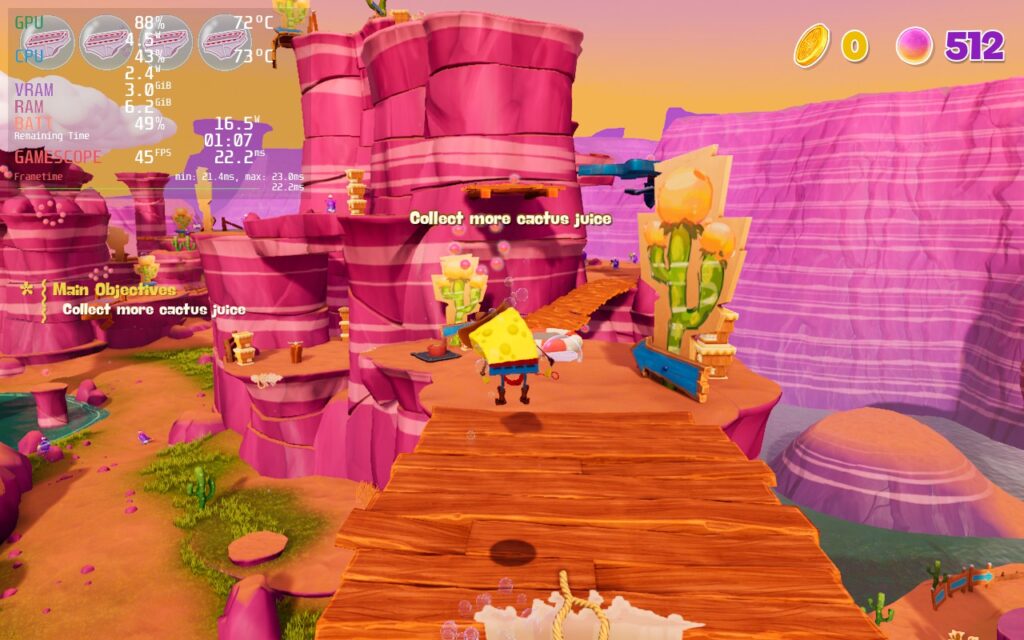
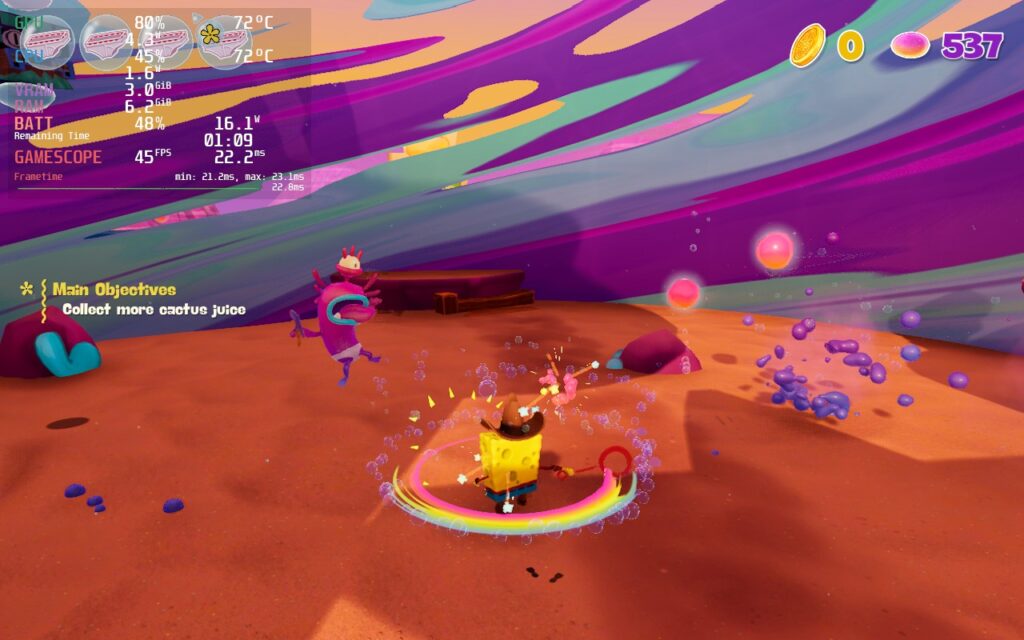
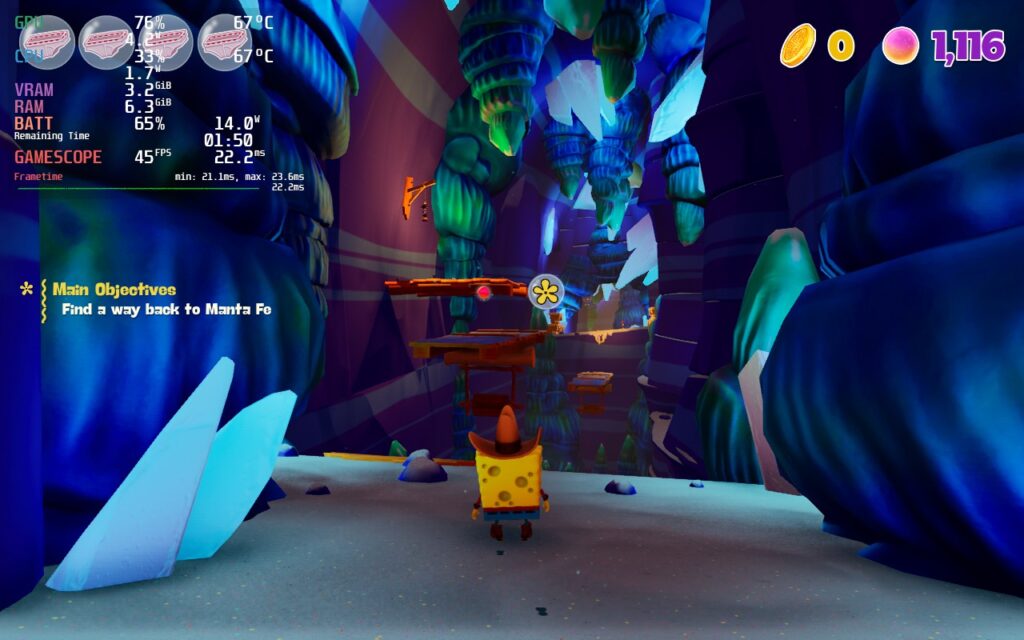
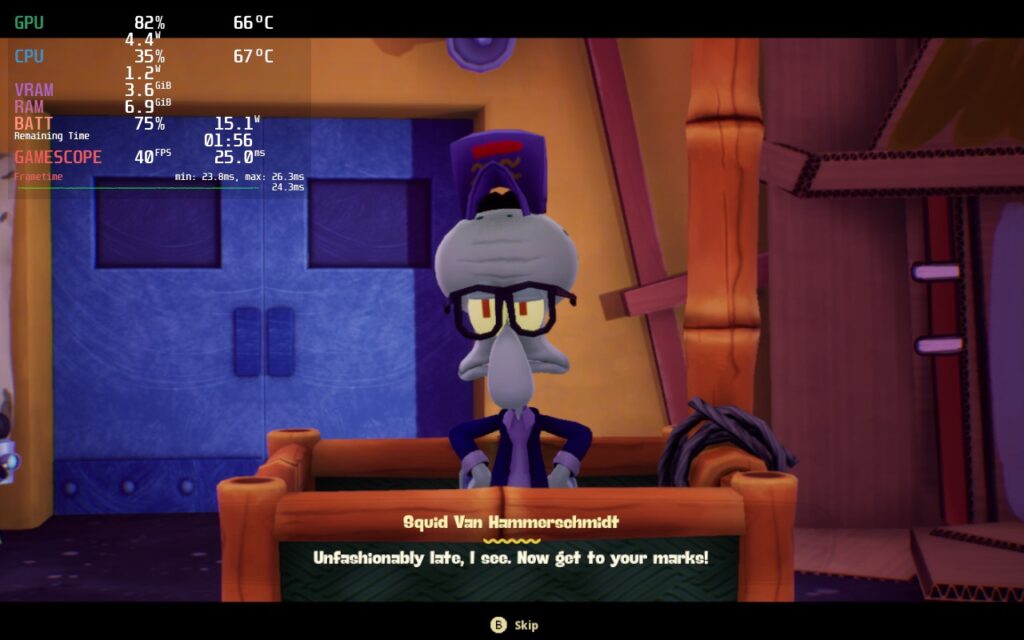
The times performance dipped the most were actually the cutscenes. These scenes tended to sometimes drop below 40 FPS and could be really hard on the system, but it ended up going right back up to normal as soon as the cutscene ended. They are more than likely real-time cutscenes that use extra filters to make it look much better and those could be taking a toll on the system. It’s nowhere near a deal-breaker though!
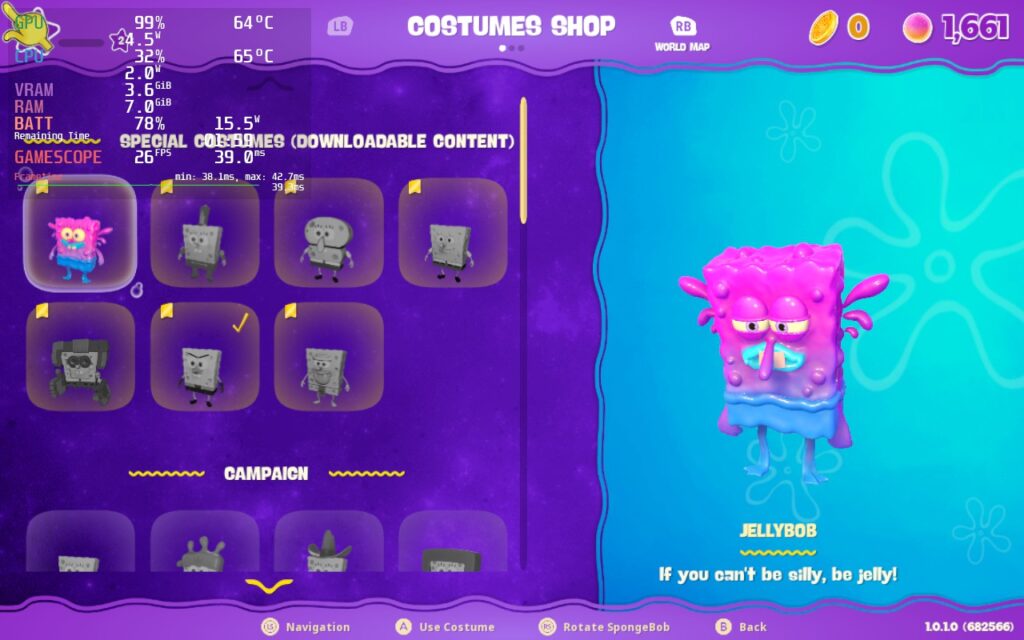
I also had no issue with any controls and didn’t encounter any visual bugs, but I did find that the costume menu dropped performance by a significant amount. Going and selecting costumes went down to 27 FPS with a maxed out battery drain. I didn’t mind it since I was just selecting my costume and it went right back to normal getting out of it, but it was still noteworthy.
Conclusion
SpongeBob SquarePants: The Cosmic Shake is just a joy to play. It has all the charm and beauty that SpongeBob is known for, but integrates some wonderful gameplay elements into it. Pair it up with the unique worlds it showcases and you’ve got yourself a good time! On top of that, this is fully enjoyable on the Steam Deck and those little tweaks really make a difference to stability and saving battery. The battery drain is a little high for my tastes, but overall, this will have no problem on your Deck!
Our review is based on the PC version of this game.
If you enjoyed this review, be sure to check out the rest of the content on SteamDeckHQ! We have a wide variety game reviews and news that are sure to help your gaming experience. Whether you’re looking for news, tips and tutorials, game settings and reviews, or just want to stay up-to-date on the latest trends, we’ve got your back





