

SLUDGE LIFE 2 was provided by Devolver Digital for review. Thank you!
Get ready to dive back into a grimy world filled with weirdos, secrets, and so many spots to tag with your trusty spray can. SLUDGE LIFE 2 is the follow-up to the game of the same name, minus the 2. Big Mud, a rapping frog, has gone missing and since you are his closest friend, you will need to find him. Now you will navigate Ciggy City Suites, talking with others, tagging a hundred different spots, and gearing up with new tools to find your friend.
SLUDGE LIFE 2 is a weird game, but a hilarious one nonetheless. You will be going around an open-area, talking to NPCs, gathering new music and tools, tagging spots, all of which in an odd-looking world. At first, I was a little off-put by all of this and a lack of general direction, but the more I played and talked to the people around, the more I learned to love what the game was offering.
From a half naked man posing for pictures to a guy who went down a water slide without water, leaving a blood trail from his ass, the people in this world all have something to say. This can go from increasingly weird to completely ridiculous, like some woman praising a guy who got into a washing machine for his “art” and then seeing him spinning around in there. This is the crux of what makes the game so enjoyable. Seeing the weird situations and hearing what the people have to say mixed in with a unique aesthetic that highlights the odd game this is.
For $15, it might seem like there isn’t a lot of content, but there is a lot to love. In the first hour of playing, I found a dog on the stairs, discovered a camera to take pictures with, found the guy who bled from his ass on the water slide, talked to a guy who was waiting for a burger for 3 days and grew facial hair, tagged different spots, watched some birds working a job and jamming their beaks into their keyboards, died from fall damage 3 times, ate 4 different slugs, and got yelled at by a rival graffiti bird. There is still so much more to see in this world though and, with some changes, taking this wherever you go can be quite enjoyable.
SLUDGE LIFE 2 – Steam Deck Performance
Before I dive into the performance, you will see some very different screenshots. There is a filter enabled by default that gives the game a VHS look, but this can be turned off. I noticed no difference in performance having it on or off, so it is just up to preference, but I ended up preferring with the filter on due to it being the look the developers were going for and having it off made the black outlines of people very thick. This can be changed in the “Hacks” menu.
Right out of the gate, I noticed a couple issues with SLUDGE LIFE 2 on the Deck. Even without caps, the performance wasn’t able to hit above 38 FPS, but capped its own drain around 20W. This can feel really jarring, but we can fix this to get much better performance while keeping the game looking fantastic!
For my recommended settings, I elected to keep most settings on, but lowering some of the shadow details to keep a solid 30 FPS in some of the harder areas. Paired with the VHS filter, the game was able to keep the 30 with a 8W – 12W drain, only sometimes spiking to 15W – 16W in larger areas. This gave around a 3 – 3.5 hour battery with great visuals at a TDP limit of 9.
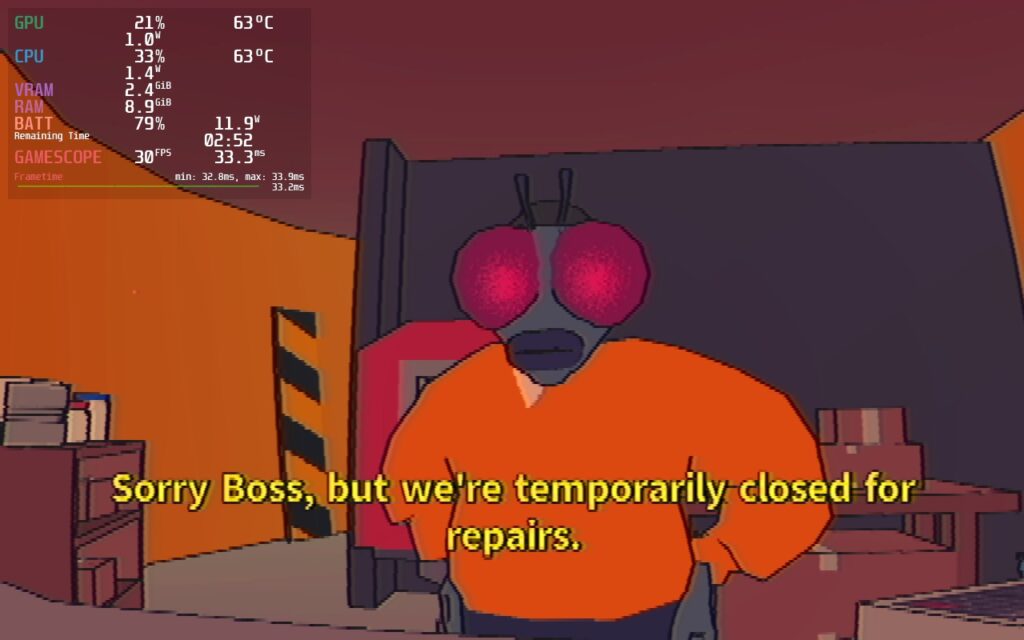
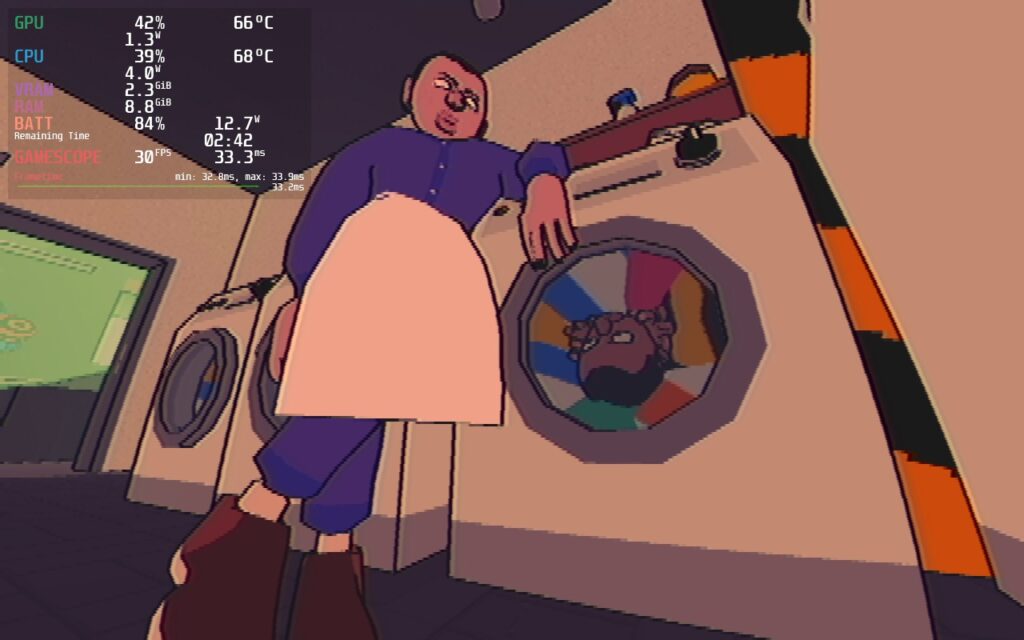
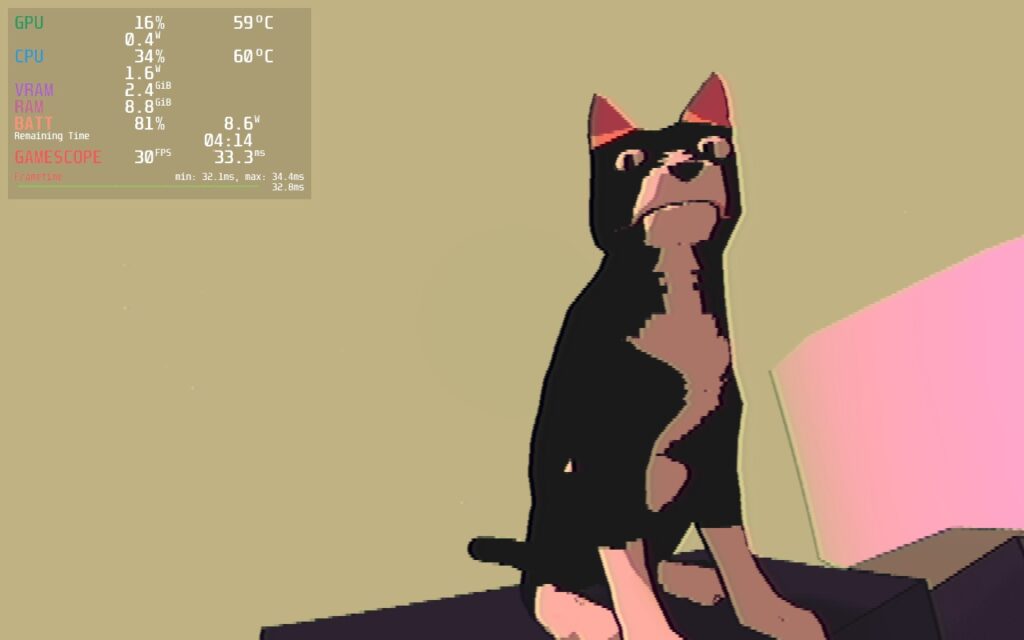
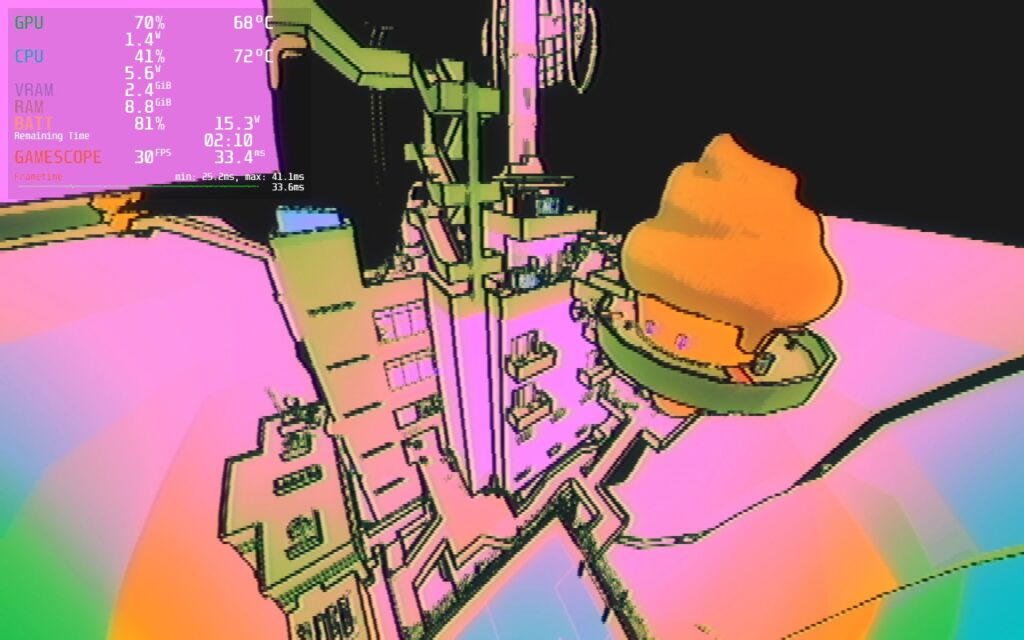
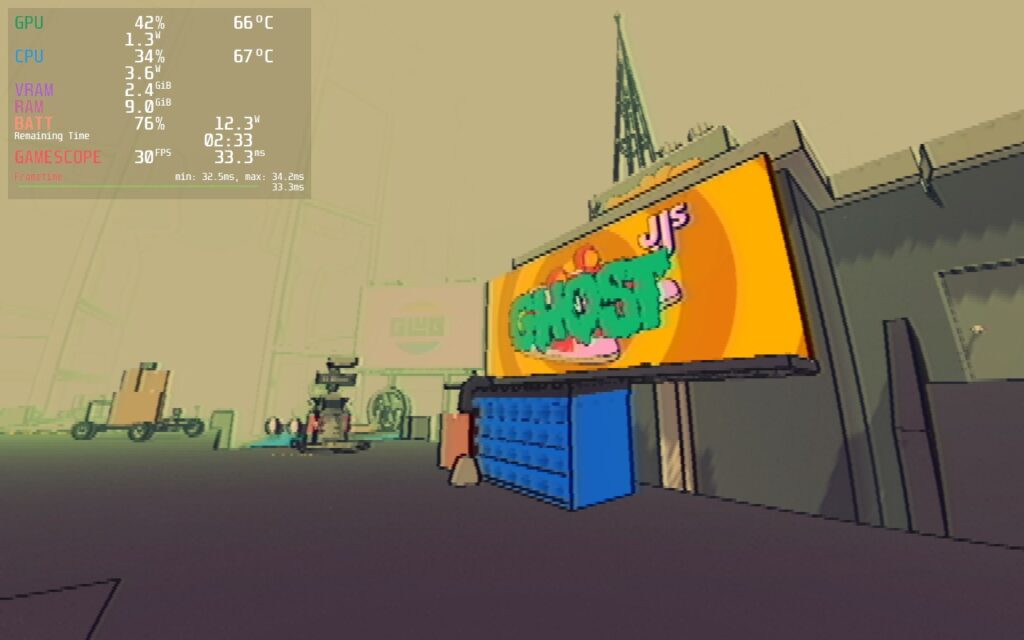
I would consider this the best build for battery and quality as I think it strikes a great balance, but for those who want to push framerate, there is a way to get an almost solid 50 FPS with only some small areas dipping down.
To do this, I kept the settings the same as the recommended build, but turned on one option. In the “Hacks” menu you will find the “Map Optimization” option, which will get rid of some extras on the map, but allow pushing for better performance. This doesn’t change the map as much, but really helps with performance.
In this case, turning that on and the settings to low, I was able to hit 50 FPS most of the time with battery drain around 13W – 16W. If you are looking for a smoother experience, this will definitely be the way to play, but this does sacrifice battery life, so I would recommend playing with a charger around.
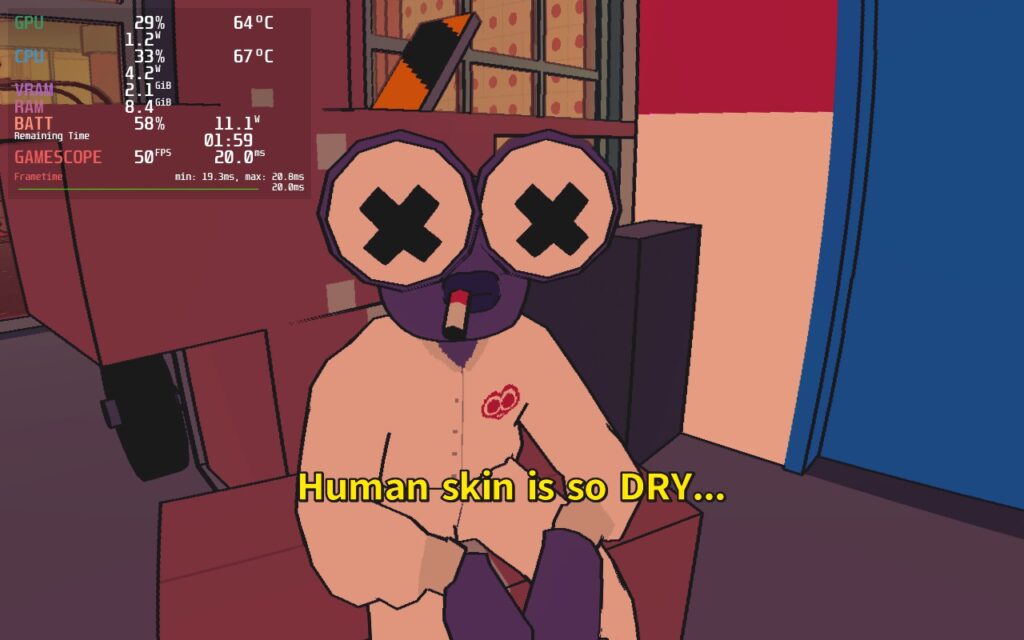
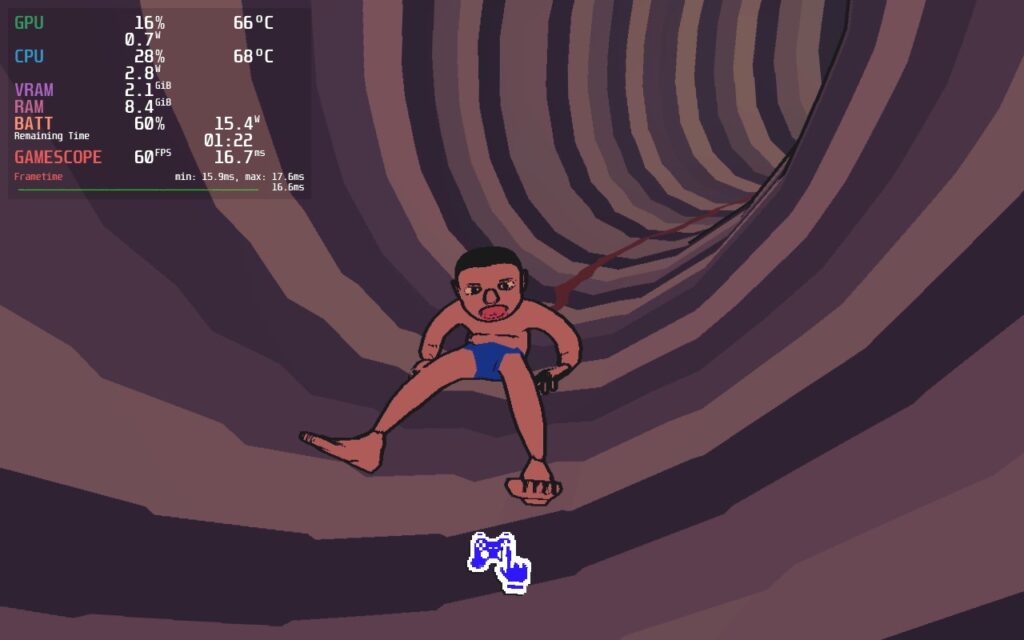
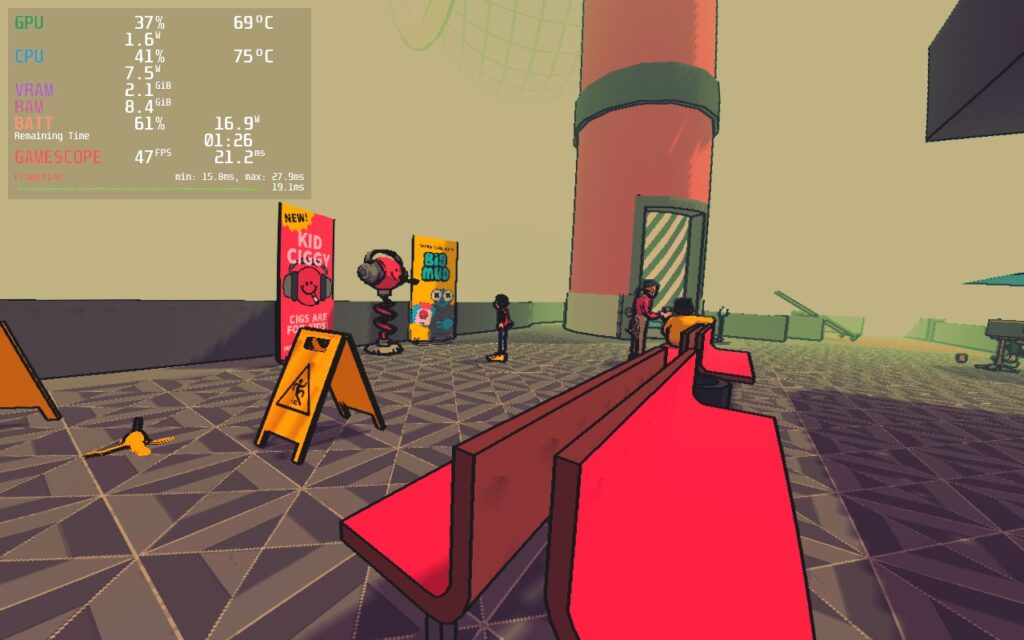
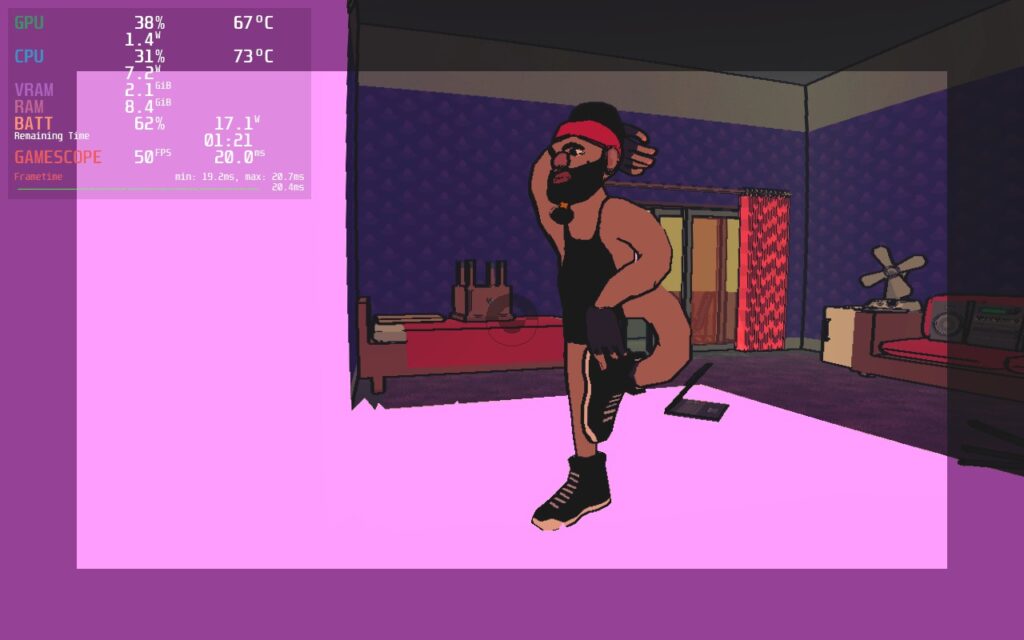
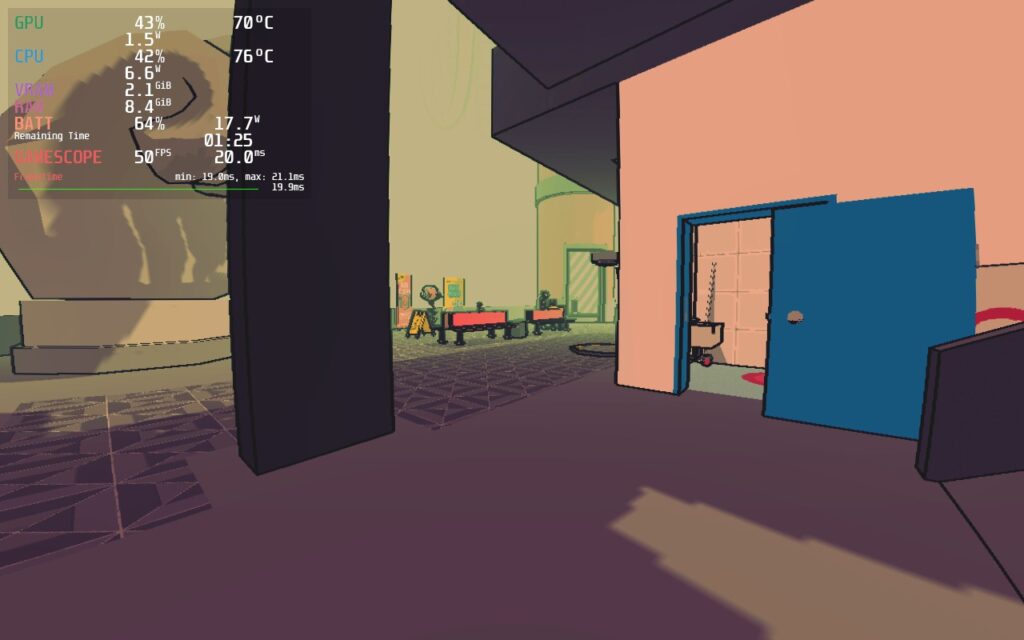
SLUDGE LIFE 2 does support 16:10 resolutions, so there are no black bars around the screen, and it has full controller and cloud save support!
Conclusion
SLUDGE LIFE 2 is a really unique game that is hard to describe, but if I had to, I would consider it a small open-world exploration game. While it might seem very weird on the outside, the world and its hilarious inhabitants make this a worthwhile experience to dive into. And with some tweaking, playing the game on the Steam Deck can be a really great experience, fitting well with the system. It’s time to get grimy on-the-go!
Our review is based on the PC version of this game.
If you enjoyed this review, be sure to check out the rest of the content on SteamDeckHQ! We have a wide variety game reviews and news that are sure to help your gaming experience. Whether you’re looking for news, tips and tutorials, game settings and reviews, or just want to stay up-to-date on the latest trends, we’ve got your back





