


Prodeus was provided to us by Humble Games to review. Thank you!
Are you a fan of Boomer Shooters like DUSK and Doom Eternal? Then this is the game for you. Prodeus is a modernized first-person shooter with a gorgeous retro feel to it. Plow through a campaign hand-crafted by industry veterans alone or in co-op, or compete against your friends in deathmatch modes. You can also partake in campaigns and maps made by the community using the fully integrated level editor in-game. Now, make it through the chaos and take down the Prodeans and all the forces of chaos against you.
As someone who adores boomer shooters on the Steam Deck, I was super excited to check out Prodeus. After my time with it, I can easily say it’s one of my favorites. The visual style is fantastic, the gunplay feels tight, the guns themselves are varied and I can feel the weight to them, and the inclusion of the level editor and community map browser brings endless content to the game. I also love the inclusion of co-op campaigns and maps, as well as the dismemberment system that highlights the gory bloodbath you create. And on the Steam Deck, some tweaking is involved to really enjoy it, but it is definitely playable.
Prodeus: The Testing Grounds
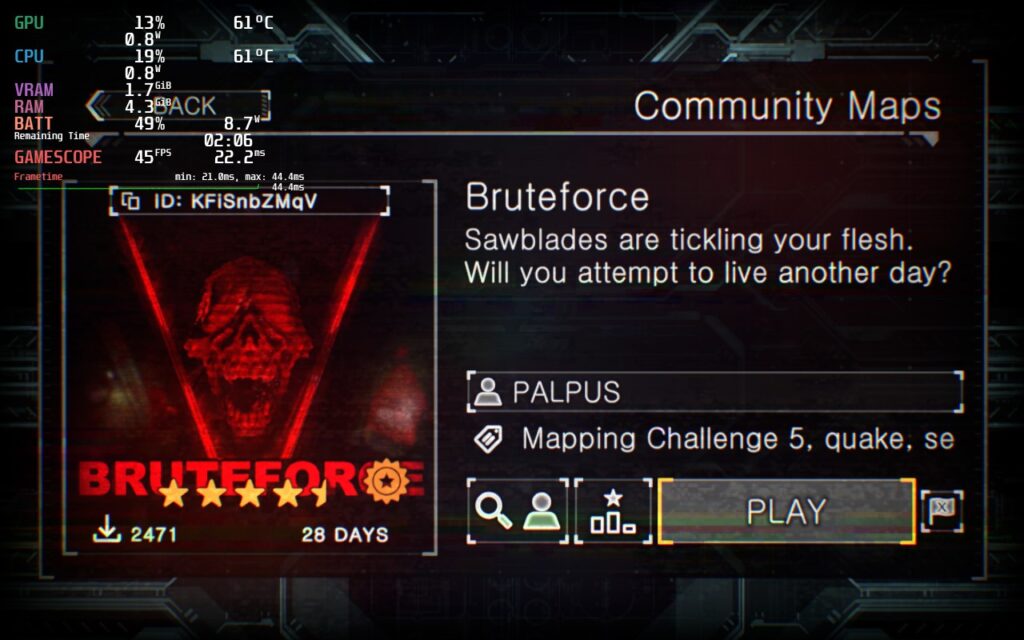
Before I go into Prodeus’s performance, I want to explain my testing here. While I did play the campaign, I decided to test and optimize settings using a community map and test the settings from there on the campaign. This map is heavier than a lot of the areas featured in-game, so optimizing for the more intensive map would mean all less and more heavy would be covered, including other community maps (theoretically). The map I used to optimize initially is called “Bruteforce” by PALPUS.
Optimization Fit for a Killer
Prodeus is a weird game to run and had some oddities when it came to optimizing. Before I get into that though, I did test the game at max settings. In some smaller campaign areas, the game was able to run at 60 FPS with a high battery drain of 20W+, but other areas and the community map would churn out sub 37 FPS at a 24W battery drain. I knew this wouldn’t be feasible to play like this, so I got started in my optimization process.
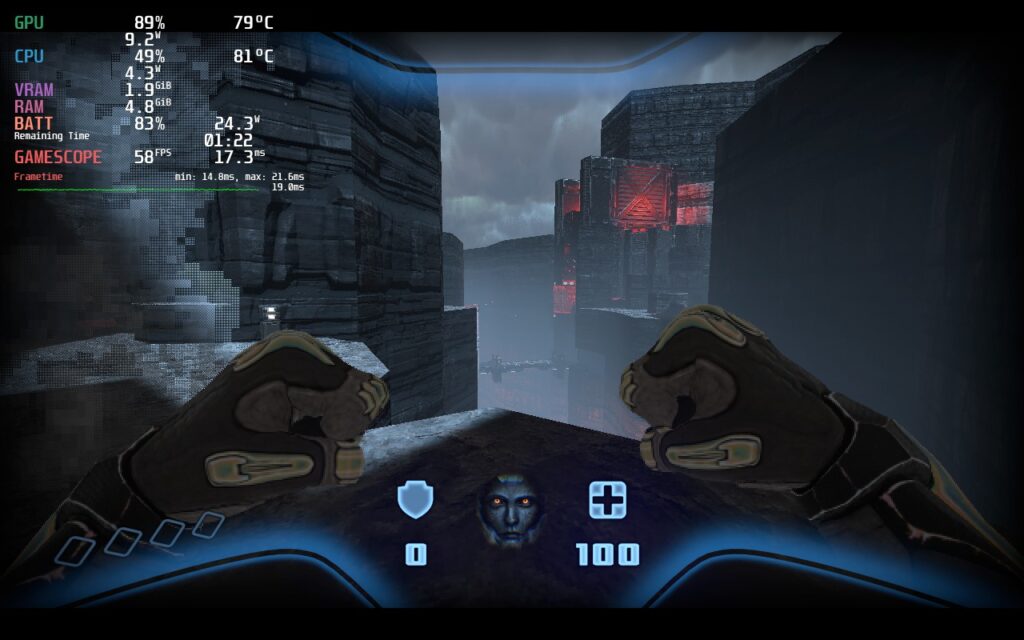
The first thing I looked at was shadows, which were definitely the biggest cause of framerate drops. But oddly enough, most areas didn’t show any visual difference. The shadow quality focuses more on non-static shadows as it doesn’t effect ones that are created by the environment. The one part that I found a big difference was in the community map where the visual quality did change, but it was so minuscule on the overall effect on the quality.
Other than the shadows, I noticed SSAO and SSR did make a difference, but didn’t impact the game visually much. This meant keeping those turned off kept the quality of the game looking similar while saving on battery and performance. I also noticed turning resolution down helped with stabilizing framerate, but didn’t really impact visual quality either.
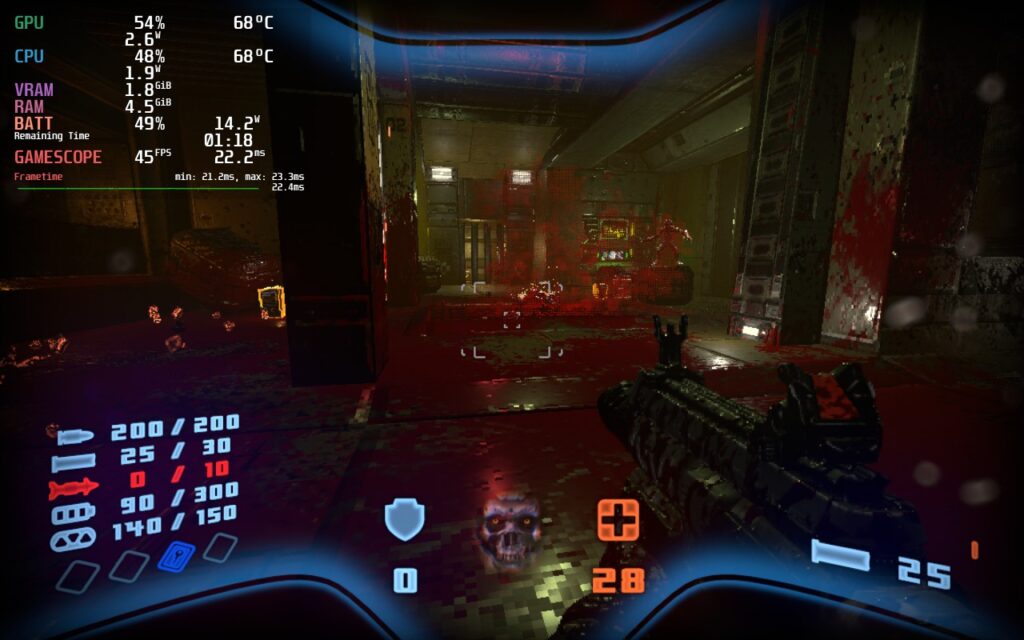
After testing all the settings, I came up with 3 builds that I felt all worked quite well. I prioritized framerate with each one, so each will feel as smooth as possible. My recommended build focuses on battery life, but pushes framerate to a good compromise of 45 FPS while still looking great! It gets around 3 hours of battery and feels a nice step up from 40,
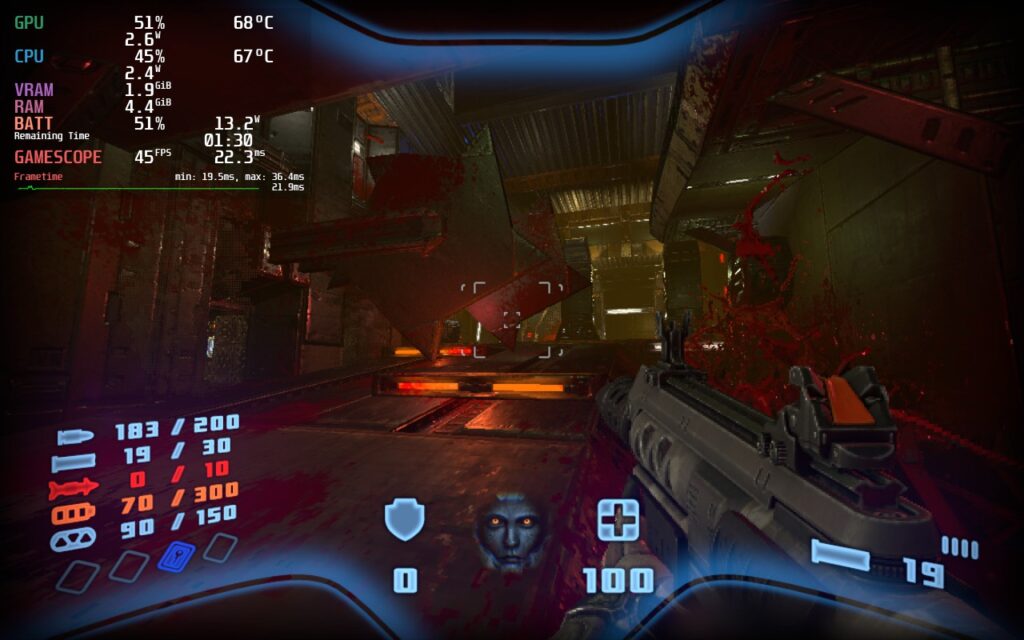
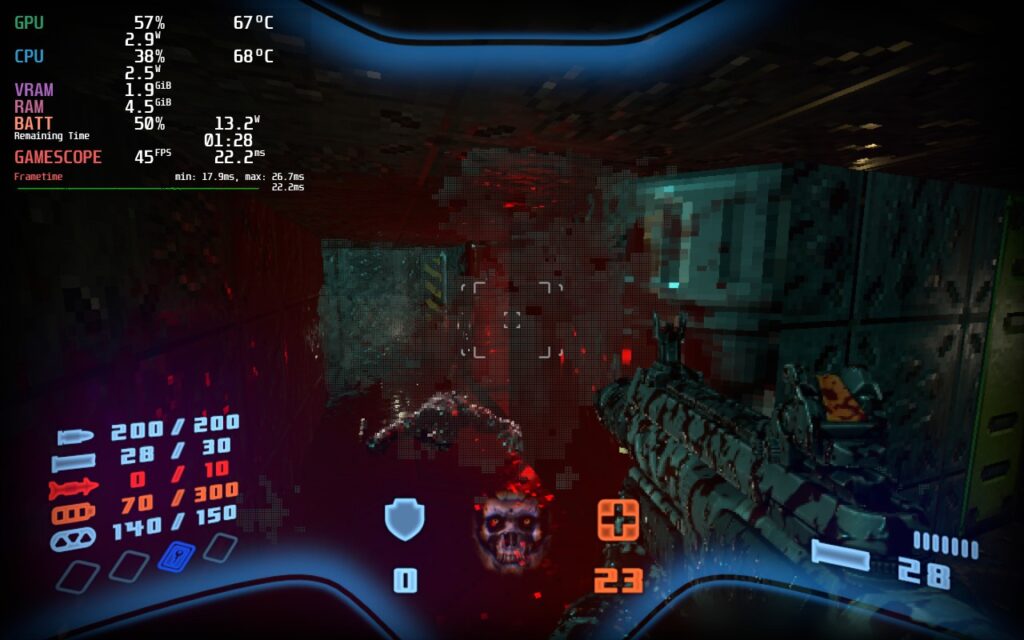
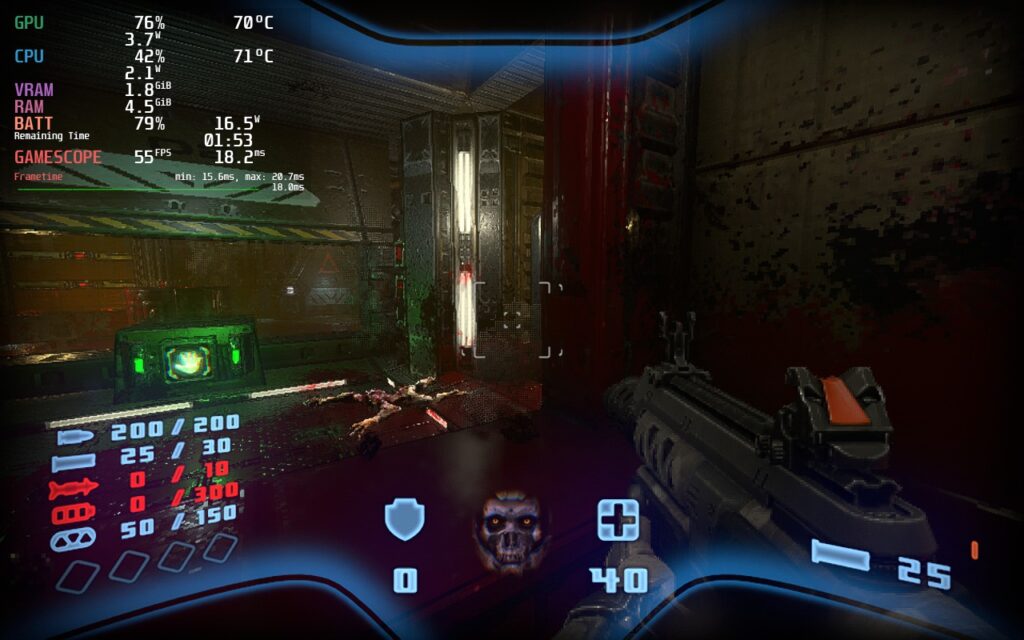
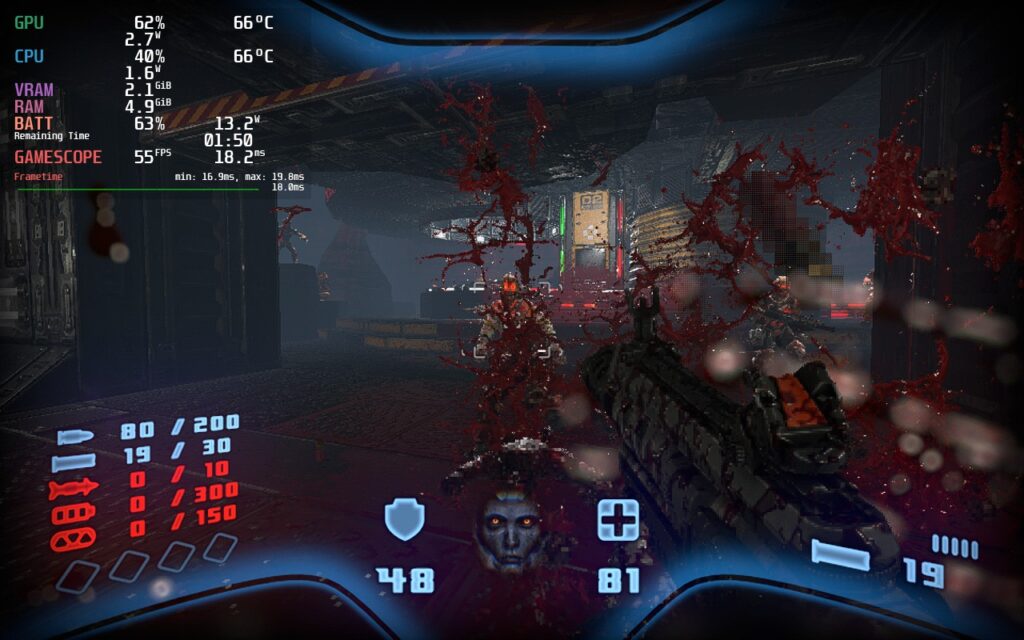
From there, I decided to push framerate as much as possible while keeping things stable. Since there was still some drops when moving through levels at 60, I decided to stick to 55 FPS to keep things smooth and make any possible drops feel non-existent. The battery life tends to stick around 2.5 hours for this one.
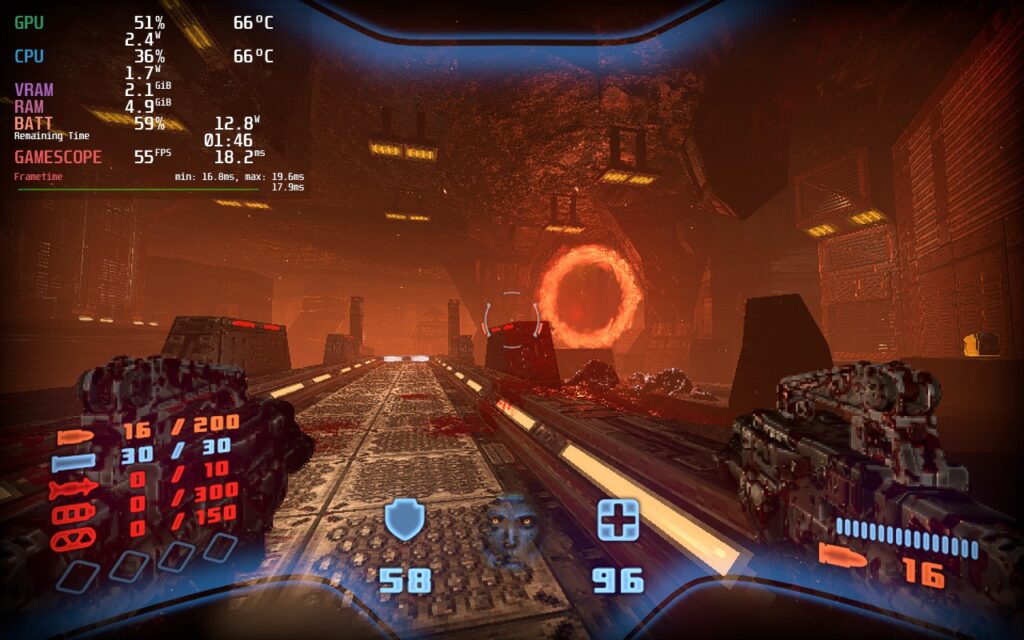
Then, I wanted to find the best way to play the game at max quality, including shadows turned on. I noticed that with most framerates, there would still be some drops and spikes in battery. The lowest I could get without drops or crazy spikes in battery is 40 FPS, which still feels fantastic.
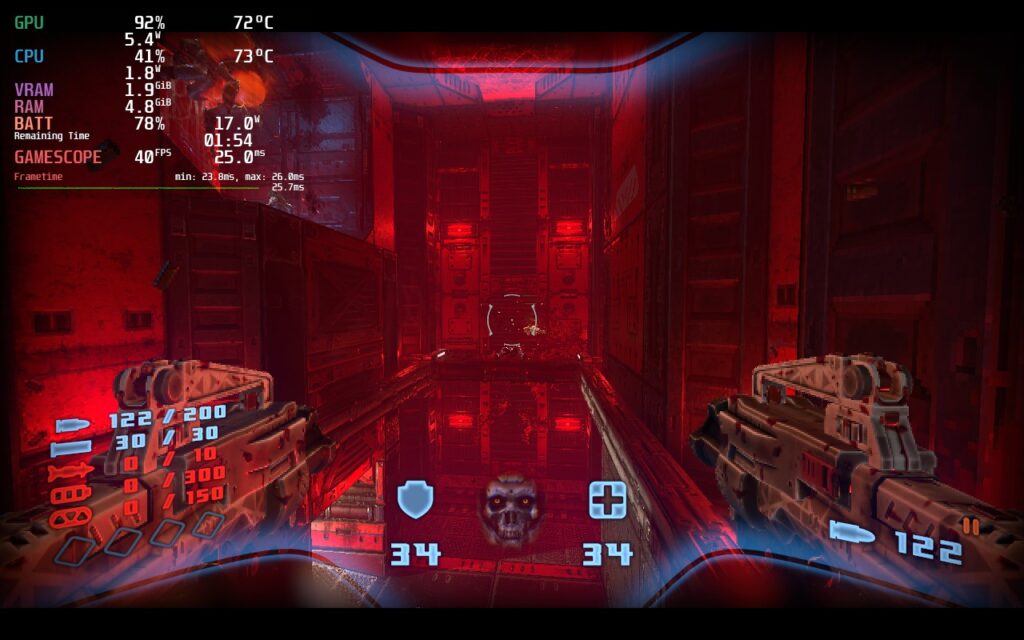
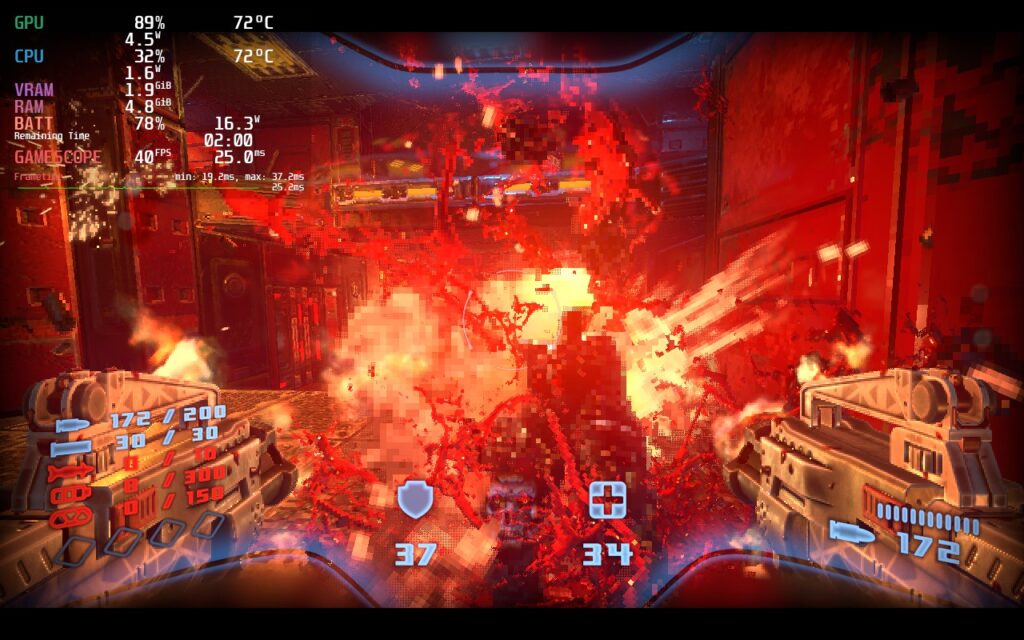
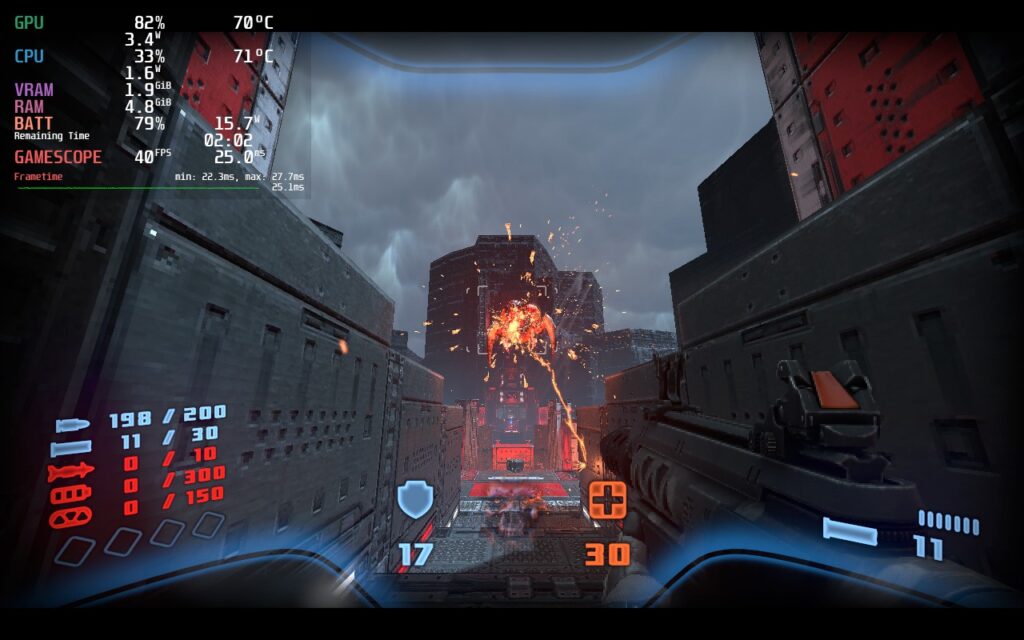
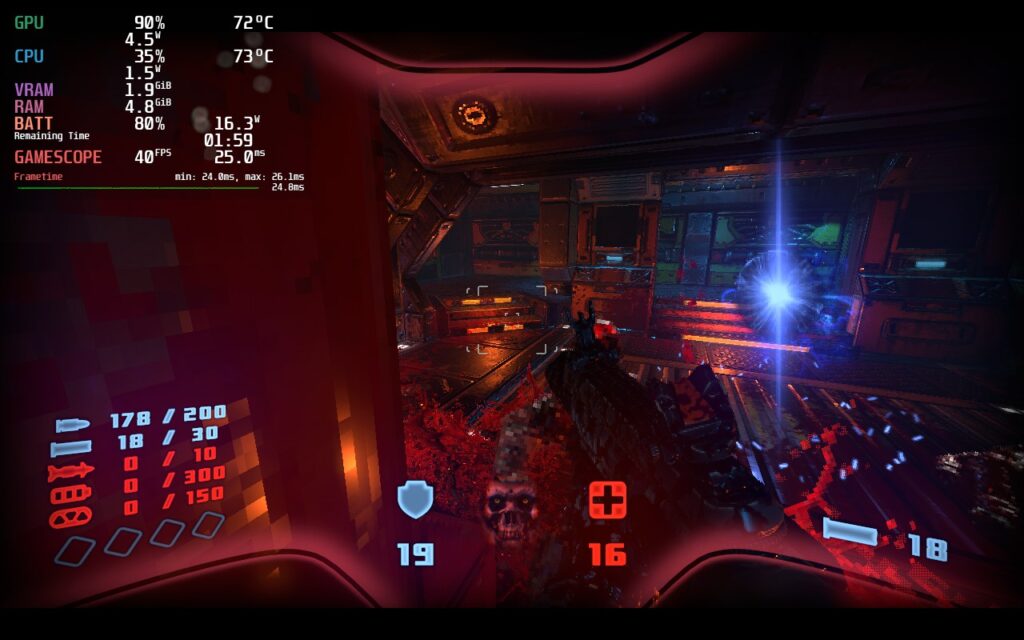
Each of these ways to play work extremely well, can’t go wrong with any, but 45 with a battery focus felt like a good compromise between good quality and a smoother framerate.
It’s Time to Gyro…Kind Of
With boomer-shooters like Prodeus, gyro aiming can be a godsend. This helps with some finite adjustments to make sure you can hit those headshots. Unfortunately, Prodeus doesn’t have mixed input support. Gyro can be enabled to emulate a joystick, but it doesn’t feel as fast/responsive as it could. So while it is possible to have gyro, it doesn’t feel like it should.
Conclusion
Even with the oddities and the lack of mixed input support, Prodeus is an incredible shooter that shines on the Steam Deck. The graphical style is gorgeous, the gameplay is fast-paced and tight, and the community maps/campaigns keep the content coming! And all of this can be thoroughly enjoyed on the Deck.
Our review is based on the PC version of this game.
If you enjoyed this review, be sure to check out the rest of the content on SteamDeckHQ! We have a wide variety game reviews and news that are sure to help your gaming experience. Whether you’re looking for news, tips and tutorials, game settings and reviews, or just want to stay up-to-date on the latest trends, we’ve got your back