
Octopath Traveler 2 was provided to us by Square Enix for reviewing. Thank you!
Octopath Traveler 2 is a turn-based JRPG set in the gorgeous land of Solistia. Taking control of 8 travelers, all with their own stories and unique talents, you will embark on a journey across a beautiful world using the unique HD-2D graphics that have become synonymous with the Octopath series. Utilize each characters “Path Actions” to interact with the NPCs and the world in different ways. On top of that, you will level up and fight battles using skills and leveraging the Break and Boost system to strategically power up your attacks. It’s time to explore the land and discover the stories encompassing this world.
While I do personally love JRPGs, I have to hand it to Square Enix and ACQUIRE Corp, this game is a MASSIVE improvement over the original game. The stories feel significantly more thought out, some nice QoL features, and the added mechanics are a nice touch, like changing the time of day with the press of a button. On top of that, the core gameplay is still as addicting as before, the visuals are STUNNING, and the soundtrack is incredible.
And the more I play, the more hooked I get. The HD-2D pixel art is phenomenal and really makes each area in the game pop, while the music sets the tone for each story, area, and fight. The combat is still pretty similar to the old game, but has some nice added mechanics like the Latent Power (ultimate skills). The job licenses and water travel shake things up a bit too, and personally, I love the additions. Overall, this is one of my favorite JRPGs that I have played in the last couple years, and playing it on the Steam Deck feels like a dream come true.
Octopath Traveler 2 – Best on Deck…With a Twist
So this was actually a tough one to decide on. The game plays amazing right out of the box due to the fact that it caps the framerate at 30 FPS, but it can be improved. By changing the framerate to 60, you can still get a solid 15W – 16W drain without any caps, which is still in the okay range as well. Due to it being optimized for 30 FPS right out of the gate, I will concede with a Best on Deck badge. It can be played and played well without any changes. BUT, we can improve the game significantly to feel smoother while looking similar and having the same, if not better, battery life.
Optimizing for 8? We Can Handle It!
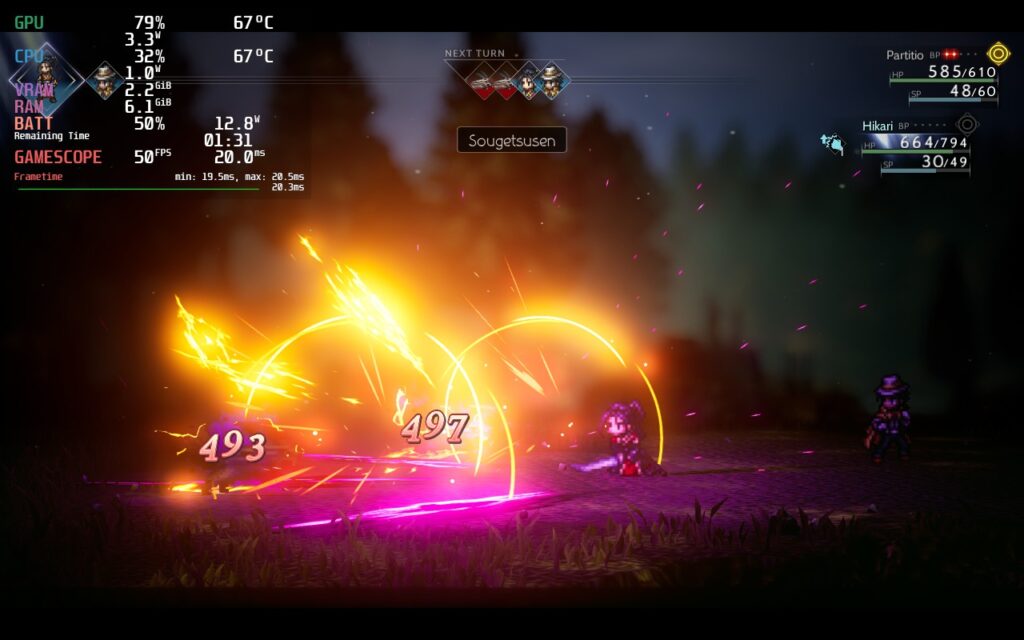
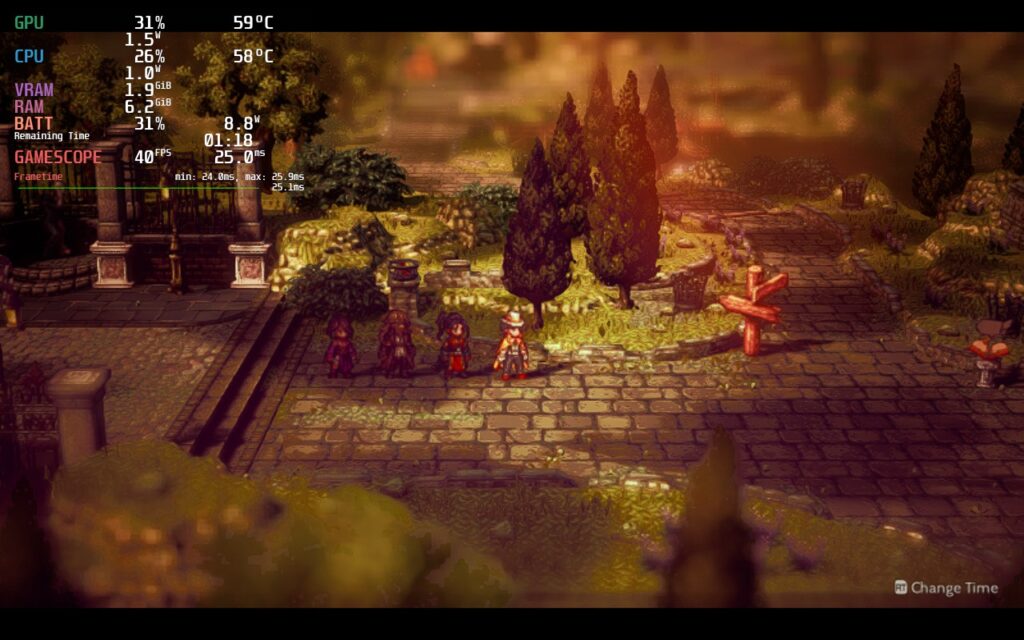
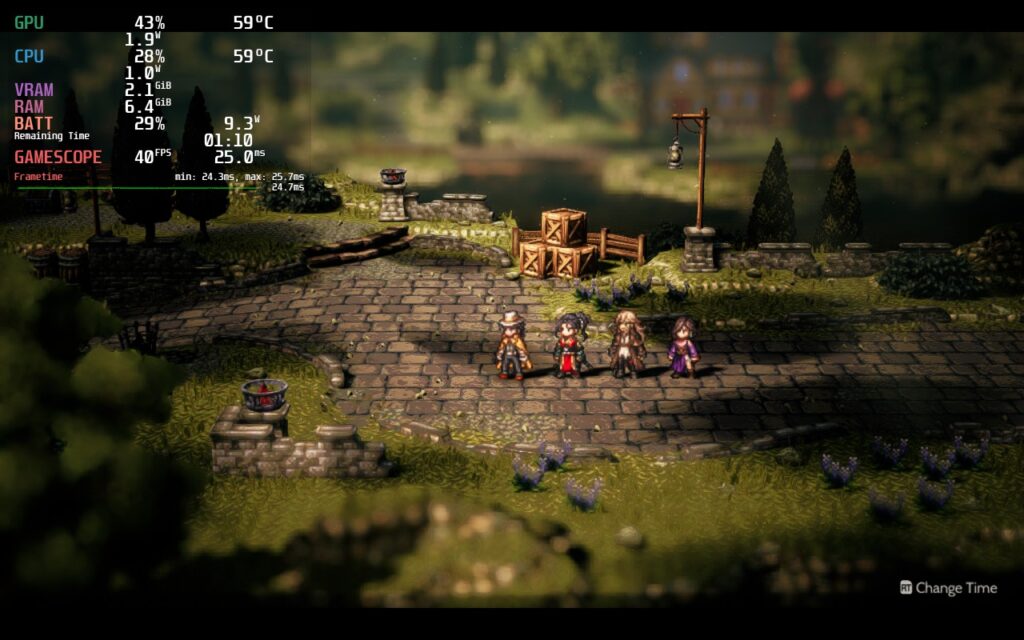
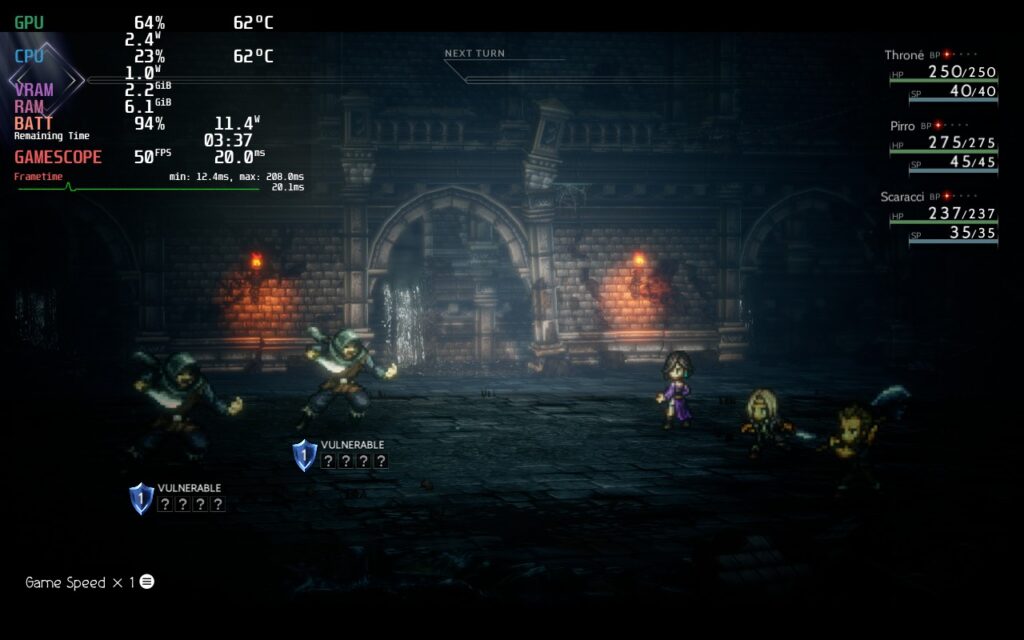
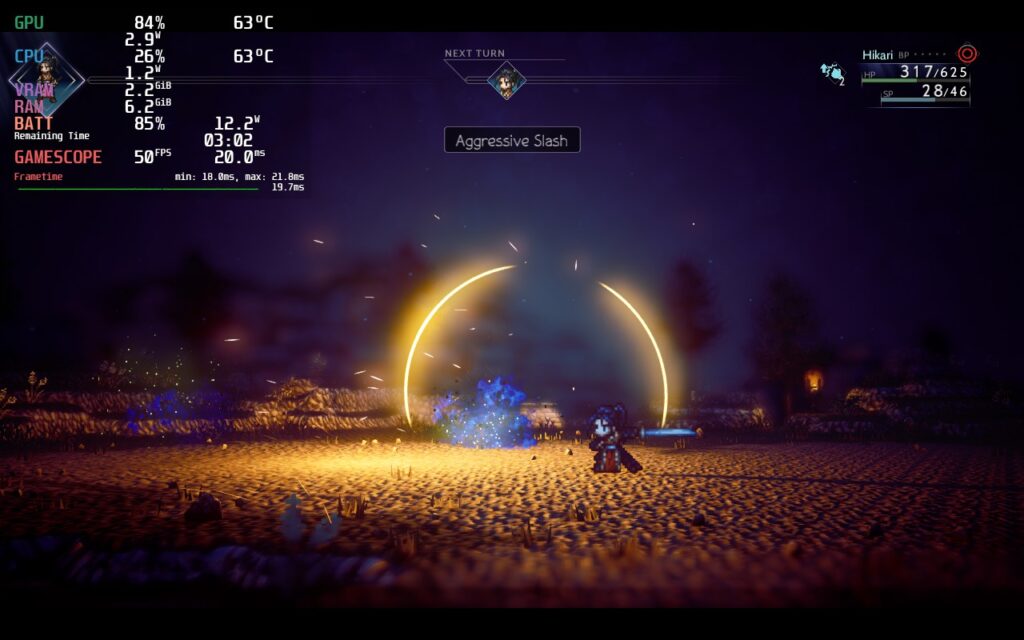
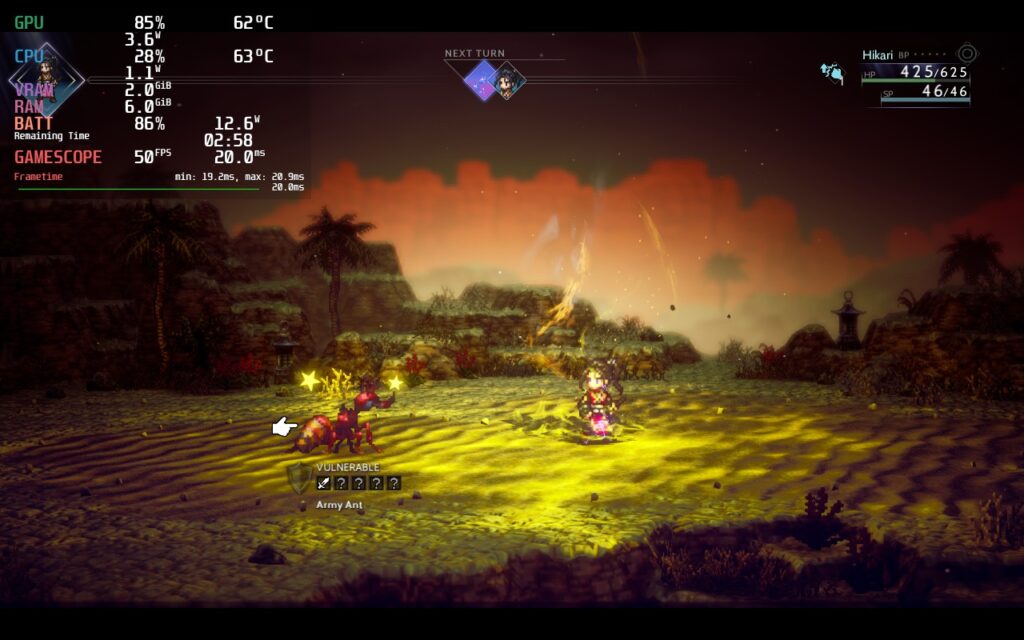
After playing at 60, I felt there was a way that Octopath Traveler 2 can be played smoothly, but with much better battery life. So I first started pushing framerate down slowly to see the lowest I could go while still feeling as smooth as butter, which in this case is 50 FPS. From there, I modified the settings, going back and forth to see which ones had the most impact. With that in mind, I turned Shadows, Effects, and Textures to “Medium” while keeping Post-Processing and Anti-Aliasing on High. This allowed me to keep the visuals looking beautiful and full while being able to bring in a TDP limit of 7, keeping battery drain averaging around 12W.
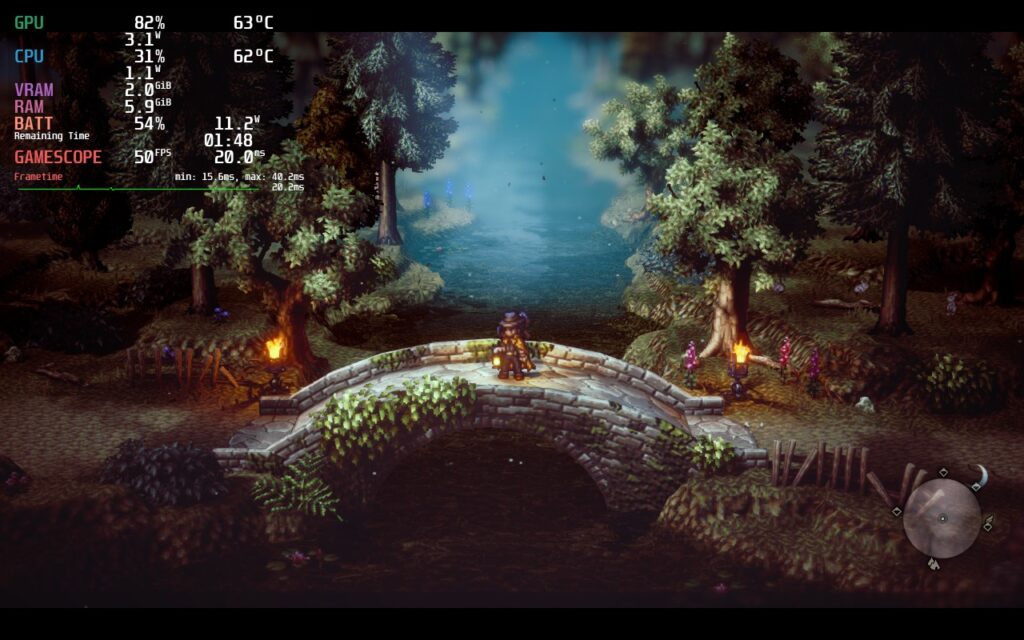
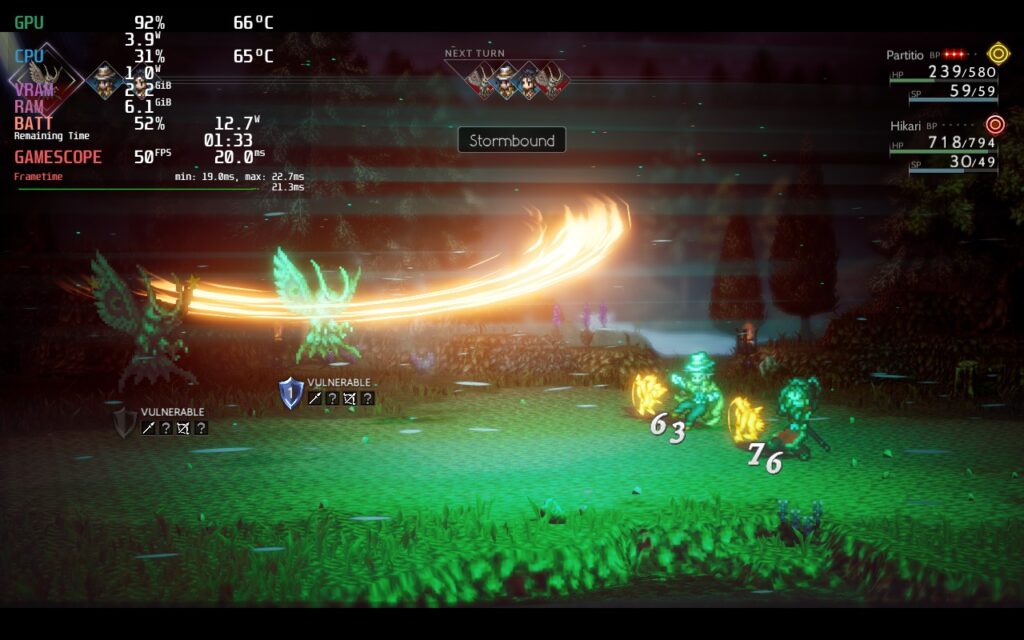
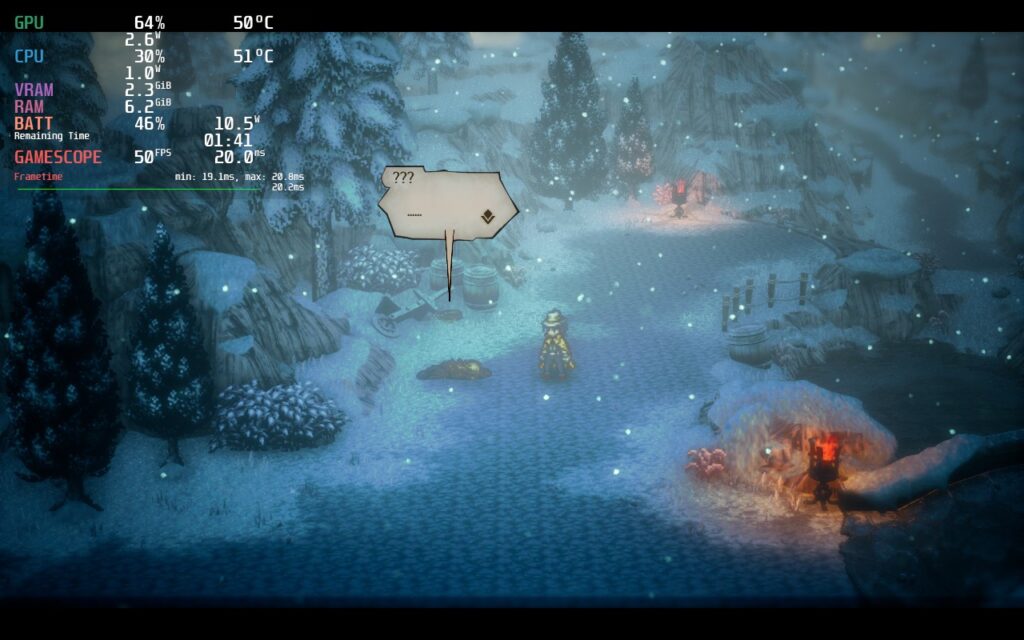
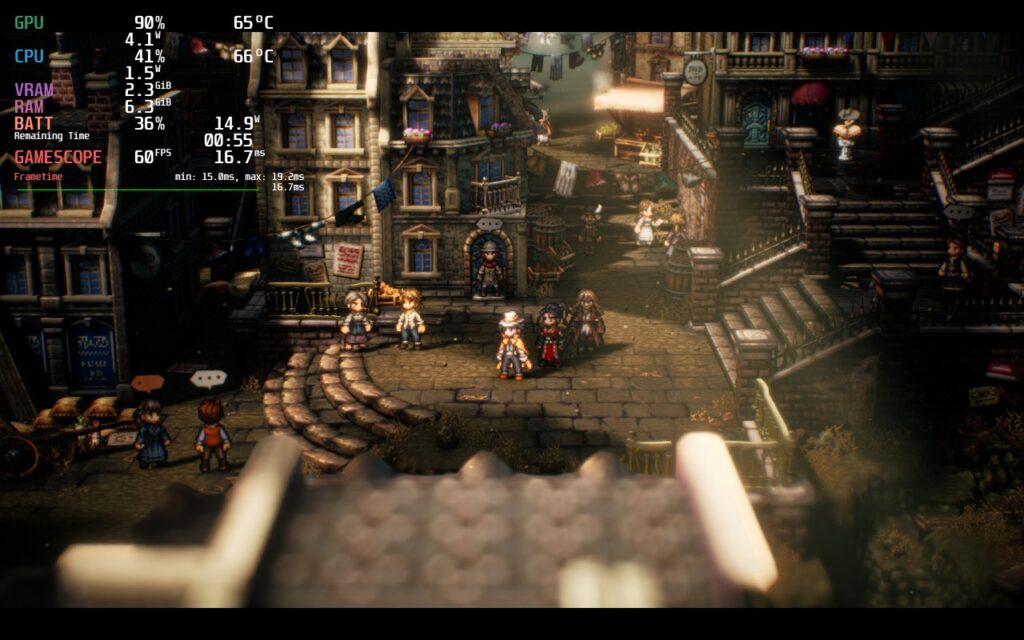
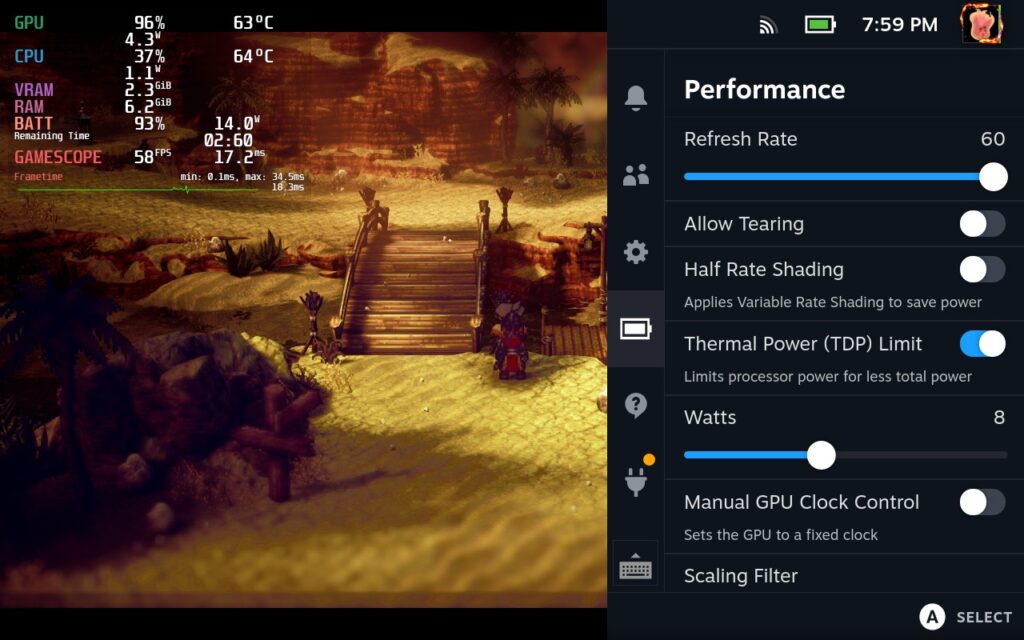
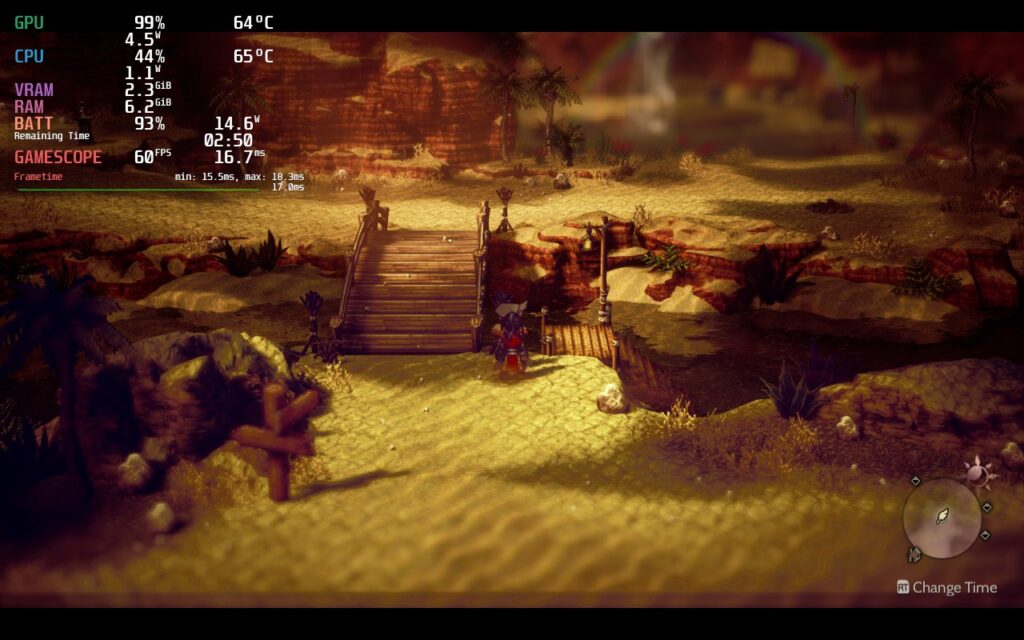
Once I had figured that one out, I proceeded to make a quality-focused build that was 60 FPS with the highest settings. With a TDP limit of 9 and everything on high, you can enjoy the game at a consistent framerate and keep battery drain around 15W. While I personally didn’t see much of a difference between the graphical quality of the max vs the recommended, it is still nice to have a build with all the bells and whistles turned up to maximum.
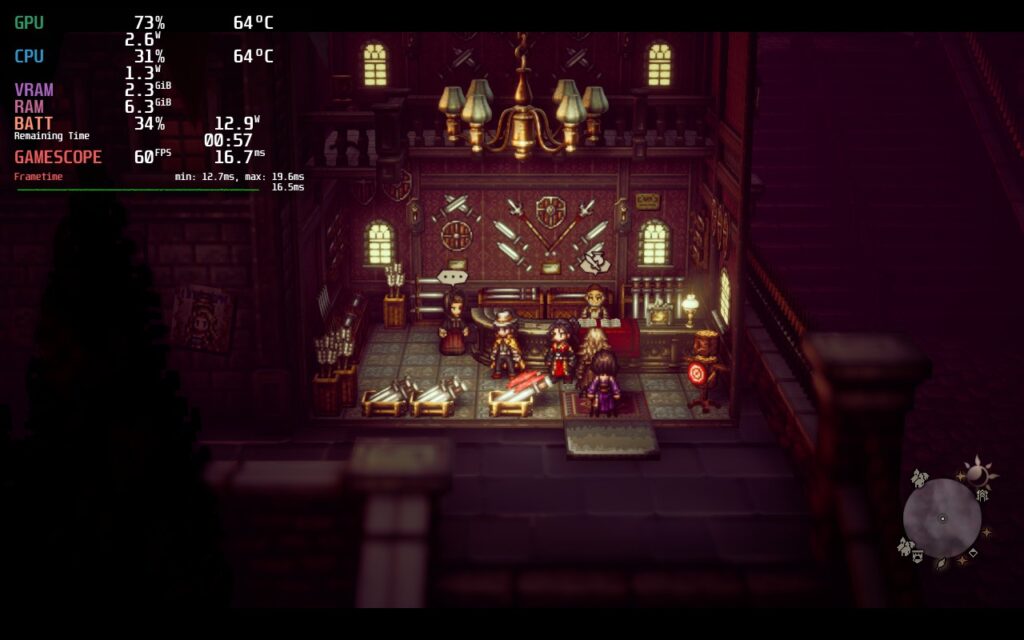
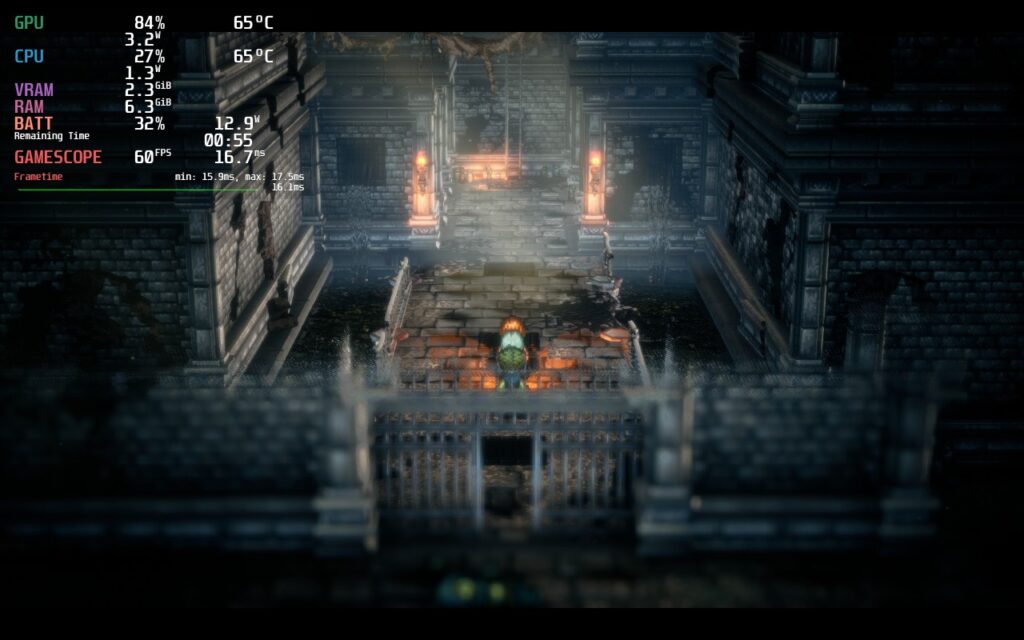
Now we move on to the battery builds. I actually created 2 this time, one that uses native resolution while the other uses a forced one. I did this because the forced resolution can make the game look slightly blurry and soft, which can be a bit of a drag to some. Luckily, the battery build at native resolution works well and retains the most important visual effects, like the shadows, and keep the game hovering around 10W – 11W.
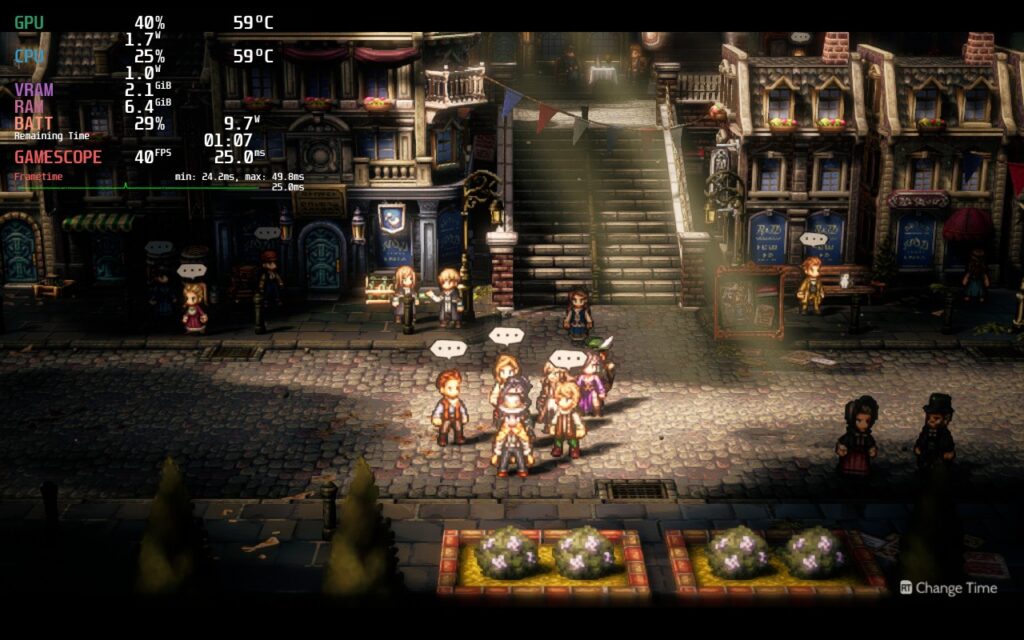
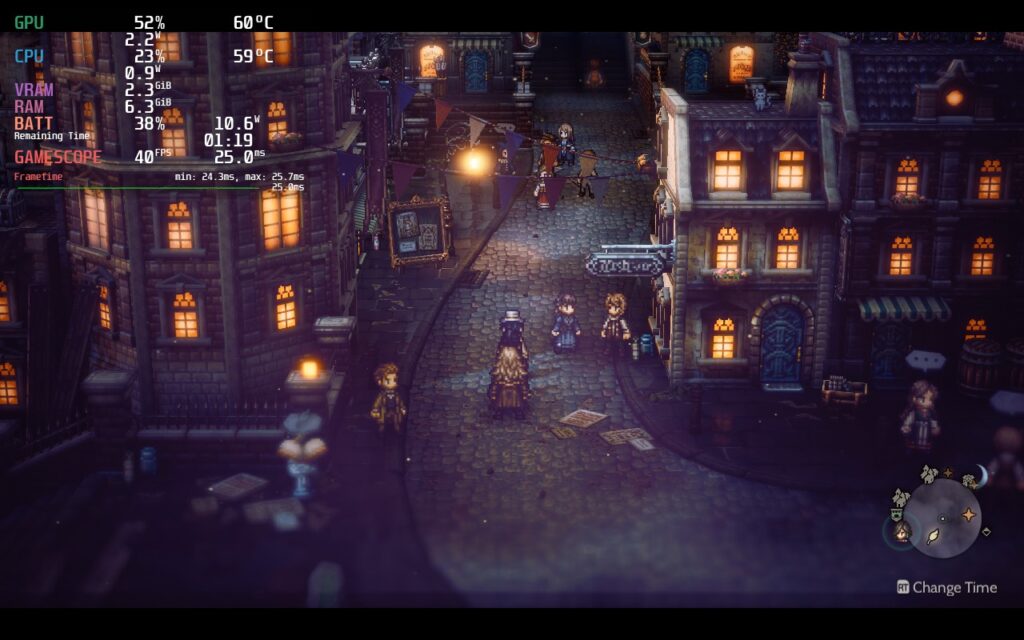
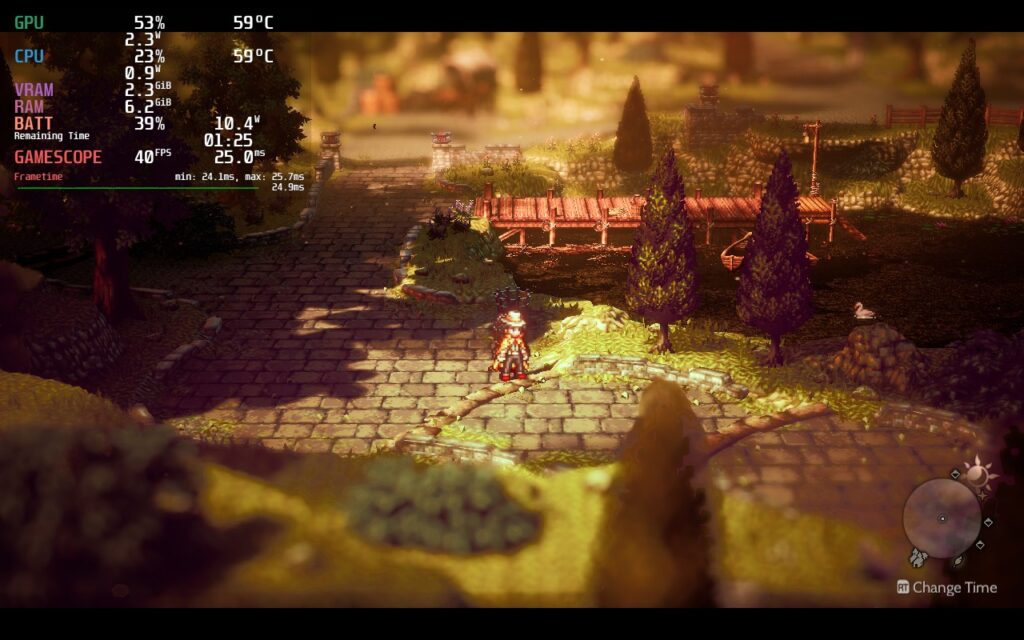
While putting the game on lower settings did help battery life, it also made the game look decisively worse, so I wanted to avoid that at all costs.
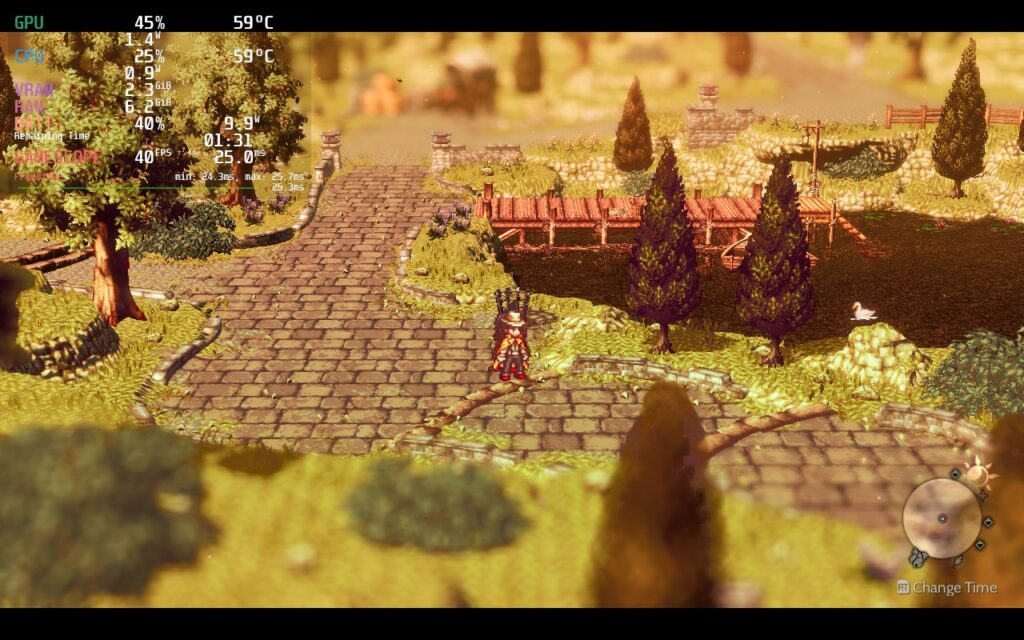
These are the lowest possible settings for Octopath Traveler 2, something I made SURE to avoid with every build of the game.
With the forced down resolution version, you are getting a softer image, but in return, your battery drain averages below 10W most of the time, giving around a 4 hour battery instead of a 3.5 hour one. Yes it is only adding around half an hour of gameplay, but on some long trips where you need to conserve, this could really come in hand.
16:10 Resolution and SteamOS Menus
Octopath Traveler 2 plays at 1280×720 resolution, which has a 16:9 aspect ratio. This means there are black bars above and below the game itself. Even when forcing the resolution or changing it in-game to 1280×800, it will always stick to 720p. There is a way to fix this though and we covered it in an article we posted. It requires some hex editing, but doing this will allow you to get rid of those bars without an increase in battery drain.
There is also some weird drops when trying to use any SteamOS menu while in-game. For some builds, like the recommended one, it won’t really happen much, but it has happened and can be quite noticeable when playing at 60 FPS. The game goes right back to normal after getting out of the menu, but I want to mention so if you see it yourself, you won’t be alarmed.
Conclusion
Like I mentioned before, Octopath Traveler 2 is quite possibly one of my favorite JRPGs I have played in recent times. The combat is as great as ever, the stories feel much more thought out and connect with each other well, the world is breathtaking, and the new mechanics and QoL features make this version of the game feel incredible. It improves all the spots where the prequel fell flat while refining what made it so fantastic. On top of that, the game runs so well on the Steam Deck that I can’t imagine playing it on anything else. Square Enix did a fantastic job with this one and it shines in every way I can possibly think of.
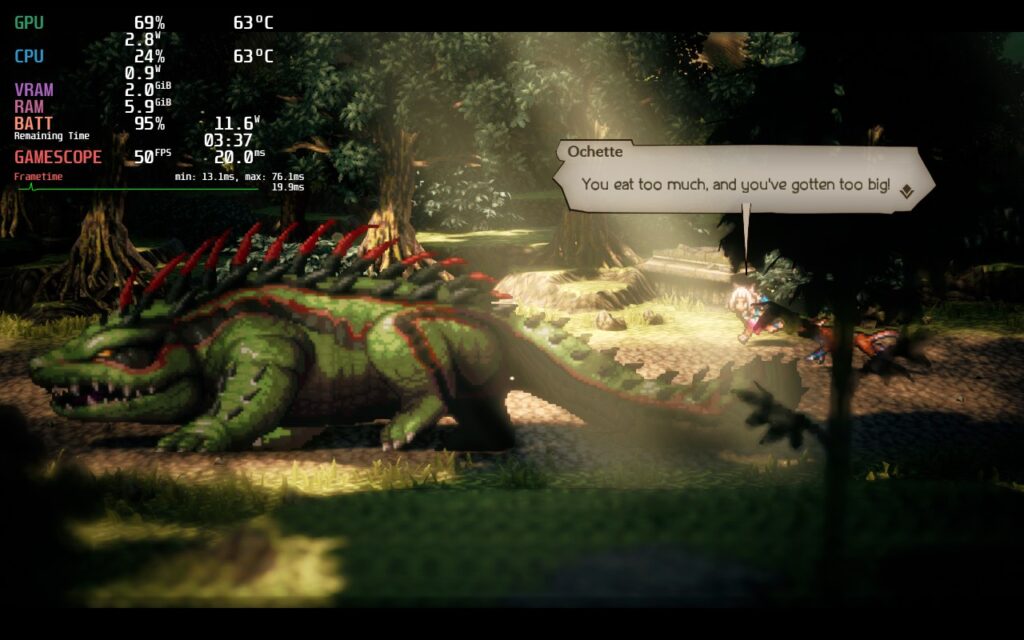
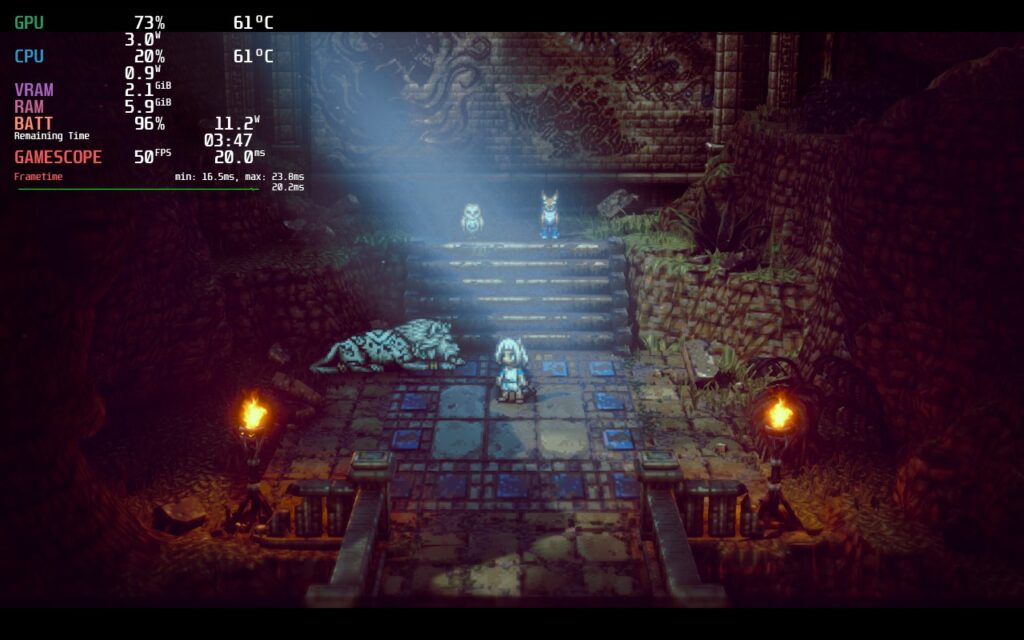
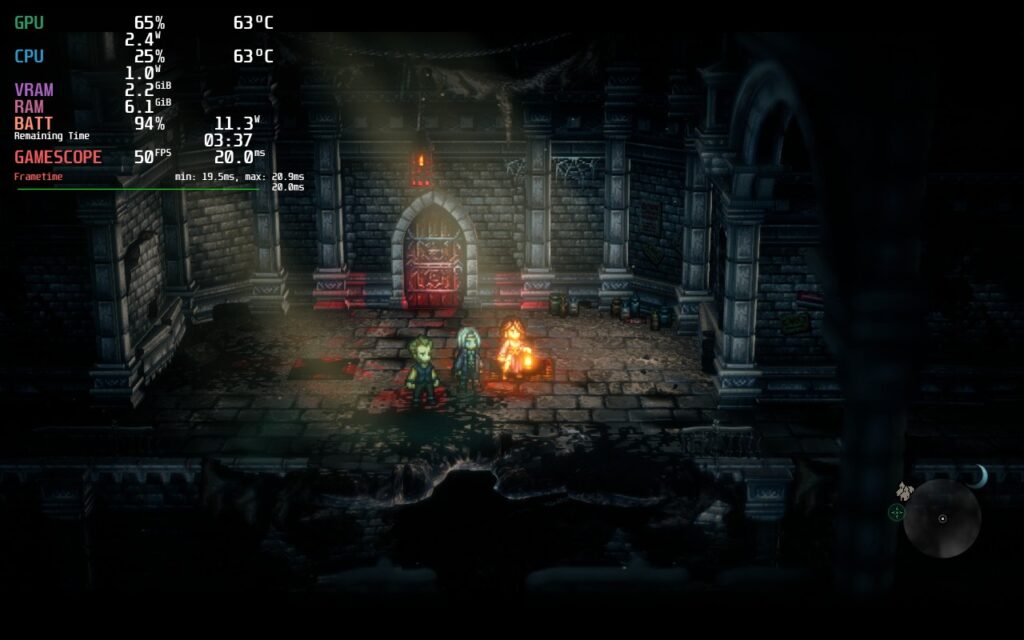
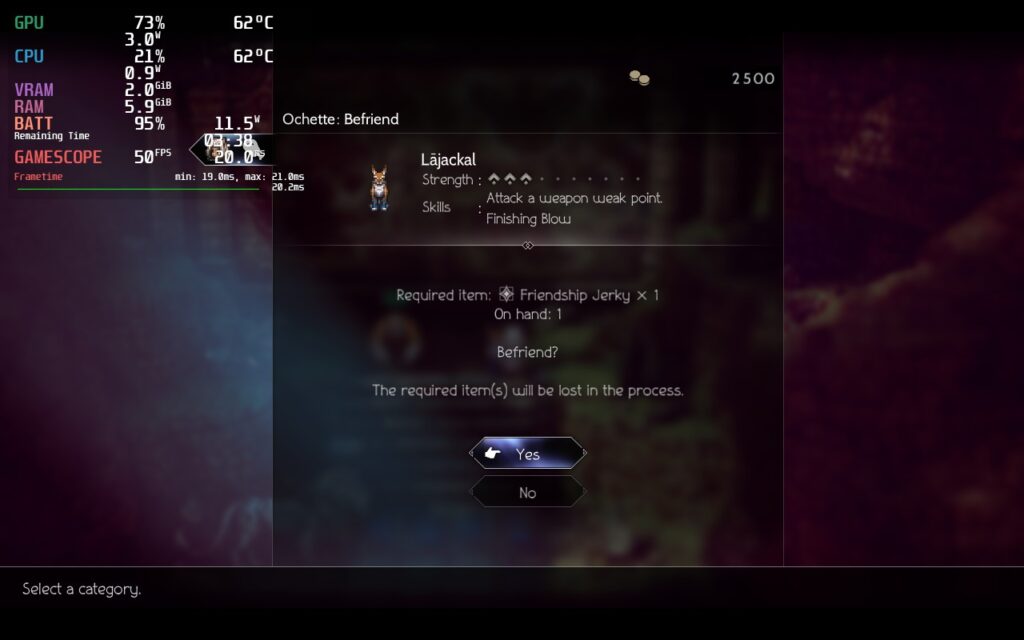
Recommended Settings Extra Screenshots:
Our review is based on the PC version of this game.
If you enjoyed this review, be sure to check out the rest of the content on SteamDeckHQ! We have a wide variety game reviews and news that are sure to help your gaming experience. Whether you’re looking for news, tips and tutorials, game settings and reviews, or just want to stay up-to-date on the latest trends, we’ve got your back