

Miasma Chronicles was provided to us by 505 Games for review. Thank you!
Miasma Chronicles is a turn-based RPG brought by the developers of Mutant Year Zero: Road to Eden. As Elvis, you will travel through a world torn apart by a strange force called the Miasma. Given a glove that can control it, you will embark on a quest to find answers and, hopefully, change the course of human history forever. Travel freely around a post-apocalyptic wasteland, gather materials, upgrade your weapons, and get ready to fight your way through the Miasma in a gorgeous, gritty adventure.
When I first saw this game coming out, and that it was made by the Mutant Year Zero devs, I was very excited. I love games turn-based games like XCOM 2 that have great visuals with cinematic moments and engaging strategic gameplay. While Miasma Chronicles mostly succeeds in this, there are definitely some areas that could be improved, especially with gameplay elements.
The visuals are stunning here. I love the environments, creatures, and atmosphere of the post-apocalyptic wasteland and how it has conformed to the Miasma. I also did like the story personally, though the voice acting was a bit off at times. The gameplay, however, had some good and bad to it. I like the ability to sneak and move around the world in real-time, allowing you to set yourself up strategically for fights. The fights and overall world can sometimes feel a bit linear, but they can still be enjoyable. My only other big complaint is optimization, which does heavily influence how the game runs on the Steam Deck.
Miasma Chronicles – Steam Deck Performance
Increasing UMA Buffer to 4Gb
When I booted up the game, I had come to 2 crashes in the first hour. I was a bit shocked and not sure why, but after some investigating, I saw the RAM usage was massive. While I can’t fully confirm, since optimization seems to be an issue outside of the Steam Deck too, I noticed a gigantic decrease in RAM by setting the UMA Buffer to 4gb in the BIOS menu. After doing this, I didn’t experience any crashes on my end.
To set this yourself, you need to shut your Steam Deck off fully. Then, power it on while holding down the Volume Up button.
Performance and Recommended Settings
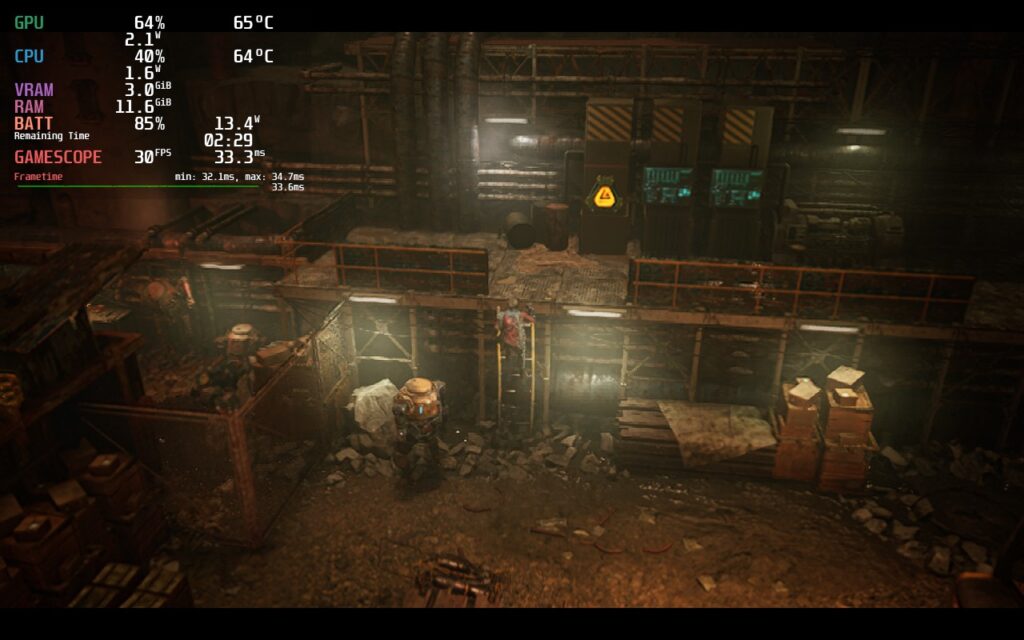
Unfortunately, even with the UMA Buffer change, performance isn’t improved by much. I notice in some areas, it is a little less draining, but the overall game still drains and runs about the same, just with no crashes (from what I played). With this in mind, I really had to dig into lower settings to keep a stable framerate, as well as utilize the in-game FSR.
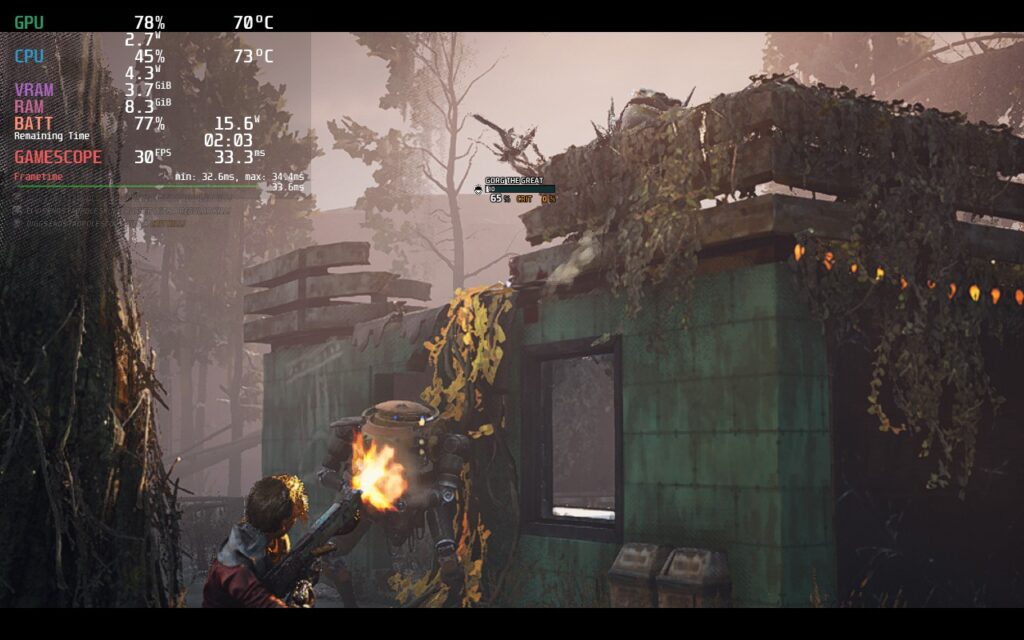
The FSR included in Miasma Chronicles does help a lot, but going anywhere below “High” can make Elvis look especially pixelated in cutscenes and some of the world looking a bit too blurry. Thankfully, a mix of High FSR and mostly Medium settings can work well making the game look decent while sticking to a stable 30 FPS. With this, the game can look quite nice with a TDP limit of 9 and an average drain of 15W – 17W. This would be my recommended build.
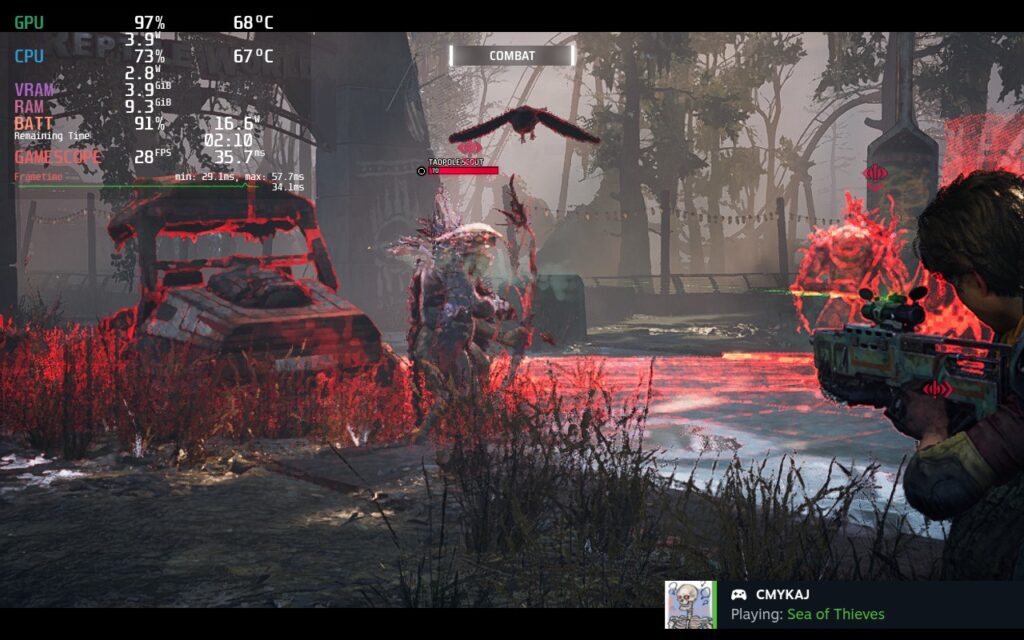
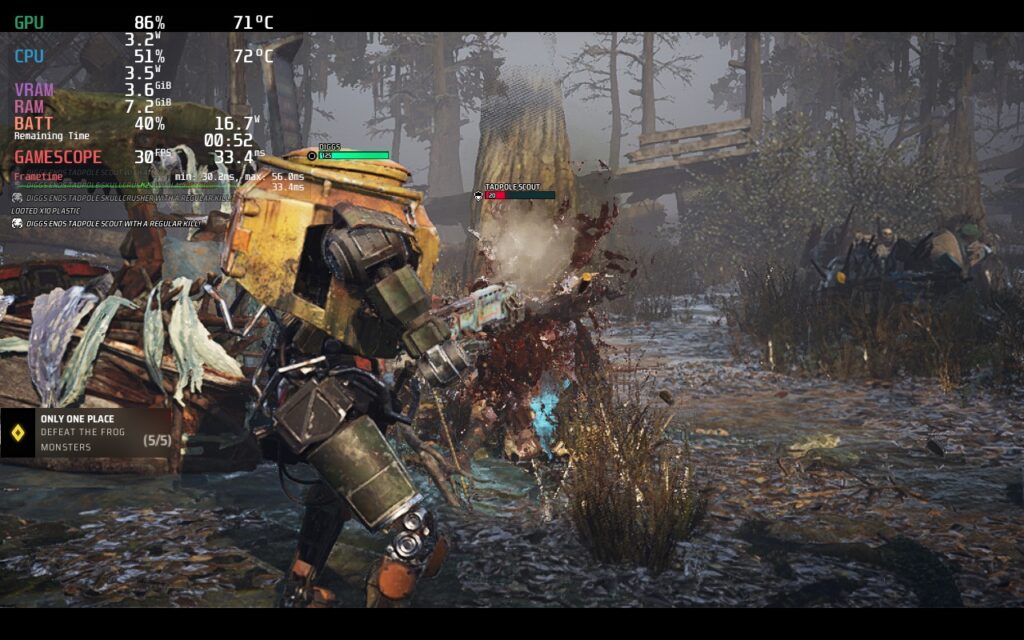
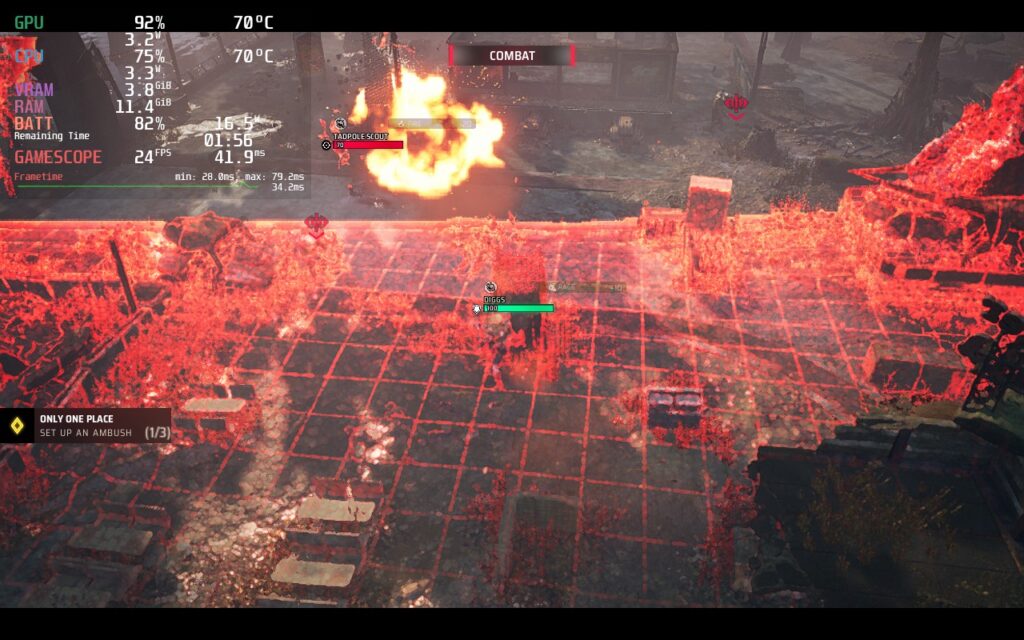
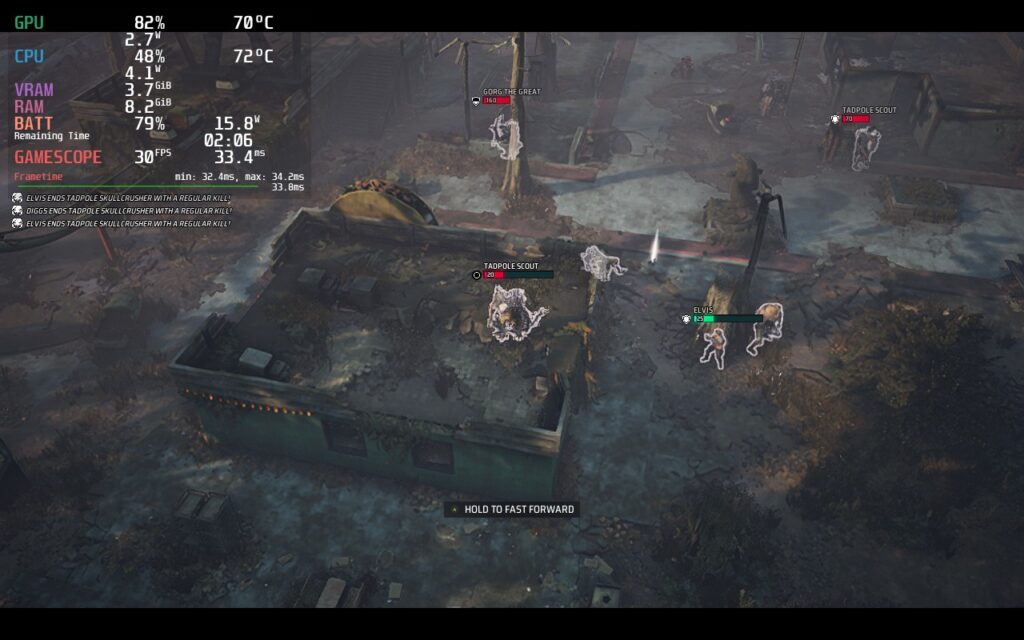
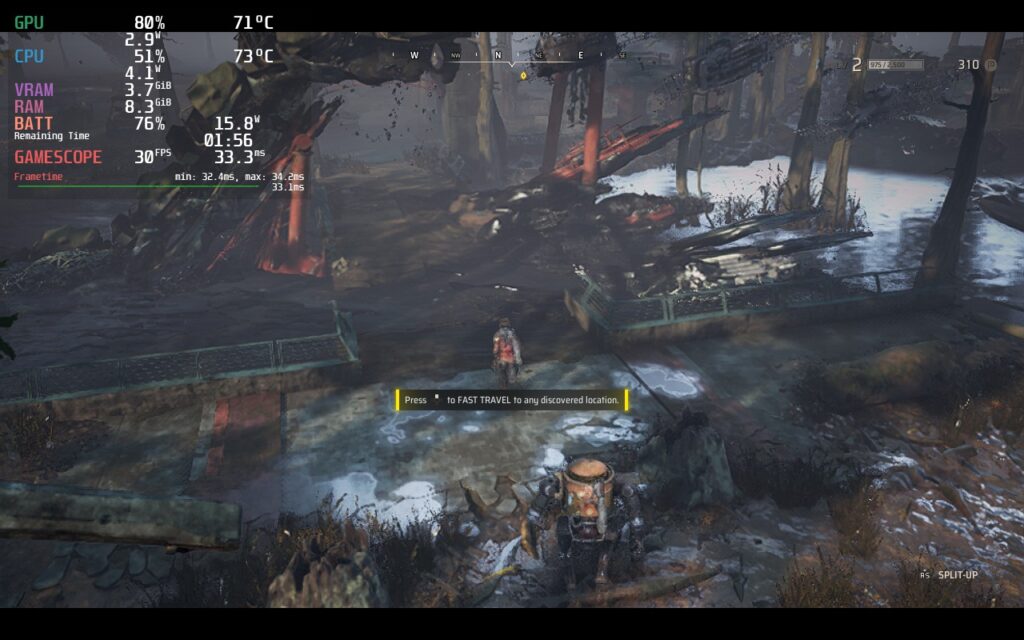
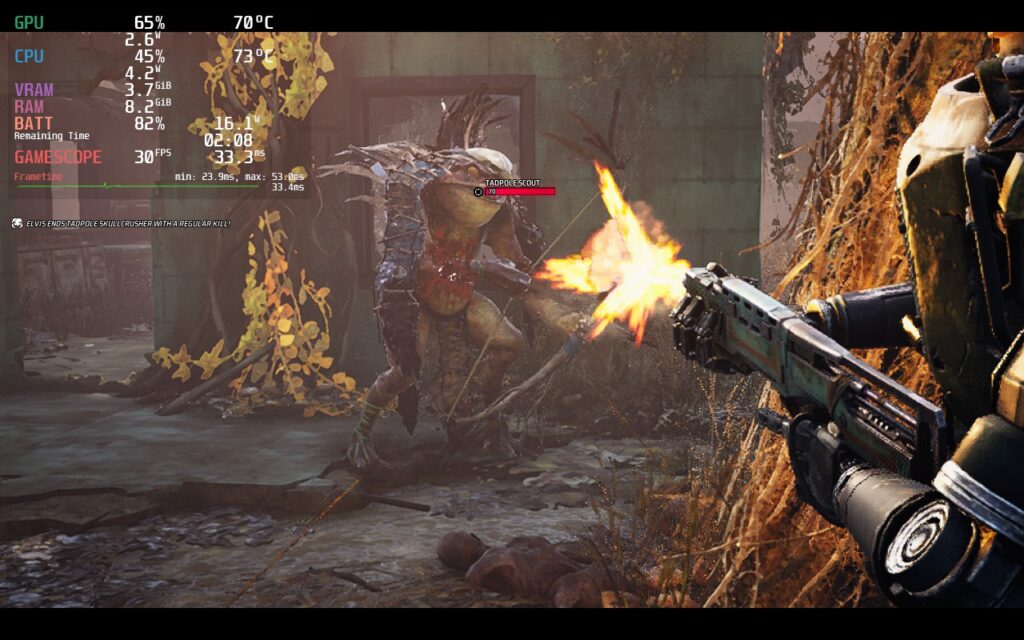
From there, I wanted to see how much I could push the device visually with a higher TDP limit and take FSR off completely. While some areas worked well with higher settings, there were spots that really dipped. To keep the game stable, I had to put some settings on medium, while leaving everything else on high at a TDP limit of 14. While there were some dips when running, these were minimal and kept Miasma Chronicles looking sharp and fresh. This will also need the UMA Buffer at 4gb based on how much increased RAM it uses.
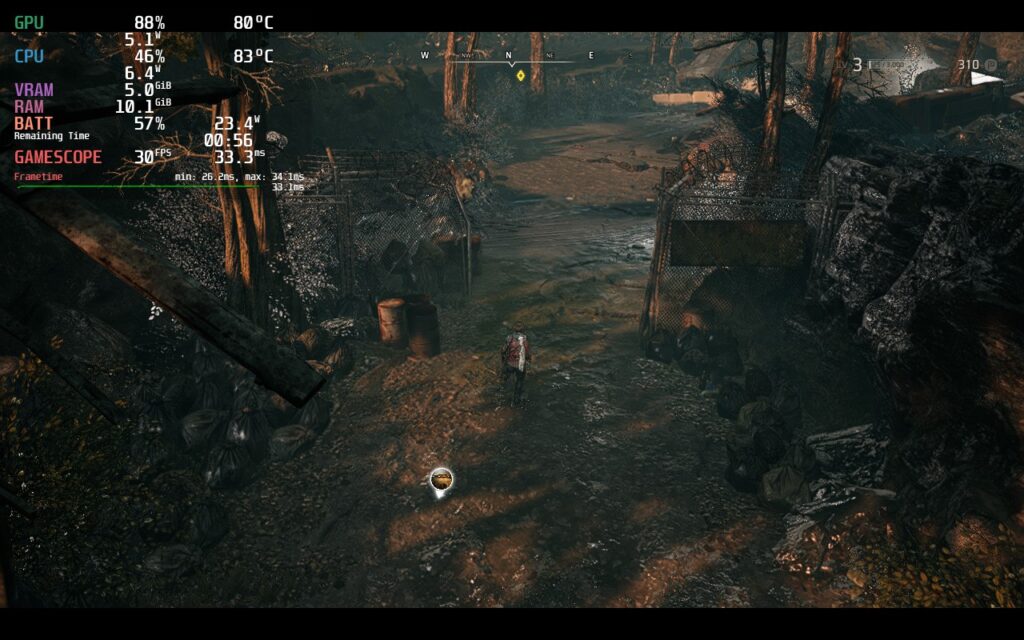
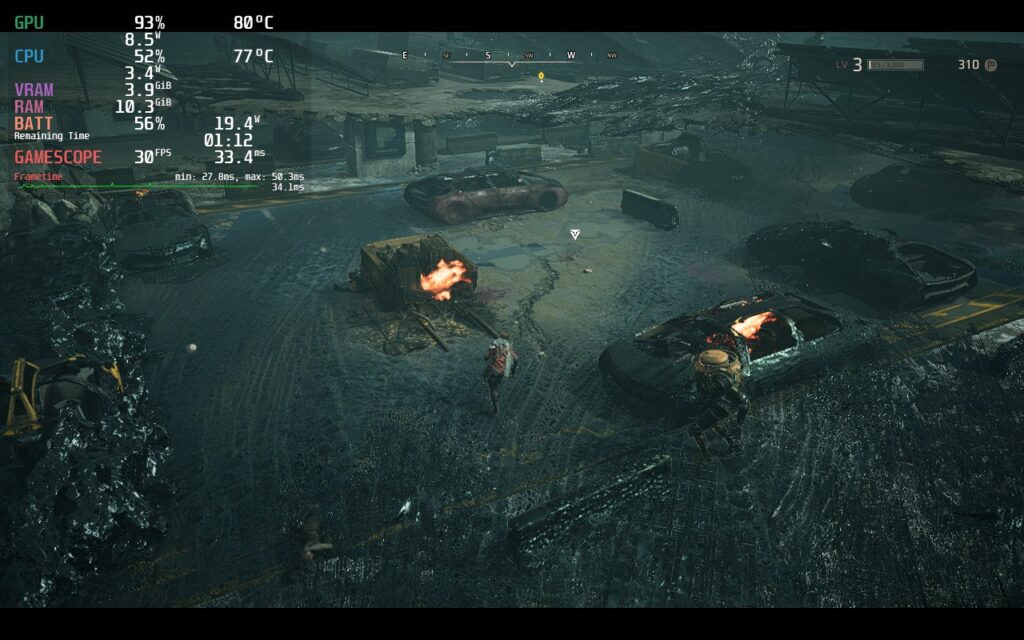
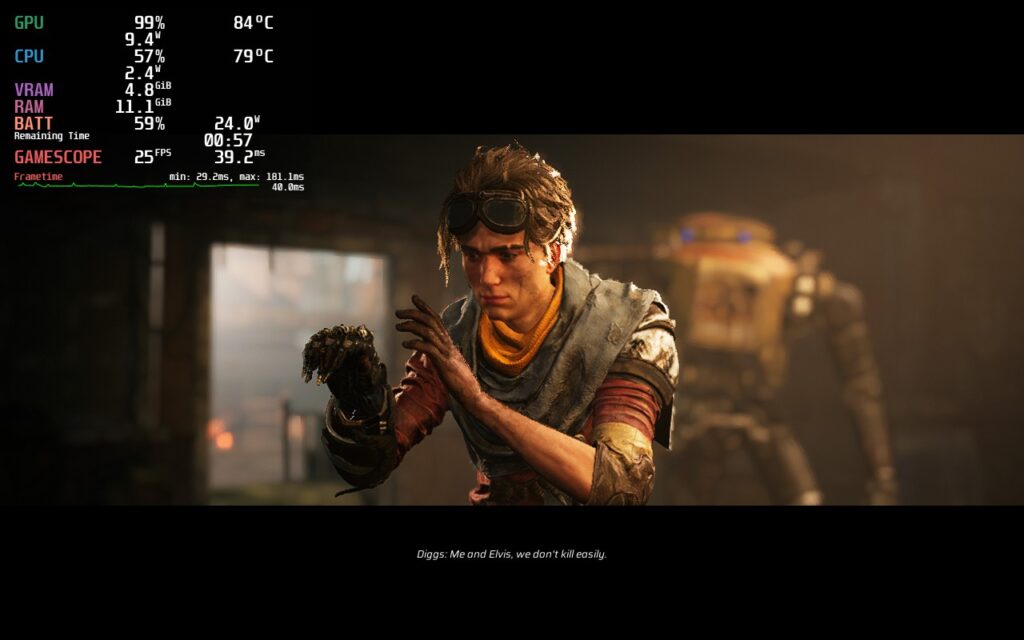
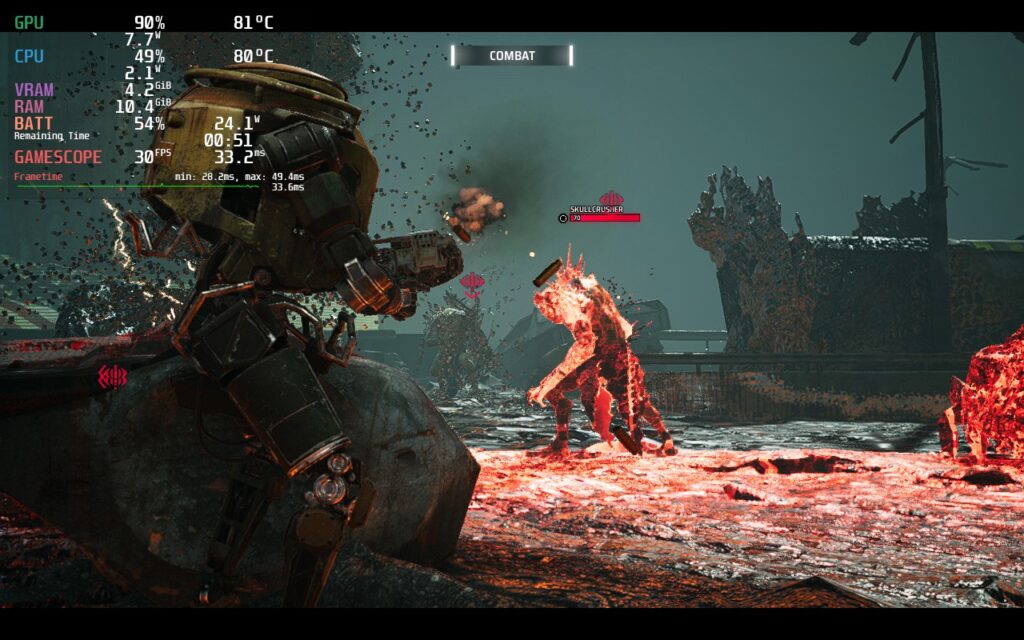
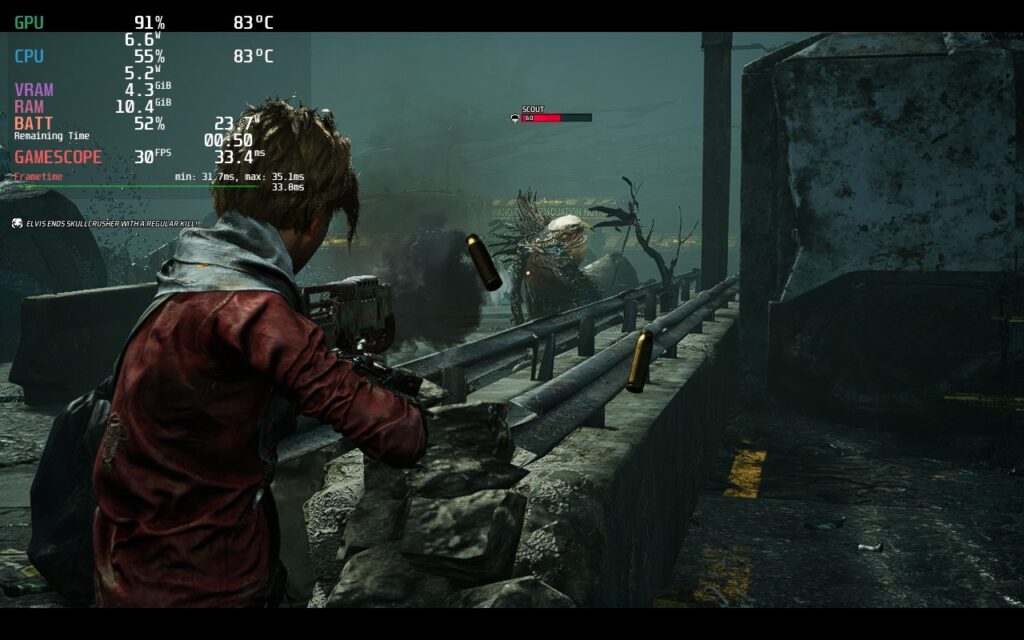
From there, I checked out if it would be possible to push to 40 and, with some compromises, it is definitely possible. With almost everything set on low and a TDP limit of 12, we can get a almost completely stable 40 that only dips when running around outside of battle. The one setting I made sure to keep on Medium is actually texture quality. When set to low, the game looks significantly worse and less detailed, which is something I wanted to avoid.
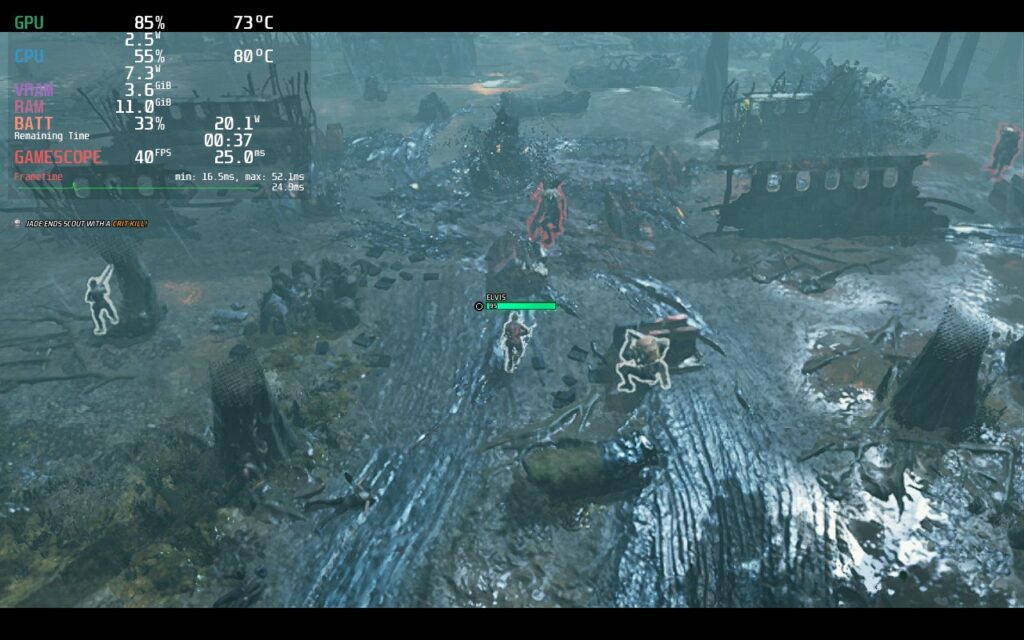
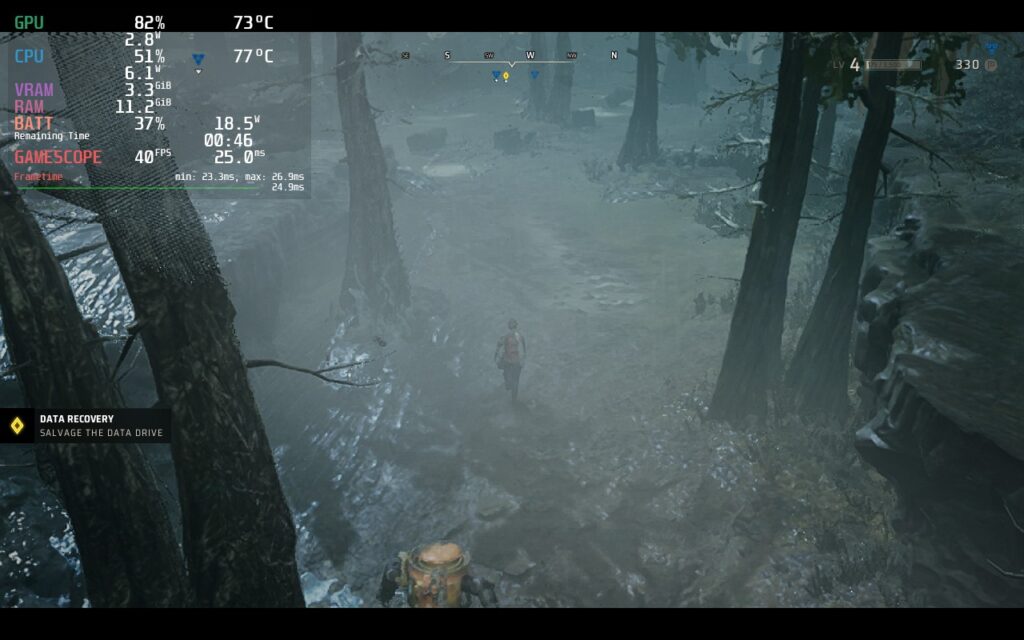
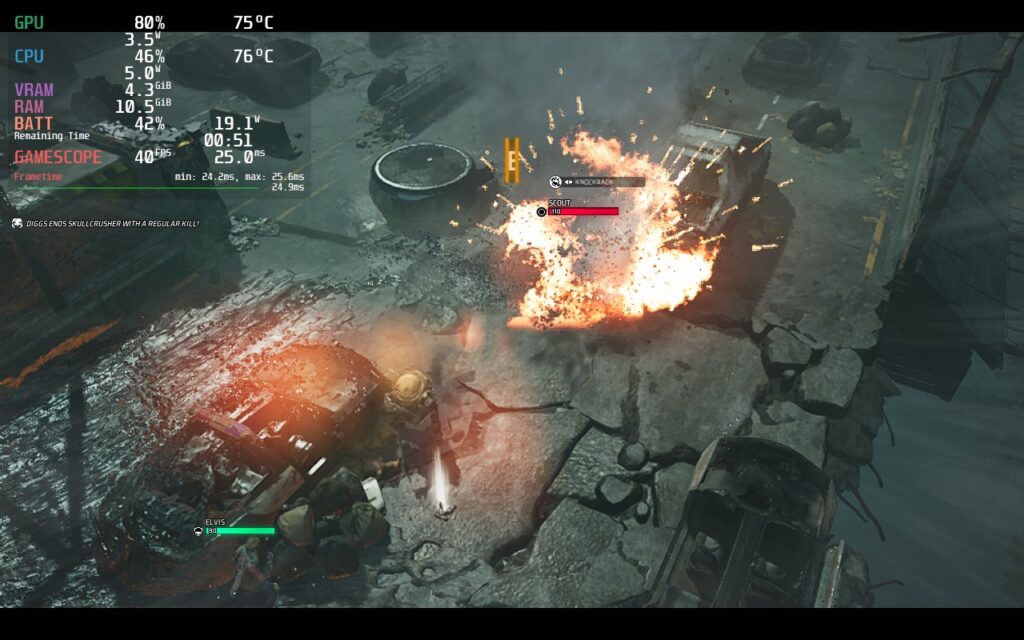
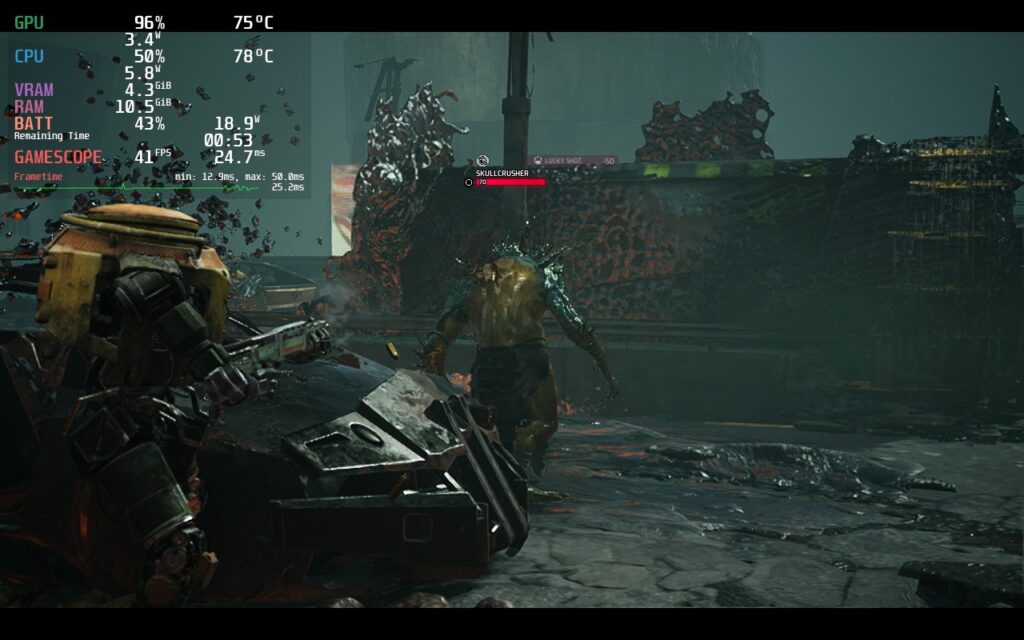
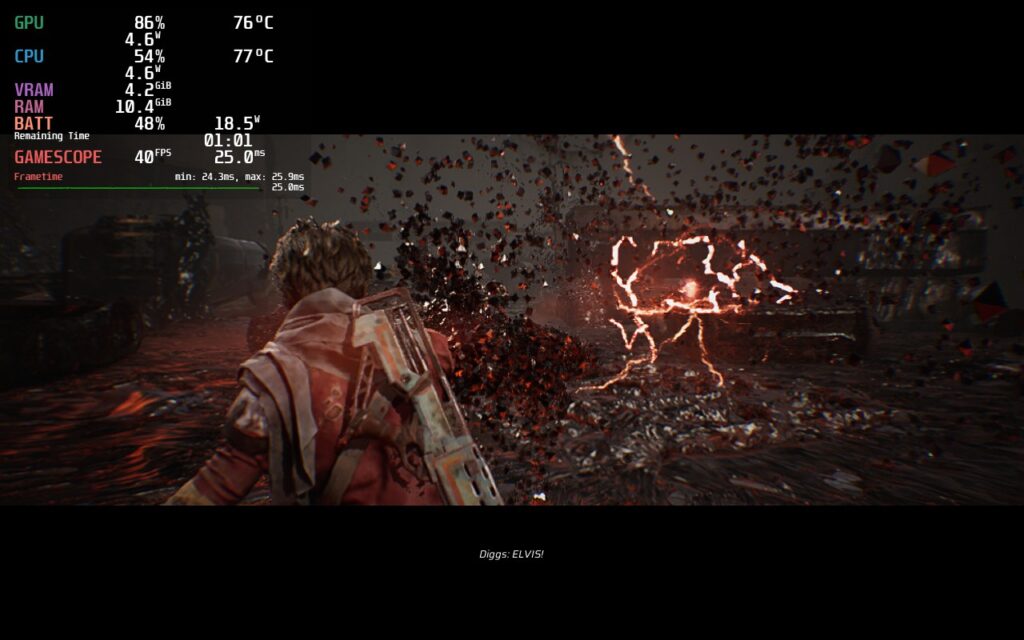
Miasma Chronicles doesn’t support 16:10 resolutions, so expect the black bar, but it does have cloud saves and full controller support. Other than this, there are some minor issues here and there with some UI.
Menu Cursors and White Boxes
When booting into the game, the main menu will show a cursor and not highlight the options you are looking at. To fix this, you need to tap the touchscreen with your finger and then touch the Gamepad to get it to start showing. This can happen with the pause menu, but it doesn’t happen as often.
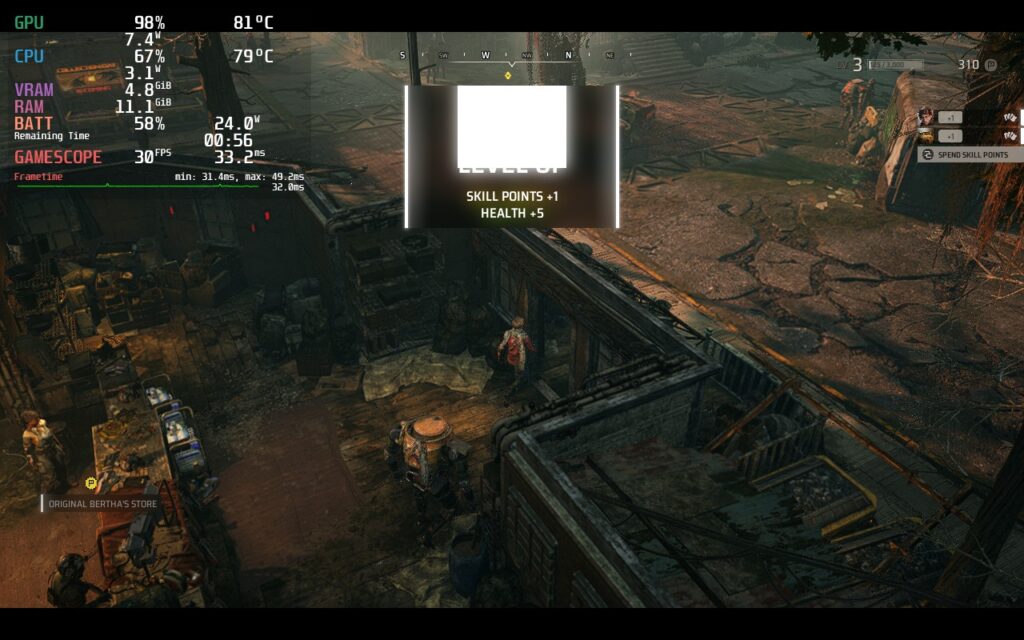
There was also a white box that half-covered the level up notification whenever I leveled up. This didn’t really get in the way of the actual gameplay, but it did pop up every time!
Conclusion
Miasma Chronicles is a great looking strategy game with a competent story that shines the further in you get. With some awesome features like free-roaming and setting up ambushes, there’s a nice sense of tactical options you have, even if the game can sometimes feel linear. Unfortunately, running on the Steam Deck isn’t as easy, but if you’re willing to compromise, this will be a fantastic game to enjoy on-the-go!
Our review is based on the PC version of this game.
If you enjoyed this review, be sure to check out the rest of the content on SteamDeckHQ! We have a wide variety game reviews and news that are sure to help your gaming experience. Whether you’re looking for news, tips and tutorials, game settings and reviews, or just want to stay up-to-date on the latest trends, we’ve got your back.





