


Maki’s Adventure was provided by Zoroarts for review. Thank you!
Platformers are probably one of the best types of games to play on the Steam Deck. Not only are they enjoyable, but they perform extremely well due to the style of game. I tend to lose myself in platformers, as they are just so much fun to play in the palm of my hands with the attached controller. Maki’s Adventure is the most recent game in this genre that has been taking up my time, and I can feel the heart through it, even with the minor flaws.
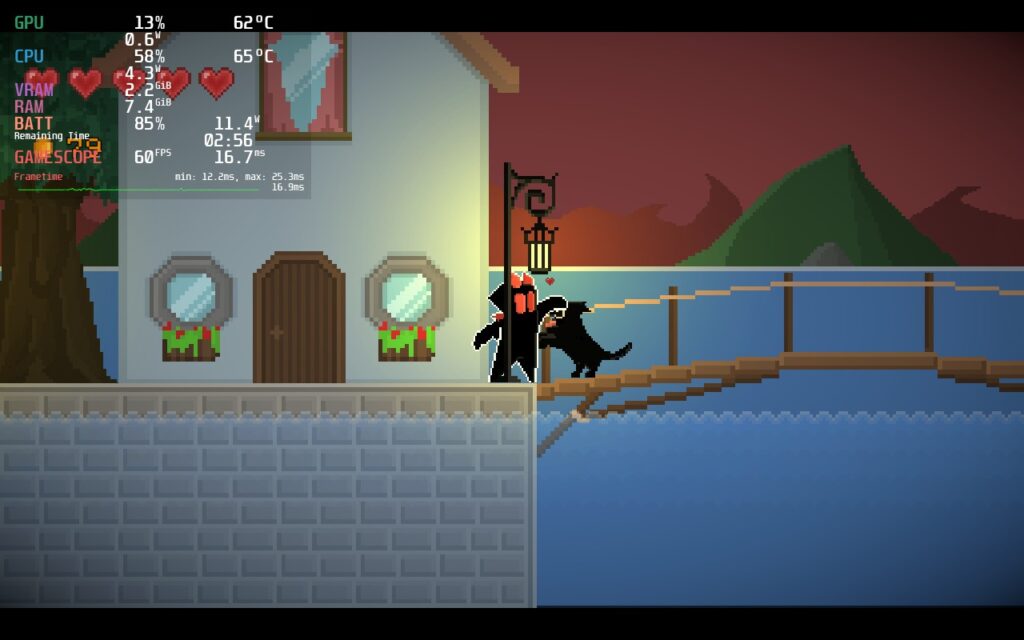
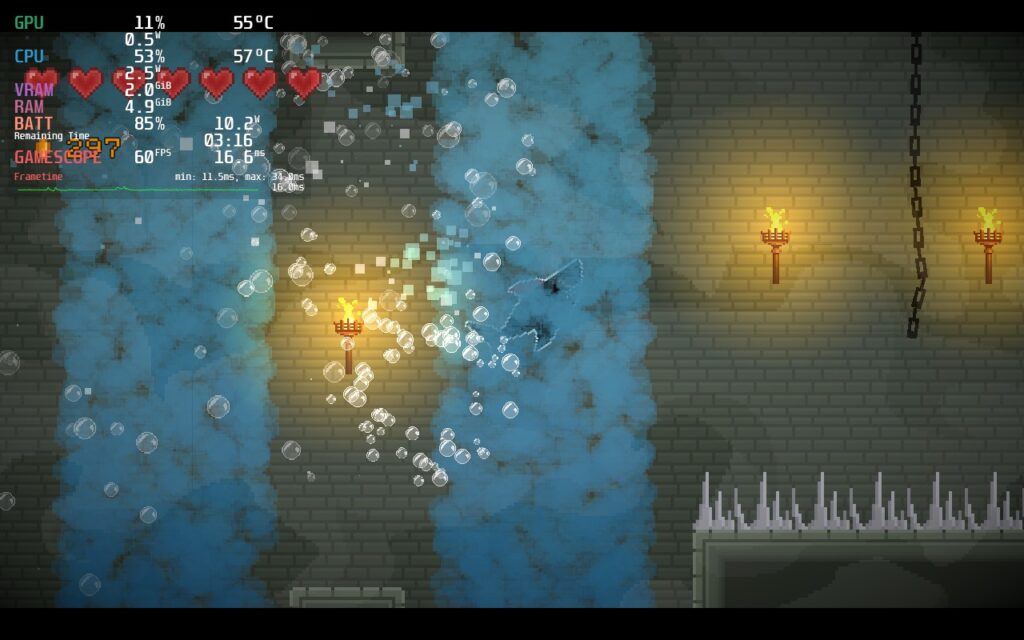
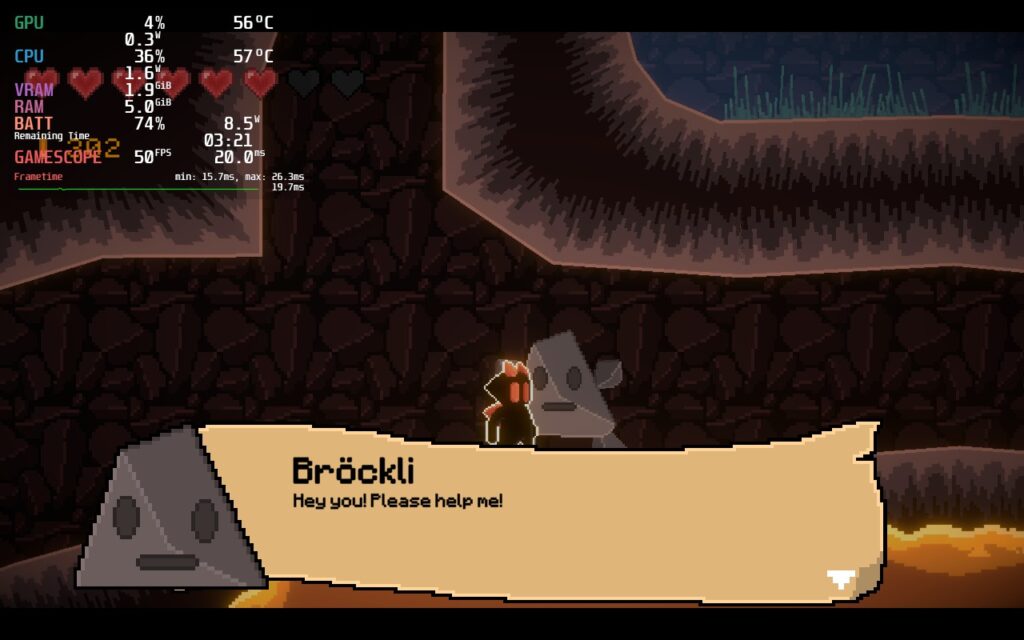
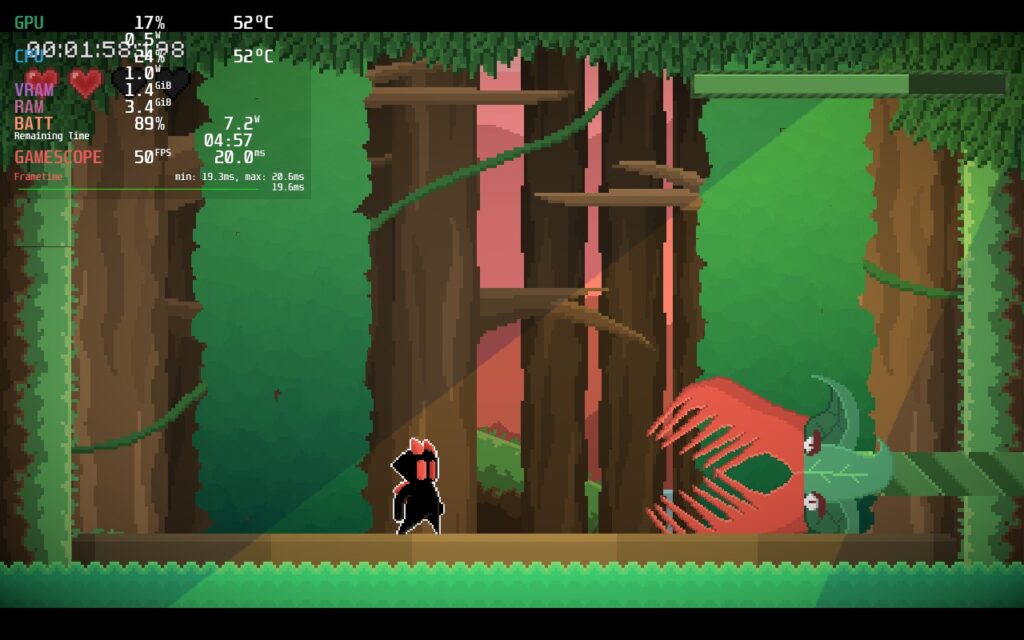
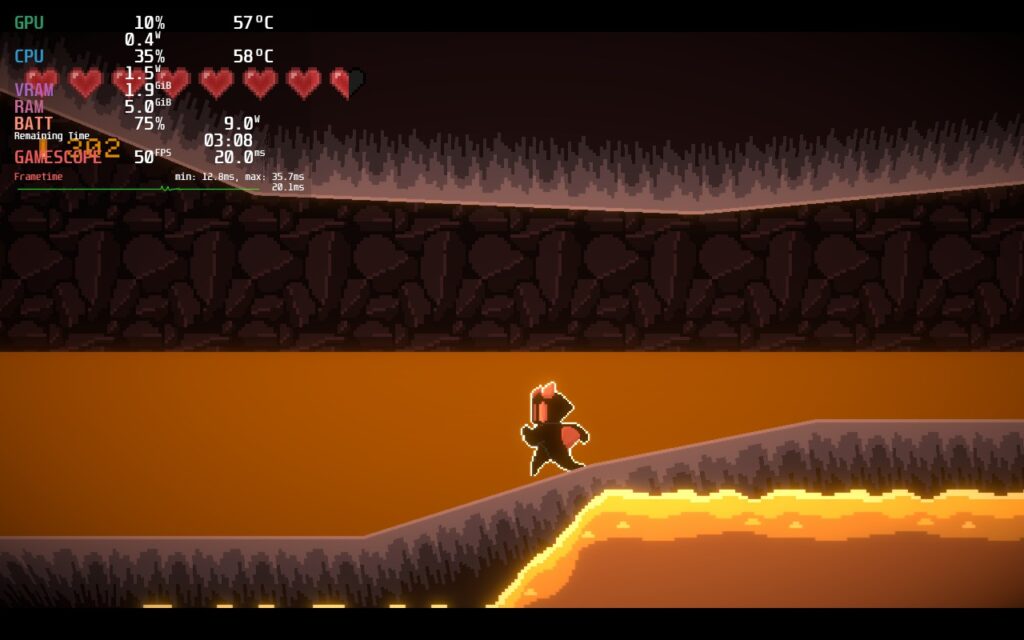
As Maki, you will escape from prison with your brother and go on an adventure to save the world. You will go across three different dungeons, fighting through enemies and bosses, while getting currency and using potions to augment your abilities. The dungeons are designed wonderfully and are each unique from each other. I also enjoy the simple gameplay with one attack that can go in a designated direction and the ability to dodge. It makes things more enjoyable not to have to memorize tons of different mechanics.
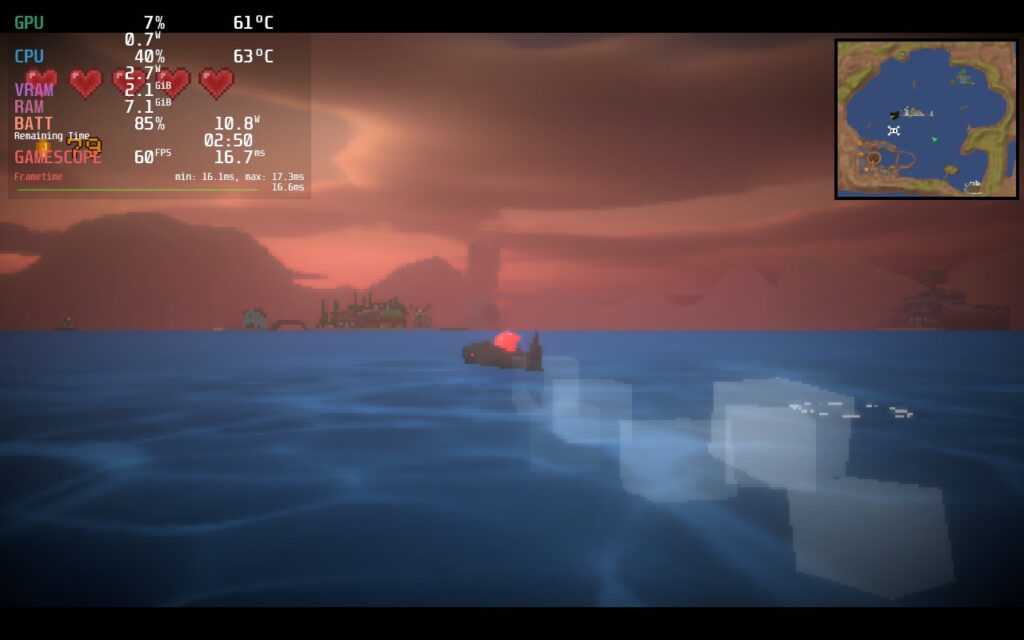
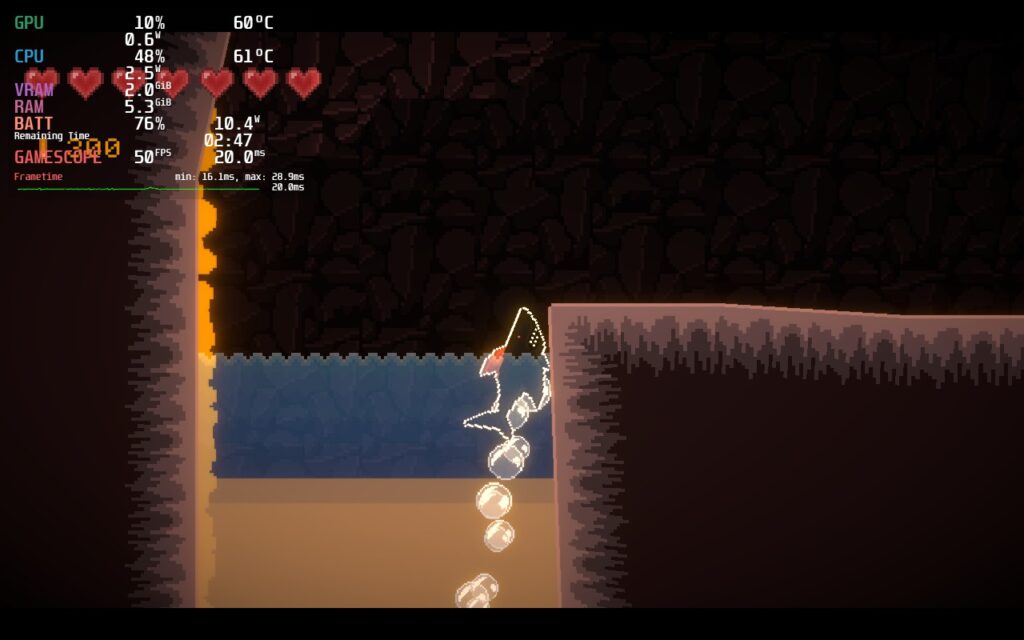
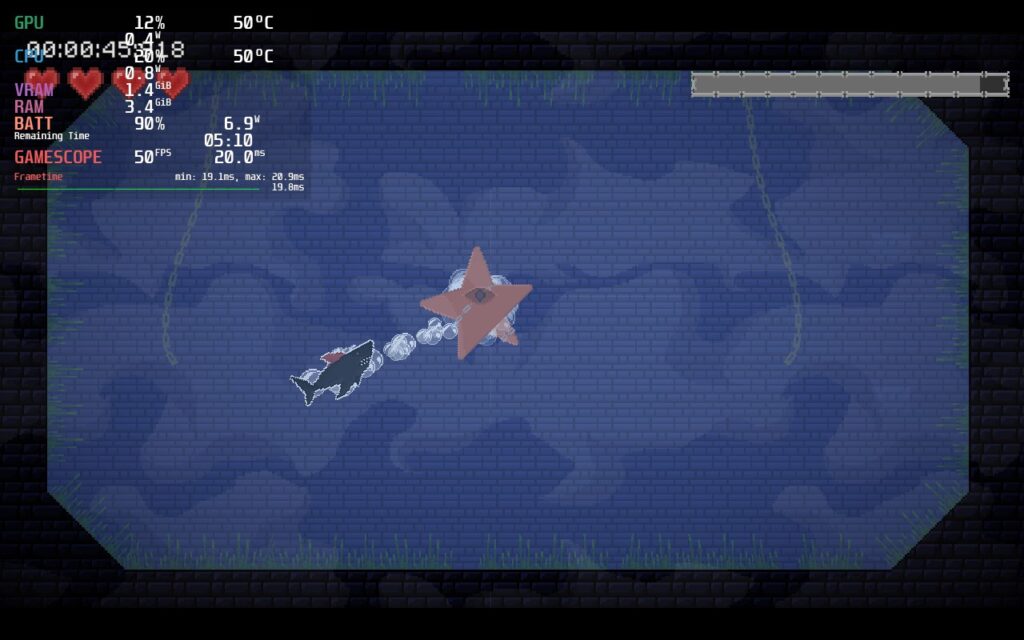
There are also some moments where you can go from walking around normally, but as soon as there is water, you will turn into a shark. You can usually go much faster in this mode, and you can choose between 3 different types of sharks with each having different abilities. It helps break up the normal platforming gameplay loop and keeps things fresh.
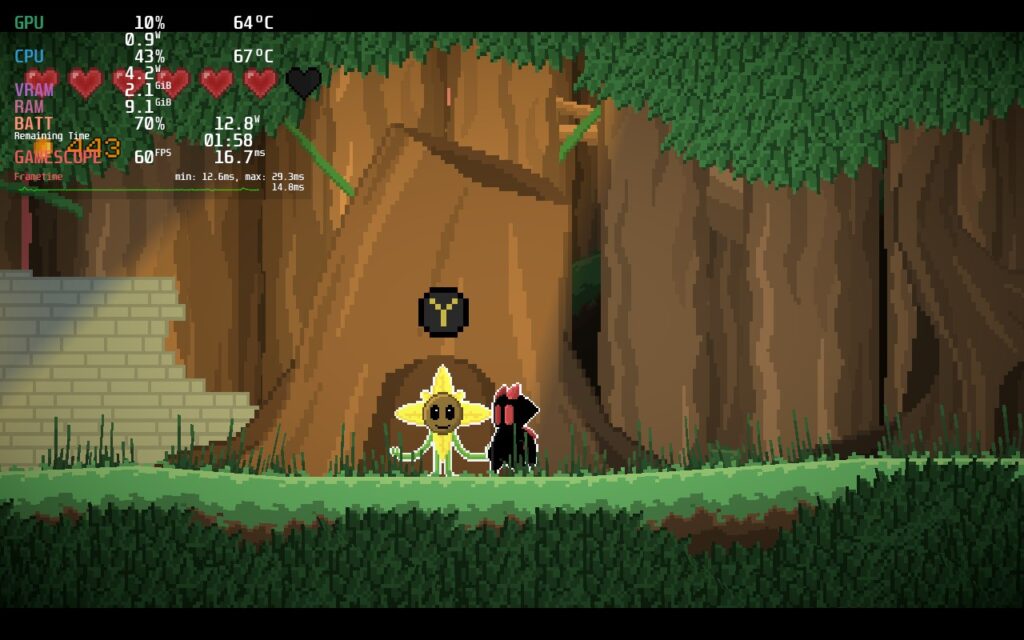
I also really enjoy the different modes that Zoroarts implemented. There is the story mode, which features the dungeons and a cool pixelated 3D world to travel through, a boss rush mode, and a multiplayer racing mode. I especially enjoy the boss rush mode, which is fun to see how fast you can get through all the bosses. The multiplayer mode is local only, so it isn’t online, but you can connect a second controller or use remote play to take part.
The combat can feel a little spotty sometimes. Some bosses feel like there, or my, attack doesn’t reach, but still lands, or when it should land it doesn’t hurt them. It was also a bit short, but for the $10 price point, it can feel justified.
While it is easy to run on the Steam Deck, there are some tweaks we can make to stabilize the performance.
Maki’s Adventure – Steam Deck Performance
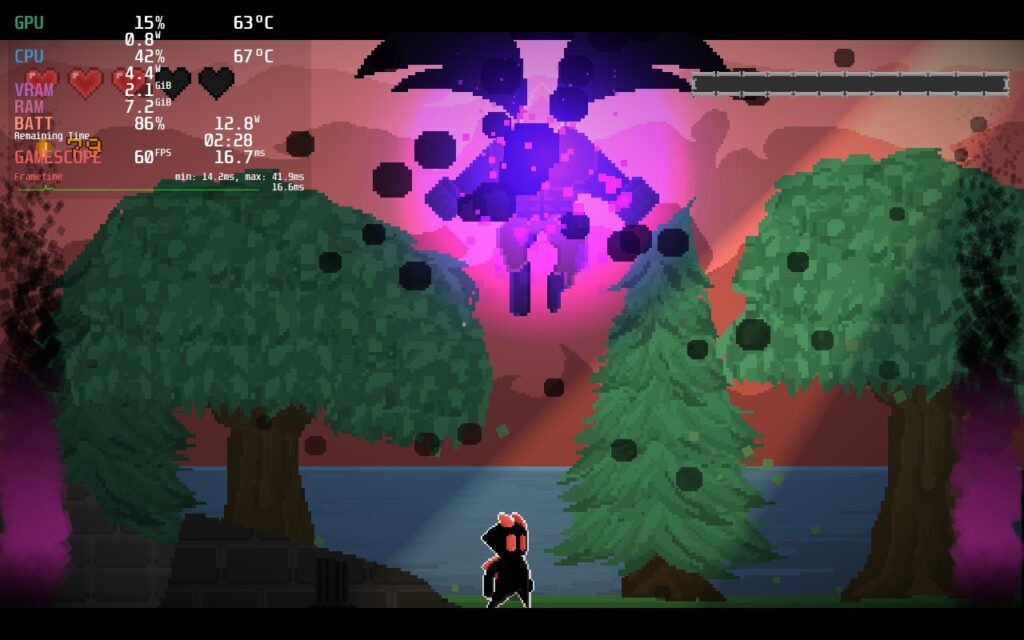
For the most part, Maki’s Adventure runs well on the Steam Deck, but I did notice a couple of issues that stand out for me. First, the game drains a lot more than I would expect. A game like this seems like it would be under 10W battery drain, but left alone, it would go furter upwards of 14W – 15W. It also isn’t as stable when it comes to the framerate and can regularly bounce up or own by 1-2 FPS. It isn’t as noticeable, but with the overlay up, I definitely felt it.
Recommended Settings
Choosing recommended settings was a bit hard to do. I was torn between a faster framerate with more battery drain, or better battery drain with a lower framerate. In the end, fluidity won out and I went for better framerate. At 60 FPS, I used a TDP limit of 7 and GPU Clock Speed Frequency of 1200 to stabilize the fluctuating framerate. In the end, we get a solid experience that feels as good as it can get.

Battery Build
Finally, we have the battery build. U was able to lower TDP to 5, and GPU’s Clock Speed to 800, by lowering framerate to 50. The game still felt pretty smooth, but I could tell it wasn’t 60 or as fluid as it could be. It is still playable and ends up saving over an hour on battery life!
Accessibility
As for settings, you can change the language, as well as the screen shake, vibration, player outline, sensitivity, and audio bars. You can also toggle a “Speedrun Mode” which adds a stopwatch in the top left of the screen.
Maki’s Adventure doesn’t support 16:10 resolutions, nor does it have cloud saves, but it has full controller support!
Conclusion
Maki’s Adventure is an enjoyable 2D platformer with a ton of heart. It has an enjoyable gameplay loop thanks to its simple gameplay mechanics and multiple different game modes, which is great for the price. The combat can feel a little floaty at times, but I felt the rest of the game made up for it. It could be a little better on the Steam Deck, needing more compromises than I expected, but it’s a great time nonetheless!
Our review is based on the PC version of this game.
If you enjoyed this review, be sure to check out the rest of the content on SteamDeckHQ! We have a wide variety game reviews and news that are sure to help your gaming experience. Whether you’re looking for news, tips and tutorials, game settings and reviews, or just want to stay up-to-date on the latest trends, we’ve got your back.





