



Eternights was provided by Studio Sai for review. Thank you!
Eternights is a hack-and-slash action game that took me by surprise during the Steam Next Fest and has continued to do so with its full release. The game is set during the apocalypse, and you are tasked with saving the world using your glowing sword arm. You will encounter new allies and weird enemies while trying to manage your social and love life.
Yes, that’s right, your love life. Eternights finds a unique combination of a hack-and-slash and Persona-esque social system to make yourself stronger. As you bond more with your allies, you can increase your health, attack, and defense while increasing your abilities, getting new ones, and enhancing support skills. You will also be able to increase different social bars depending on the choices you make during conversations.
All of this happens between combat when you are at your home base, where you can choose who to talk to. In the daytime, you will have the option to talk to or train with specific allies, and at night, you can go scavenge for items to increase statistics and get upgrade materials.

Speaking of the combat, this is where the bulk of the fun is. The combat is fast-paced and flashy, making each attack and special ability cinematic. You have a basic attack button, a heavy attack, and some minor and special abilities. These special abilities have elemental varieties, which are used to break the defense of bosses and heavier enemies. Defeating these enemies can give you upgrade materials for your abilities, or you can find these materials while running around in the open areas.
Honestly, I was surprised how much I ended up enjoying the game. On the surface, combining is a weird idea, but it crushes expectations with a fun, humorous time. And playing on the Steam Deck can be fantastic with minor compromises.
Eternights – Steam Deck Performance
I started out playing without any caps, but in the end, there were too many moments where 60 FPS would dip or the battery would drain close to 21W. This was a bit disheartening at first since it hits 60 most of the time, but luckily, we can make a couple of minor changes to keep performance up, and the battery drain down.
Recommended Settings
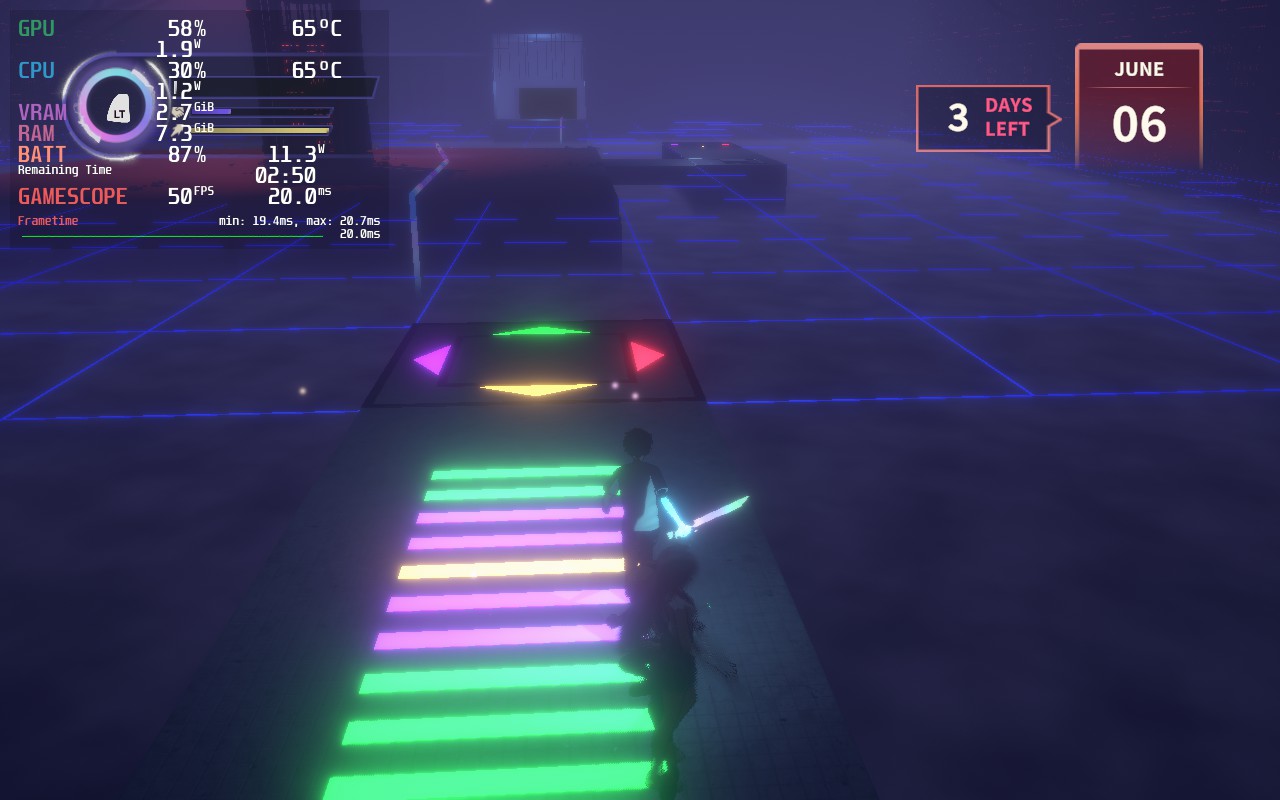
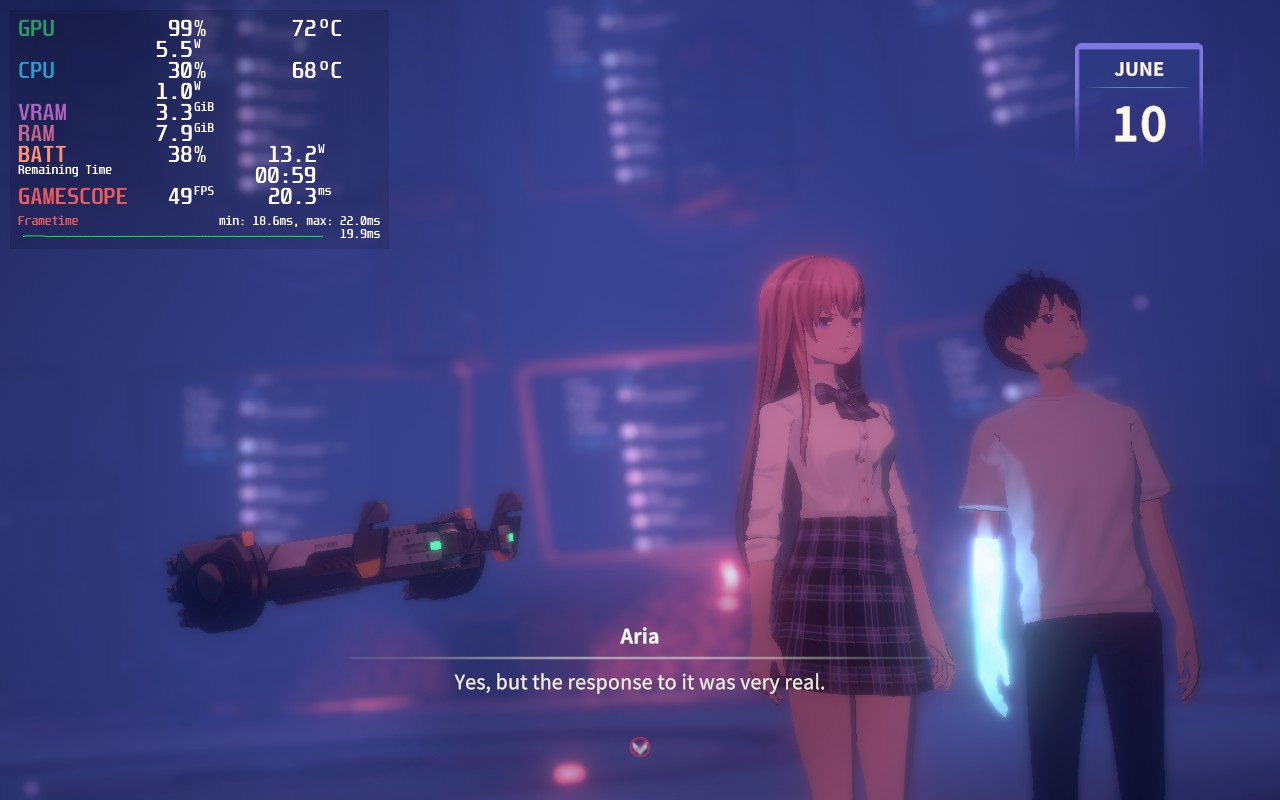
After playing with the settings, I loved how 50 FPS felt. It still felt very smooth, which is essential for this game and allowed for a TDP limit of 9. There were still some moments with dips or stutters, like when going into a new place or fighting a bunch of enemies in a very open area, but these were minimal. The bosses and the majority of fights all held strong at 50 and drained around 12W – 14W. For a flashy, fast-paced slasher like this, it just felt great.



Battery + Quality Build
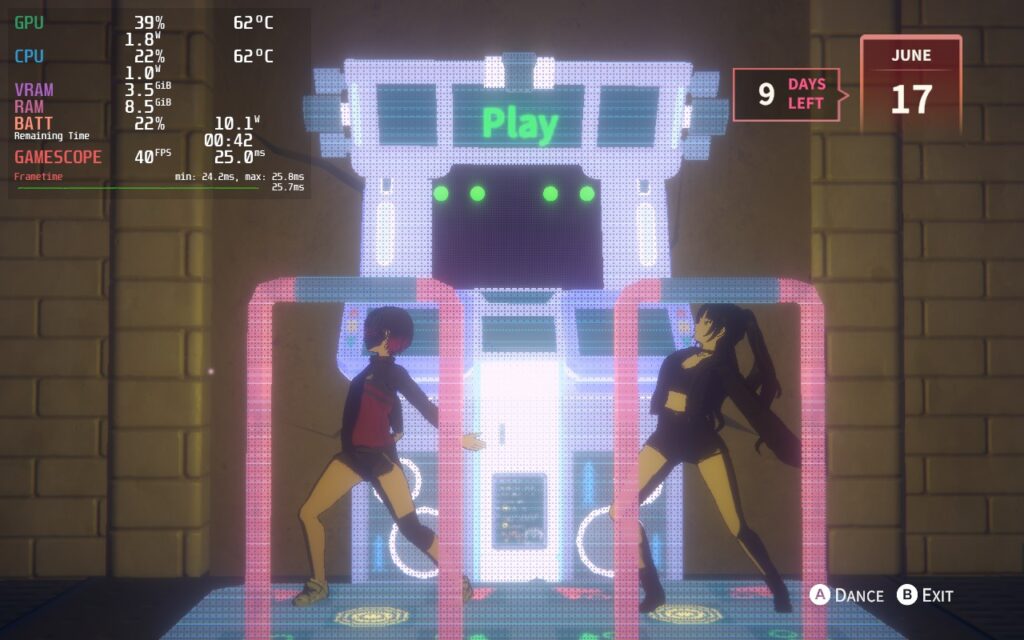
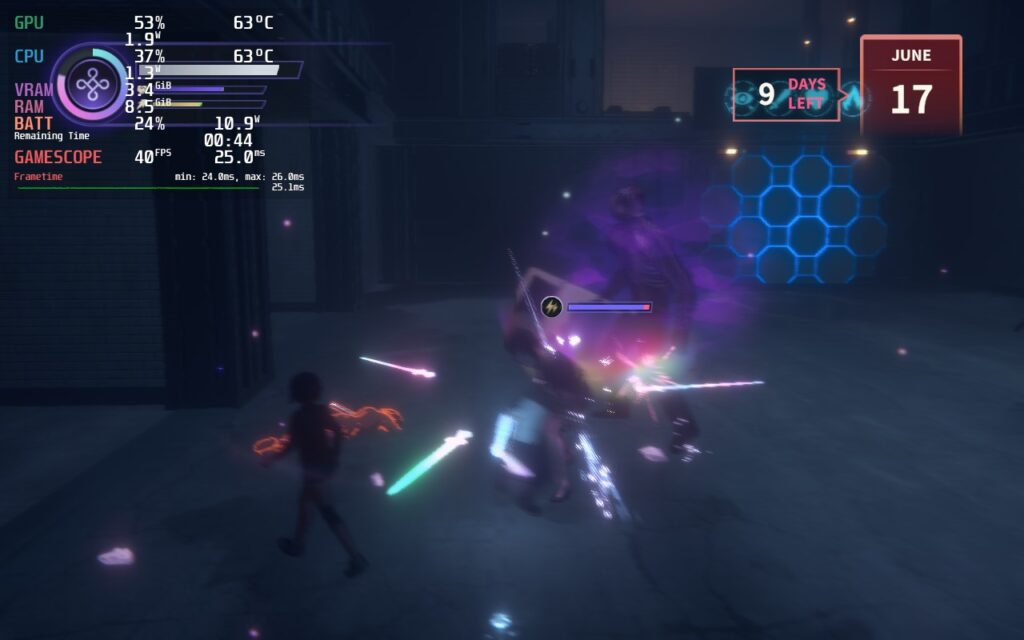
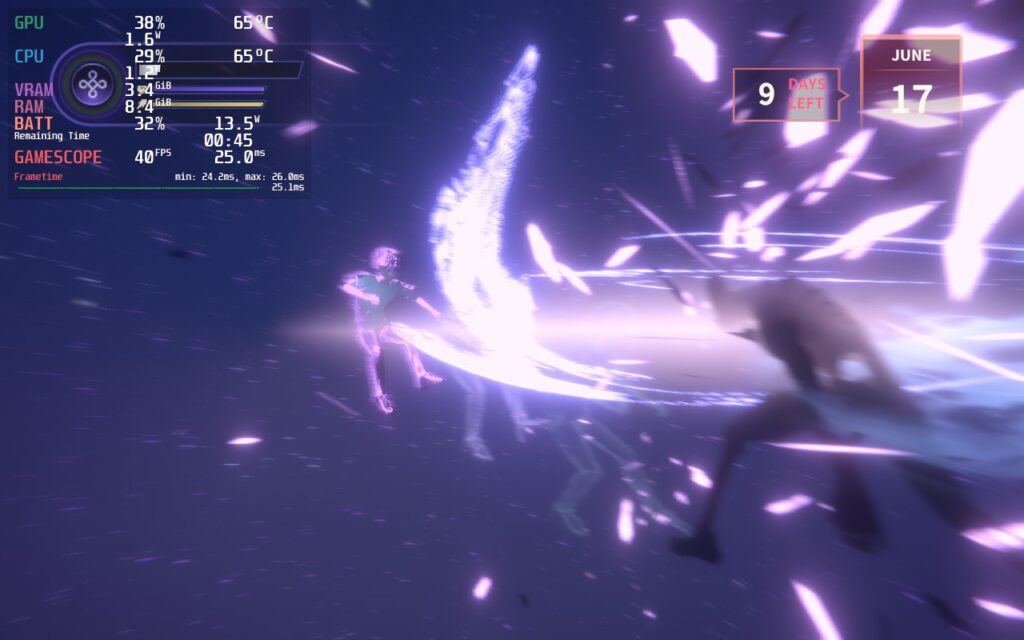
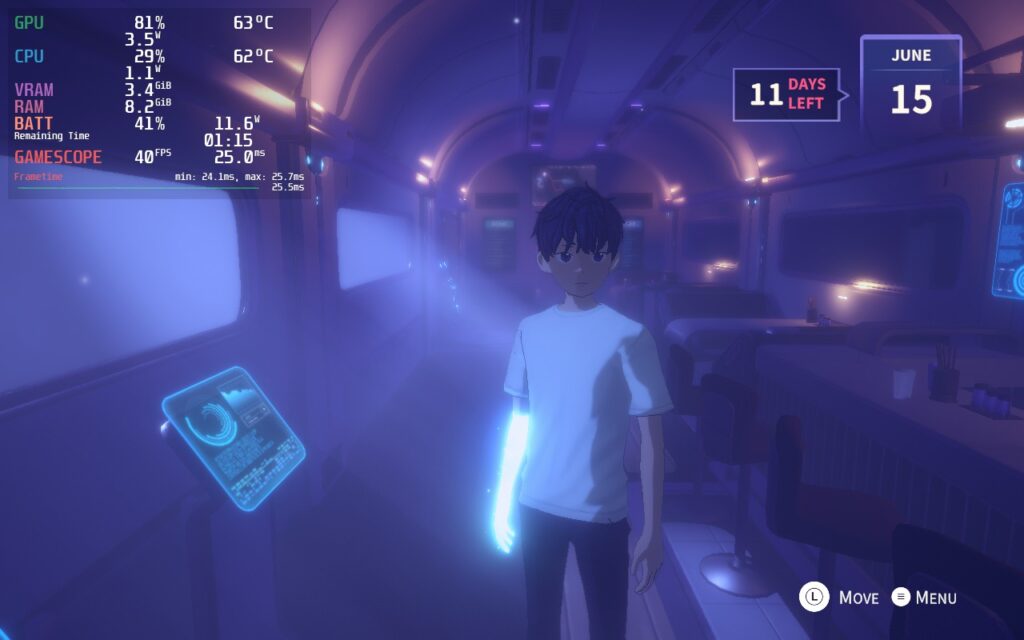
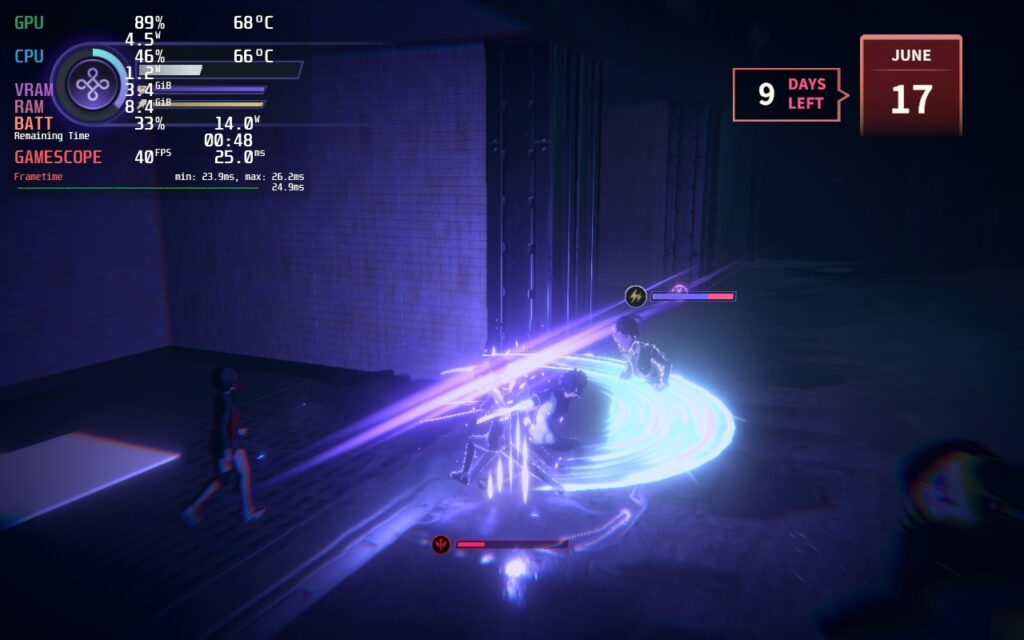
With some testing, I could get the game running at a solid 40 FPS with most of the quality settings pushed up. I kept Anti Aliasing down to 4 MSAA instead of 8, but everything else was turned on or pushed up. I could also keep the TDP limit at 8 due to the lower framerate. There are still some areas and angles that will drop the game slightly to around 35-36, but it generally gives you 30 minutes of extra battery while looking the best it possibly can.
Accessibility
There aren’t many accessibility options in the game, just some sliders to change different audio levels and the ability to change text and voice languages.
The game does support 16:10 resolutions, as well as controller and cloud saves.
Conclusion
Eternights is a great action hack-and-slash that succeeds in creating an engaging and flashy experience, while mixing it with a neat, Persona-esque social system. I had a blast running around and crushing foes, then taking a break to talk to my friendly allies to take them on a scavenging date, just chat with them, or train. On the Steam Deck, Eternights runs like a charm with a framerate cap to help keep it from diverging too much. All things considered, this is a great game to play on the Deck!
Our review is based on the PC version of this game.
If you enjoyed this review, check out the rest of the content on SteamDeckHQ! We have a wide variety of game reviews and news that will help your gaming experience. Whether you’re looking for news, tips and tutorials, game settings and reviews, or just want to stay up-to-date on the latest trends, we’ve got your back!





