
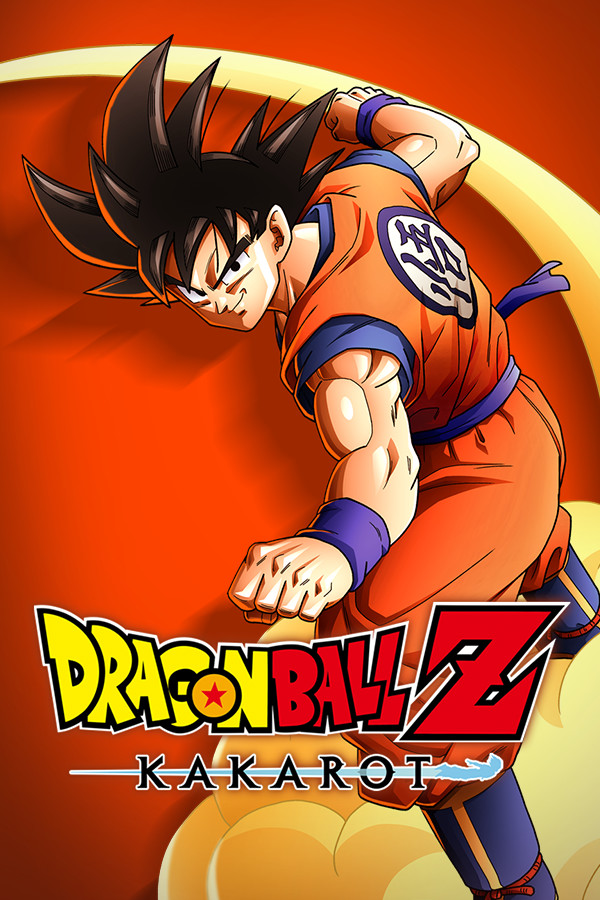

It is time to experience Dragon Ball Z like never before! Dragon Ball Z: Kakarot is an open-world action RPG where you will fish, eat, train, fly, and battle your way through 3 different story arcs in intense cinematic matches. Level up your heroes so you can rise to the challenges you will come across throughout your travels and deepen the bonds with other heroes in the DBZ universe to push your limits even more. And with loads of side quests telling new-never-before seen stories, what more could you ask for?
Dragon Ball Z: Kakarot is rated Unsupported on Steam and I have to disagree with the rating. Kakarot runs right out of the box on the stable Proton branch and with a couple of tweaking, it feels almost like it was made specifically for this device. I did play primarily using Proton GE 7-42, but it should work perfectly fine on the stable branch.
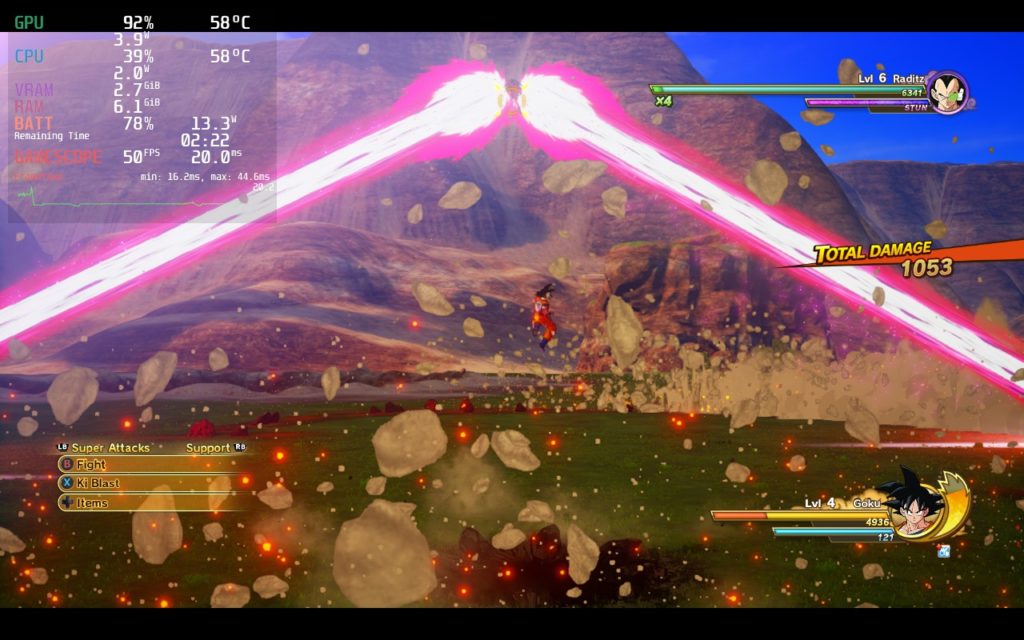
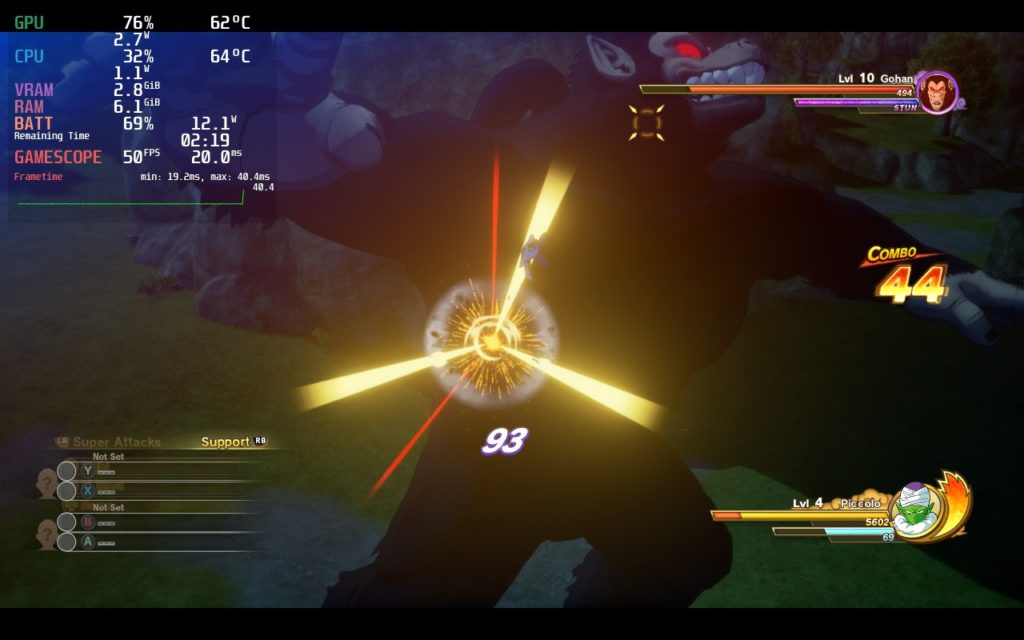
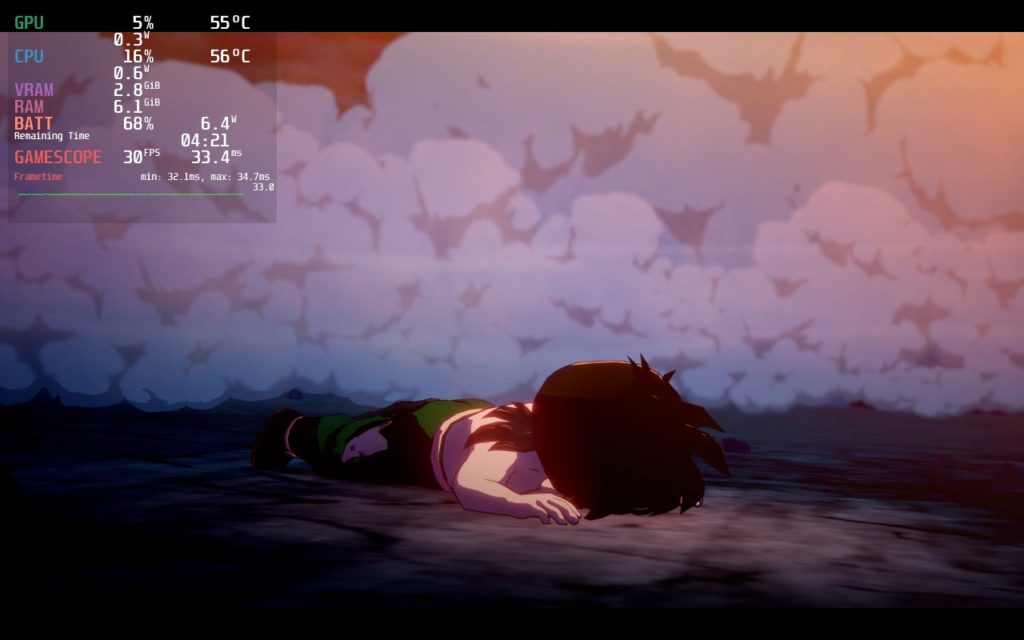
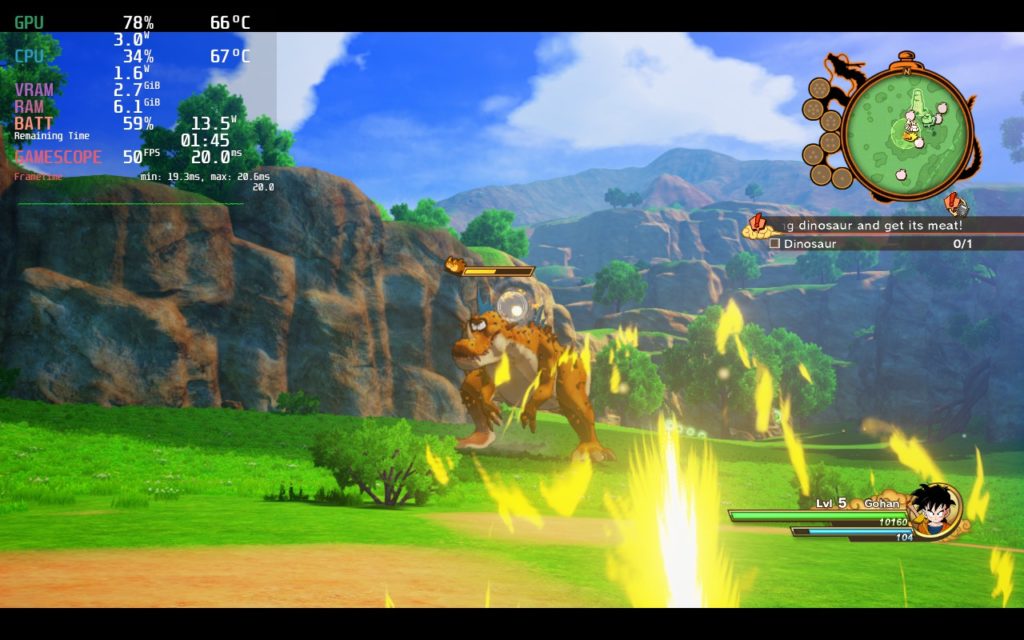
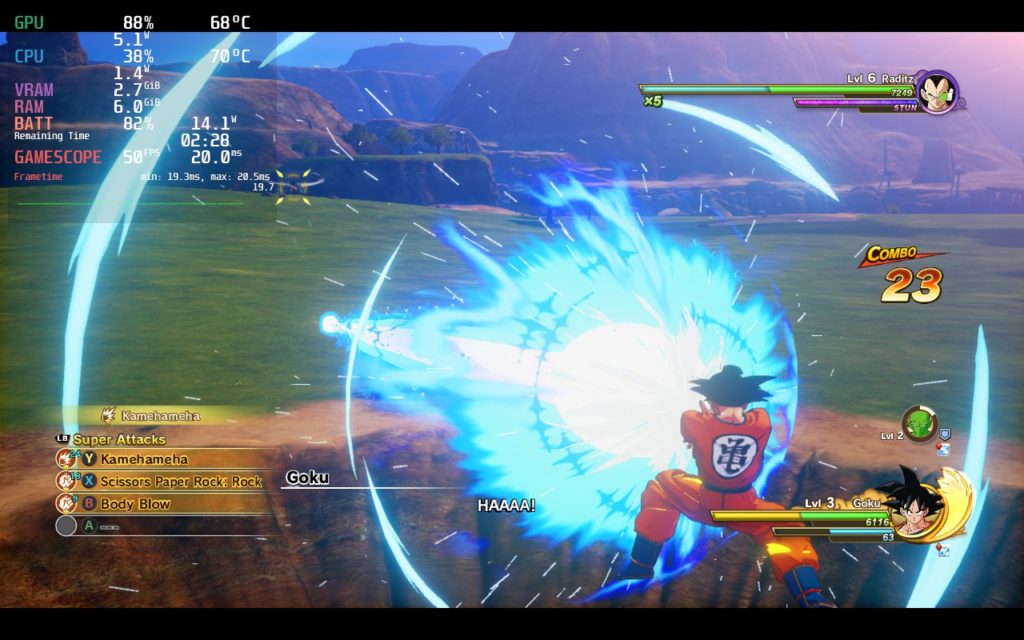
I played around a bit with the framerate and felt the smooth 50 was the best. It did come with some higher battery drain, but moving around and battles just felt like significantly better than lower FPS. To help with stability, I did bring the Internal Rendering Resolution to 95 instead of 100. This helped just enough to keep most actions at around 50. I did notice some small drops to 48 when flying fast in open areas and drops to 30 when either in a cutscene or a boss was prepping for an ultimate attack, but this dissipated quickly too.
Dragon Ball Z: Kakarot hasn’t really had any other issues that I have noticed so far. Other than some very minor areas where framerate can dip, the game holds strong and sticks under a 16W battery for around 3 – 3.5 hours of battery on a full charge. Don’t let that Unsupported rating fool you, Dragon Ball Z: Kakarot not only works on Deck, but this is by far the best way to play!
Screenshots:
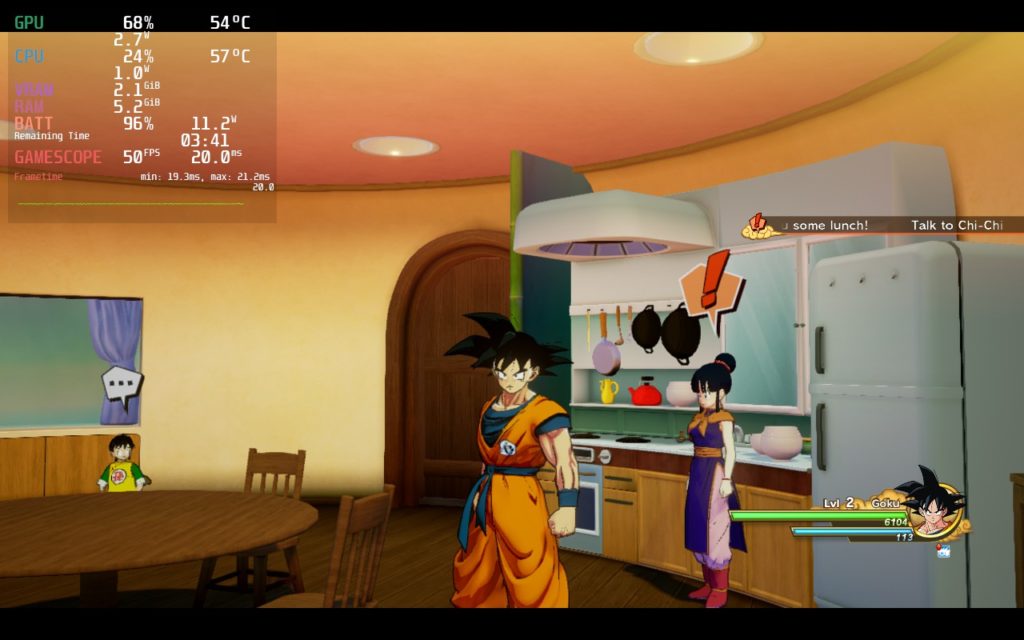
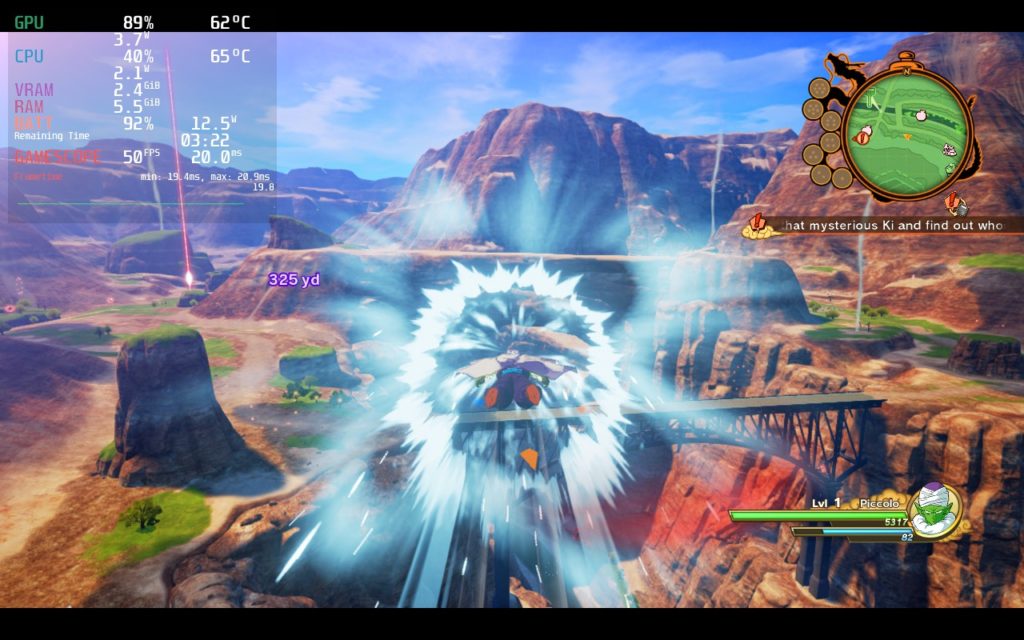
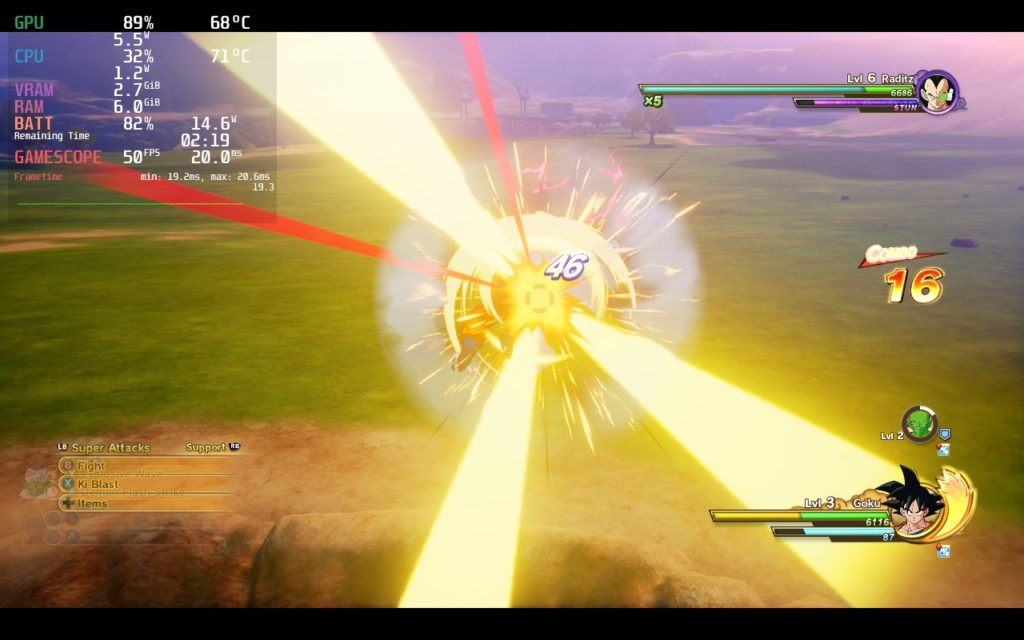
Our review is based on the PC version of this game.
If you enjoyed this post, be sure to check out the rest of the content on SDHQ! We have a wide variety game reviews and news that are sure to help your gaming experience. Whether you’re looking for news, tips and tutorials, game settings and reviews, or just want to stay up-to-date on the latest trends, we’ve got you covered!





