


Disgaea 7 was provided by NIS America for review. Thank you!
One of my favorite components in RPGs, especially JRPGs, is making my character way more overpowered than they should be. I love the ability to grind to my heart’s content and configure my party in the ways I want to, making them into the ultimate team that can demolish any enemy that stands in my path. A lot of RPGs have leveling mechanics and ways to become more powerful, but none do it like the Disgaea series. And with Disgaea 7: Vows of the Virtueless, we see the series return to form after the previous game seemed to deviate.
The gameplay is pretty standard to a strategy RPG like Fire Emblem and Final Fantasy Tactics. You will go through multiple matches and move along a grid, taking turns with the enemy to move and use regular attacks and skills to eliminate them. Each character has a class that defines their weapon proficiencies and skills, and each character’s different weapons determine the attack and its range. Other elements at play during battles, like Geo panels, have various effects if you are standing on them, but the bulk of this entire game is the unique ways you can enhance your fighters.
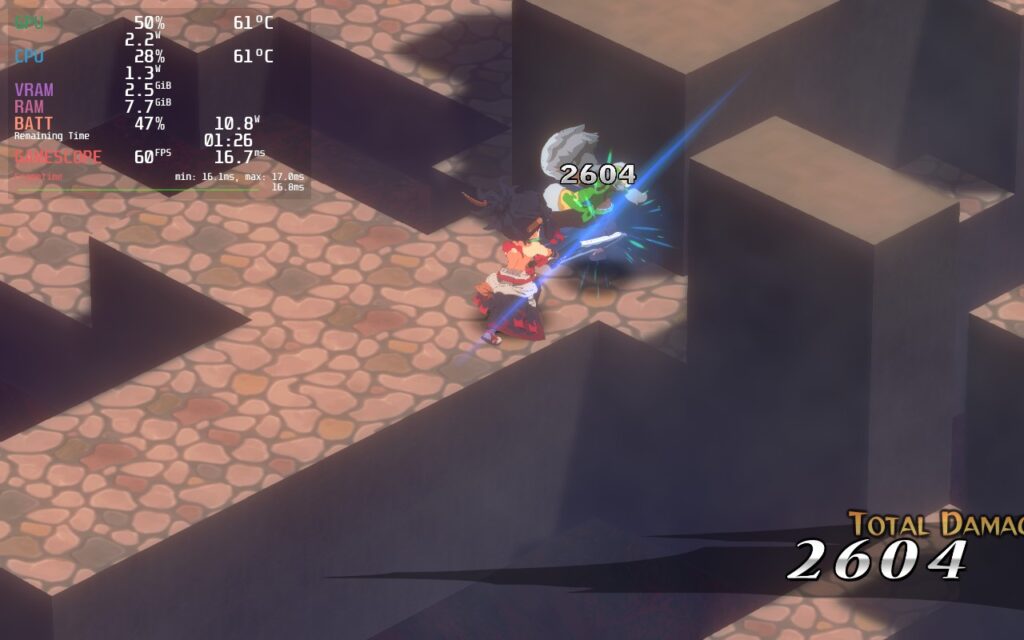
First, we have the leveling system. Disgaea 7 has a level cap of 9,999, and you can reincarnate, which sets you back to level 1, but gives you allocated points to increase base skills, so when you level back up, you will have significantly higher stats. You can also level up any equipment, which increases its stats and can reincarnate as well. You can enhance skills, making them more powerful, farm and breed passive effects, called Innocents, to put on items, and make potions to give temporary passive effects throughout battles. You can also choose from over 40 classes and create your own characters.
Overall, with all the work you can put in to make each character as powerful as possible and create a flawless team, you can find hundreds of hours of content. I am also overjoyed that this entry walks back a couple of the previous game’s decisions, which makes this one feel better when leveling up, making each level count more, and some overcomplicated systems have become much more streamlined. I am also happy that playing this on the Steam Deck is extremely easy too:
Disgaea 7 – Steam Deck Performance
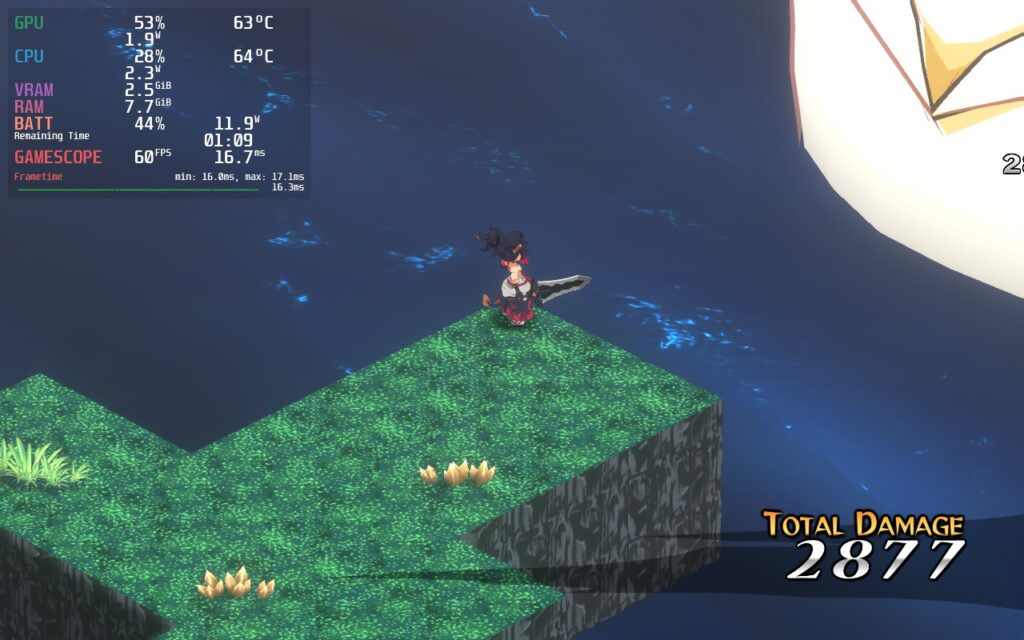
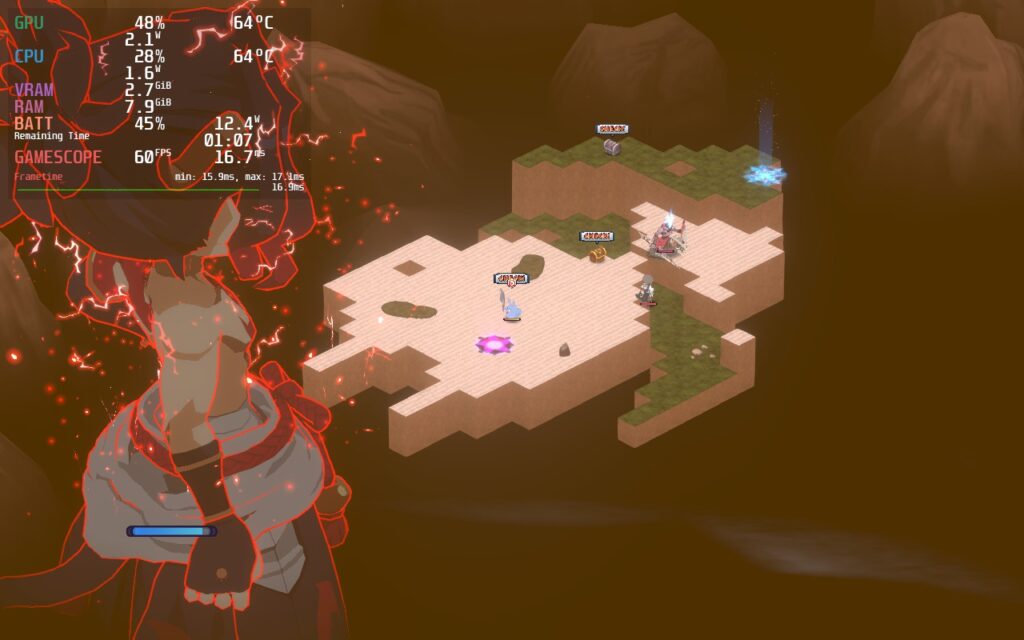
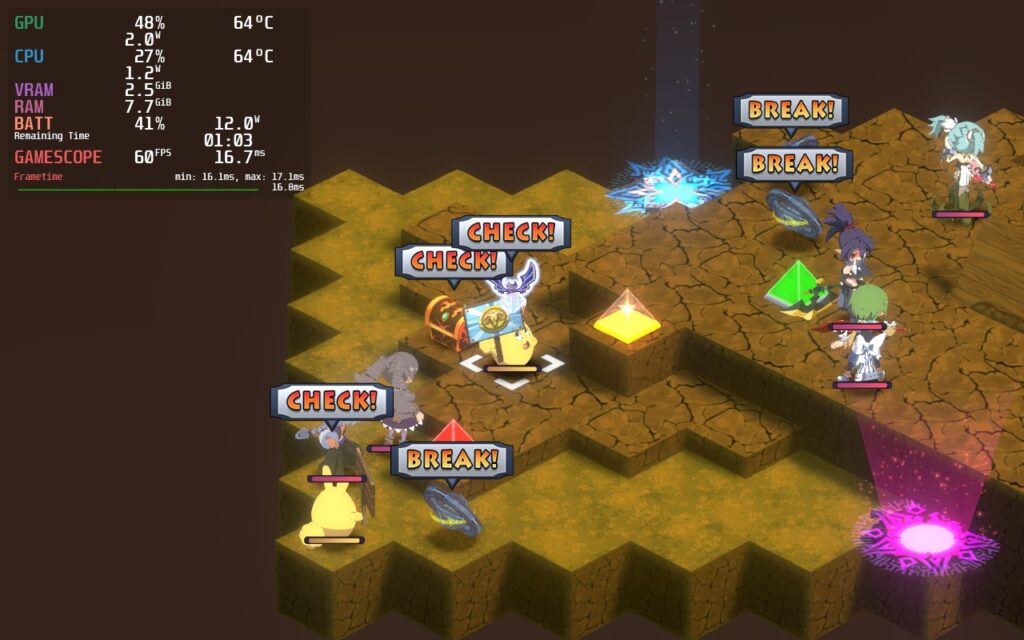
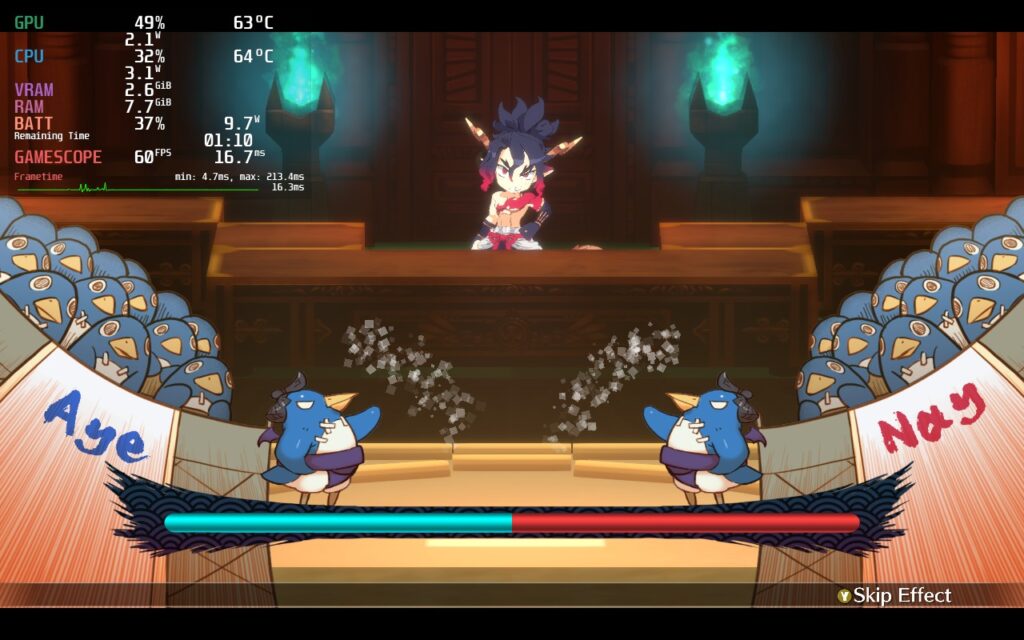
For the most part, Disgaea 7: Vows of the Virtueless runs like a charm on the Steam Deck, but there is a solid amount of fluctuation in different aspects of the game. All menus and cutscenes with static 2D elements will drop to around 6.5W – 7W, while the 3D sections of the game, including combat, tend to drain more. This ends up helping battery life a lot, considering half of Disgaea’s gameplay exists within menus. Thankfully, the game being more refined and less intensive overall gives a lot of breathing room to play around with the settings.
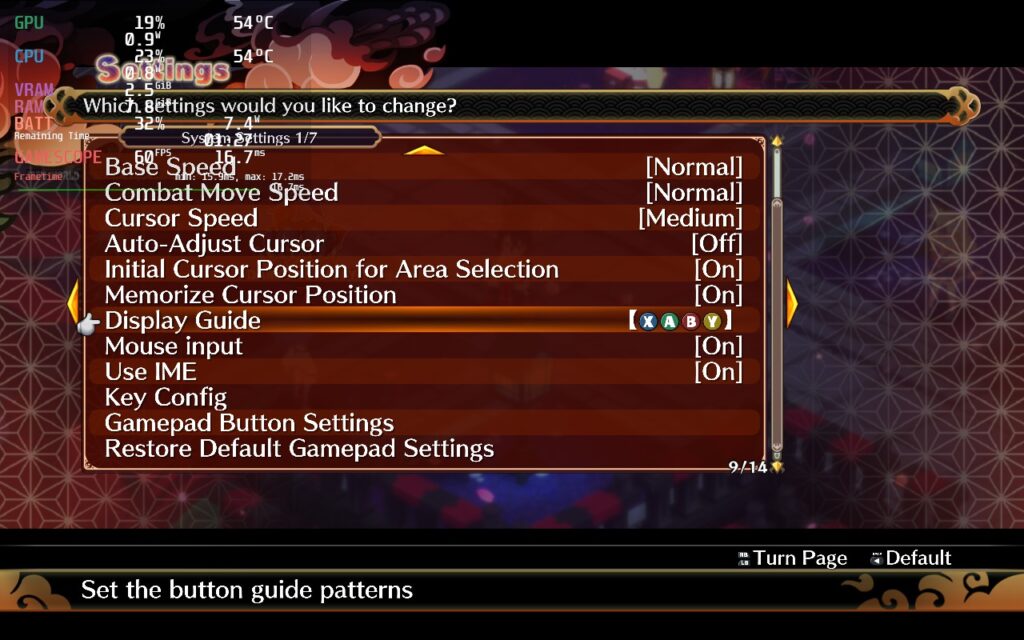
I did notice a couple of weird issues while I was playing. The middle of the hub sometimes started to drop the framerate a little and stutter a bit, which I found weird since nothing I changed, even unlocking the TDP limit, helped this. I also found that, after playing, the visible inputs would sometimes revert to the keyboard prompts when not pressing anything on the gamepad. When I pushed a button, it would go back to controller inputs. To fix this, just go to your settings and change the Display Guide to XABY so it won’t automatically change.
Recommended Settings
I tried a lot of different combinations, and even though I care a lot about battery life, nothing compared to the feeling of a smooth framerate. Ultimately, I preferred slightly lowering the settings and keeping the framerate at 55 FPS. This kept the smooth feeling of a high framerate while allowing me to keep the models looking sharp and have a lower battery drain with a TDP limit of 8.



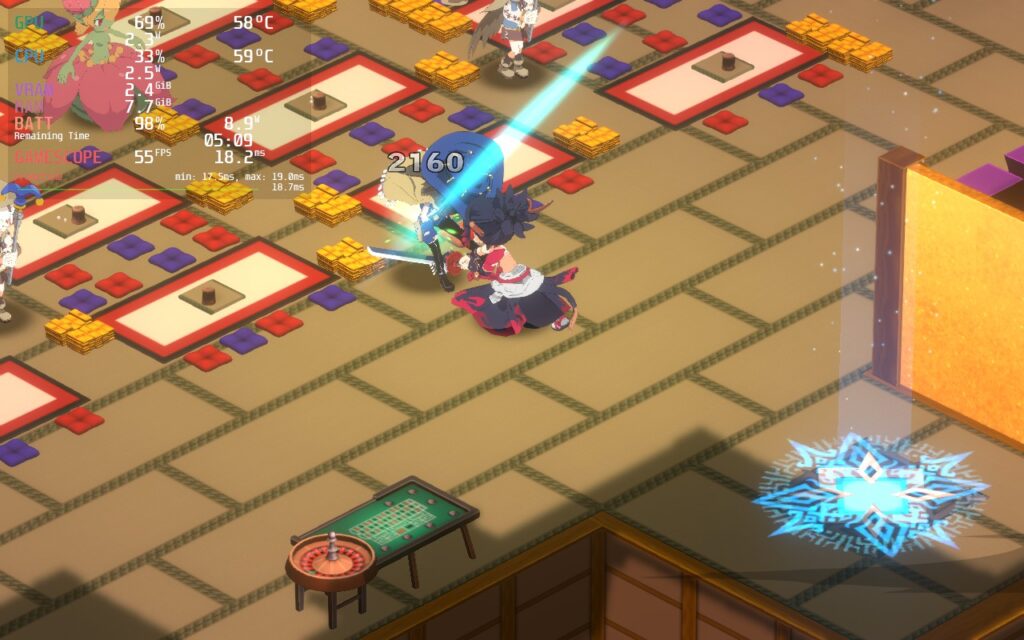
Quality Build
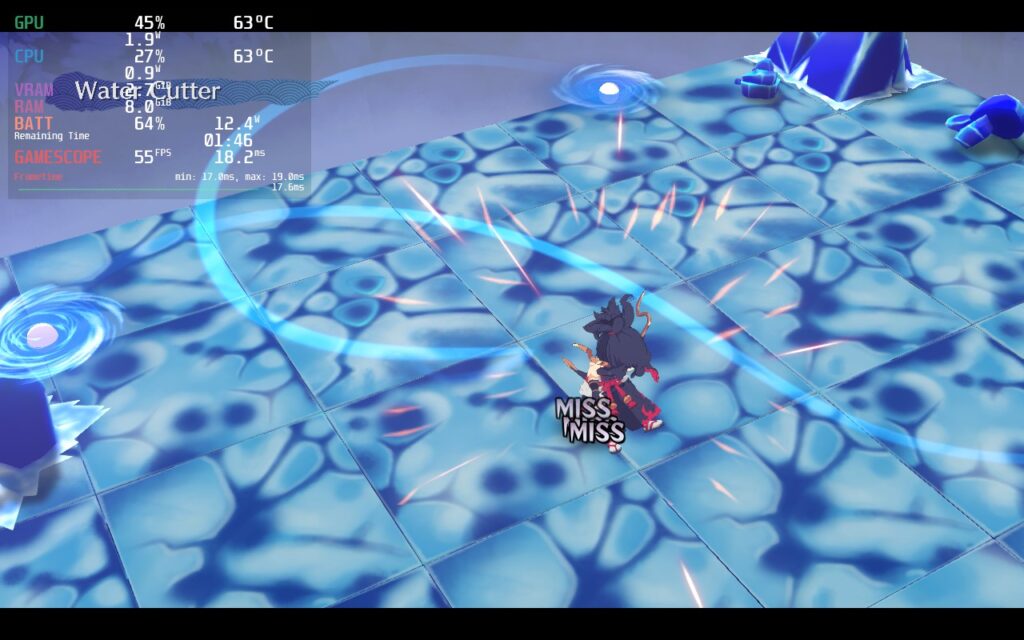
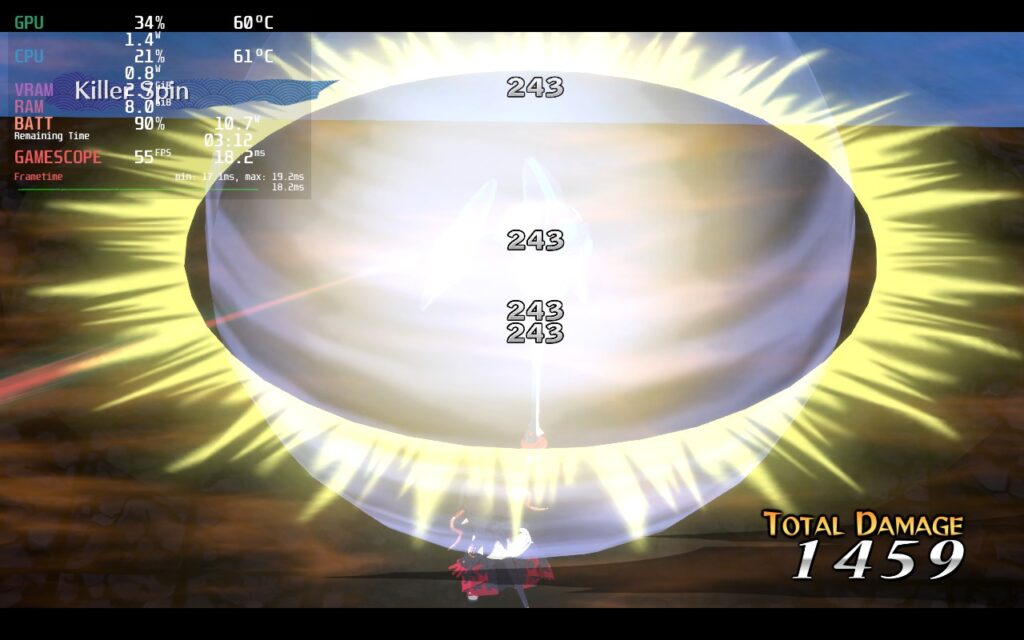
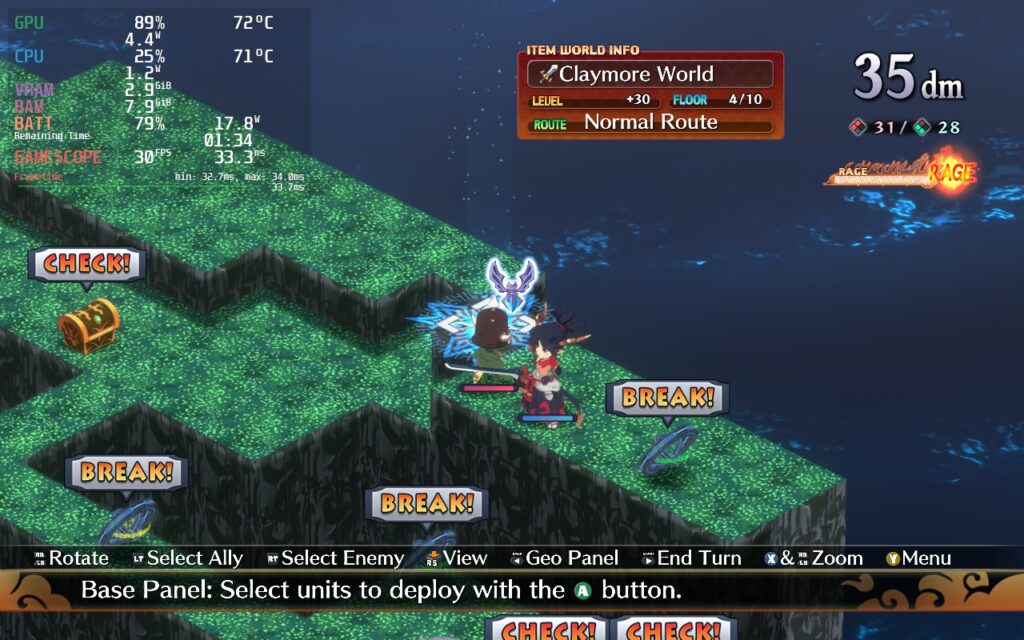
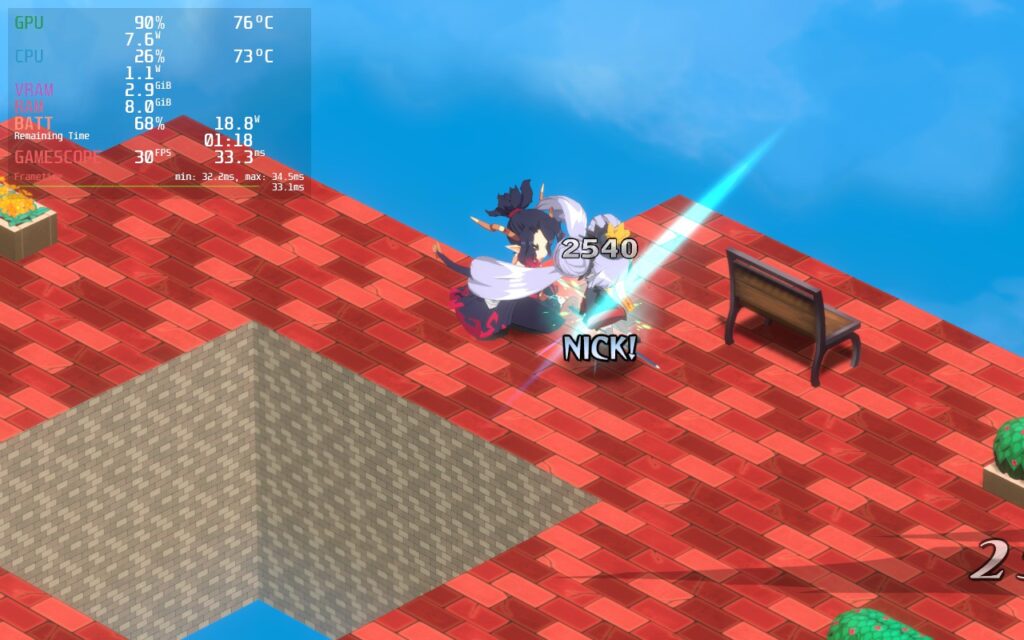
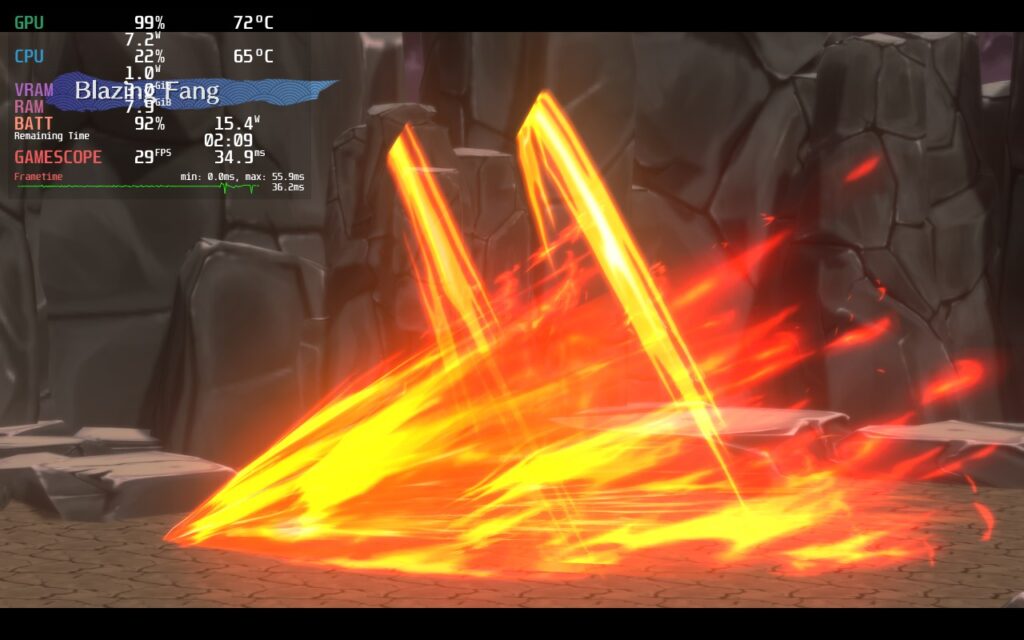
Next, I wanted to see if I could play the game at the maximum quality settings. I set everything up to max, and the game is playable at 30 FPS. Running around in 3D works perfectly fine and can stick to a stable framerate, and most combat is fine, too, but some skill cutscenes could cut framerate down a little until the scene ends. But when it does, it goes right back to the 30 limit. The battery drain can range, but it will be around 2 hours thanks to the menus slowing battery drain.


Battery Build
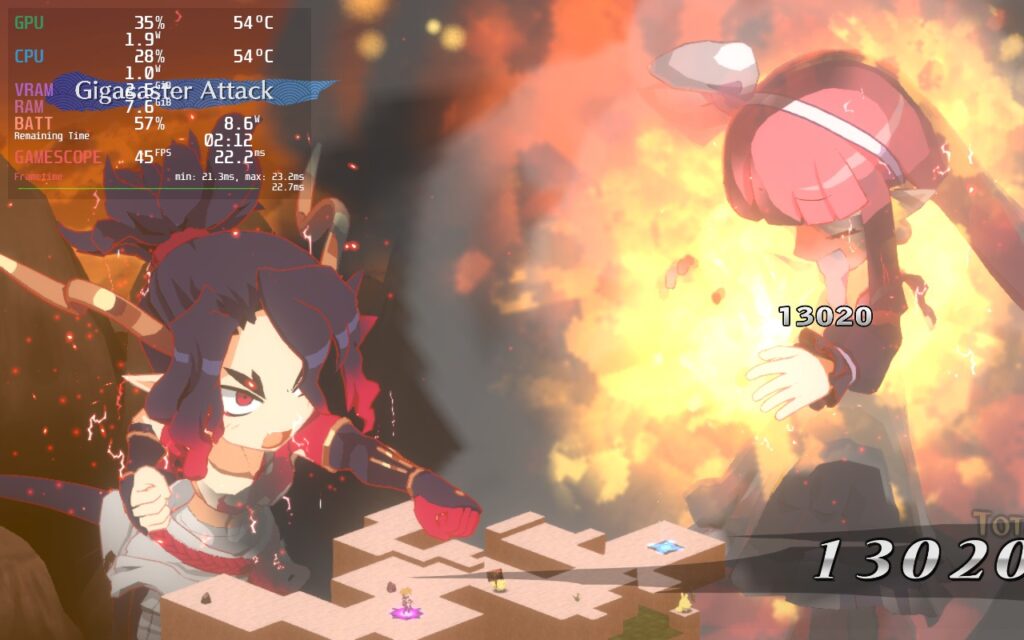
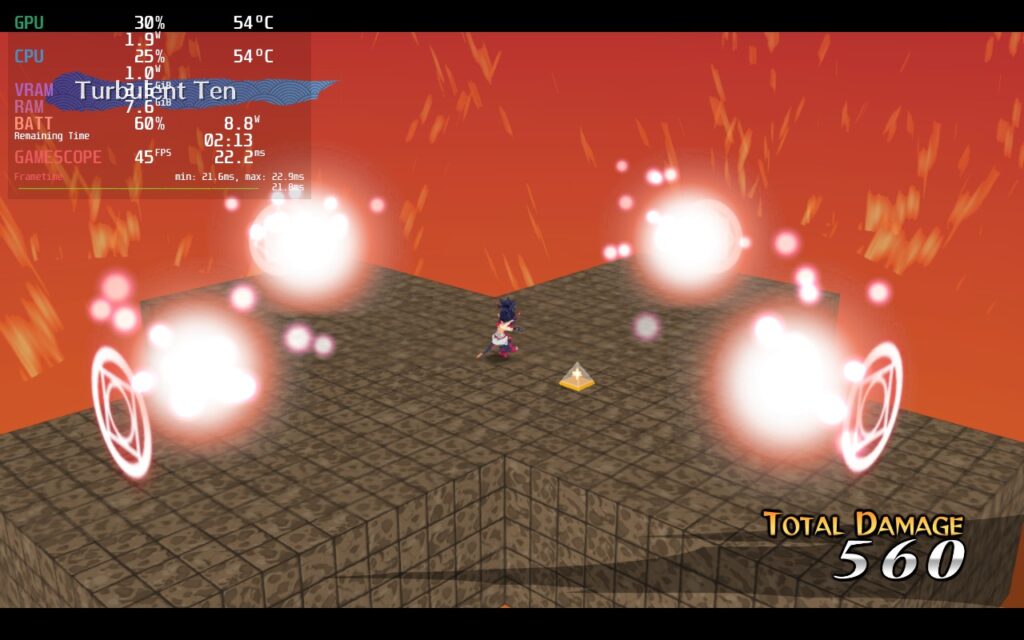
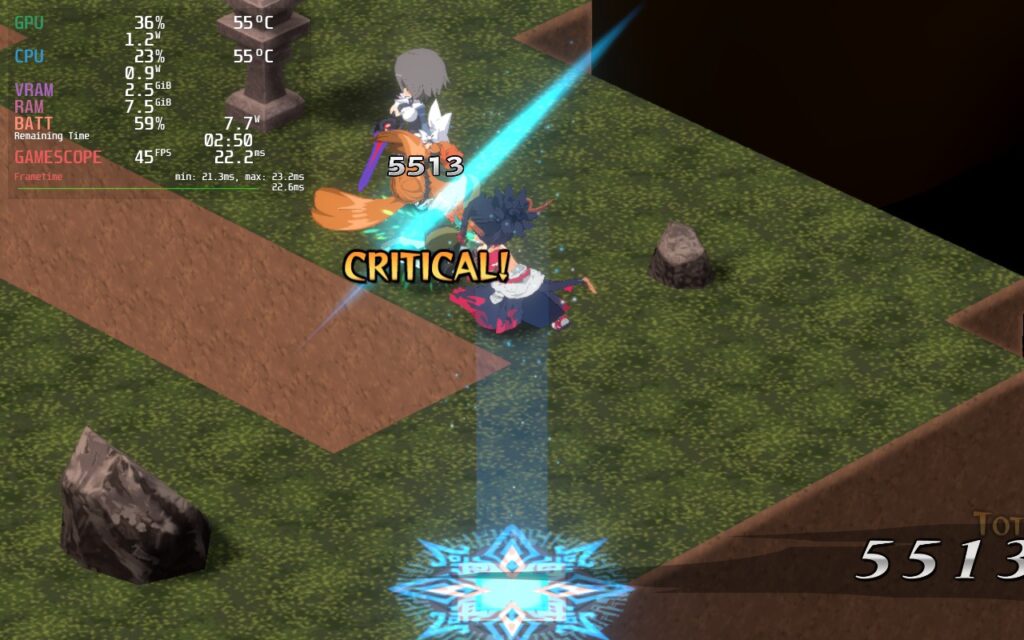
Then, we have the battery. I wanted to see the lowest TDP limit I could set to keep the battery life to at least 4 hours. Thankfully, the engine in Disgaea 7 is very flexible. I found a solid configuration that keeps the visual quality looking nice while lowering the battery drain with a TDP limit of 5 and a smooth framerate of 45 FPS. You can use these settings with 30 FPS and turn the TDP limit to 4, but the increase to 5 for a smoother framerate is justified.


60 FPS Build
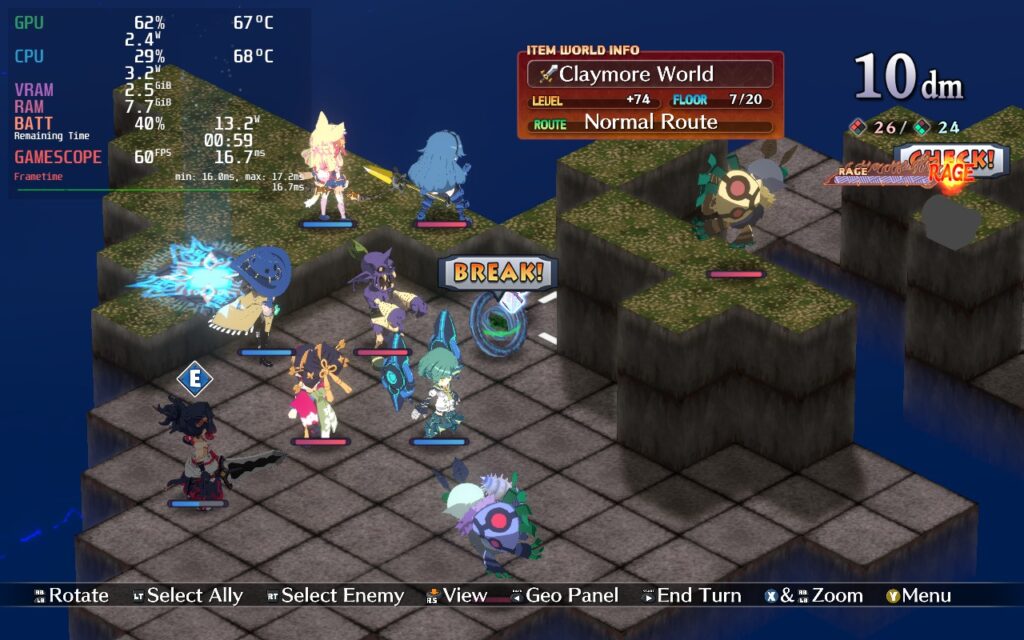
Finally, I wanted to find a solid build to play at 60 FPS. For the most part, the recommended build’s settings do work with this, but you will need a higher TDP limit to keep the framerate stable. This does mean there will be some more significant drain, and there could be some minor drops here and there, but the game sticks to 60 for the most part.
Accessibility
Disgaea 7: Vows of the Virtueless has many options to customize your experience. You can change your base and combat speed, how the camera rotates, toggle whether animations play, change faction colors, change text speed, different volume sliders, and even turn on and off autosaving.
The game also supports 16:10 resolution, but menus will have the black bars show up above and below the screen. There is full controller and cloud save support as well.
Conclusion
Disgaea 7: Vows of the Virtueless is bringing the grind-heavy JRPG back to its roots, and I couldn’t be happier. With slimmed down systems and the return of the beloved classes to create your own characters, this entry gives me the same wonderful feeling I had with Disgaea 5 and I love it. If you are looking for a game that will be the best bang-for-your-buck or just enjoy grinding in RPGs, this should be at the top of your list. And with it playing so well on the Steam Deck, this feels like an essential for your library.
Our review is based on the PC version of this game.
If you enjoyed this review, check out the rest of the content on SteamDeckHQ! We have a wide variety of game reviews and news that will help your gaming experience. Whether you’re looking for news, tips and tutorials, game settings and reviews, or just want to stay up-to-date on the latest trends, we’ve got your back!





