
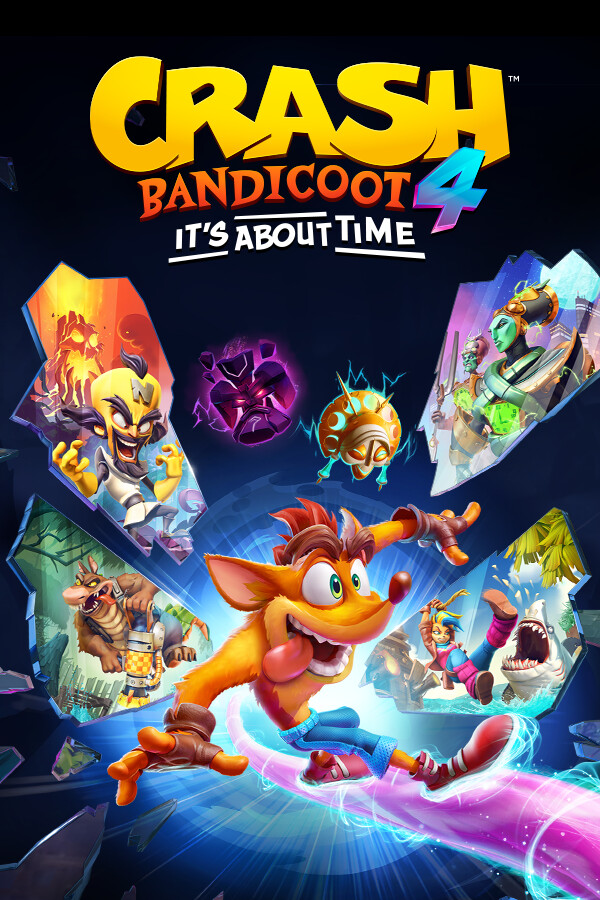

Crash Bandicoot is back and better than ever! Cortex is back at it again with an assault that is not only threatening this universe, but the entire multiverse! So now, Crash and Coco have to reunite the 4 Quantum Masks to save them all. With new abilities, more playable characters, vibrant settings, and more platforming goodness, there is a lot to be excited for with this sequel!
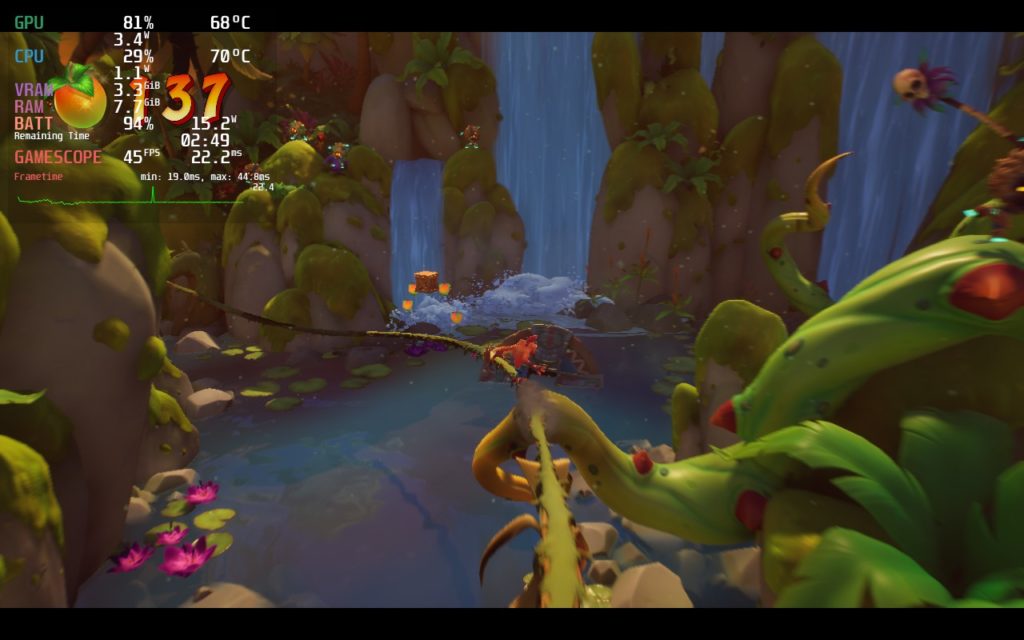
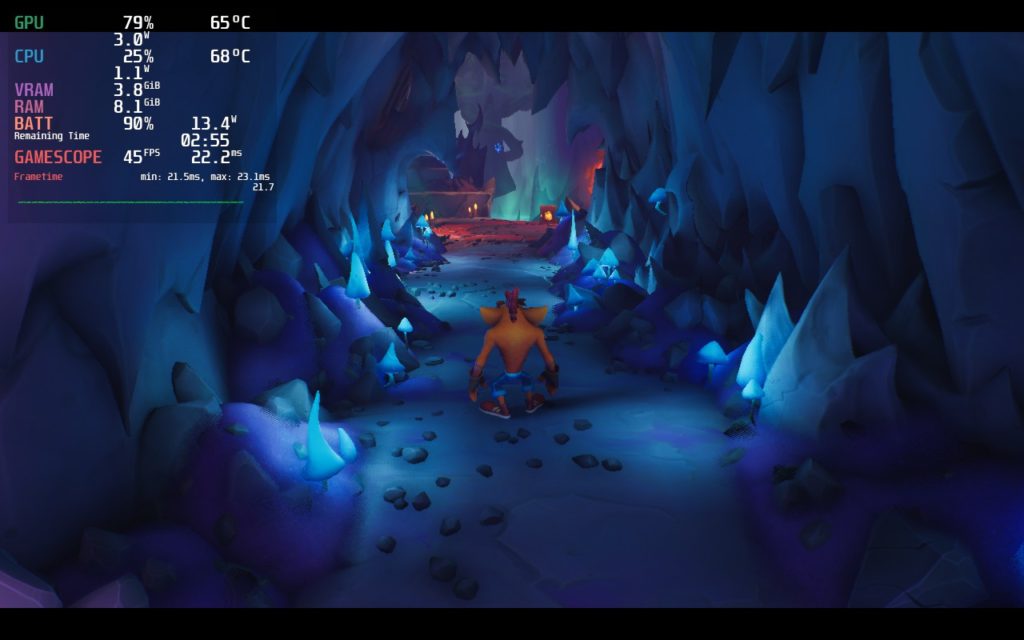
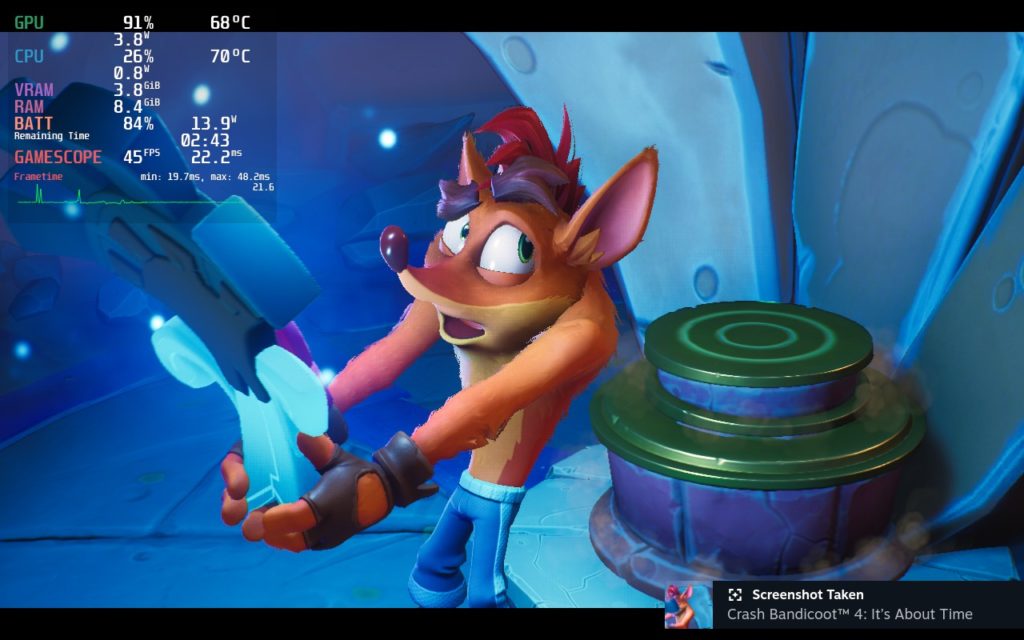
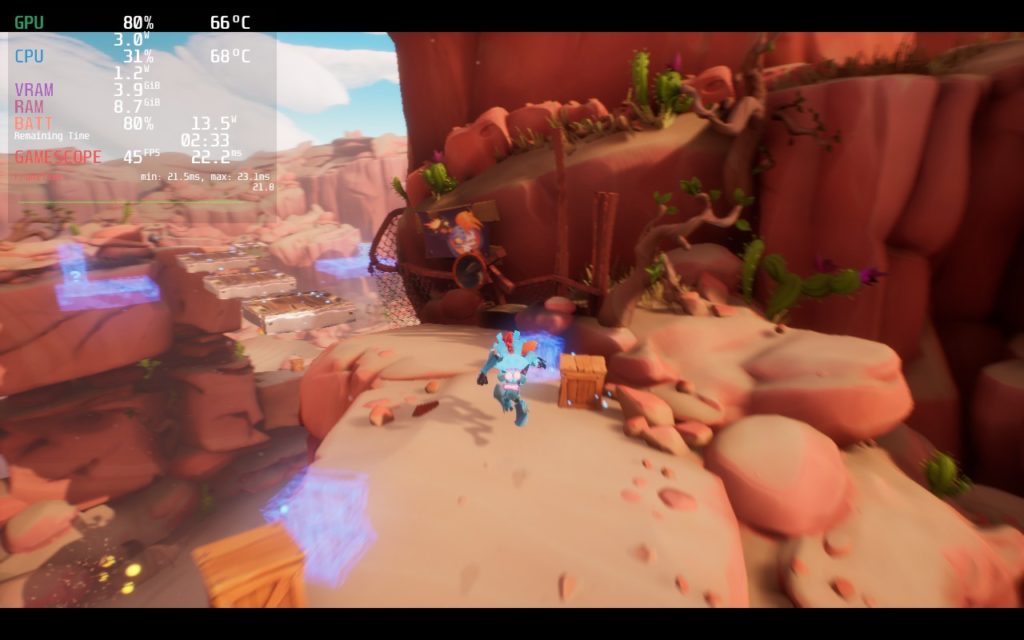
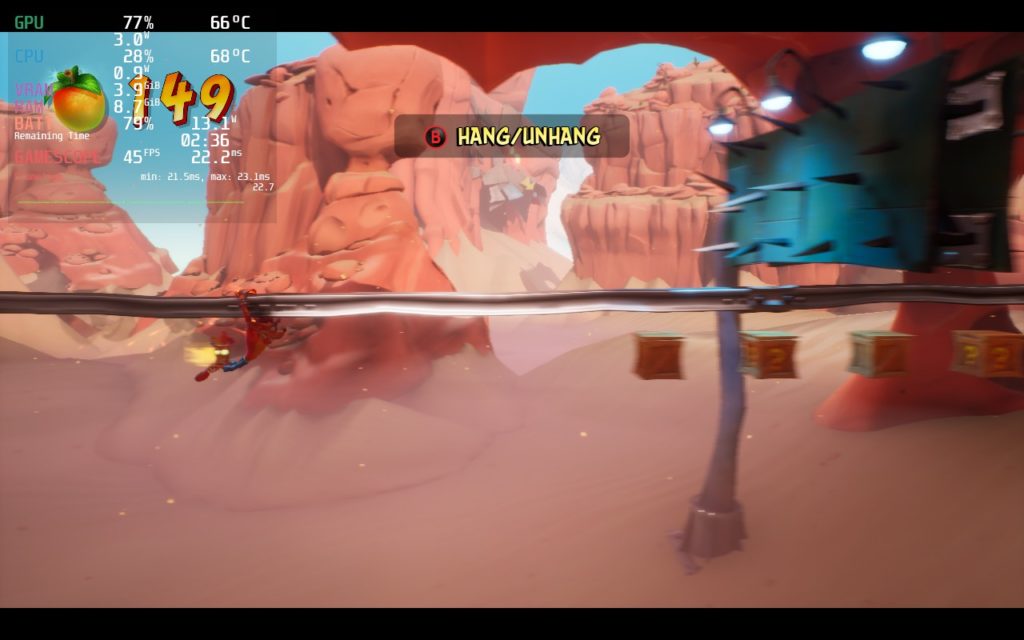
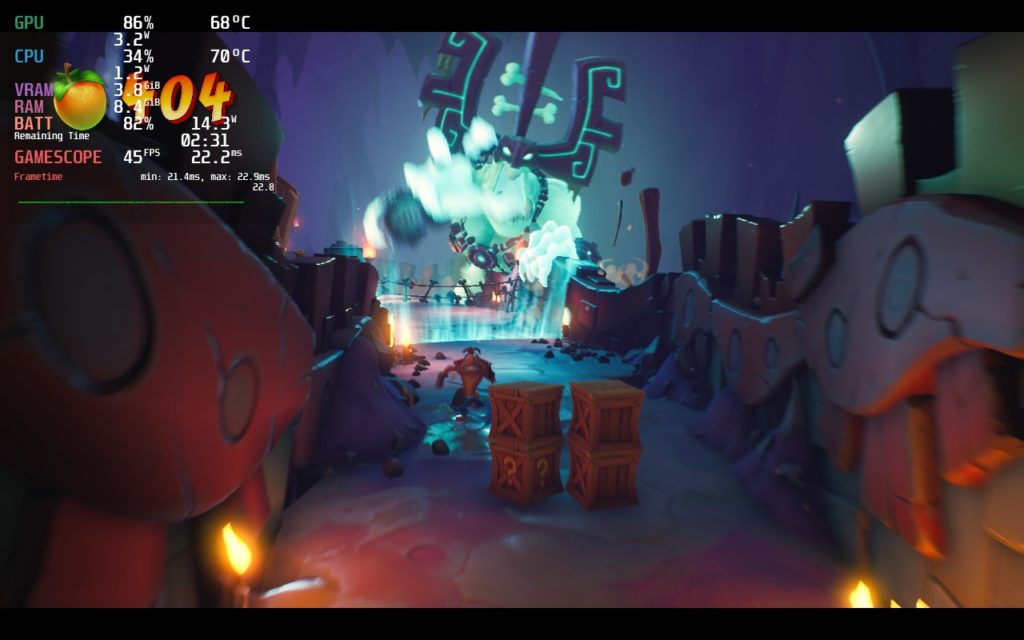
So far, I am incredibly impressed with Crash Bandicoot 4’s performance on the Steam Deck. At max settings, it does drain over 24W of battery, but it does hit a solid 60 FPS. Though I decided to bring down the settings a bit for a couple reasons. I brought it down to 45 FPS to save on battery. Doing this allowed me to get about 3 – 3.5 hour charge while the game still felt incredibly smooth. I then brought down the graphics settings a little, disabling antialiasing and bringing shadows to medium. I did this due to some framerate spikes when loading into new areas. At the max settings, or higher settings, this was much more common. While these spikes do still happen, they don’t happen nearly as often.
Make sure to use Proton GE as well as some of the cutscenes don’t work without it!
The game still looks incredible though and I am thoroughly impressed at how well it runs. Granted, it isn’t a super intensive game, but for a newer game with these kinds of visuals, it is exciting to see it running so well. In the next few days, I will publish a 60 FPS and quality build and upgrade this from a first look, but for now, I can overwhelmingly say with glee that this is playable and looks incredible.
Screenshots:
Comparisons:
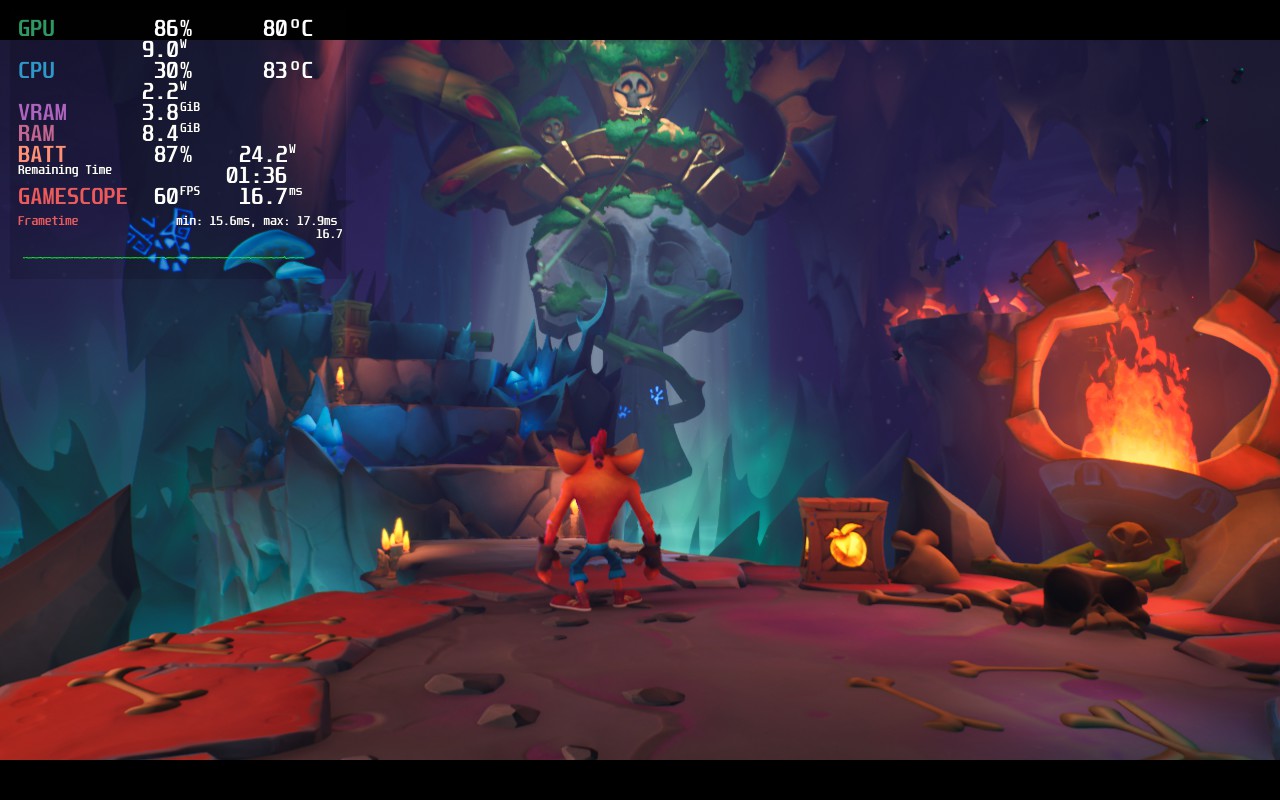
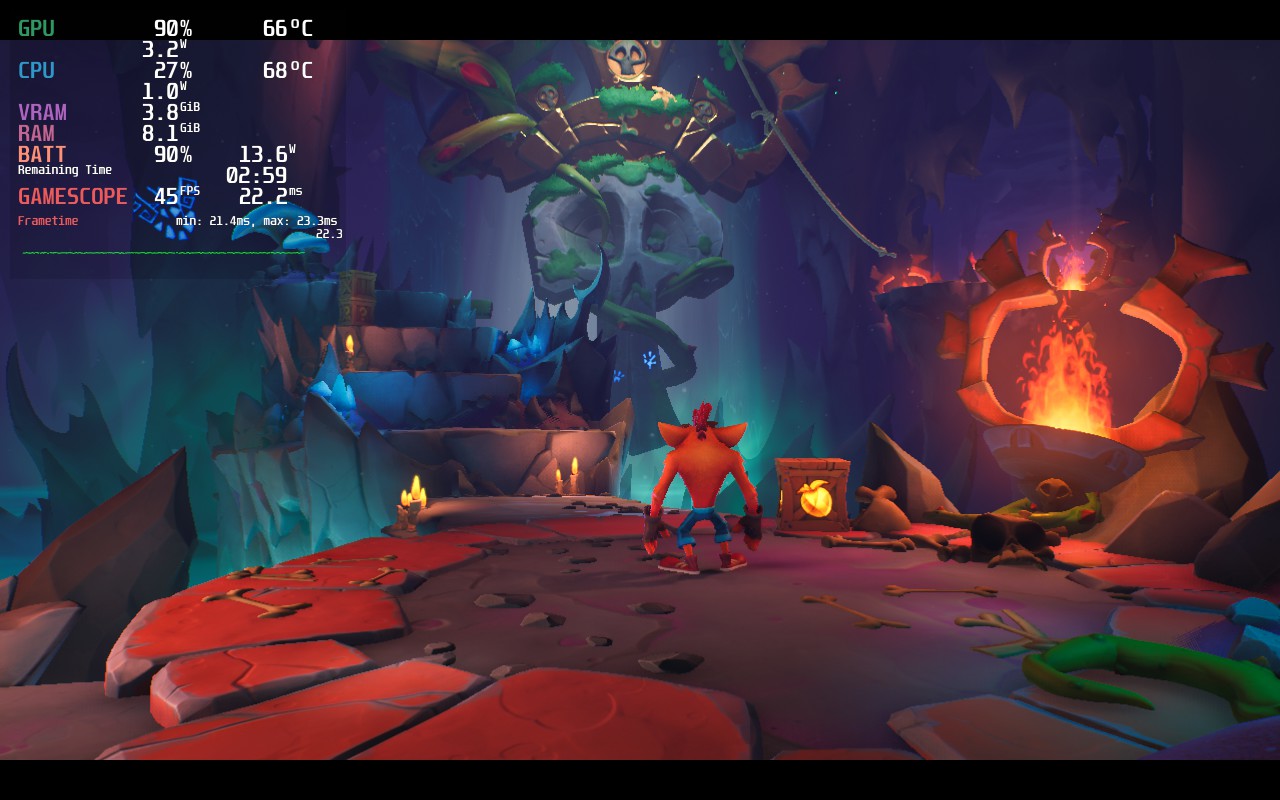
I know the pictures aren’t great, every time I tried to take a screenshot, the camera would move automatically. Regardless, Crash Bandicoot 4 is still a night and day battery and temp difference.
Stills:
Our review is based on the PC version of this game.
If you enjoyed this review, be sure to check out the rest of the content on SteamDeckHQ! We have a wide variety game reviews and news that are sure to help your gaming experience. Whether you’re looking for news, tips and tutorials, game settings and reviews, or just want to stay up-to-date on the latest trends, we’ve got your back!





