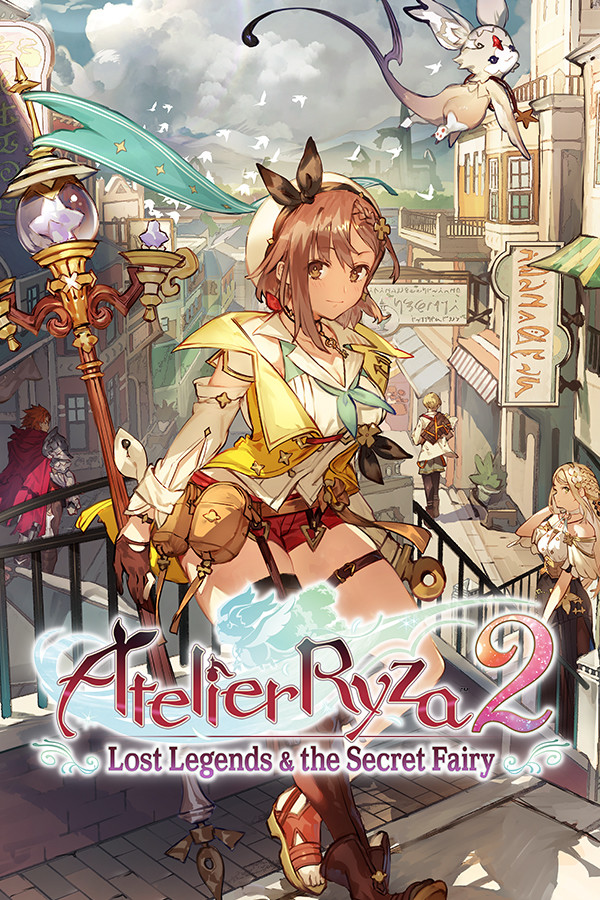

3 years after the events of the first game, Ryza gets a mysterious request to investigate some ruins that could be related to alchemy. She leaves her island and makes for the royal capital, getting ready to head into a new adventure to discover the mysteries of these ruins and how a meeting with a strange creature will completely change her life.
Just like the previous game, Atelier Ryza 2 will have you going through a decent story, fighting creatures and synthesizing/crafting materials. There are also new improvements with this entry like new field actions like climbing and underwater diving, an improved battle system for faster and more thrilling battles, and several new synthesis systems to optimize the mechanic even further.
Compared to the previous game, which we reviewed, the improvements make Ryza 2 a much nicer JRPG to play. While the story is nice to play, but a bit predictable, the combat feels significantly more fluid and flashy. Being able to quickly swap characters and quickly use unique skills to take down enemies. The visuals are still similar to the prequel and look wonderful on the Deck screen too. I personally enjoyed the story, but it did feel like there were a lot of cutscenes and the characters fell into some pretty recognizable tropes, but it was overall very competent. And with some tweaks, it can be very enjoyable on the Steam Deck.
Atelier Ryza 2 – Pre-Patch Performance
Playing Atelier Ryza 2 right out of the box results in the same glaring issue that its predecessor has, low GPU utilization. Because of this, the game will internally cap at a 16W drain and tanked performance that generally won’t hit above 30 FPS. The only way to make this playable is to set everything on low and the resolution to 960×540. It can stick to 30 most of the time, and can even go up to 40 or 60 in some areas, but there are still some spots that have those drops.
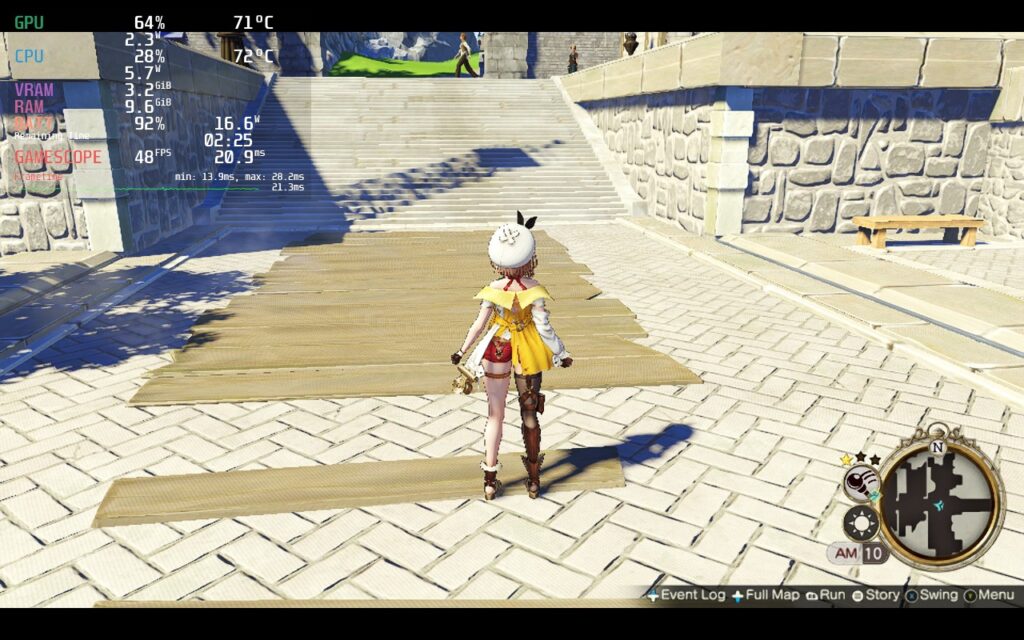
The game looks horrible like this though and I wouldn’t recommend playing it like this. Luckily, we can use the same fix that we used for the previous game and it will make a monumental change!
Fixing GPU Utilization Issue
To fix this issue, we need to utilize the fix made by doitsujin. This fix actually works for most Atelier games that have this problem and they are all fixed in the same way!
- Go into Desktop mode and Download the atfix.zip from Github
- Put the d3d11.dll file in the main install directory of Atelier Ryza 2. You can find this in Desktop mode by right clicking the game, hovering over “Manage”, and then clicking “Browse Local Files”.
- Either in Desktop mode or going back into Game mode, go into properties and put in this launch option:
WINEDLLOVERRIDES="d3d11=n,b" %command%You will also need to force compatibility with Proton GE. To do this, you can follow our guide which explains what it is and how to get and update it!
Optimizing the Adventure
With that out of the way and the game running much better, I set off to start the optimizing process. Before changing anything else, I first wanted to figure out which graphics setting affected performance most. In Atelier Ryza 2, Shadow quality is the culprit here. When turning shadows lower, I didn’t see a reduction in the shadows in the world, but the quality of the shadows projected would go down. This didn’t really affect the overall feel and look of the world, but could make a 30 FPS build be able to run at 50 or 60 when set from High to Low.
The other graphical settings did affect performance, but shadows was a monumental change that was a necessity to turn down to hit stable higher framerates.
Choosing a recommended build was a bit hard for me. While I liked the quality build and it looked fantastic, the Battery and Framerate build were the two I really couldn’t decide between. On one hand, the battery would save a bit more and had slightly better quality, but the Framerate build was much smoother and had similar battery life.
I ultimately went with the Framerate build as my recommended. The game feels significantly smoother than the other builds and still has a very good looking quality to it. On top of that, the battery averages around 13W – 15W, with some minor spikes going close to 17 when in town. This brings battery life to around 2.5 – 3 hours. Low shadows and a 1080×640 resolution helped solidify the 50 FPS and keep battery down for most of the areas.
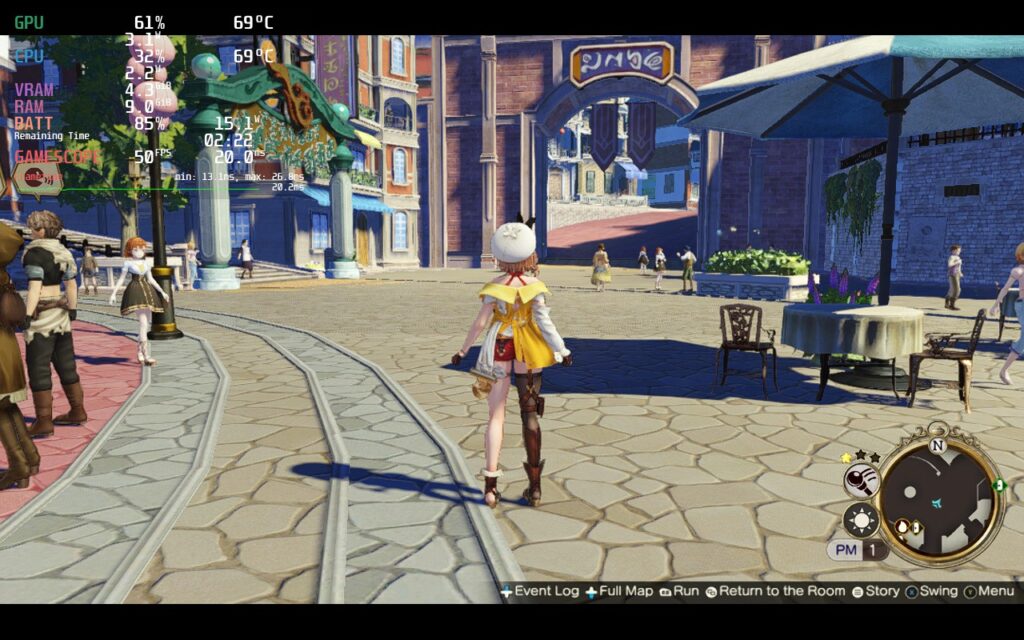
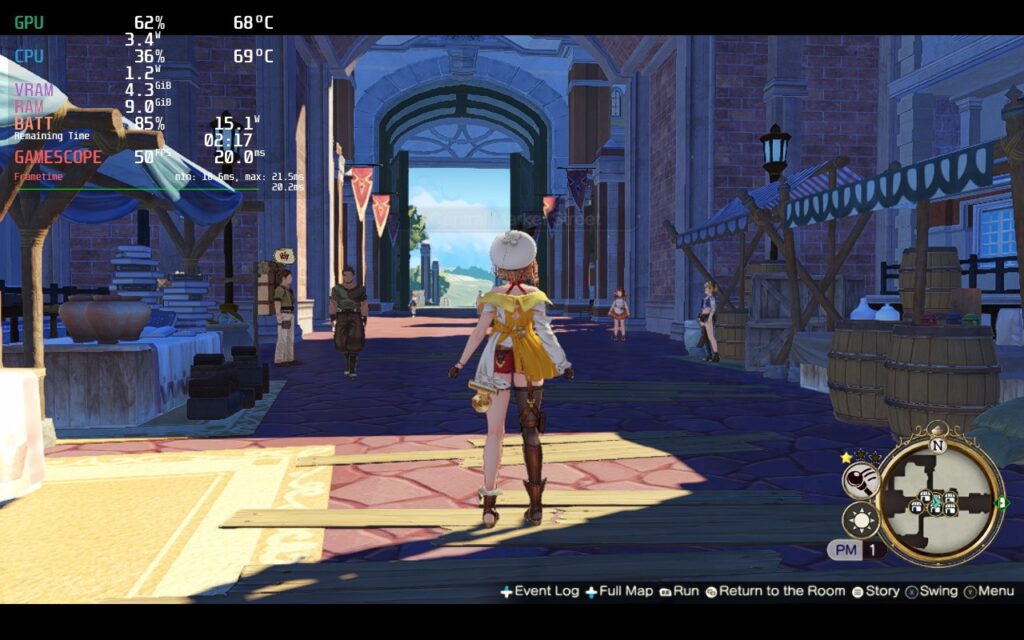
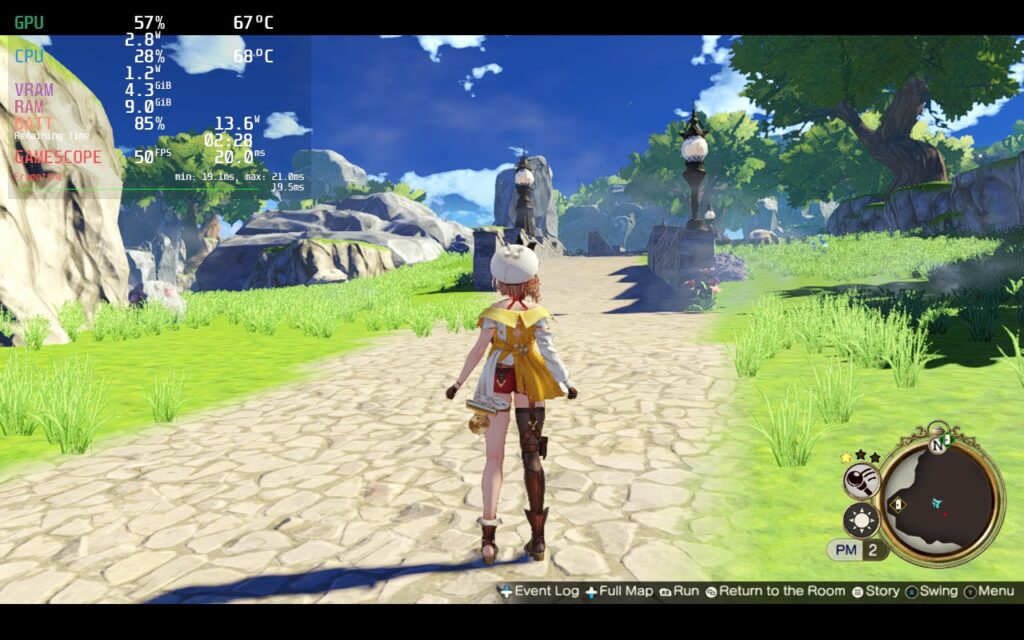
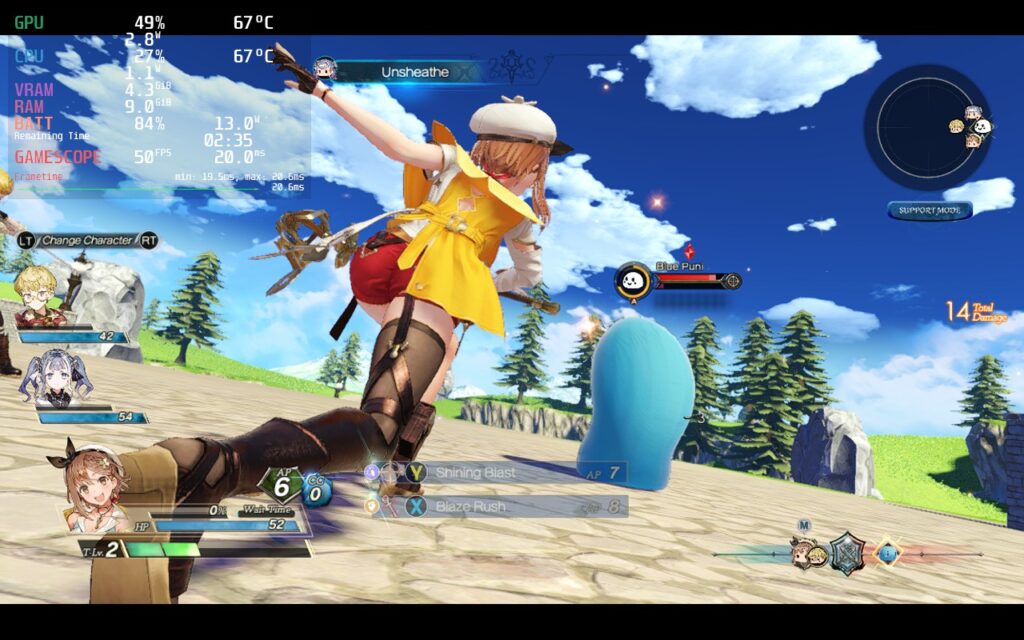
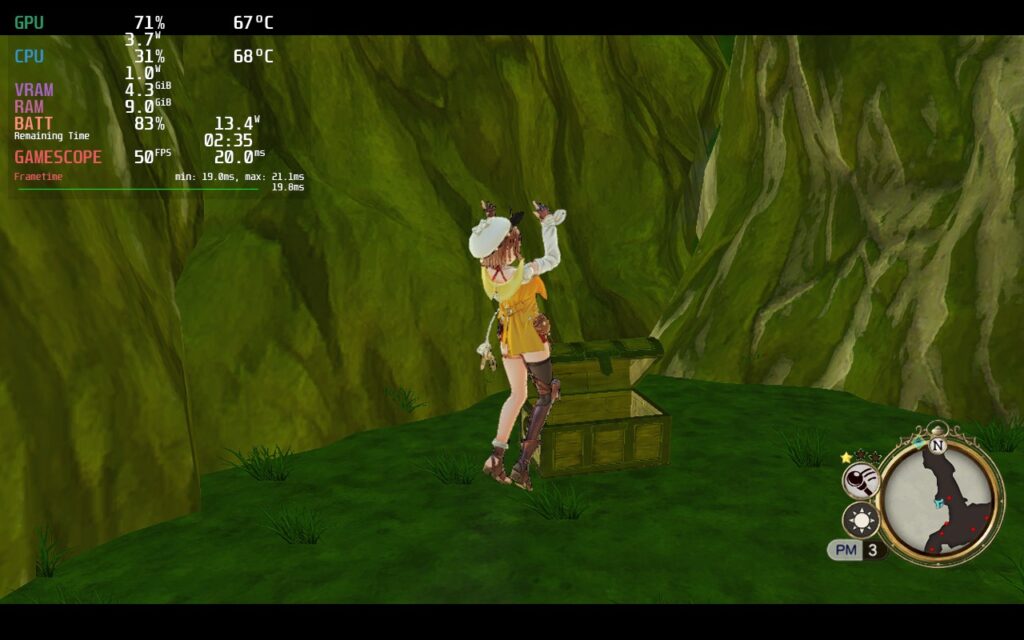
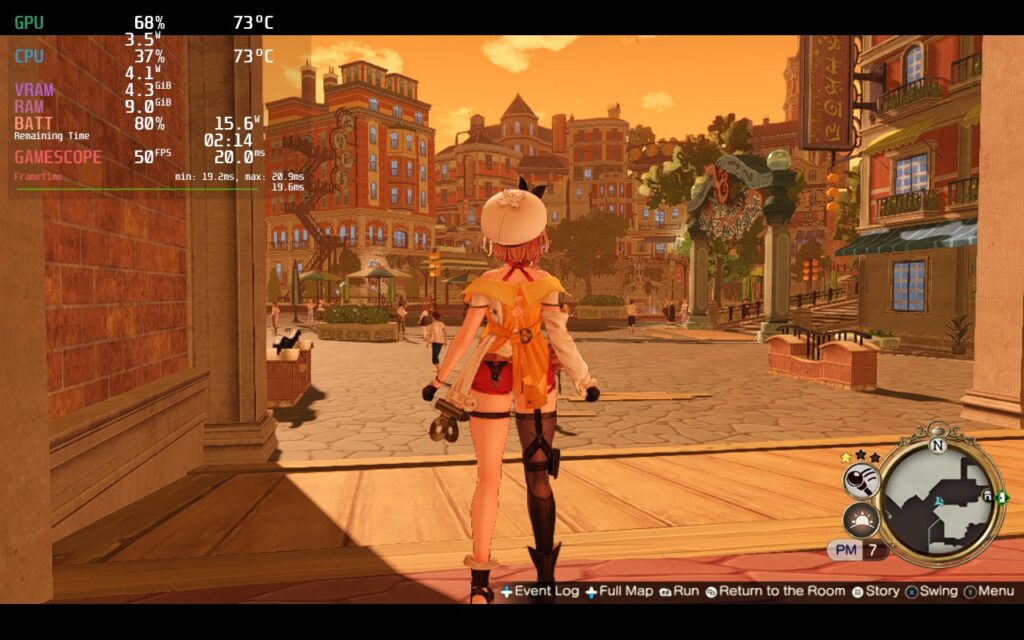
The battery build is a close second. Using similar settings, but with texture quality on high and Ambient Occlusion and Bloom on, we can get a solid 40 FPS and push the TDP limit to 8, keeping battery drain around 11W – 13W for a full battery life of 3 – 3.5 hours.
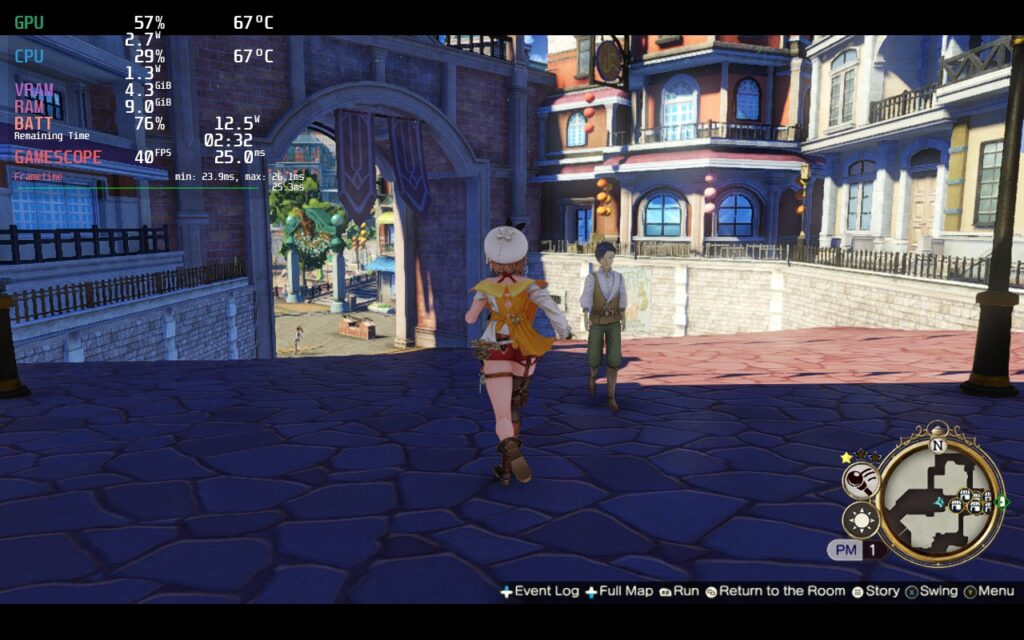
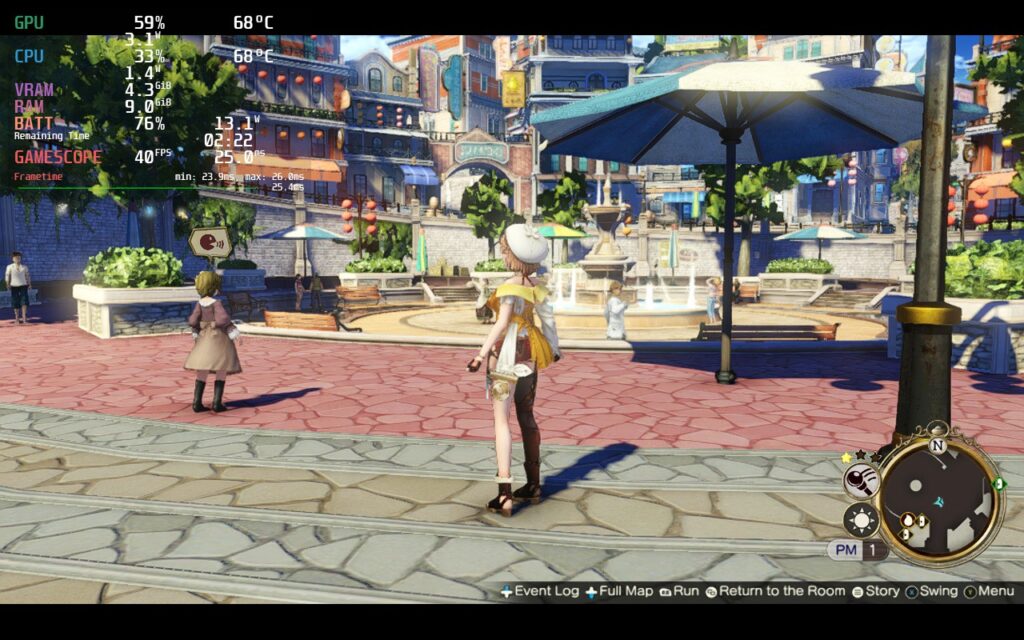
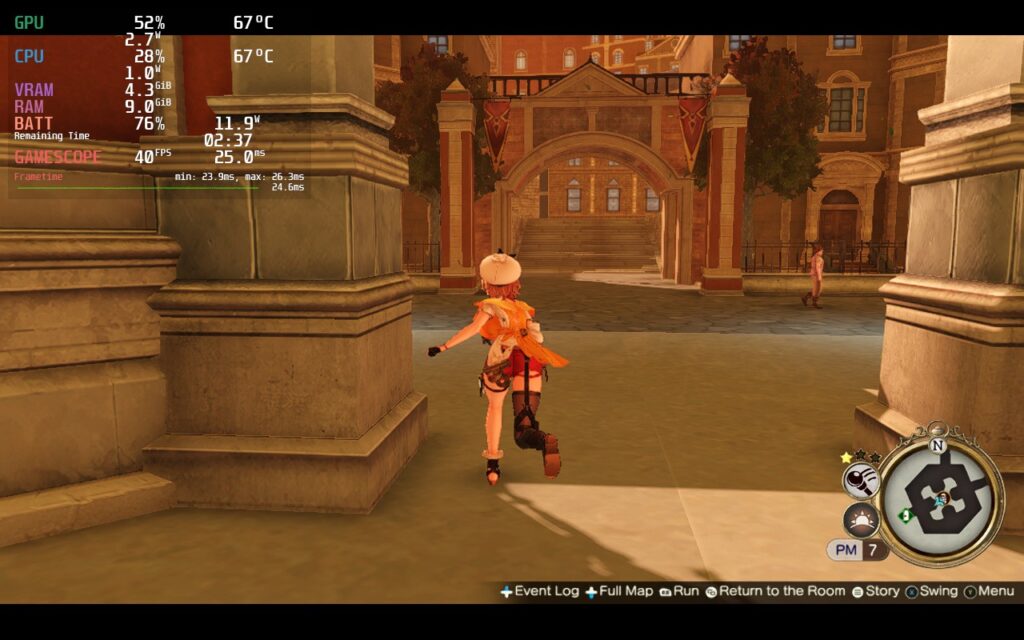
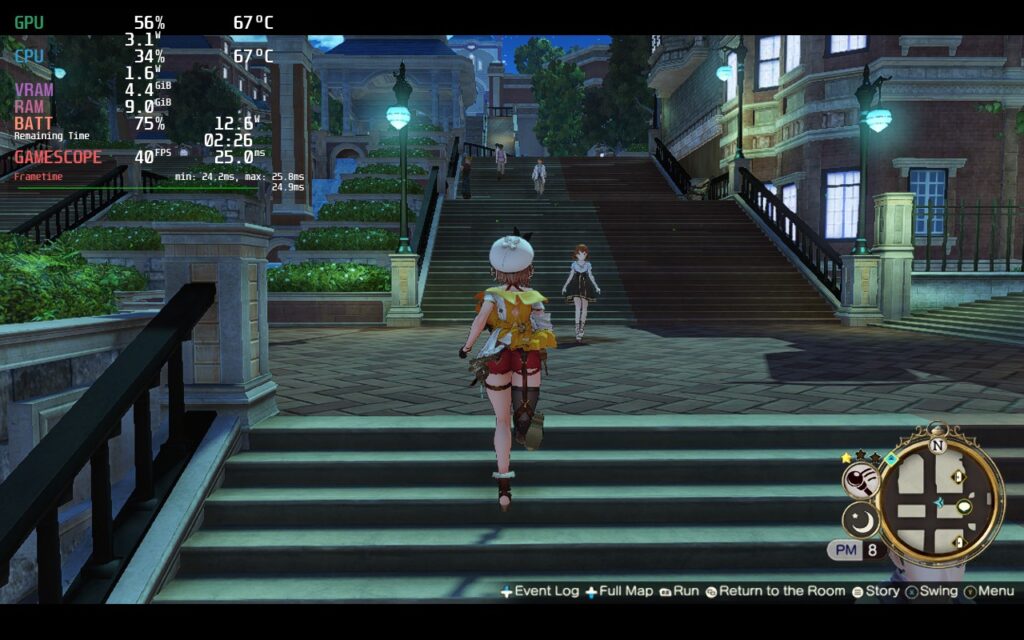
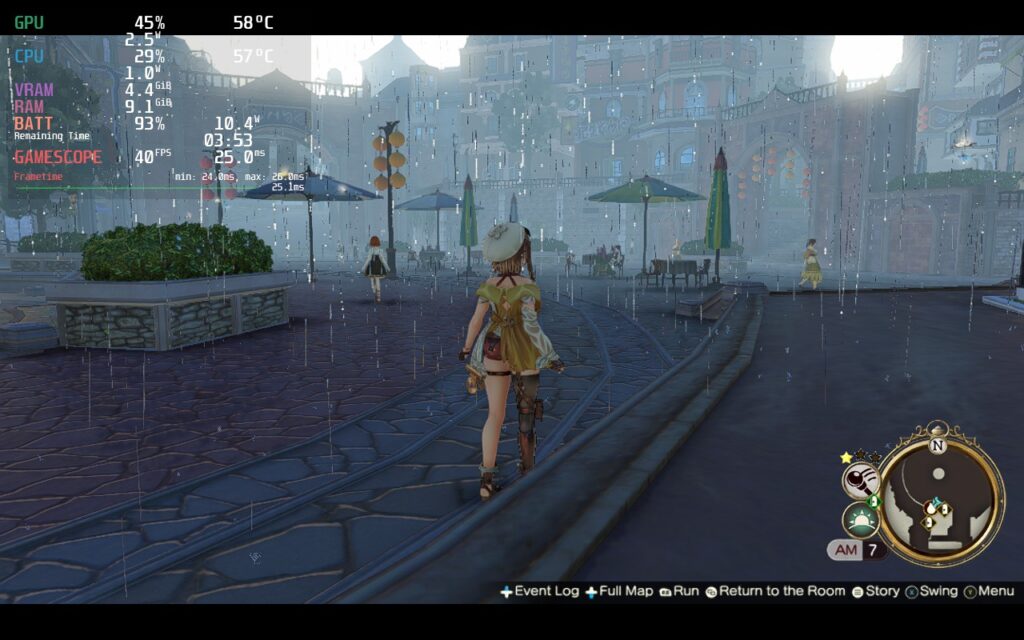
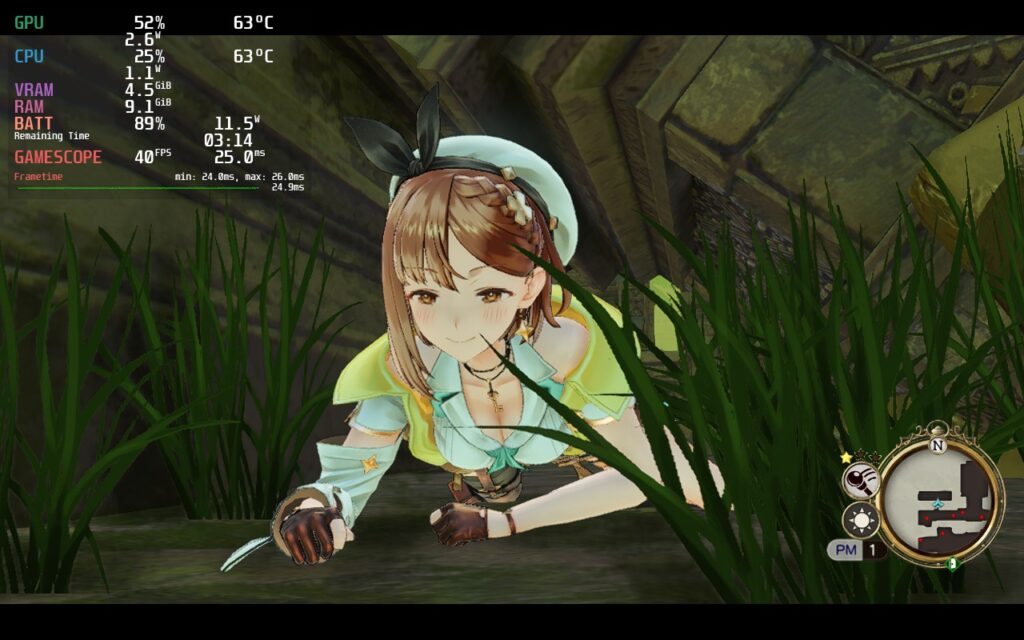
Now for the quality, I decided to keep 40 FPS. While I was testing, I realized that by just turning down Shadows to “Standard”, which is the same as Medium, and keeping everything else on the highest settings, including resolution at 1280×720, the game ran significantly more stable and saved a lot of battery life. After testing it, I found it was able to even hold 40 FPS with a TDP limit of 10. While I probably could have kept shadows on high and set a higher limit, I felt this was a fantastic compromises for an overall better experience.
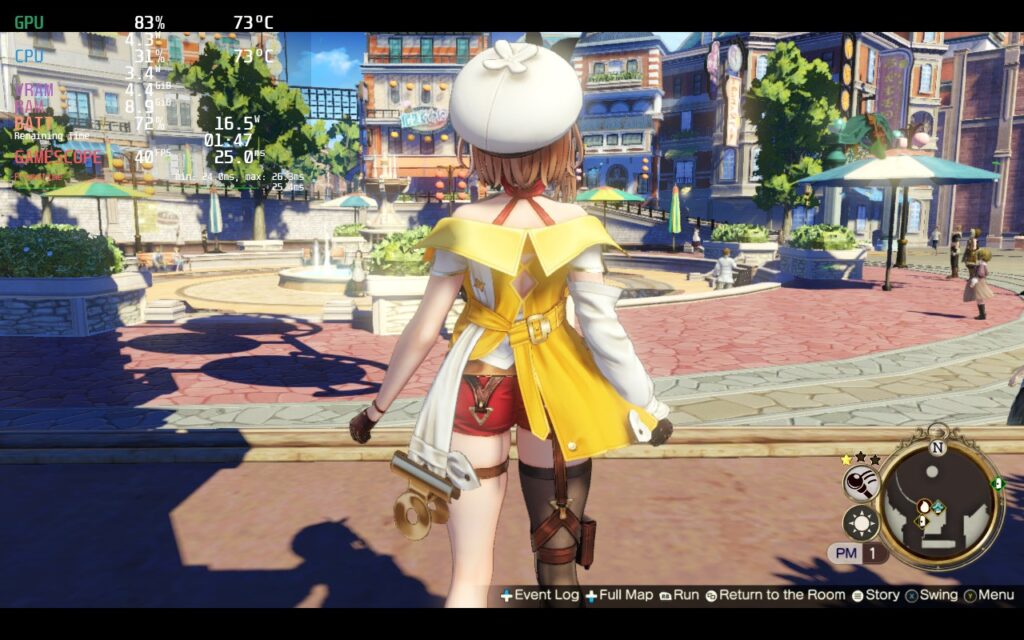
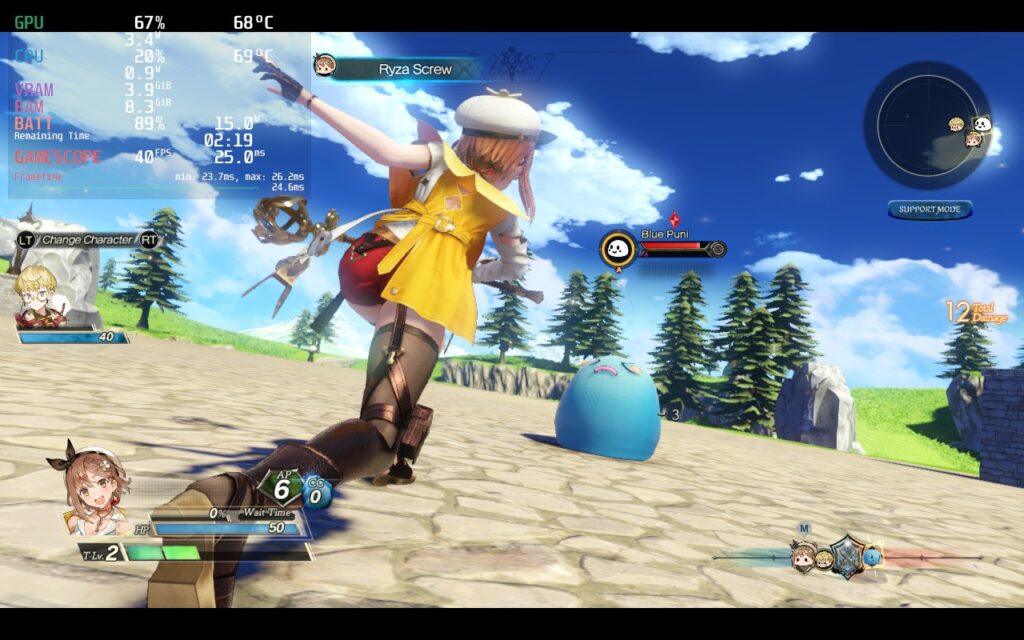
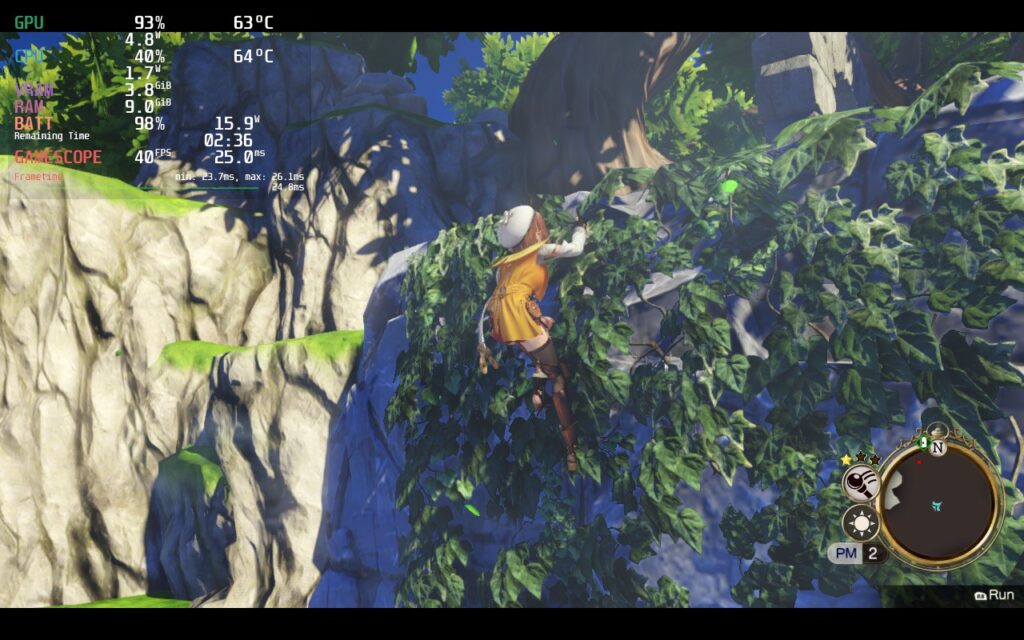
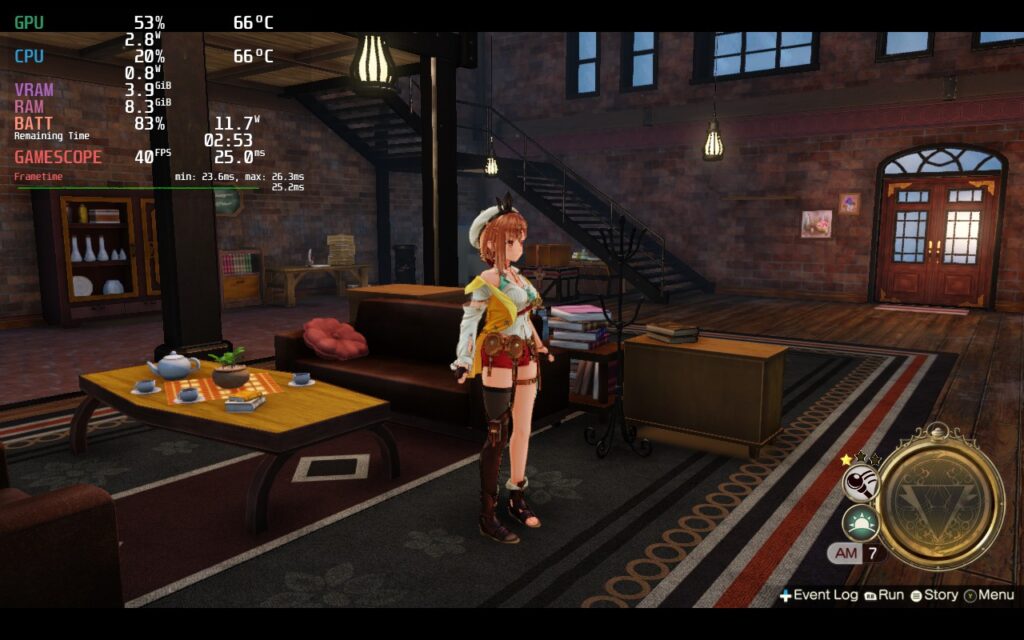
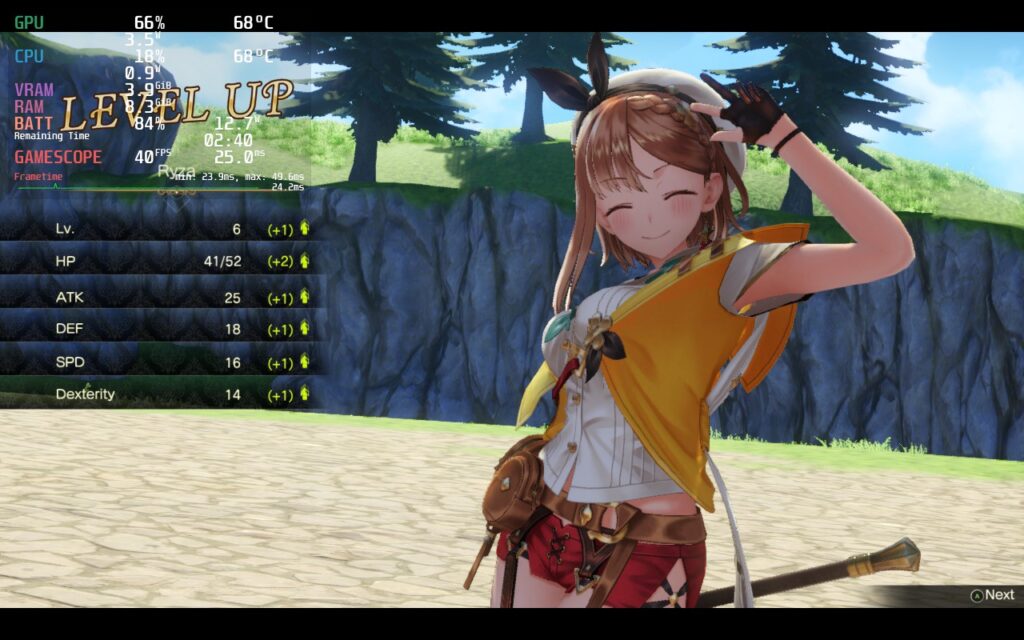
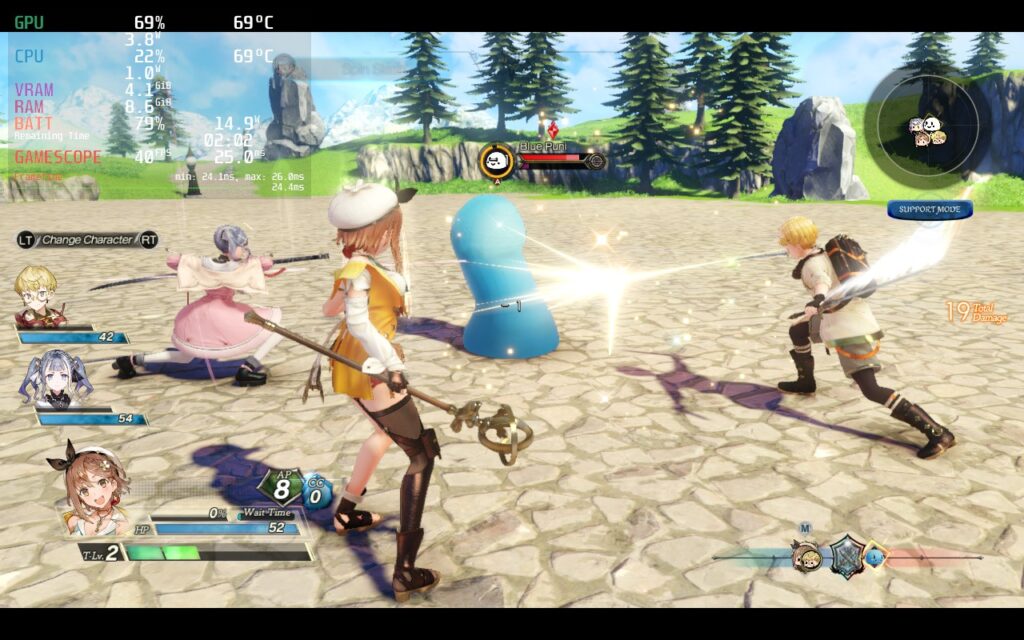
While the game plays really well, I did notice some little nuisances I had with the playthrough that should be noted.
Saving Settings and The Jumping Conundrum
One of my HUGE grievances with the previous game was the need for a launcher window before starting the game. This was the only way to change graphical settings and I was not a fan. In Atelier Ryza 2, the graphical options or “System Settings” is integrated into the game, which is awesome…but every time I completely exit the game, it will switch back to max settings. I initially thought I just couldn’t find the right button to save the game, but I was able to go into a loaded game, come back to the title screen, and my settings would still be there. So it seems you will have to put these settings in each time you start up the game.
The other odd thing I noticed is that jumping caused some drops in performance. This happened primarily on the quality build, but it does show some lesser movement on the other two. You can increase TDP limits to fix this, but since it only really happens when jumping, I felt it would be better to just deal with it and not increase the overall battery drain thanks to jumping.
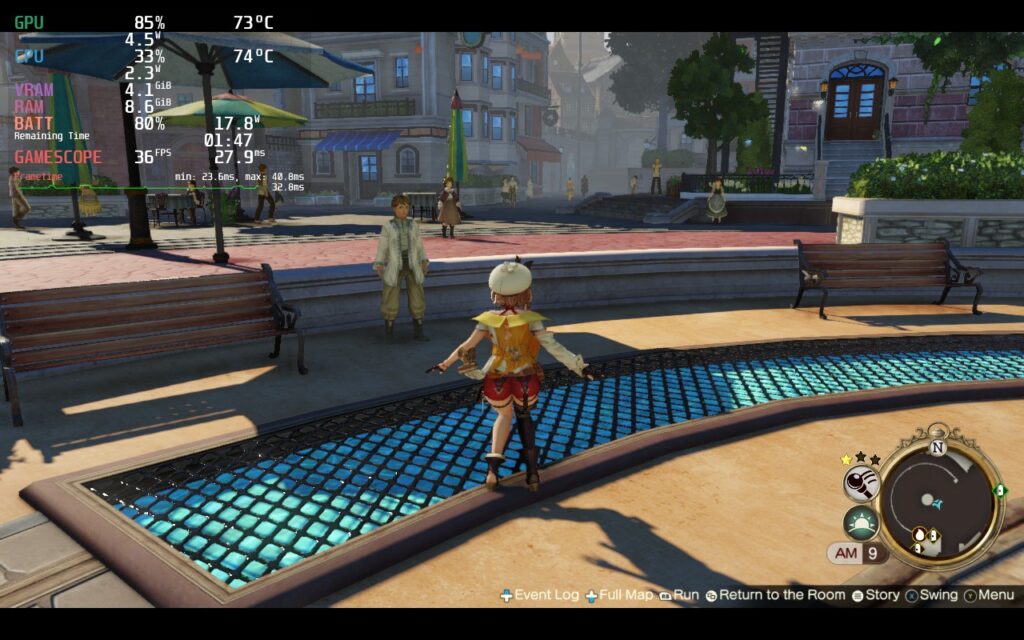
Other than these, I didn’t have any control issues or visual bugs. The game doesn’t support 16:10 resolutions, so we are stuck with the black bars, and my game did freeze once, but it was overall okay for the rest of my playthrough.
Conclusion
Atelier Ryza 2: Lost Legends & the Secret Fairy is a wonderful continuation of the prequel that not only refines the mechanics, but expands them with multiple different improvements. If you enjoyed Ryza 1, you will absolutely enjoy this game. And while you can play this one without playing the one before, you might not understand references or the characters as much as you should. The game also runs really well on the Steam Deck, as long as the GPU fix is in there. Regardless, this JRPG series has always been one I enjoyed and I am happy to say that Atelier Ryza 2 continues that.
Our review is based on the PC version of this game.
If you enjoyed this review, be sure to check out the rest of the content on SteamDeckHQ! We have a wide variety game reviews and news that are sure to help your gaming experience. Whether you’re looking for news, tips and tutorials, game settings and reviews, or just want to stay up-to-date on the latest trends, we’ve got your back.