


Afterimage was provided by Modus Games and Tinsley PR for review. Thank you!
Afterimage is a 2D metroidvania taking place in the gorgeous, hand-drawn world of Engardin. As Renee, an amnesiac girl who survived an attack on her village, you will travel through the world in search of your lost memories. Throughout the journey, which will set into motion events that will shape the future of the world, you will fight through enemies while leveling up and building your skills in a multitude of ways. With new abilities to unlock, 6 different main weapons/classes, over 200 different equipment and accessories, and an extensive talent system, you will build yourself the way you see fit and push through to find out who you are.
Metroidvanias are one of my favorite genres to play on the Steam Deck and Afterimage is no different! The world of Engardin is beautiful and one where I found myself just standing still to admire the surroundings and listen to the fantastic soundtrack. The game also has a great variety of enemies, over 170, and bosses, over 30, to take advantage of the deep customization and unique weapons/classes and subweapons that you can use. I felt like I was able to build Renee the way I saw fit and grow into it.
I can’t say I am a fan of the fast-travel system though. Locking it to a consumable item, which all drop when you die, can make traversing the world a bit aggravating. I also found the talent tree and some of the items to not be as intuitive and did confuse me a little, but with a little trial and error, I was able to figure it out. The game has way more pros than cons and I can easily recommend it to any metroidvania fan. I can also happily recommend it to any Steam Deck owner as well!
Afterimage – Best on Deck
Without any changes, Afterimage plays optimally without sacrificing any visual fidelity or performance for battery life. The game starts out with the graphical quality set to medium and rendering resolution at 100%, which brings this game to life while keeping it sharp. I did test the difference between Medium and Ultra quality settings, but I didn’t see enough positive visual difference that made the game feel much better.
This is the same compared to low settings. It does help with performance, but not a whole lot to really need any change.
I did also play around with the rendering resolution to see how much impact it would have. I brought it down to 10% and it brought the drain down from 10W to 8.5W. Personally, I feel the game is very well optimized in this case and doesn’t really need any changes. Keeping everything at default, Medium with rendering resolution at 100, looks and feels fantastic with a battery drain ranging from 9W – 10.5W.
Performance will also depend a bit on location as I saw some locations bring battery drain down across all builds!
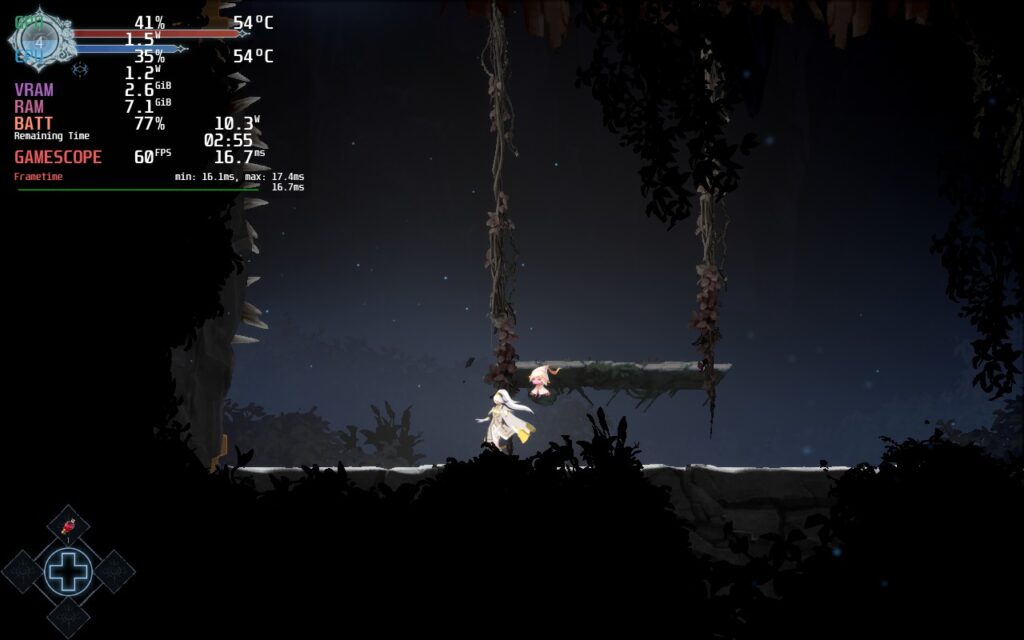
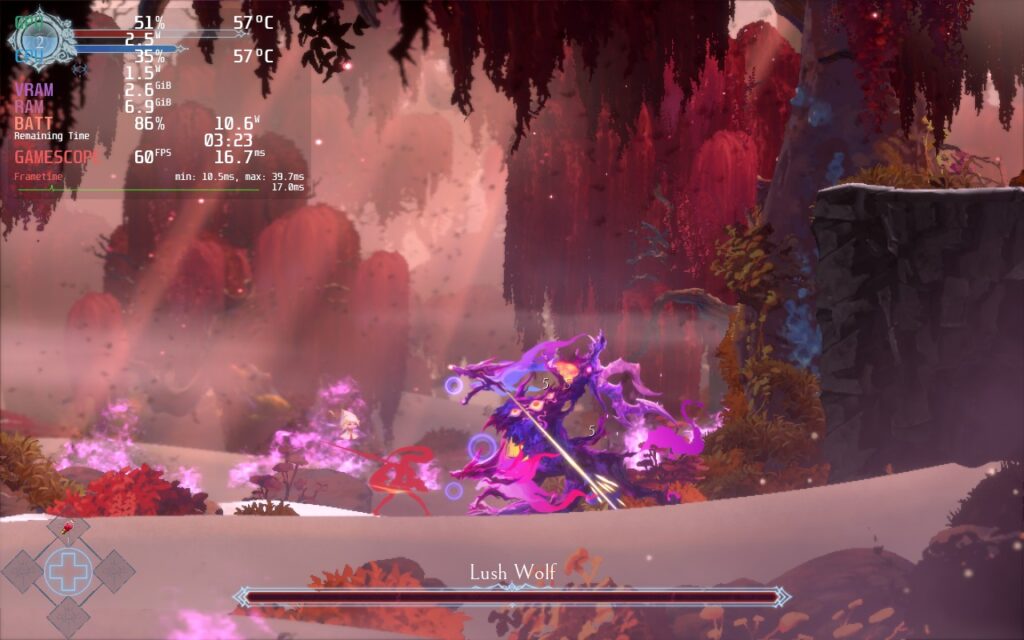
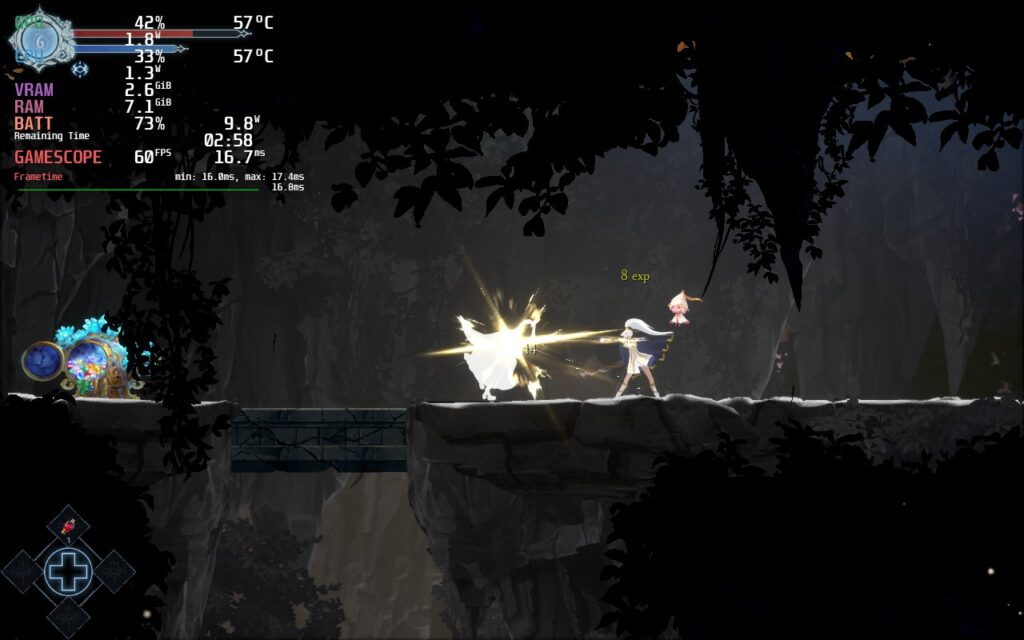
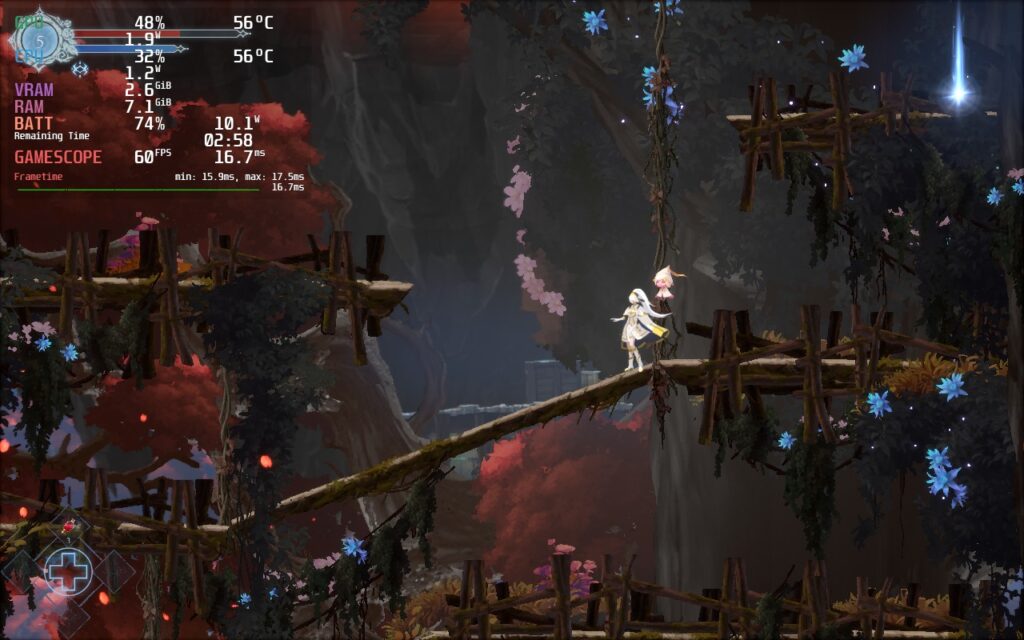
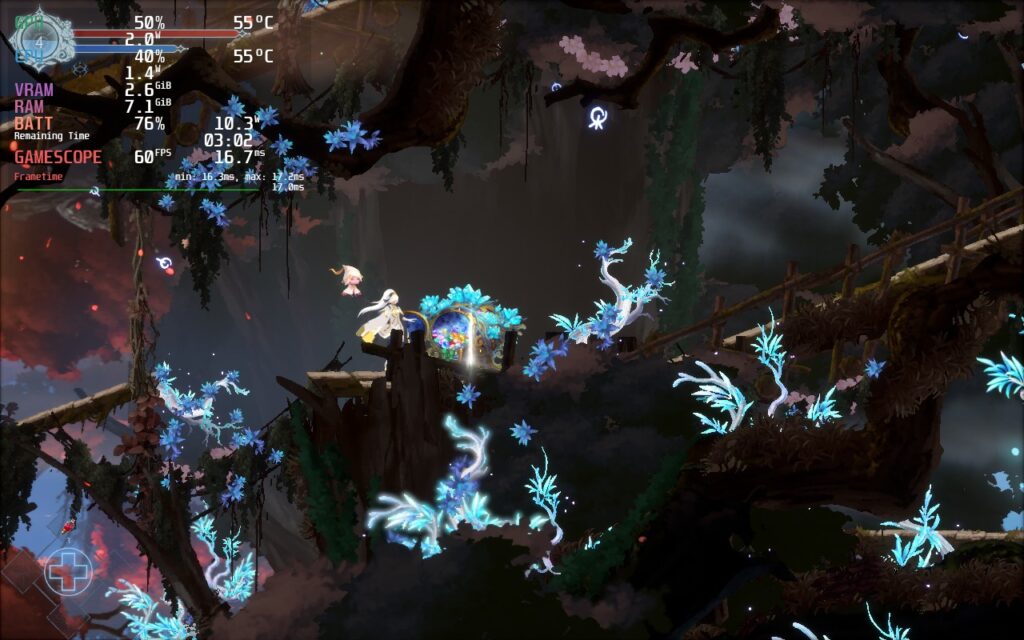
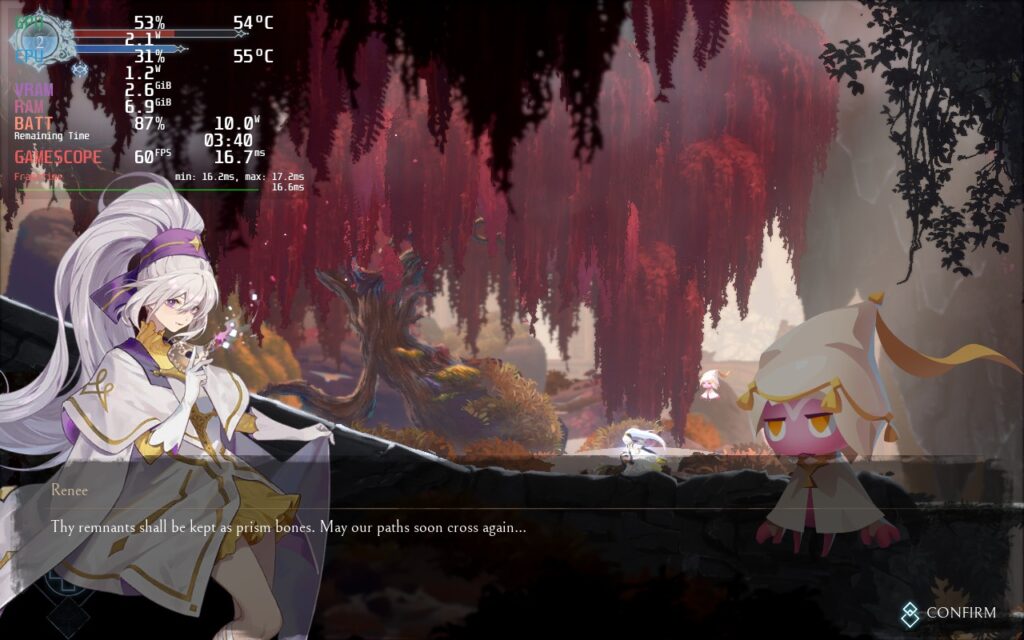
For those who are keeping their Decks plugged in, you can turn the game to Ultra quality and keep rendering resolution and still get 60 FPS. The battery drain tends to go up a bit more, hovering around 12W – 14W, but if you are near an outlet and want all the bells and whistles, this will be the way to go.
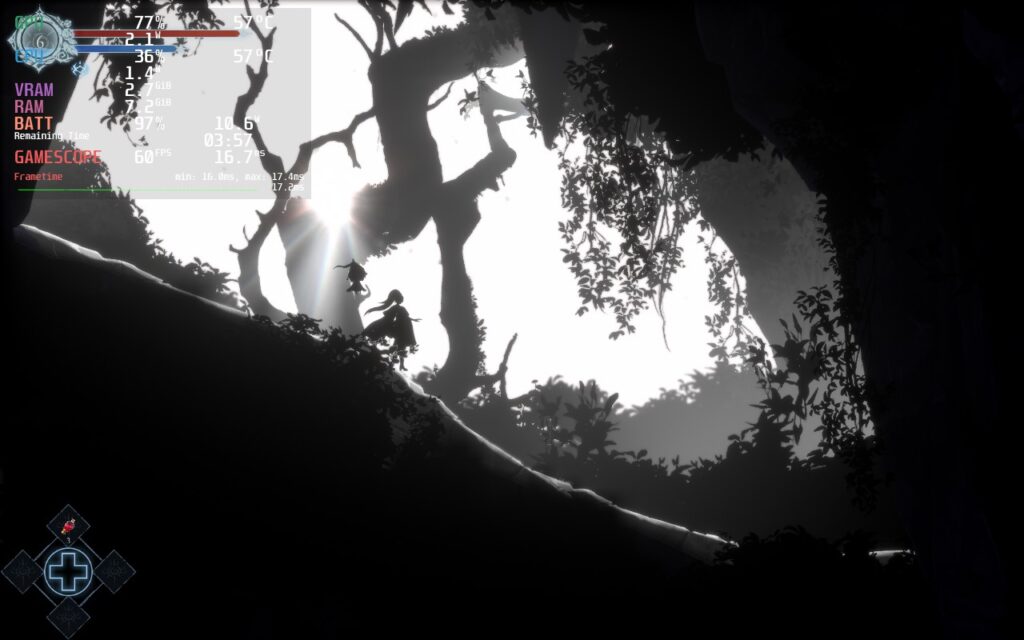
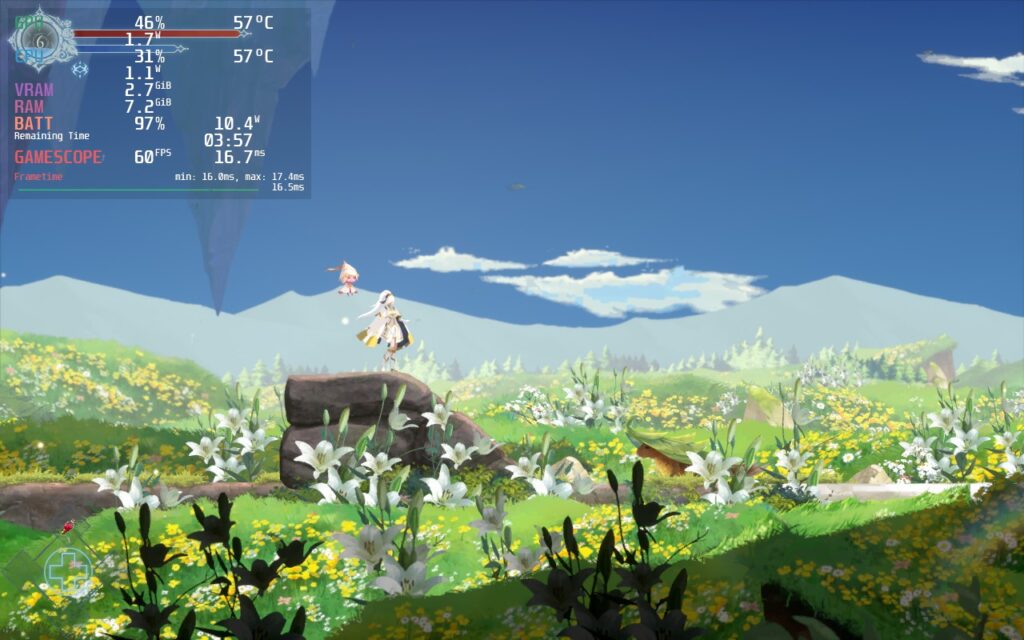
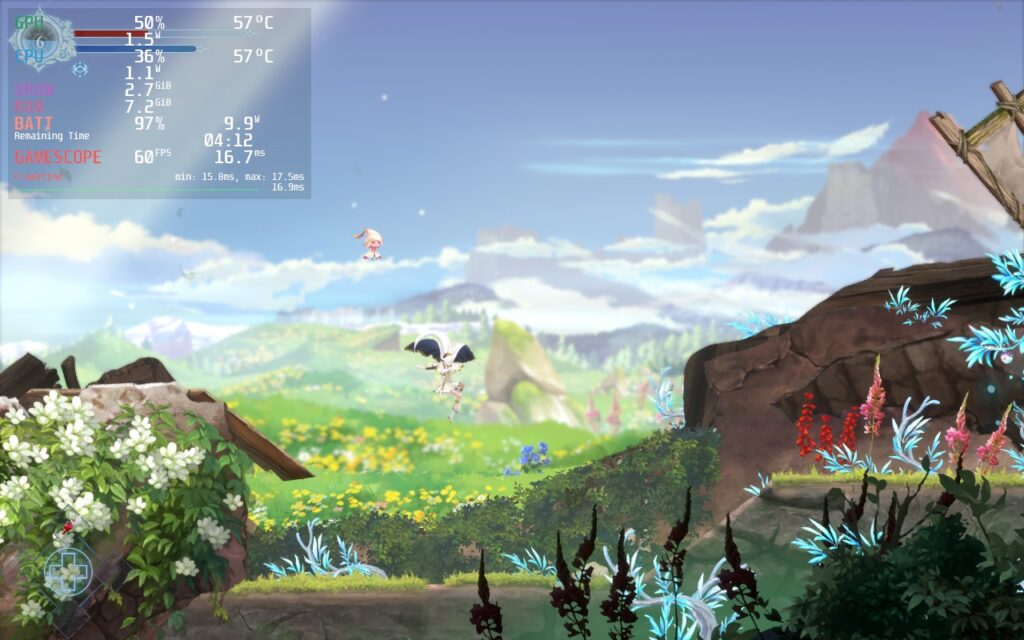
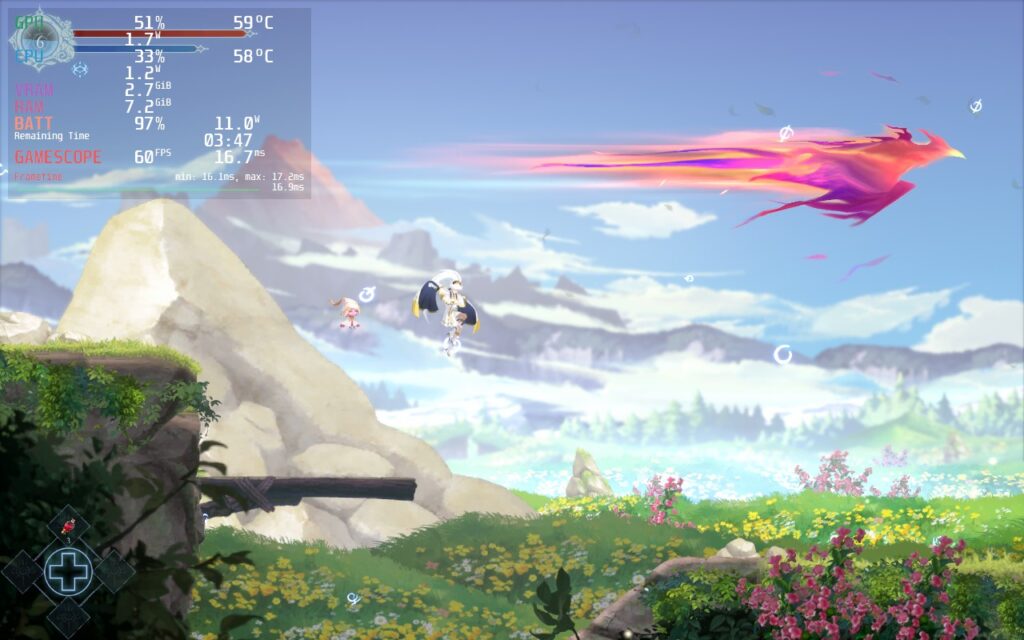
To maximize battery savings, changing quality to Low and rendering resolution to 90 will keep the game looking nice while saving around 2W for a battery drain of around 7W – 9W.
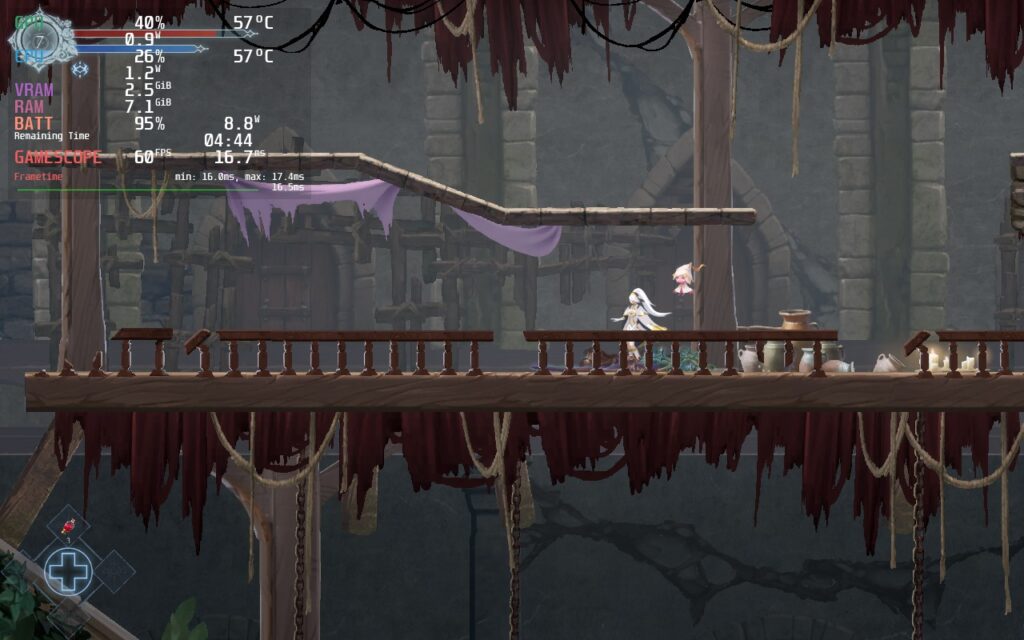
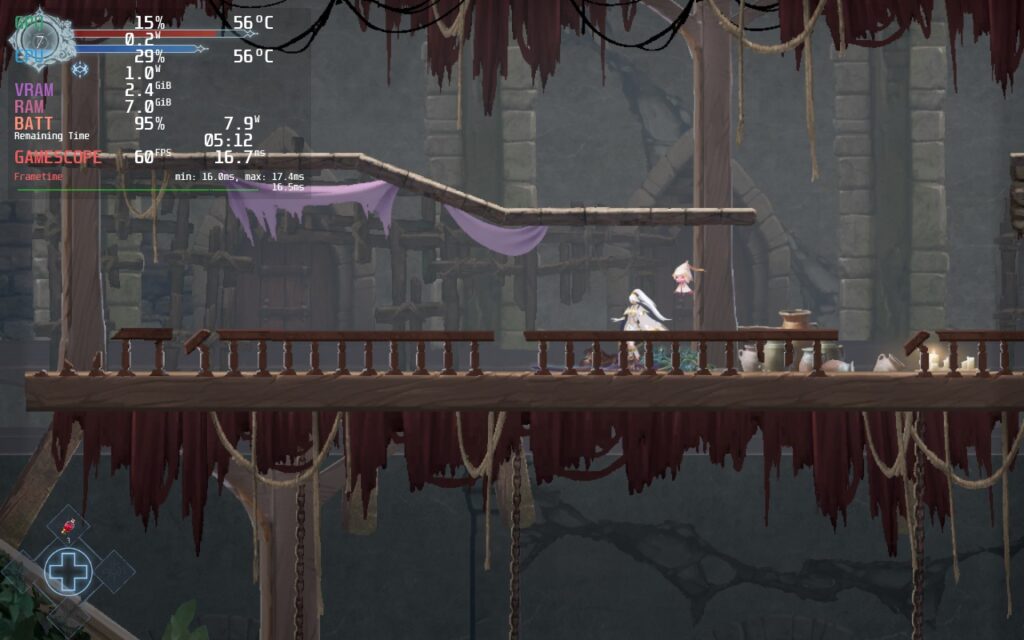
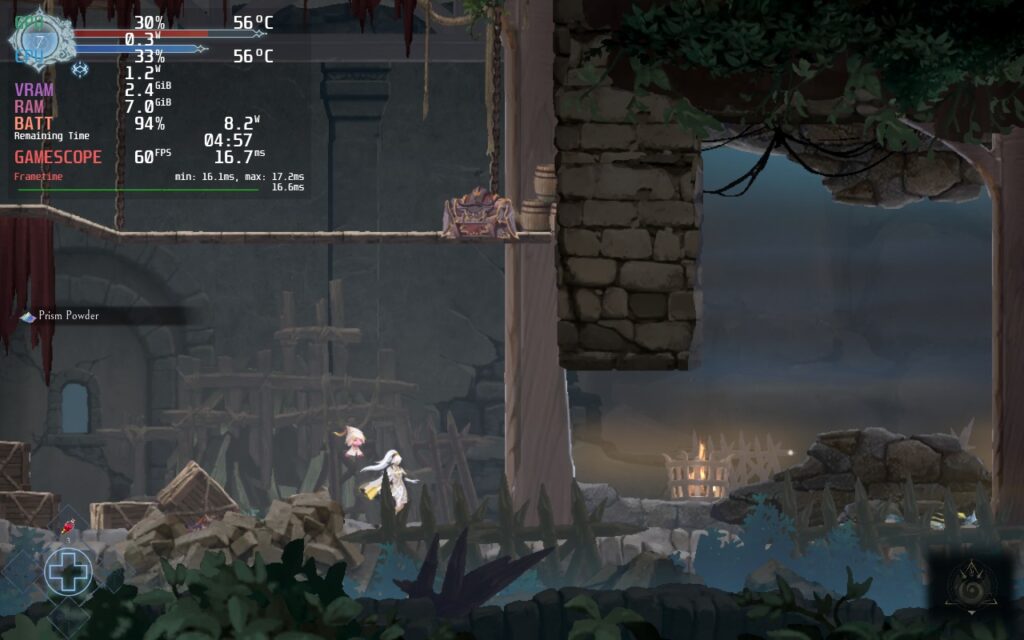
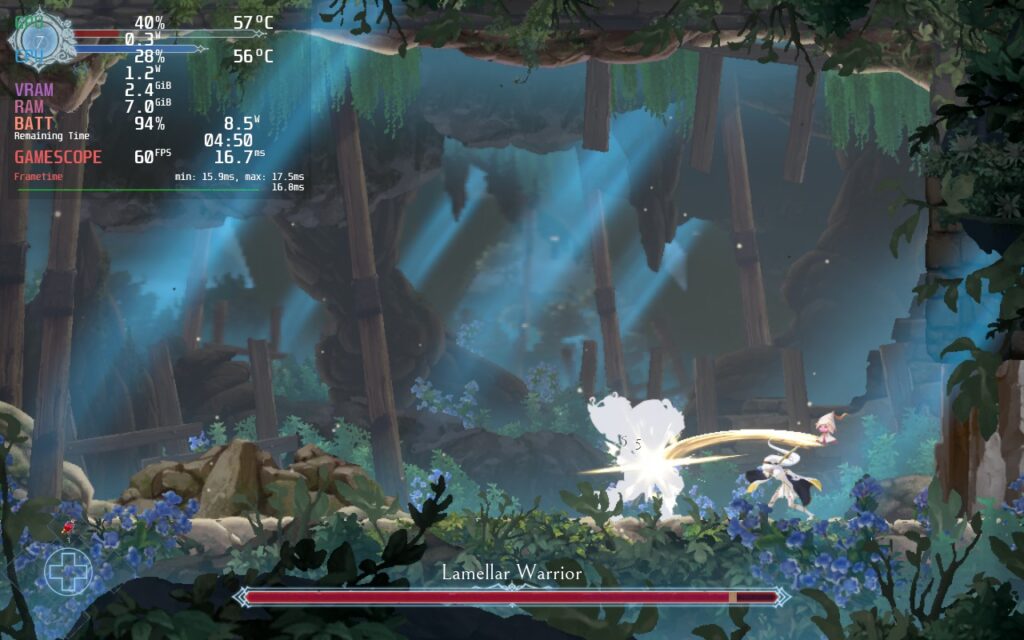
The game sports full controller support, cloud saves, and 16:10 resolutions, so your Deck’s screen will be fully covered by the game. Afterimage is fantastic during the game and stays running well throughout, but I did notice a couple little things.
Menu Drain and the Slight Drop
One of the big things I noticed while playing is that going into any menu will drain the battery slightly more than regular playing. It isn’t the end of the world, but it does tend to bring about 2W more drain while using it. Going out of the menu will bring drain right back down though.
There is also a very slight drop that happens every now and then. The drop only goes down to 58 or 59 FPS, so it isn’t significant, but it does happen. I pushed rendering resolution down to 10 to see if it was a performance issue or just the game and they still happened, so it could be something in the game itself. This doesn’t really affect the overall playability though and I still really enjoyed the experience.
Conclusion
Afterimage is a metroidvania I will definitely be remembering. The RPG mechanics and ability to customize Renee to my preferred playstyle while navigating a gorgeous world is just a treat when coupled with the soundtrack. While there are some odd design choices, like fast traveling as a consumable, does hamper the traversal, the good definitely outweighs the bad. And being able to play this on Steam Deck just makes the experience that much better! Without needing any changes, Afterimage is definitely a Best on Deck game!
Our review is based on the PC version of this game.
If you enjoyed this review, be sure to check out the rest of the content on SteamDeckHQ! We have a wide variety game reviews and news that are sure to help your gaming experience. Whether you’re looking for news, tips and tutorials, game settings and reviews, or just want to stay up-to-date on the latest trends, we’ve got your back!





