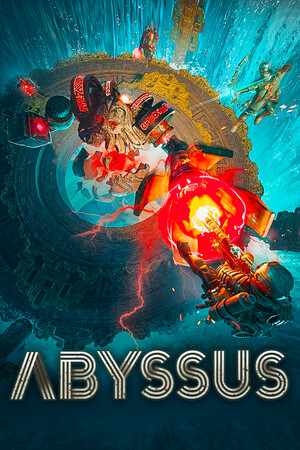


Abyssus was provided by The Arcade Crew for review. Thank you!
The Roguelike FPS genre has brought us plenty of good games in the past. Gunfire Reborn and Roboquest are two that I’ve tried and enjoyed. In the same vein as a co-op FPS roguelike, Abyssus enters the arena, and it’s packing some heat.
While roguelike shooters like Abyssus don’t tend to have much of a storyline, there is some background lore and worldbuilding that you can glean from journals that are left around in various levels. Sometimes they’re quite in your face, tucked away, but if you want to learn more about this unique world, they offer some insights into it. It’s always nice to find a little nook with some goodies in it.
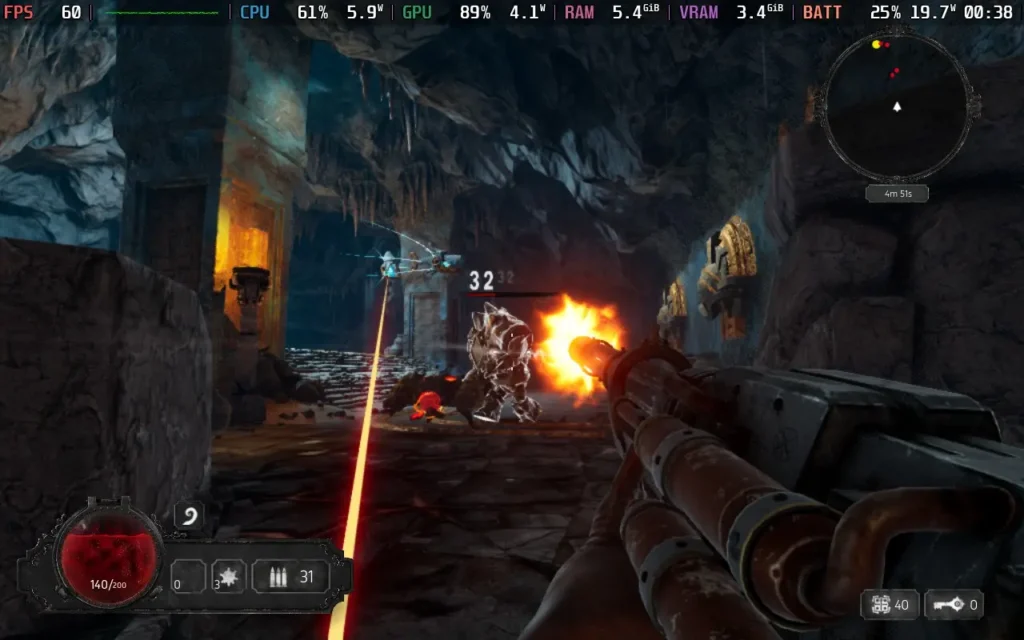
The gunplay in Abyssus feels pretty great. The game is quite reliant on fast movement and dodging to stay alive. Enemy attacks often deal high damage, so you want to avoid getting hit. A large part of the game is familiarizing yourself with enemies and their attacks, so you know how to handle each one, plus every enemy has its weak point that lets you get critical hits if you shoot it.
Guns don’t feel too weighty, but they’re backed up with plenty of those shiny floating damage numbers when you hit your shots, which adds to the satisfaction factor. Juking an enemy, getting to their weak point before unloading a clip into it, and watching all the yellow numbers flash up is a satisfying moment, especially when clearing rooms without taking a hit.
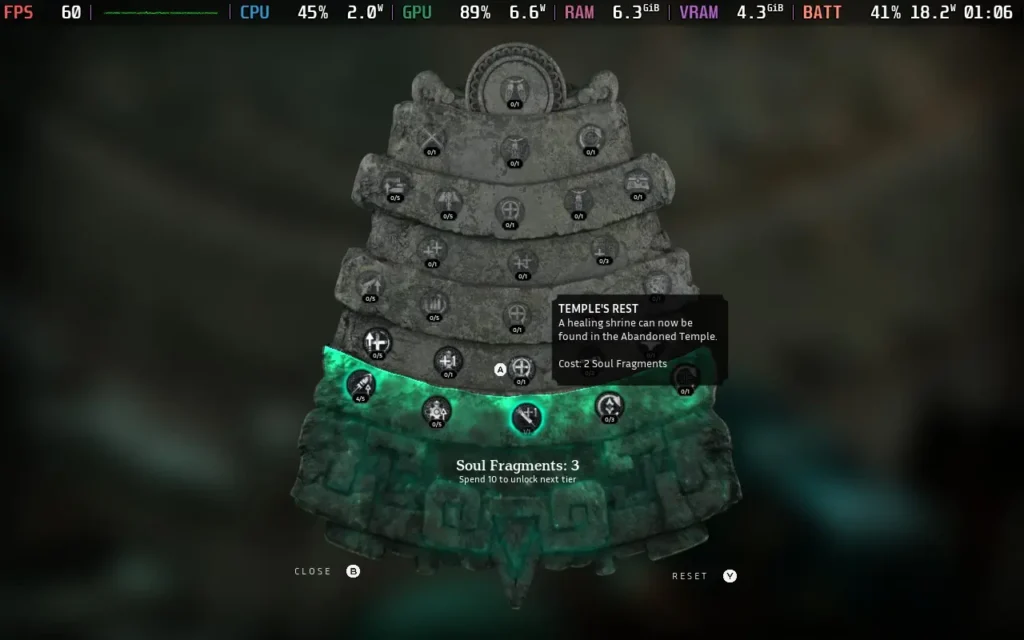
The upgrades are where the fun lies for me, though. Like most roguelike games, Abyssus has a mixture of permanent and temporary upgrades. Some carry between runs, and others last just for your current run.
Temporary upgrades are earned for every few rooms. They are usually based on your primary/secondary fire and your ability (such as a grenade) to improve its damage or add some effect. Some are more beneficial than others, with me enjoying an upgrade that made my secondary fire spawn tentacles around enemies, allowing me to deal damage even when I was out of sight.
The permanent upgrades, however, give you a real sense of progression and power. Some upgrades affect you personally, such as improving your damage, reload speed, or max health. Others can make your journey easier by placing interactables throughout the dungeons, such as healing shrines, weapon upgrades, etc.
Unlike other games, you don’t loot guns in Abyssus. You can find different types, but once you’ve seen them, they are permanently unlocked in your loadout. This isn’t Gunfire Reborn, where you can find a sub-machine gun with special traits and elemental effects; those are all added to your base gun type you choose to enter with via the temporary upgrades. The plus side is that you get to use your favorite gun on every run, and don’t have the headache of hoping for it to drop as loot.
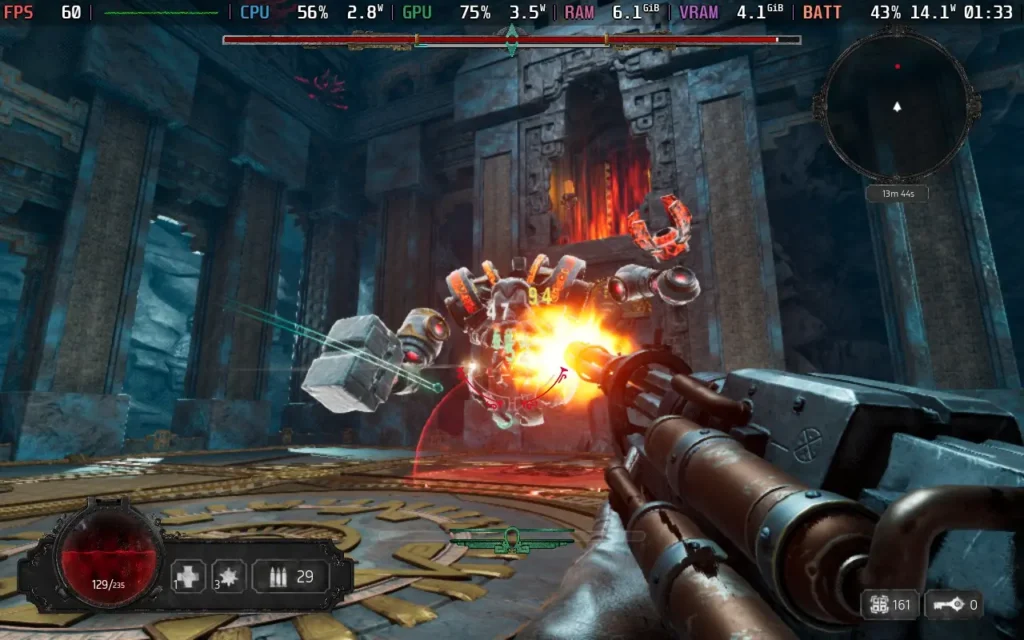
Visually, Abyssus continues to be quite a treat. The game opts for more “darker” environments, but that means the use of lighting and reflections works well, and it doesn’t seem like it’s overly taxing on systems either, which is a great thing. The sound design is pretty basic; there’s some voice acting for one-liners here and there, and the guns sound decent, but there is nothing to write home about.
If I were to level one criticism against Abyssus, it would be that sometimes it can get a little disorienting with the amount of enemies strewn across the arena. It’s very easy to get hit by an enemy you weren’t aware of, and the game isn’t great at telling you what just hit you, so backing up into enemies is quite common.
Abyssus – Steam Deck Performance
Abyssus does support the Steam Deck’s 1280×800 resolution, giving us a full display. According to the Steam store page, the game does not offer full controller support, but there is, with the developer-recommended layout using gamepad controls and gamepad icons when describing the controls in-game.
Abyssus also seems well optimized for performance. Running the Medium preset on Steam Deck seems to be the way to go, as it manages to hold a stable 60 FPS while giving us some great visual effects like reflections and good lighting.
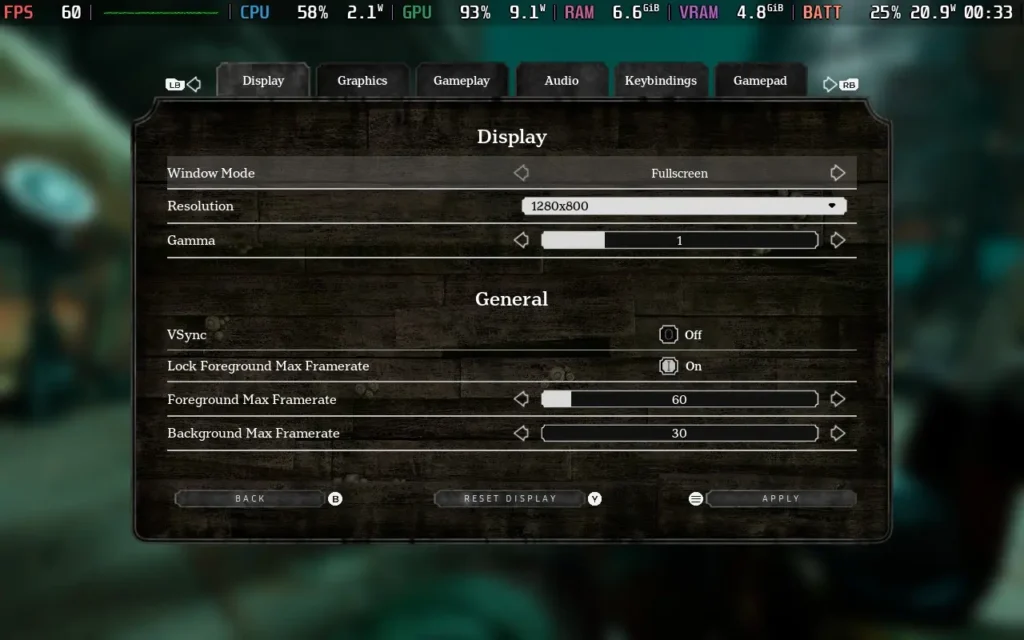
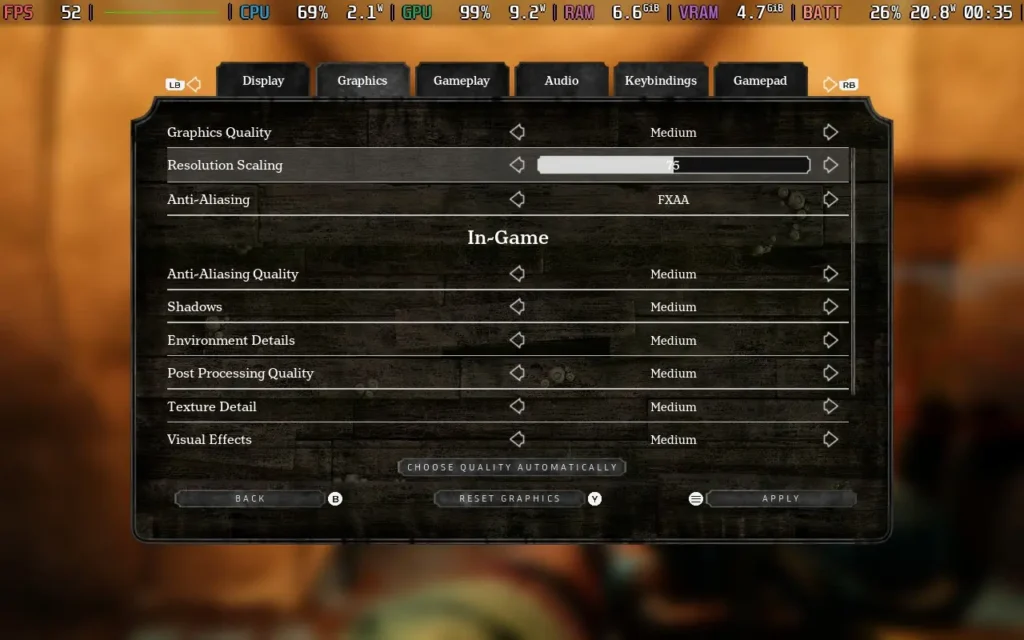
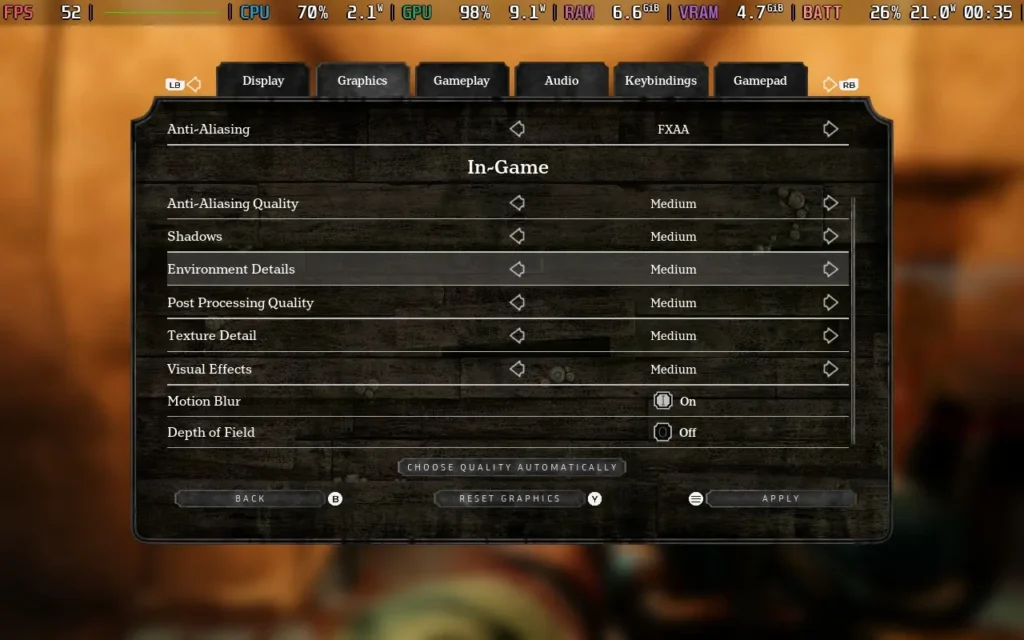
You may see slight dips from 60 on occasion, but they were rare for me. If it bothers you, you may want to reduce resolution scaling down from 80 to 75.
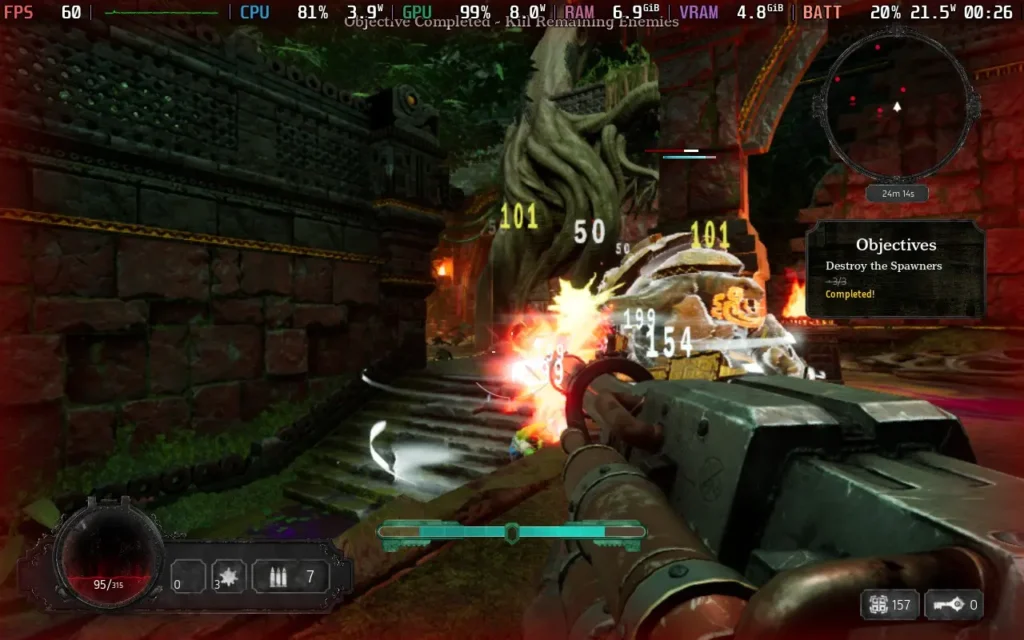
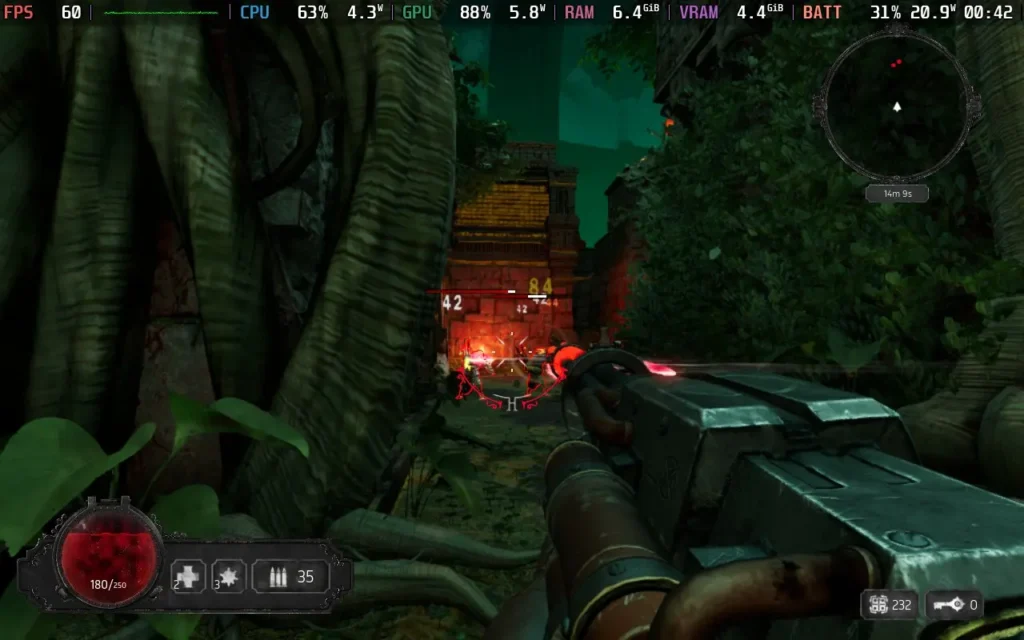
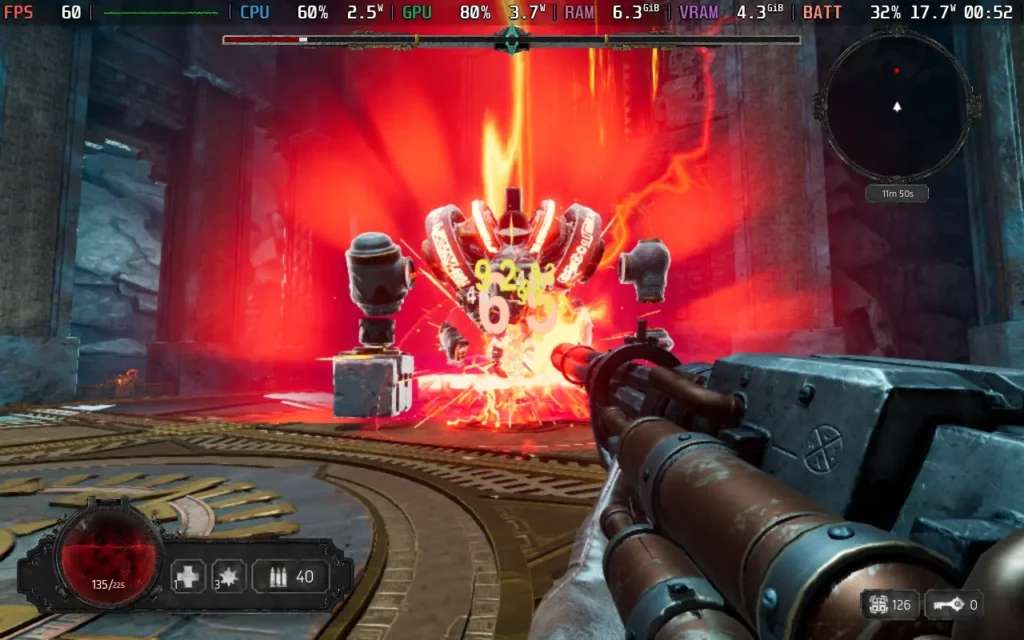
The power draw is around 14W-20W, depending on the environment, so don’t expect much battery life. An OLED model takes 2.5-3 hours, and an LCD takes 1.5-2 hours. Temperatures were around 60C-65C.
Accessibility:
Abyssus allows you to disable camera shaking and adjust FoV for motion sickness. It also supports subtitles and rebinding of controls.
Conclusion:
Abyssus is a fine addition to the co-op roguelike FPS genre. It doesn’t throw a plethora of guns at you with different stats, but it does have that addictive gameplay loop that challenges you to get farther in with each run, with a little help from some upgrades each time, of course.
Performance on the Steam Deck is solid, allowing us to have a good 60 FPS experience while not compromising image quality. The controls also work well, despite the game not advertising controller support.
Our review is based on the PC version of this game.
If you enjoyed this review, be sure to check out the rest of the content on SteamDeckHQ! We have a wide variety of game reviews and news that are sure to help your gaming experience. Whether you’re looking for news, tips and tutorials, game settings and reviews, or just want to stay up-to-date on the latest trends, we’ve got your back.