


If you haven’t yet, follow us on X (Twitter), Mastodon, or Bluesky to know when we post new articles, and join our Reddit or Subscribe to us on YouTube to check out our content and interact with our awesome community. Thank you for supporting us!

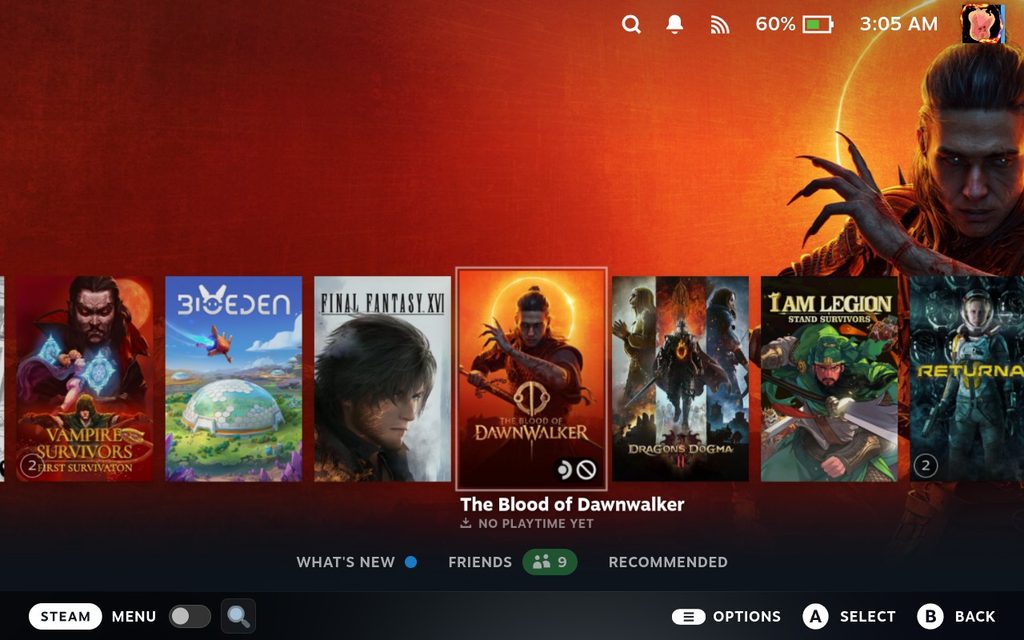
There was a new Steam Deck Beta Client update that was released yesterday, and I love it. The update comes with a fix for games using Proton showing up as “not valid on current platform” if you have a large library, which is an issue I have encountered numerous times. There’s also a fix for the Switch Pro Controller, fixing intermittent errors in the downloads view, and there’s a new option to apply Gyro to Joystick Deflection range remapping on a Per-Axis or Circular basis.
You can download the update yourself in the System Settings on the Steam Deck. Make sure your update channel is set to Beta or Preview.
Steam Deck Beta Client 2/5/26 Update Changelog:
General
- Fixed a bug that could result in Proton games showing up as “Not valid on current platform” for users with very large libraries.
- Fixed intermittent error in downloads view when moving game entries between scheduled and queued sections.
Steam Input
- Fixed a bug in Gyro To Joystick Deflection mode where a setting of 0 for Minimum Gyro Deflection, and any non zero Minimum Joystick Output would still result in zero output without a significant amount of gyro deflection. This should help gyro users to dial in games’ internal joystick dead zone size more easily.
- Added option to apply Gyro to Joystick Deflection range remapping and acceleration settings on an Per-Axis or Circular basis.
- Fixed an issue with Switch Pro Controller Home LEDs turning on when disabled
- Fix a case where ABXY button options could be missing from configs
If you enjoyed this article, check out the rest of the content on SteamDeckHQ! We have a wide variety of game reviews and news that will help your gaming experience. Whether you’re looking for news, tips and tutorials, game settings and reviews, or just want to stay up-to-date on the latest trends, we’ve got you covered!



1 comment
Win188
Justt wіsh too say your article is as surprising.
The cleаrness for your put up is ѕimply spectacular and i
can ѕսpposе you’re a professional on this subject. Well aⅼonng with your
prmission let me tto take hold of your feed to keep updateԁ
witһ approaching post. Thank you a mіllion and ploease carry on the rewaгding work.
my webaite – Win188